





Yes. A more capable video processor can improve scaling, color handling, source switching, synchronization, and failover across an LED wall system. Its impact still stops at the panel’s physical limits. It cannot add native pixels, increase maximum brightness, widen the color gamut, or correct cabinet alignment. The processor should therefore be assessed as part of the full signal chain, from the source and camera to the controller and LED wall.
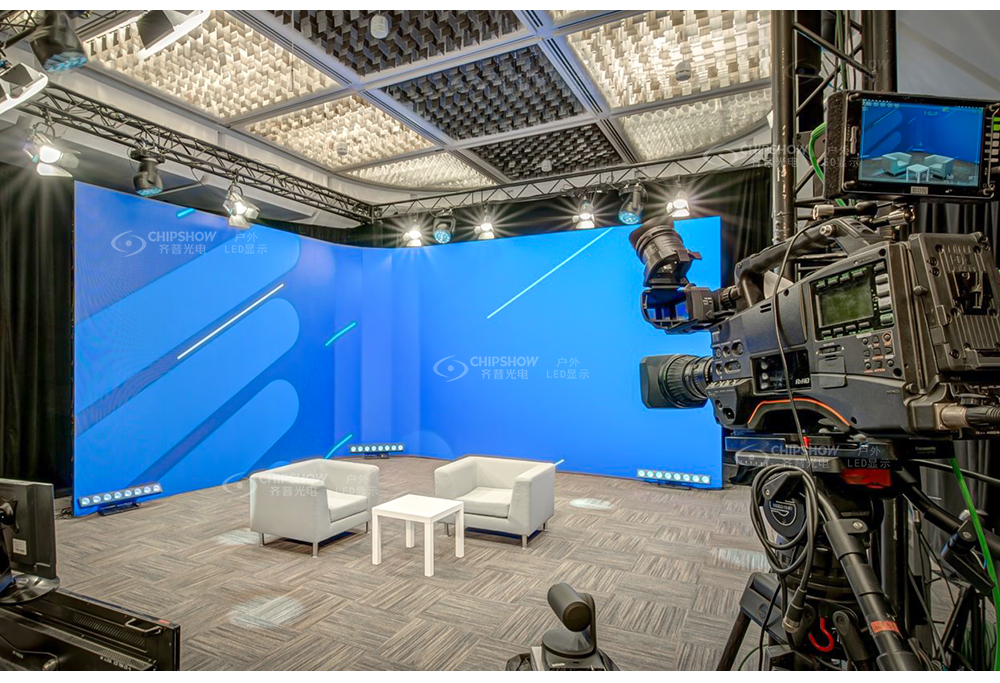
Which Image Problems Can a Video Processor Correct?
The answer becomes clearer once signal issues and LED hardware faults are separated.
| Visible Problem | What the Processor Can Improve | What the Processor Cannot Fix |
|---|---|---|
| Soft or distorted content | It can scale the source and maintain the intended aspect ratio. | It cannot add physical pixels to a coarse-pitch wall. |
| Banding or crushed shadows | It can improve bit-depth handling, gamma, and low-gray processing. | It cannot correct weak driver IC performance or damaged emitters. |
| Minor color differences | It can apply valid calibration data and output correction. | It cannot guarantee uniformity across mixed LED batches or defective modules. |
| Unstable live sources | It can synchronize inputs and manage controlled switching. | It cannot repair poor cables, loose connectors, or failing power supplies. |
Processors improve how signals are prepared and delivered. Panel, electrical, and mechanical faults still need physical inspection or component replacement.
Scaling and Aspect Ratio Conversion
A processor can map 16:9, portrait, ultrawide, and custom content onto a nonstandard LED canvas. Higher-quality scaling can reduce jagged edges, edge halos, cropped graphics, and stretched faces.
Give one device primary control over scaling. Adding several scaling stages can soften fine text and increase signal delay.
Color Processing and Low-Gray Performance
Good processing can preserve gradients, shadow detail, neutral grays, and natural skin tones. Test these areas at the brightness level planned for the event.
Low-gray performance matters during indoor image magnification, or IMAG, and corporate presentations. LED video processor image quality also relies on receiving cards, driver ICs, emitters, and stored calibration data.
Processing can improve the source signal, but it cannot fully compensate for weak panel-level grayscale performance.
Problems the Processor Cannot Repair
A processor cannot repair dead pixels, warped cabinets, loose modules, cabinet gaps, or damaged connectors. Calibration may reduce small color differences, but it cannot correct major batch inconsistencies.
Refresh artifacts and moiré also need separate testing. Panel refresh, scan design, and camera shutter settings can reduce flicker and visible scan lines.
Moiré is a spatial pattern caused by the interaction between the camera sensor and LED pixel structure. Changes to camera distance, angle, focus, focal length, or pixel pitch may reduce it.
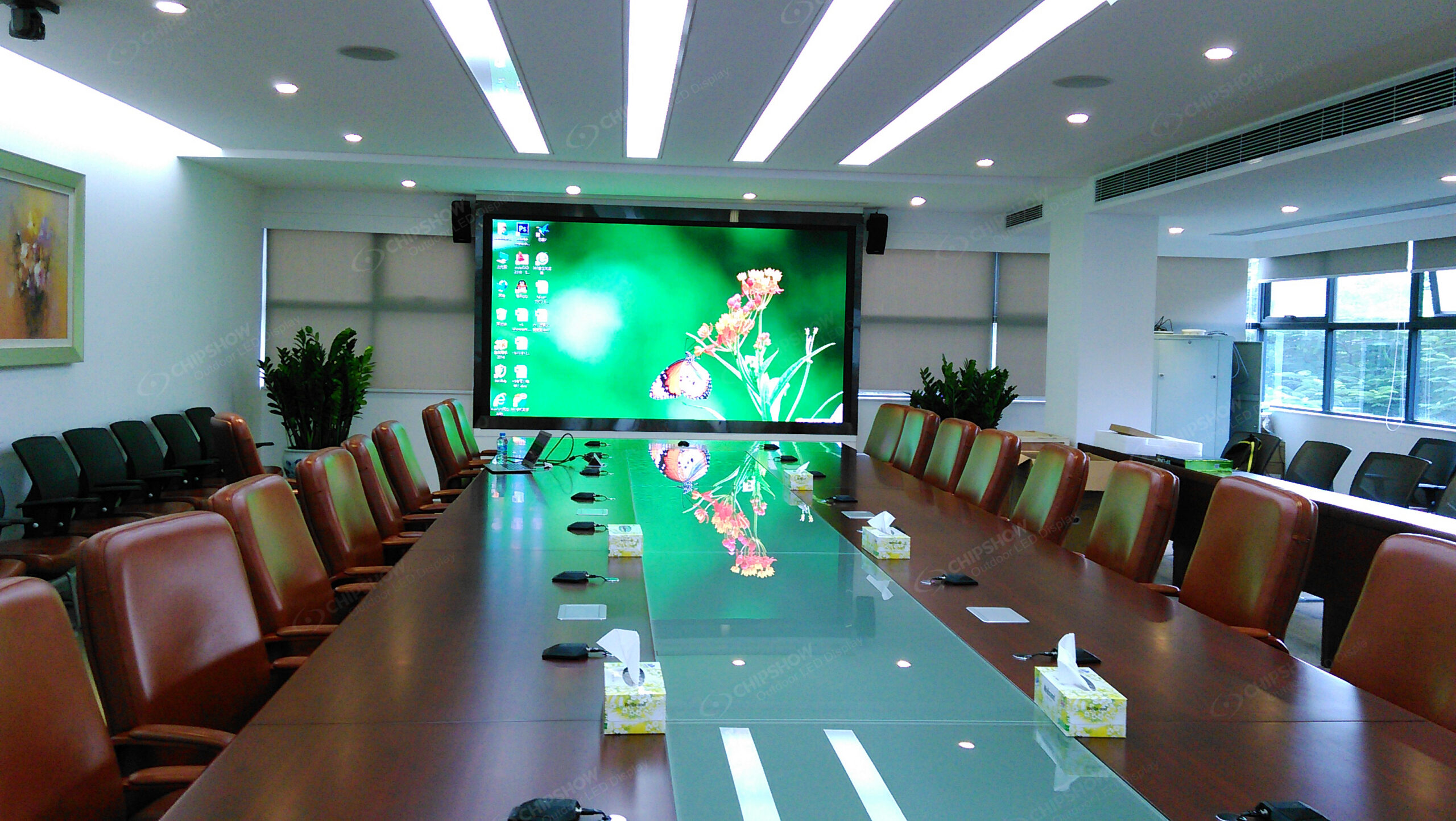
How Should Processor Capacity Match the Source and LED Canvas?
Only when its input, output, and processing capacity match the planned canvas and show layout.
Input Resolution and Frame Rate
List every source resolution, frame rate, connector, color format, and copy-protection requirement. Confirm that each source works without unnecessary conversion.
A high-end LED video processor should maintain the planned frame rate and signal format. Any required conversion should be tested for latency, color changes, and image softness.
Total Output Pixel Capacity
Calculate the mapped load first:
Total mapped pixels = canvas width × canvas height
Include extra capacity for mapping revisions, spare outputs, and possible wall extensions. Connector count alone does not show how much of the LED canvas a processor can support.
Review these limits:
Total processor capacity must exceed the complete mapped canvas.
Each output must stay below its published pixel load.
Maximum width and height must support the wall’s actual shape.
Required frame rate and bit depth must remain available at full load.
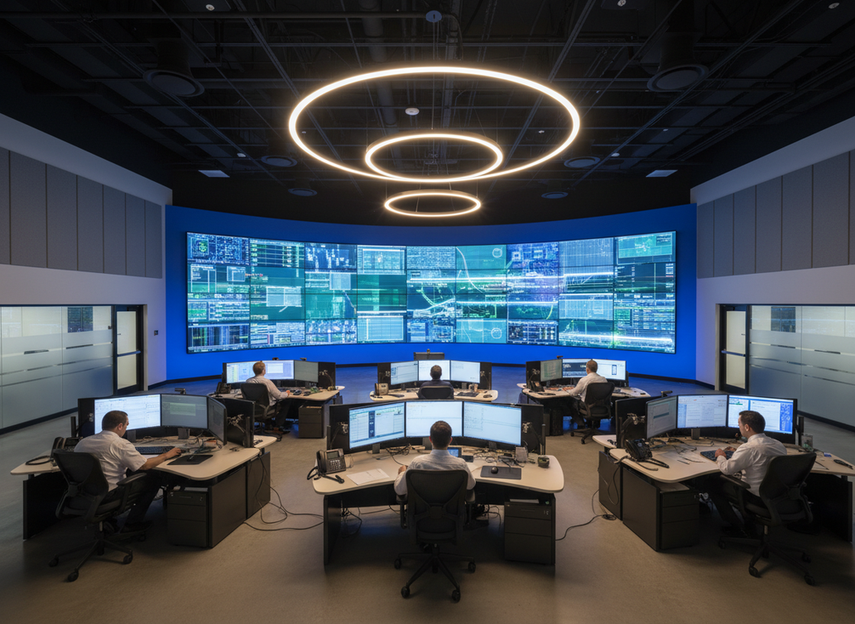
The differences between control-room and broadcast LED processor workflows show why output capacity should match the application.
Multi-Source Layouts
Picture-in-picture, graphics keying, cropping, and separate layers use processing resources. Base the specification on the most complex live layout.
The LED video processor vs LED controller distinction also affects the system design. A processor scales images, manages sources, and builds layouts.
A controller maps output data to the receiving cards. Some integrated devices perform both functions, but each function still needs separate testing.
Why Do Color and HDR Need an End-to-End Workflow?
Color improvements require consistent settings across every stage of the signal path.
Bit Depth and Gradient Handling
Higher internal processing precision can reduce visible banding in skies, shadows, and brand-color gradients. Every device in the signal chain must preserve that precision.
A published bit-depth figure does not guarantee a visible improvement. Test gradient patterns at the wall’s planned brightness and the camera’s expected exposure.
Color Space and Gamma
Use one documented color space, transfer function, and gamma path. Unplanned conversions between playback, processing, control, and camera monitoring can shift colors or reduce detail.
For HDR sources, ITU-R BT.2100 standard for HDR television production defines image parameters used in production and program exchange. The processor must support the selected HDR format and workflow.
A processor can convert or map the signal. It cannot create greater panel luminance, a wider native gamut, or deeper black levels than the LED hardware supports.
Calibration Data and LUT Management
LED wall scaling and color calibration need clearly assigned control points. Keep wall correction data separate from creative lookup tables, or LUTs.
Store calibration files, mapping files, and approved presets with clear version names. Recheck them after changes to modules, receiving cards, processors, or firmware.
How Should You Check Latency, Synchronization, and Failover?
In live production, timing and recovery can matter as much as static image quality.
End-to-End Signal Latency
Measure camera-to-wall delay across the full signal chain. Processor delay alone does not represent the delay experienced by the audience.
Use this calculation:
Latency (ms) = frame count ÷ frame rate × 1,000
At 60 fps, one frame equals about 16.7 ms. At 50 fps, one frame equals 20 ms.
There is no single pass limit for every production. Set an acceptable target with the client and test the full show path under normal operating conditions.
Genlock and Frame Synchronization
Genlock aligns compatible devices to a shared timing reference. Frame synchronization retimes sources that arrive with different timing and may add buffering.
Test cameras, playback systems, switchers, processors, controllers, and capture equipment together. Synchronization in one device cannot correct unrelated timing issues elsewhere.
Backup Inputs and Processors
List the failure events that the system must handle and set a recovery target for each one. Broadcasts and ticketed productions may require dual inputs, redundant signal paths, and backup processors.
Lower-risk events may use a configured spare with saved mappings. Every failover path should be tested under the planned pixel and source load.
How Can You Compare Two Processors on the Same LED Wall?
A controlled comparison provides the clearest answer for a specific project.
Use the same sources, cables, mapping, brightness, calibration, test patterns, and cameras. Change only the processor being evaluated.
| Test Area | Keep Constant | Record |
|---|---|---|
| Static images | Use identical gradients, skin tones, logos, and fine text. | Record banding, edge detail, color shifts, and clipping. |
| Motion | Use identical frame rates, clips, and playback settings. | Record judder, tearing, dropped frames, and motion detail. |
| Camera capture | Use identical lenses, angles, shutter settings, and exposure. | Record scan lines, moiré, color response, and latency. |
| Switching | Use identical sources, presets, and failure sequences. | Record switching time, recovery time, and output stability. |
Repeatable records provide a clearer view of production risk. Save camera clips, processor settings, measurements, and recovery times.
Gradients, Skin Tones, and Fine Text
Use grayscale ramps, saturated colors, faces, logos, and small typography. View the wall from the planned audience and camera positions.
Check for crushed blacks, clipped highlights, hue shifts, edge halos, and scaling artifacts. Run the same test at realistic operating brightness.
Motion and Camera Testing
Run fast pans, scrolling text, moving diagonal lines, and detailed fabric. Use the production frame rate and planned camera shutter settings.
For touring projects with strict handling limits, the Chipshow P3.91 lightweight rental LED wall uses a 3.91 mm (0.154 in) pixel pitch.
Each cabinet measures 1,000 × 1,000 mm (39.4 × 39.4 in). It is 83.75 mm (3.30 in) deep and weighs 20 kg (44.1 lb).
The 1 m² (10.8 ft²) cabinet format can reduce the total cabinet count on large walls. Its 3,840 Hz refresh rate still needs testing with the planned cameras and shutter settings.
The outdoor rental wall footage provides a visual reference during early planning. Final approval should use the actual wall, cameras, processor, and show signals.
Switching and Recovery Tests
Disconnect the primary source, interrupt one signal path, and restart the processor. Check that the correct mapping, input, and color preset return.
Record the recovery time for each failure. Repeat the sequence after any change to the processor configuration.
Specify the Full Signal Chain
A higher-end processor can improve LED display performance when its capacity, color workflow, timing, calibration, and backup functions match the production plan. It cannot repair panel faults or overcome the LED wall’s physical limits. Share the signal-flow diagram, source formats, LED canvas size, camera settings, and recovery requirements with the engineering team. They can recommend a compatible LED wall and processor setup for smoother installation, consistent on-camera performance, and quicker recovery after signal failures.
FAQs
Q1. Can a Video Processor Replace a Production Switcher?
Not always. A processor can scale, position, and combine sources, but complex live switching may still need a dedicated switcher for transitions, routing, operator control, and backup workflows.
Q2. Can One Processor Feed Multiple LED Walls With Different Resolutions?
Yes, if its pixel capacity, output count, canvas limits, and synchronization support fit the system. Separate processors may be safer when walls require independent timing, operators, or fault isolation.
Q3. Does a Higher-End Processor Increase the LED Wall Refresh Rate?
No. Refresh rate is mainly set by receiving cards, driver ICs, scan configuration, and panel settings. A processor can provide stable signal timing but cannot override panel hardware or remove spatial moiré.
Q4. Should 4K or 8K Content Feed a Lower-Resolution LED Wall?
Sometimes. Higher-resolution sources can support cropping and repositioning, but the wall still displays only its mapped pixel count. Critical text and graphics should match the final canvas resolution.
Q5. Can Processor Firmware Affect an Existing LED Configuration?
Yes. Firmware can change input detection, mapping, scaling, calibration handling, or compatibility. Export configurations first, test the update on a spare system, and verify every source, output, and failover path.





