





An indoor LED screen can look clear in person but show moiré on camera. Moiré appears when the LED pixel grid interferes with the camera sensor grid. It affects livestreams, studios, meeting broadcasts, control rooms, and recorded presentations. Reducing it requires fine pixel pitch, stable refresh performance, accurate control systems, calibration, suitable shooting distance, and camera testing.
What Is the Moiré Effect on LED Screens
How Moiré Appears in Recorded Footage
The moiré effect on LED screens is a camera artifact caused by interference between two fine patterns. On an LED wall, one pattern comes from the physical LED pixel layout. The other comes from the camera sensor layout. When the camera records both patterns together, unwanted visual artifacts may appear.
In recorded footage, moiré may look like waves, false grids, rainbow textures, or moving interference across the screen. These patterns are not part of the original video content. They are created during camera capture, even when the LED screen looks normal to people in the room.
Moiré is more likely to appear in camera-facing environments such as livestreams, studios, meeting broadcasts, and control rooms. Close shooting distance, sharp focus, high-resolution cameras, small text, dense grids, and detailed interface graphics can make the effect more visible.
Moiré vs. Flicker: Why They Are Not the Same Problem
Moiré and flicker can appear in the same production, but they need different fixes.
| Issue | Main Cause | What It Looks Like | Main Fix Direction |
| Moiré effect | Interference between LED pixels and camera sensor pixels. | Wavy patterns, false grids, rainbow texture, or moving texture. | Adjust pixel pitch, shooting distance, camera angle, lens choice, and focus. |
| LED screen flickering | Timing mismatch between refresh, scan design, dimming timing, and camera shutter. | Dark bands, scan lines, pulsing brightness, or rolling stripes. | Use 3,840 Hz or above, better scan performance, and matched camera settings. |
| Camera moiré LED wall issue | The camera captures the LED pixel structure too sharply. | Fine pattern artifacts on filmed LED backgrounds. | Reduce visible pixel structure and test with the production camera. |
A high refresh rate helps reduce LED screen flickering and scan-line risk. It does not remove true moiré by itself.
What Causes Moiré Effect
Moiré comes from how a camera samples repeating patterns. The camera sensor reads the LED pixel grid as another pattern.
The problem becomes stronger when the LED pixels are visible to the lens. It can also increase with sharp focus, long focal lengths, and fine-line content.
Fine pixel pitch helps reduce visible pixel structure. COB packaging can also create a smoother surface appearance. Final approval still needs camera testing.
What Causes Flicker in LED Displays
Flicker comes from timing mismatch. The LED refresh cycle, scan method, dimming timing, and camera shutter do not align.
A production camera may capture part of the LED refresh cycle. That can create rolling dark bands or unstable brightness.
For camera-facing use, 3,840 Hz or higher is a practical baseline. XR studios, broadcast sets, and advanced live production may need higher refresh and scan tuning.
Why Moiré Happens in Camera-Facing Environments
Livestreams, studios, meeting broadcasts, and control rooms make LED pixel structure easier to expose.
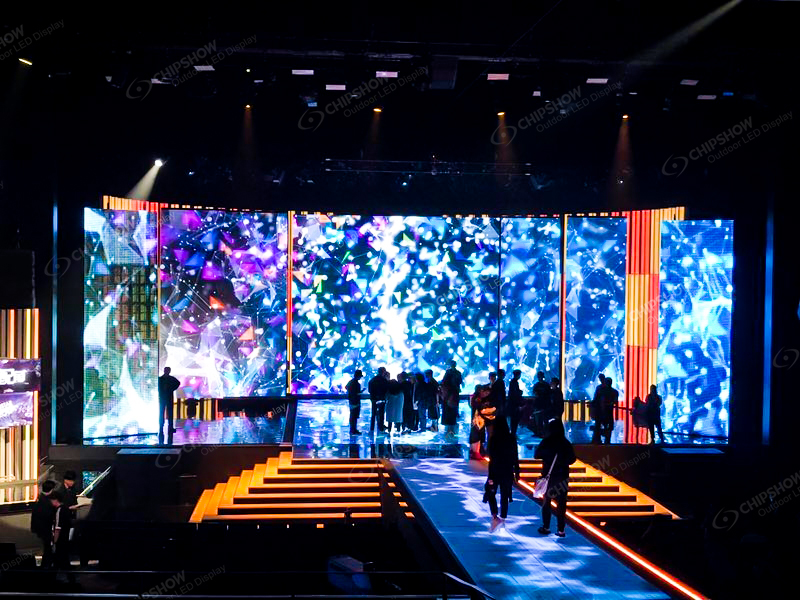
Pixel Pitch vs. Camera Sensor Resolution
Pixel pitch controls the spacing between LED pixels. Smaller pixel pitch reduces visible pixel structure at close range.
Use this planning rule as a starting point: minimum viewing distance (m) ≈ pixel pitch (mm). In imperial terms, minimum viewing distance (ft) ≈ 3 × pixel pitch (mm).
| Pixel Pitch | Typical Viewing Distance | Common Camera-Facing Use |
| P0.78 to P1.2 | Under 1.5 m (5 ft) | Control rooms, broadcast studios, close camera shots. |
| P1.2 to P1.8 | 1.5 to 3 m (5 to 10 ft) | Meeting broadcasts, executive rooms, presentation spaces. |
| P2.0+ | 3 m+ (10 ft+) | Auditoriums, lobbies, and larger indoor spaces. |
This formula helps with viewing comfort and resolution planning. It does not guarantee a moiré-free camera image.
Shooting Distance and Camera Angle
Distance and angle change how the camera reads the LED grid. Small camera position changes can reduce moiré quickly.
A straight-on shot can make the pixel grid easier to capture. A slight angle change may reduce the interference pattern. Moving closer or farther can also help.
Production teams should test the actual camera, lens, focal length, shutter speed, and framing. Phone tests can support early checks, but final approval should use the production camera.
Camera-Friendly LED Display Hardware Requirements
Camera-facing LED walls need display-side and camera-side planning.
Fine Pixel Pitch LED Display for Camera Use
Fine pixel pitch reduces visible pixel structure. Cameras can record smoother backgrounds at shorter distances.
For studios and control rooms, P0.78 to P1.2 often fits close-view needs. For meeting broadcasts and premium presentation rooms, P1.2 to P1.8 may offer a balanced option.
Avoid paying for pixel density that the project cannot use. Base the choice on viewing distance, camera distance, content type, and recording resolution.
3,840 Hz or Higher Refresh Rate and Scan Performance
A refresh rate of 3,840 Hz or higher is a useful baseline for camera-facing indoor LED screen projects.
Refresh rate supports camera stability during livestreams and recorded events. It can reduce flicker, scan lines, and unstable brightness on camera.
Scan performance also matters. The driver setup, scan ratio, grayscale control, and processing system affect the recorded image.
Control System and Signal Processing
The control system affects how stable the screen appears on camera.
A camera-facing LED wall should support stable signal input, accurate frame handling, and reliable image processing. Poor processing can create uneven brightness, sync issues, or unstable visual output during live operation.
For broadcast and meeting rooms, ask about processor compatibility, signal redundancy, color depth, frame rate support, and control software. These details affect daily operation, not only image quality.
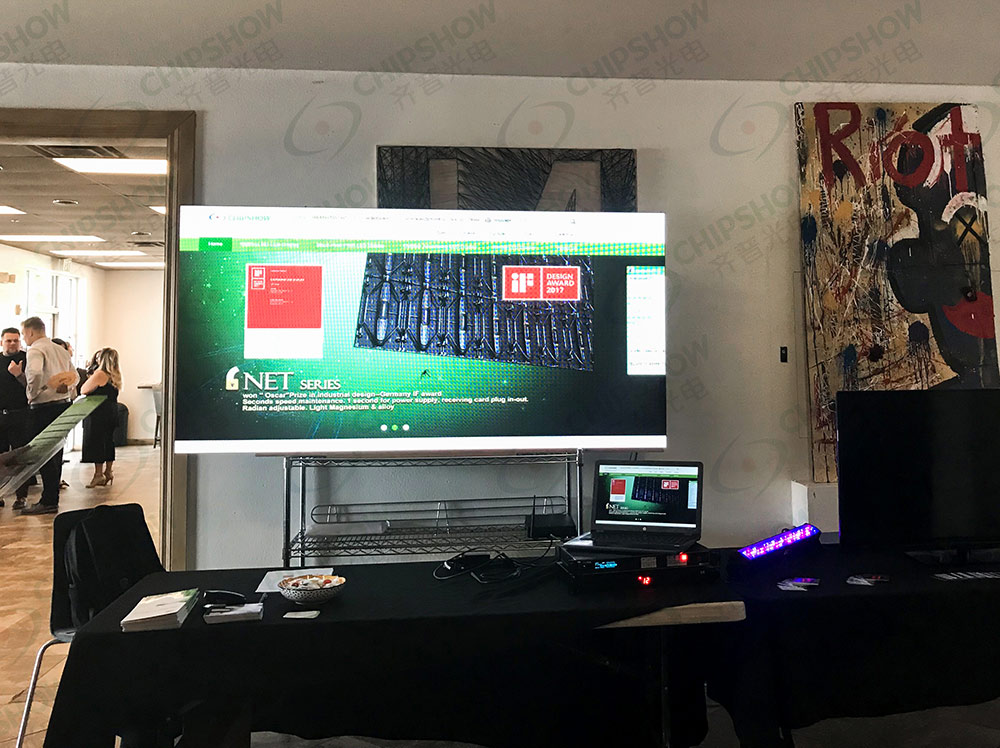
Calibration and Color Consistency
Calibration keeps brightness and color consistent across cabinets and modules.
Poor calibration can create patchy backgrounds on camera. It can also make skin tones, logos, and graphics look uneven during live switching.
Ask about factory calibration, onsite calibration support, grayscale depth, brightness uniformity, and color correction workflow. A stable control room wall should keep visual consistency during long operating hours.
Low-Brightness Grayscale Performance
Indoor LED screens do not need excessive brightness in most camera-facing rooms.
Many indoor spaces operate comfortably around 600 to 800 cd/m² (nits). The stronger technical point is high grayscale at low brightness. The screen should keep color depth and contrast after brightness is reduced.
This matters in studios, boardrooms, and control rooms. Excessive brightness can increase eye strain and create camera exposure problems.
Camera Settings and Production Setup
Camera settings can reduce both moiré risk and flicker risk.
Use shutter speed or shutter angle that matches the production frame rate. Test the LED wall at the planned brightness level. Avoid overly sharp focus on the screen surface when the LED wall is a background.
Lighting balance also matters. A well-lit presenter and a properly dimmed LED wall are easier to expose together.
How Do Livestream, Studio, and Control Room Teams Reduce Moiré
Good results come from matching LED hardware with production planning.
Plan Viewing Distance Early
Viewing distance affects both human viewing and camera recording.
A control room operator may sit under 1.5 m (5 ft) from the screen. A studio camera may capture the same screen from another distance. Both distances should be reviewed during specification.
Test Camera Position and Lens Choice
Camera position can change the moiré pattern. Lens choice can also change how strongly the pixel grid appears.
Test wide shots, close-ups, slow pans, white backgrounds, gray backgrounds, and dark backgrounds. Also test the actual dashboards, slides, graphics, and video feeds.
Match Refresh, Shutter, and Frame Rate
Flicker control needs timing alignment.
A 3,840 Hz or higher refresh rate gives the camera more stable screen output. The production team should still test shutter speed, frame rate, and scan behavior together.
For advanced production environments, sync tools may help timing-related issues. They do not fix true moiré caused by spatial interference.
Balance Lighting and Content Design
Lighting balance reduces the need for excessive screen brightness. That supports viewing comfort and image stability.
Content design also matters. Dense grids, narrow stripes, tiny text, and sharp repeating patterns can increase visible artifacts. Production teams should test these assets before live use.
What Does a Control Room Indoor LED Screen Need
Control rooms need stable images for operators, cameras, and long operating hours.
A control room screen often shows maps, dashboards, alerts, camera feeds, and fine text. Operators may sit close to the wall for long shifts. Cameras may also record briefings or monitoring workflows.
For control room use, the indoor LED screen should support:
| Requirement | Why It Matters |
| Fine pixel pitch | It keeps dense data clear at close range. |
| Surface uniformity | It helps reduce visible pixel texture in camera shots. |
| High grayscale at low brightness | It keeps image depth without excessive brightness. |
| Stable control system | It supports reliable image output during monitoring. |
| Accurate calibration | It keeps color and brightness consistent over time. |
| Front service | It simplifies maintenance where rear access is limited. |
A control room display is part of the operating environment. Clear text, stable brightness, predictable control, and service access affect daily workflow.
Recommended Indoor LED Screen Solution for Camera-Facing Control Rooms
Camera-facing control rooms require low visible pixel structure, stable surface uniformity, and a service-friendly design. These factors directly affect how clean the screen looks in recorded video.
For monitoring rooms, command centers, broadcast control spaces, and briefing environments, C-Pad and C-Pad-C fine-pitch COB LED displays support these needs. They are designed to reduce visible pixel structure and improve camera performance in close-view indoor setups.
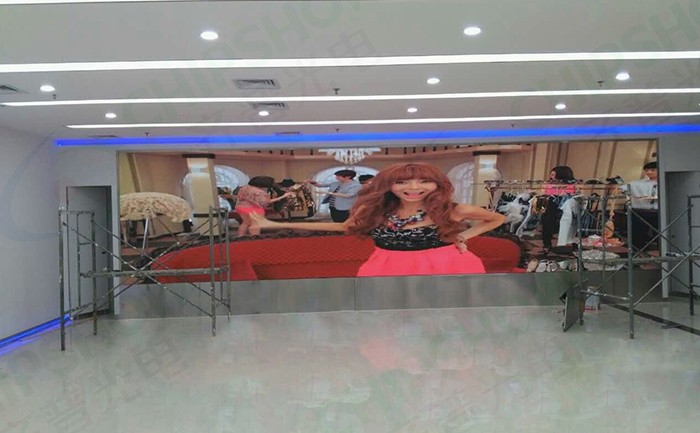
C-Pad-C Key Capabilities
C-Pad-C uses inverted COB packaging with ultra-fine pixel pitch options down to P0.78. This supports:
- Dense data visualization
- Smooth surface appearance on camera
- Stable close-range viewing performance
It also includes IP54 front and back protection and a magnetic front service design, which helps maintenance in environments with limited rear access.
Cabinet Structure for Control Room Design
C-Pad-C uses a 600 × 337.5 × 39.5 mm (23.6 × 13.3 × 1.56 in) cabinet format. This supports compact installation layouts where clean structure and front service access are important.
Best-Fit Application Scenarios
This solution fits best in control room and monitoring environments where cameras may capture:
- Operational briefings
- Real-time dashboards
- Emergency response updates
- Remote collaboration sessions
In these environments, a fine-pitch COB display helps reduce visible pixel structure while maintaining clear presentation of dense operational data.
Specify a Camera-Friendly Indoor LED Screen for Your Project
Moiré comes from interference between LED pixels and camera sensors. Flicker comes from timing mismatch. Treat them as separate problems. For camera-facing projects, specify fine pixel pitch, 3,840 Hz or above, stable control systems, calibration support, suitable shooting distance, and camera testing. For monitoring and control rooms, review C-Pad and C-Pad-C when reduced visible pixel structure and camera-friendly close viewing matter.
FAQs
Q1. Why Does Moiré Appear When Filming an LED Screen?
Moiré appears because the camera sensor grid interferes with the LED pixel grid. It may show on camera even when the screen looks normal to viewers. The risk increases with close shooting distance, sharp focus, certain lens choices, and visible pixel structure. Fine pixel pitch and onsite camera testing help reduce it.
Q2. What Is the Difference Between Moiré and Flicker in LED Displays?
Moiré is a pattern issue. Flicker is a timing issue. Moiré comes from interference between the LED pixel grid and camera sensor grid. Flicker comes from mismatch between LED refresh, scan behavior, dimming timing, and camera shutter. A 3,840 Hz or higher refresh rate helps flicker, but it does not remove moiré alone.
Q3. What LED Specifications Help Reduce Moiré in Studio Environments?
Fine pixel pitch, smooth COB surface design, stable calibration, and good low-brightness grayscale help reduce camera artifacts. For close camera use, P0.78 to P1.2 is often considered for studio and control room projects. For flicker control, 3,840 Hz or higher refresh and strong scan performance are also important.
Q4. Can LED Screens Be Optimized for Control Room Camera Recording?
Yes. Use fine pixel pitch, stable calibration, low-brightness grayscale control, and camera-tested settings. Control rooms often need clear text at under 1.5 m (5 ft), long operating hours, and front service access. An onsite camera test should confirm the final screen, lens, angle, brightness, and content setup.
Q5. Does Genlock Fix Moiré or LED Screen Flickering?
It depends. Genlock can help timing-related issues, including flicker, scan lines, and rolling black bars in advanced production setups. It does not fix true moiré caused by spatial interference. For moiré, adjust pixel pitch, camera distance, lens choice, focus, angle, and screen content.





