





The right led display viewing distance depends on the closest seat, pixel pitch, screen size, and meeting content. A larger conference room LED wall will not improve clarity if viewers sit too close for its pixel pitch. A finer pitch also wastes budget if viewers sit far enough away. Start with seating distance, then confirm screen height, content detail, brightness control, and service access.
Why LED Display Viewing Distance Matters for Conference Rooms
Viewing distance decides how clear, comfortable, and cost-effective a conference room LED wall feels during daily use.
A meeting room display must serve close viewers and rear viewers at the same time. People near the table need smooth text, clean video calls, and low eye strain. People near the rear need readable charts, dashboards, and shared documents.
A coarse pixel pitch can make text edges and pixel structure visible at close range. An oversized screen can cause front-row eye fatigue. A pitch that is finer than required increases cost without improving the actual meeting experience.
| Viewing Distance Issue | What Users Notice | Procurement Impact |
| Pixel pitch is too large for the nearest seat. | Text edges look rough at close range. | The room may need a finer pitch panel. |
| Screen size is too large for the first row. | Long meetings feel visually tiring. | Screen height or seating distance needs adjustment. |
| Screen size is too small for the rear row. | Charts and tables lose readability. | The wall may need a larger image height. |
| Pixel pitch is finer than needed. | Image quality looks similar from normal seats. | Budget goes into unused pixel density. |
| Brightness is too high indoors. | White slides feel harsh. | Low-brightness grayscale matters more than peak brightness. |
Led display viewing distance is not only a visual issue. It also affects project cost, room comfort, and long-term usability.
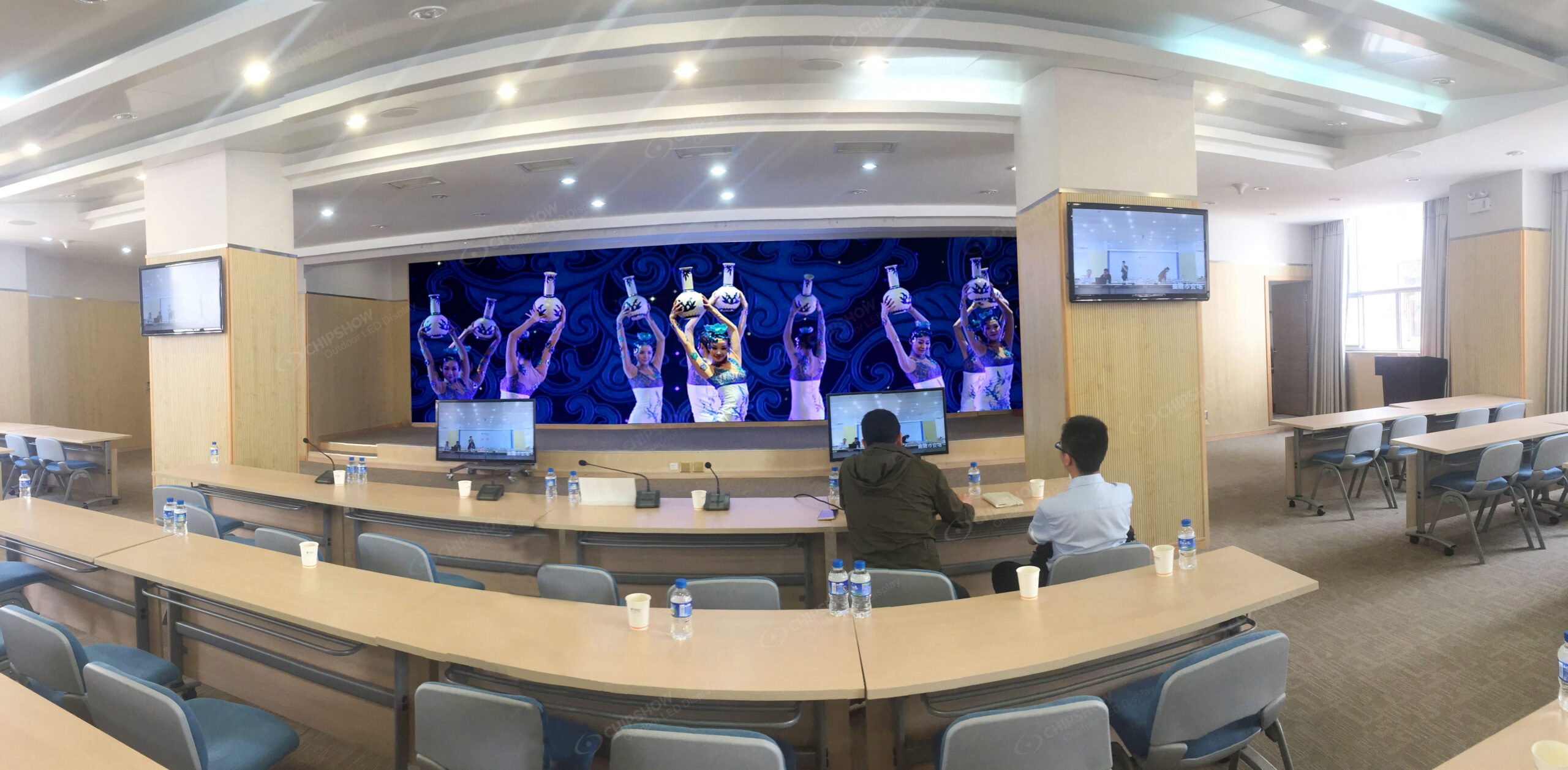
How to Calculate Ideal LED Display Viewing Distance
Use the closest viewer for pixel pitch, then use the farthest viewer for screen height.
Pixel Pitch and Viewing Distance: A Planning Check
Pixel pitch alone does not establish a minimum viewing distance. Compare the proposed display resolution and actual text size from the nearest, farthest and side seats, using representative meeting content.
The table below pairs each pitch value in millimeters with approximately the same number in meters as an illustrative starting point for comparison. These distances are not readability or comfort guarantees. Test small text, dashboards and video at the intended image size and brightness before choosing a pitch; convert the same measurement consistently when working in feet.
| Pixel Pitch | Illustrative Comparison Distance — Not a Minimum | Example Room Scenario to Test |
| P0.78, 0.78 mm (0.03 in) | 0.8 m (2.6 ft) | Dense control desks and very close viewing. |
| P0.93, 0.93 mm (0.04 in) | 0.9 m (3.0 ft) | Premium rooms with very close seating. |
| P1.25, 1.25 mm (0.05 in) | 1.3 m (4.1 ft) | Executive boardrooms and detailed slides. |
| P1.53, 1.53 mm (0.06 in) | 1.5 m (5.0 ft) | Boardrooms with front seats near the wall. |
| P1.86, 1.86 mm (0.07 in) | 1.9 m (6.1 ft) | Standard meeting rooms and training rooms. |
| P2.0, 2.0 mm (0.08 in) | 2.0 m (6.6 ft) | Medium rooms with normal slide content. |
| P2.5, 2.5 mm (0.10 in) | 2.5 m (8.2 ft) | Larger rooms with video and presentation content. |
These examples support an initial sample comparison, not a final specification. Check content type, camera use, wall dimensions and installation access with the AV team before confirming the display.
AVIXA DISCAS also warns users not to mix units during display calculations. Keep all measurements in metric first, then convert to imperial for project teams that need it.
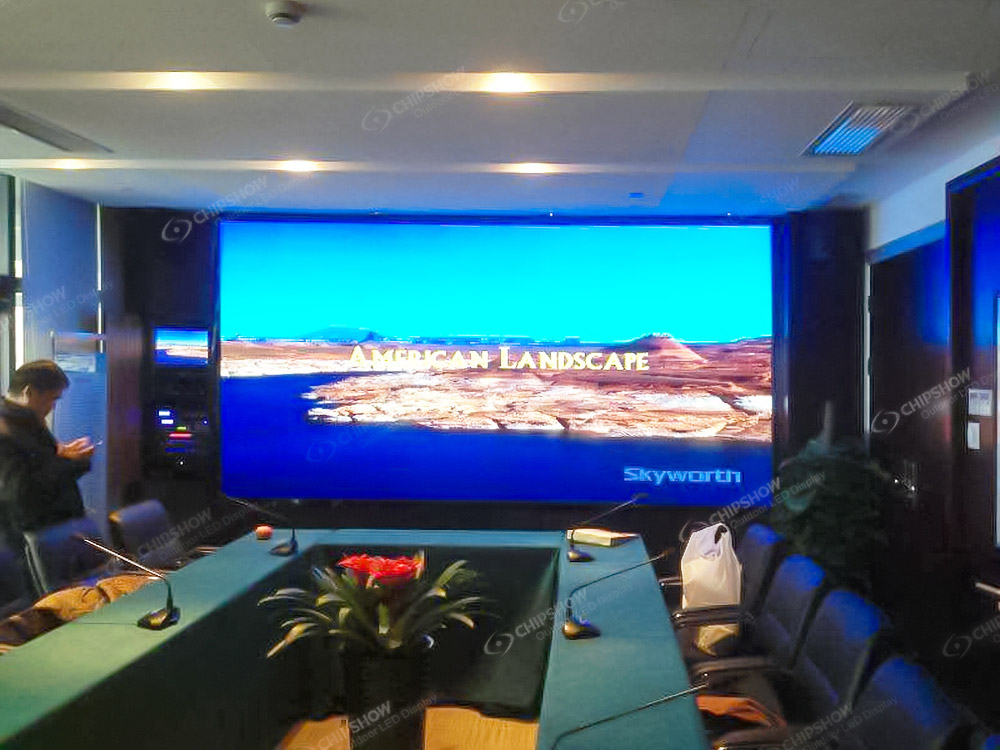
Near vs Far Viewing Scenarios
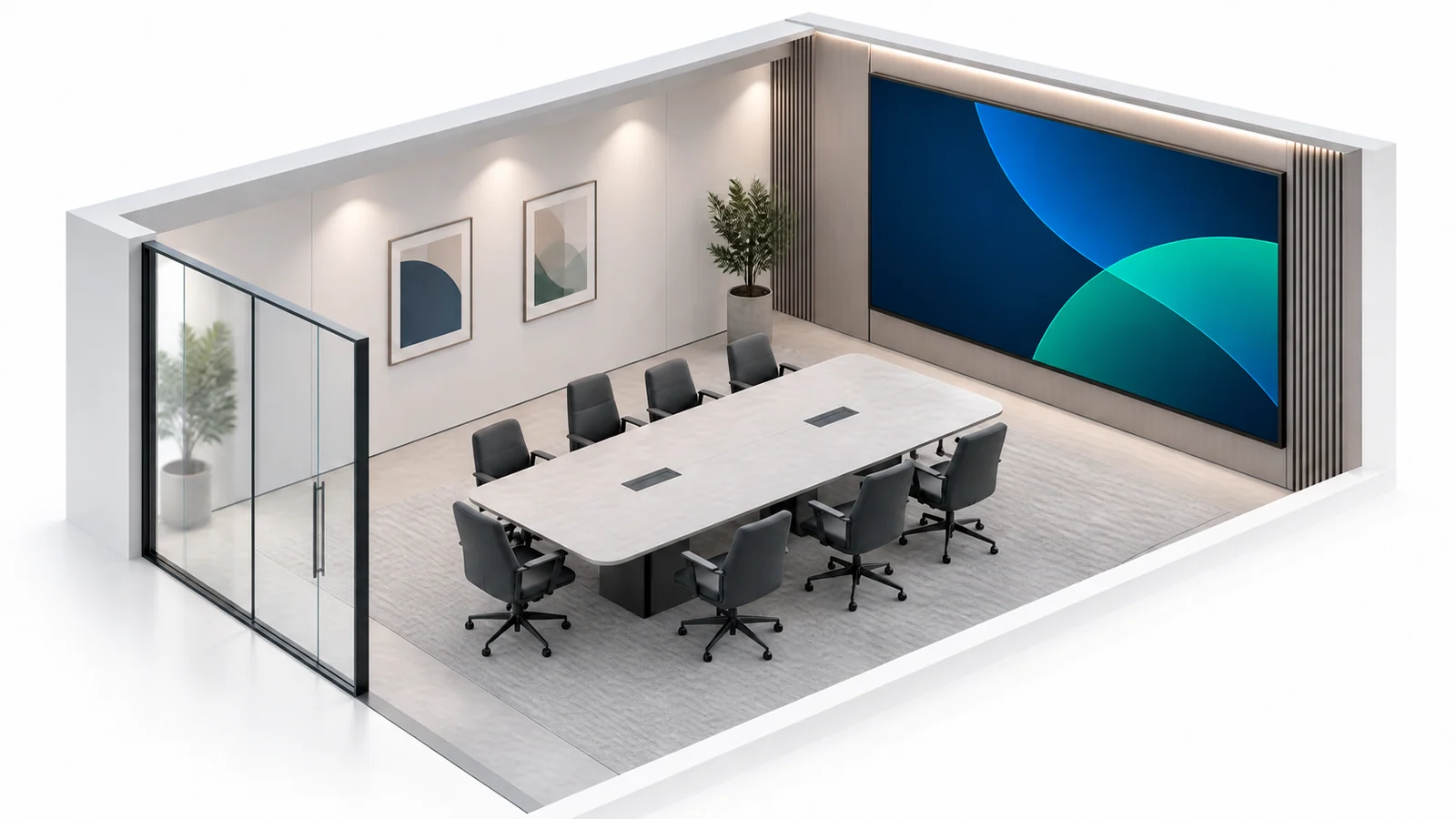
Concept illustration of a conference room layout with seating at different distances from the LED wall. Test actual seating positions and real content rather than relying on a single distance formula.
Near seats and far seats create different display requirements.
A small boardroom may have the nearest viewer at 1.5 m (5 ft). A training room may have the rear seat at 9 m (30 ft). Pixel pitch must support the closest viewer, while screen height must support the farthest viewer.
| Scenario | Typical Seating Pattern | Better Priority |
| Executive boardroom | Close table seating, often 1.5 to 3.7 m (5 to 12 ft). | Finer pitch and low eye strain. |
| Standard conference room | Mixed seating, often 2.4 to 7.3 m (8 to 24 ft). | Balanced pitch, screen size, and cost. |
| Training room | Rows face one front display. | Larger image height and readable text. |
| Hybrid meeting room | Camera, video calls, and shared slides. | Smooth refresh, stable brightness, and clean skin tones. |
| Data-heavy room | Dashboards, maps, spreadsheets, and status feeds. | Fine pitch and clear small text. |
For near viewing, pixel pitch drives comfort. For far viewing, screen height and content layout often matter more.
Recommended Screen Sizes for Conference Rooms
An indoor LED screen size plan should start with seating depth, not wall size alone.
Conference rooms often use 16:9 layouts because video calls and presentation decks fit that format. Some LED cabinet systems also support 4:3 planning. This helps integrators build clean 16:9 walls with standard cabinet grids.
| Room Type | Typical Farthest Seat | Common Screen Diagonal | Approximate Screen Width | Suggested Pitch Range |
| Huddle room | 2.4 to 3.7 m (8 to 12 ft) | 2.5 to 3.0 m (98 to 120 in) | 2.2 to 2.7 m (7 to 9 ft) | P1.2 to P1.8 |
| Small conference room | 3.7 to 5.5 m (12 to 18 ft) | 3.0 to 3.8 m (120 to 150 in) | 2.7 to 3.4 m (9 to 11 ft) | P1.5 to P2.0 |
| Medium conference room | 5.5 to 8.5 m (18 to 28 ft) | 3.8 to 5.6 m (150 to 220 in) | 3.4 to 4.9 m (11 to 16 ft) | P1.8 to P2.5 |
| Boardroom or training room | 8.5 to 12.2 m (28 to 40 ft) | 5.6 to 7.6 m (220 to 300 in) | 4.9 to 6.7 m (16 to 22 ft) | P2.0 to P2.5 |
| Large presentation room | 12.2 m and above (40 ft and above) | 7.6 m and above (300 in and above) | 6.7 m and above (22 ft and above) | P2.5 or wider |
Screen height needs special attention. A wide display can still fail if charts look too short from the rear seats.
AVIXA DISCAS can support this step because it checks display image size against farthest viewing distance and content needs.
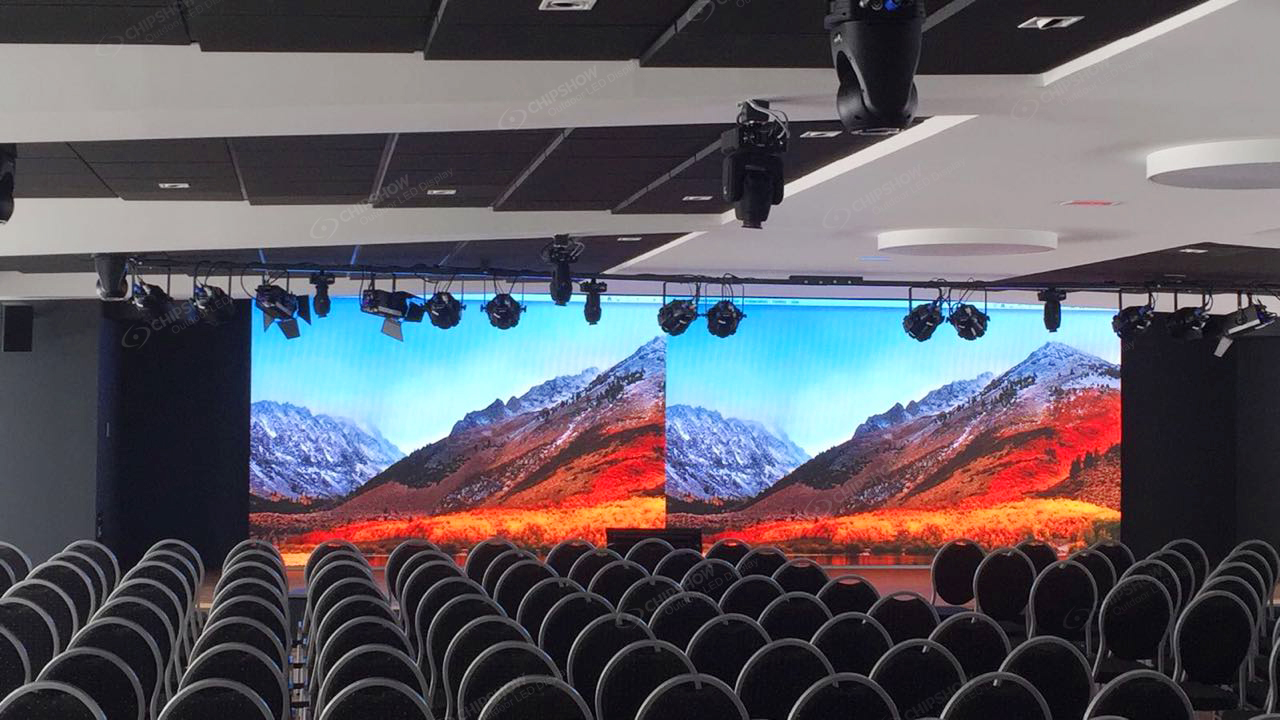
Screen Height vs Screen Width
Screen width affects visual presence. Screen height affects readability.
For data-heavy rooms, use a taller image or larger content templates. For video-first meeting rooms, a wider layout may work well. For hybrid meetings, reserve space for remote participants, shared slides, and speaker video.
Wall Fit and Service Access
A conference room LED wall must also fit the site.
Check wall load, mounting depth, power access, cable path, and service access. These factors affect installation cost and long-term maintenance. Front-service cabinets are often useful when the display sits close to the wall.
Which Pixel Pitch Fits Indoor Conference Rooms
Pixel pitch should match the closest viewer and the content detail level.
Indoor meeting rooms usually do not need extreme brightness. Many controlled rooms operate around 600 to 800 cd/m² (600 to 800 nits). The better question is how well the screen keeps grayscale, contrast, and color depth at lower brightness.
| Pixel Pitch Range | Practical Viewing Distance | Recommended Use |
| P0.78 to P1.2 | Under 1.5 m (5 ft) | Data-dense control rooms and premium close-view rooms. |
| P1.2 to P1.8 | 1.5 to 3.0 m (5 to 10 ft) | Executive boardrooms and presentation rooms. |
| P2.0 to P2.5 | 3.0 m and above (10 ft and above) | Larger meeting rooms, schools, and lecture spaces. |
| P2.5 and wider | 4.3 m and above (14 ft and above) | Video-first rooms and large presentation spaces. |
A finer pitch helps when viewers read small text. It also helps when the nearest seat is close to the wall. Yet it adds cost, processing load, and installation precision.
For close-view boardrooms, training rooms, and monitoring rooms, the display should balance fine pixel pitch with practical installation access. Chipshow C-Max Fine-Pitch COB LED Display supports P1.53 and P1.86 options, uses a slim 640 × 480 × 70 mm (25.2 × 18.9 × 2.8 in) native 4:3 cabinet, and front serviceability. These features can help integrators plan clean wall-mounted LED walls while keeping routine maintenance accessible from the front.
Brightness and Low-Brightness Grayscale
Conference room buyers should not select an indoor LED screen by peak brightness alone.
High brightness can make white slides uncomfortable during long meetings. A better indoor specification is High Grayscale at Low Brightness. This helps the screen keep color depth, contrast, and shadow detail when brightness is reduced.
Refresh Rate and Camera Use
Meeting rooms often use cameras for hybrid calls, recording, or executive presentations.
Many current indoor LED projects specify 3,840Hz or above for camera-facing use. This helps reduce camera-visible flicker and scan-line issues. It does not solve every camera artifact.
Moiré is a separate issue. It comes from the interaction between camera angle, lens resolution, and the LED pixel pattern. Refresh rate alone cannot remove all moiré patterns.
How to Match LED Display Viewing Distance to Meeting Content
Meeting content decides how strict the pitch and screen size choices should be.
A room used mainly for video calls can accept a wider pitch than a room used for spreadsheets. A room used for financial reviews needs clearer small text than a room used for brand videos.
| Content Type | Main Risk | Practical Selection Advice |
| Video conferencing | Faces may look harsh at high brightness. | Prioritize color consistency and low-brightness grayscale. |
| Presentation slides | Rear-row text may become too small. | Increase image height or enlarge content templates. |
| Dashboards and spreadsheets | Small numbers may blur from middle seats. | Use finer pitch and avoid small fonts. |
| Training content | Viewers watch for long periods. | Balance image height, brightness, and seating angle. |
| Recorded meetings | Camera flicker may appear. | Specify 3,840Hz or above and test camera settings. |
For procurement teams, the strongest specification is not always the finest pitch. It is the pitch that matches the closest seat, supports the content, and controls project cost.
During early project planning, confirm these inputs with the AV team:
- Measure the closest and farthest viewer distances in m (ft).
- Confirm the main content type, such as slides, spreadsheets, dashboards, or video calls.
- Check if cameras will record the LED wall during meetings.
- Confirm wall depth, service access, power location, and cable routing.
- Review sample content at real viewing distance when possible.
These checks reduce the risk of paying for the wrong pitch, wrong screen height, or unsuitable installation structure.
Specify LED Display Viewing Distance During Final Procurement
Start with the closest seat to define pixel pitch, then check screen height against the farthest seat. A reliable conference room LED wall should also match content detail, brightness control, and service access. Refine the specification with room drawings, sample content, and AVIXA-based display sizing checks. This approach helps improve meeting clarity, control project cost, and avoid unnecessary resolution.
FAQs
Q1: What Is the Ideal Viewing Distance for LED Walls?
There is no universal viewing distance based on pixel pitch alone. Check pixel visibility and the legibility of your actual meeting content at the nearest, farthest and side seats. Use the table above only to shortlist samples, then confirm image size, text size and brightness in the room.
Q2: How Big Should a Conference Room LED Screen Be?
Screen size should match the farthest viewer and content type. Small rooms often use 2.5 to 3.8 m (98 to 150 in) diagonals. Medium rooms often use 3.8 to 5.6 m (150 to 220 in). Training rooms may need 5.6 m (220 in) or larger.
Q3: What Pixel Pitch Is Best for Meeting Rooms?
P1.2 to P1.8 is suitable for many executive rooms with 1.5 to 3.0 m (5 to 10 ft) viewing distances. P2.0 to P2.5 works for larger rooms with 3.0 m (10 ft) or longer distances. Data-heavy rooms may need finer pitch.
Q4: How Far Should the Front Row Sit from an LED Video Wall?
Set the front row using the actual screen dimensions, viewing angles and meeting content. Compare candidate displays from that position at the intended brightness; a P1.5 or P2.5 label alone does not establish a comfortable front-row distance.
Q5: Does a 4K Conference Room LED Wall Always Need a Finer Pixel Pitch?
No. A 4K LED wall does not always need the finest pitch. Native resolution depends on screen size and pixel pitch together. A large wall can reach 4K with a wider pitch. A small close-view wall needs finer pitch to keep detail readable.





