





A high-resolution indoor LED display should match viewing distance, content detail, and service access. Finer pixel pitch can improve close-view clarity, but unnecessary pixel density raises cost without visible benefit. Start with the nearest viewer, screen size, content type, input format, and maintenance needs. Meeting rooms, showrooms, broadcast spaces, and control centers each require a different balance of clarity, cost, brightness control, and long-term support.
What Defines a High-Resolution Indoor LED Display
A high-resolution screen has enough physical pixels for the nearest viewer and the content shown.
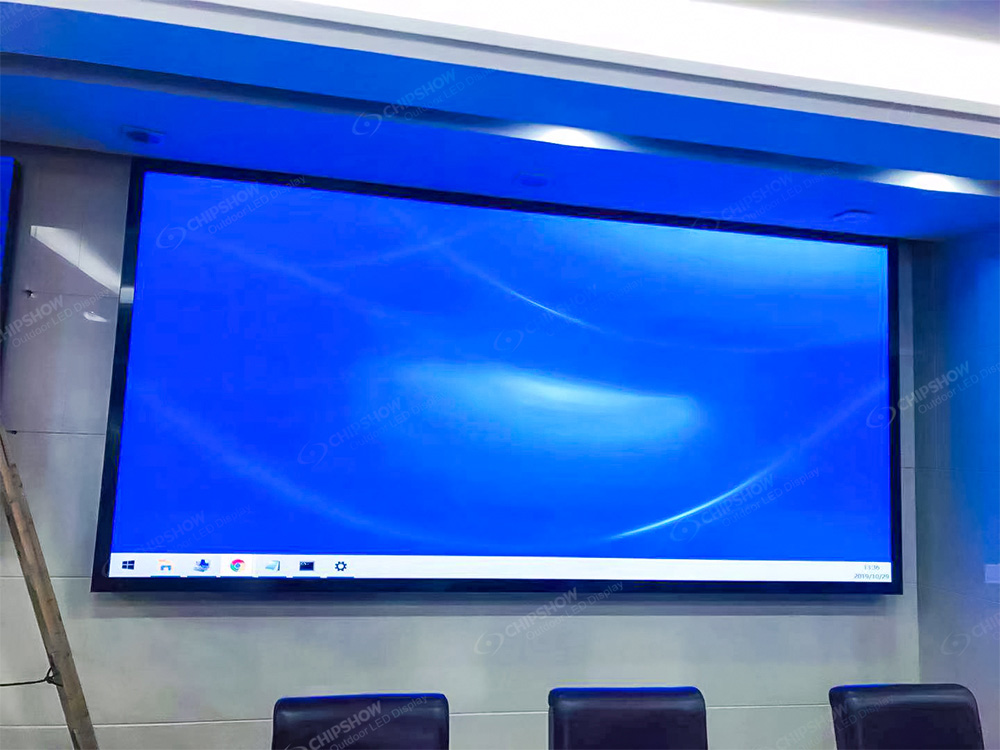
Physical Pixels vs Input Format
Resolution is the total number of physical pixels on the LED wall. It is not only the input format. A 4K input cannot show full 4K detail if the wall has fewer physical pixels.
Use these formulas during early specification:
Horizontal pixels = screen width in millimeters ÷ pixel pitch in millimeters.
Vertical pixels = screen height in millimeters ÷ pixel pitch in millimeters.
For example, a screen width of 5,000 mm (16.4 ft) at P1.25 gives about 4,000 horizontal pixels. The same width at P2.5 gives about 2,000 horizontal pixels.
That difference matters for dashboards, small text, product images, financial data, CAD visuals, and video conferencing. It matters less for background visuals viewed from longer distances.
Low-Brightness Grayscale and Camera Use
Indoor screen quality is not about maximum brightness.
Indoor rooms usually run around 600-800 cd/m² (nits) to reduce eye strain. The quality marker is High Grayscale at Low Brightness. The screen should keep contrast, shadow detail, and color depth after brightness is reduced.
Camera-facing rooms also need suitable refresh rate. A 3,840 Hz refresh rate is now a common indoor benchmark. Higher refresh can help reduce camera flicker and scan-line artifacts when camera settings, scan design, and IC configuration are suitable.
Moiré needs separate control. It relates to camera angle, lens, distance, pixel structure, and content pattern. Refresh rate alone does not remove moiré.
How Do Pixel Pitch and Resolution Work Together
Pixel pitch and resolution are linked, but they answer different procurement questions.
| Factor | What It Controls | Common Mistake | Better Buyer Question |
| Pixel pitch | Distance between LED pixels. | Smaller pitch always creates better value. | How close will the nearest viewer sit? |
| Resolution | Total physical pixel count on the wall. | A 4K input equals a 4K LED wall. | Does the wall have enough pixels for the content? |
| Screen size | Physical display area and visual impact. | Larger size always improves clarity. | Can viewers scan the full wall comfortably? |
| Content type | Required detail level. | All content needs fine pitch. | Will users read small text or view broad visuals? |
Pixel pitch sets density. Screen size sets the display area. Resolution comes from both.
Do not specify a fine pixel pitch led wall from pitch alone. The room layout, content detail, and input format should be checked together.
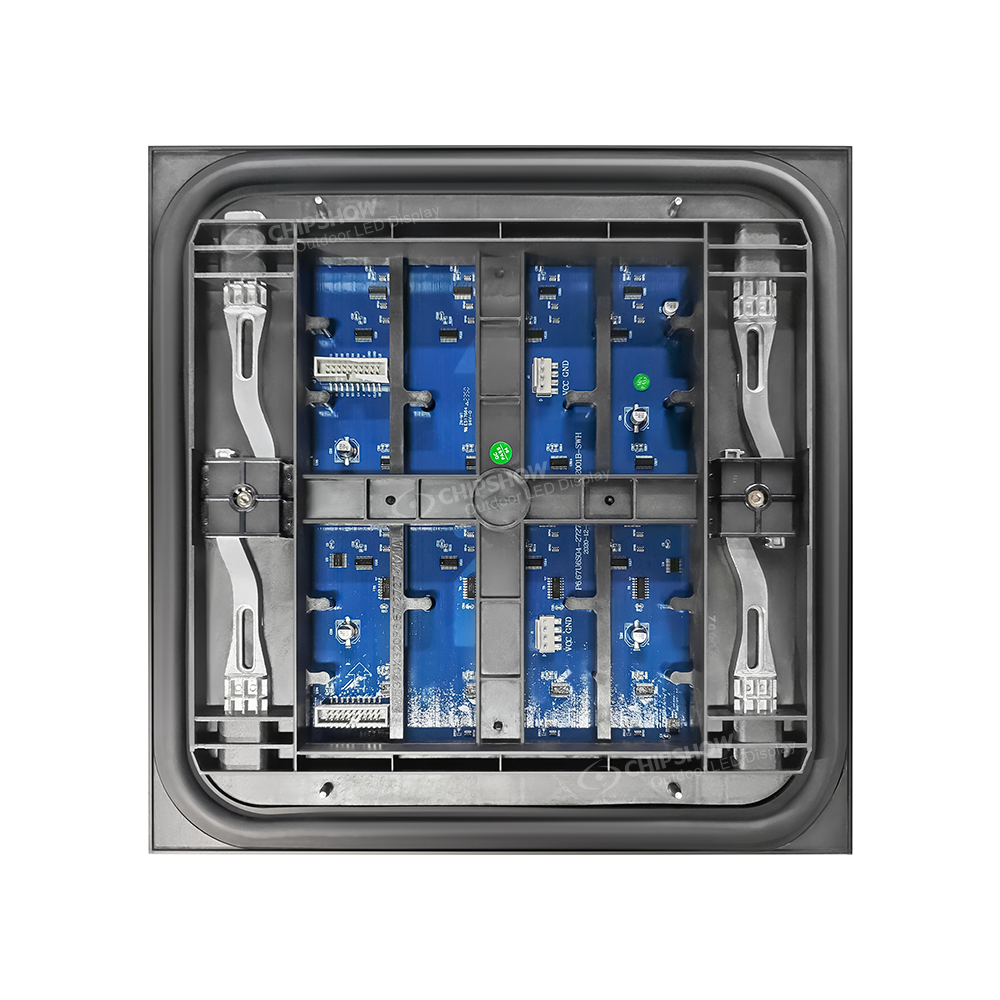
How Pixel Pitch Impacts Image Sharpness
Pixel pitch controls visible pixel structure at a given distance.
Use this early-stage estimator, then validate it with real content and viewing tests:
Minimum viewing distance in meters ≈ pixel pitch in millimeters × 0.9.
Minimum viewing distance in feet ≈ pixel pitch in millimeters × 3.
| Pixel Pitch Range | Early Viewing Range | Common Use |
| P0.78-P1.2 | Under 1.5 m (5 ft) | Data-dense control rooms, broadcast studios, operator desks. |
| P1.2-P1.8 | 1.5-3 m (5-10 ft) | Executive boardrooms, presentation suites, premium showrooms. |
| P2.0+ | 3 m+ (10 ft+) | Auditoriums, hotel lobbies, schools, cost-focused commercial spaces. |
The distance estimates above are starting points for sample selection. Test the actual pitch options with the smallest text and most detailed content at the nearest seat; a pitch value alone does not establish a comfortable reading distance.
Avoid buying pixel density users cannot see. In a large auditorium, P2.0+ may offer a better cost-to-clarity balance than ultra-fine pitch.
How Screen Size Changes Total Resolution
Screen size can raise total resolution without changing pixel pitch.
A wall around 2,500 mm (8.2 ft) wide at P1.25 gives about 2,000 horizontal pixels. A wall around 5,000 mm (16.4 ft) wide at the same pitch gives about 4,000 horizontal pixels.
That gives buyers three options. They can use a finer pitch, a larger wall, or both. The right choice depends on wall space, seating layout, and content detail.
For a boardroom, a very large wall can create viewing fatigue. For a control center, a larger wall can help operators compare multiple data sources.
Content mapping also matters. A 16:9 video feed works best on a wall ratio that limits heavy scaling. Poor scaling can soften text, even on a high-resolution wall.
How Should Buyers Match COB and SMD to Viewing Distance
COB and SMD should be selected by viewing distance, use case, and budget.
| Viewing Condition | Practical Direction | Why It Fits |
| Under 2 m (6.6 ft) close-view spaces | COB is usually preferred. | It supports finer pixel pitch, stronger surface protection, and close-range visual comfort. |
| 2-5 m+ (6.6-16.4 ft+) commercial spaces | SMD is often more cost-effective. | It remains the mainstream choice for lobbies, auditoriums, and larger rooms. |
| High-contact or service-heavy spaces | COB may reduce pixel damage risk. | The sealed surface helps protect the LED structure during cleaning and maintenance. |
| Budget-sensitive large walls | SMD may provide better value. | Larger viewing distances reduce the visible benefit of ultra-fine pitch. |
COB is not automatically the better choice. It is more suitable for close-view, high-detail, or high-contact environments.
SMD still works well for many large commercial indoor projects. The key is to match technology to viewing distance, not to choose by technology name alone.
When Do You Need a High-Resolution Indoor LED Display
Close viewing, dense content, and camera use are the main triggers for finer pitch.
| Project Scenario | Need for High Resolution | Main Reason | Specification Focus |
| 24/7 control center | High | Operators read small text and dense dashboards. | P0.78-P1.2, COB protection, front service. |
| Executive boardroom | Medium to high | Viewers sit close and expect clean text. | P1.2-P1.8, 16:9 layout, low heat. |
| Showroom or experience center | Medium | Product detail and brand visuals need clarity. | Pitch based on walking distance. |
| School hall or auditorium | Medium to low | Viewers often sit 3 m+ (10 ft+) away. | P2.0+, TCO, service access. |
| Hotel lobby | Medium | Mixed viewing distance and ambient light affect readability. | Brightness control and content size. |
| Broadcast or hybrid meeting room | High | Cameras capture the display. | 3,840 Hz or higher, grayscale, calibration. |
For 24/7 control rooms, Chipshow C-Pad-C Series fits close-view, data-dense visualization. It offers pixel pitches down to P0.78, an Inverted COB package, IP54 front and back protection, magnetic front service, and a 600 × 337.5 × 39.5 mm (23.6 × 13.3 × 1.56 in) cabinet at 4 kg (8.8 lb). It suits technical rooms that need dense dashboard readability and front service access in limited maintenance space.
A high-resolution display is not always the right spend. If the nearest viewer sits 4.6 m (15 ft) away, smaller text should be enlarged in the content layout. Finer pitch may not solve poor content design.
Lighting conditions also matter. Indoor brightness should not follow outdoor brightness logic. Strong brightness can cause eye strain in meeting rooms. Low-brightness grayscale quality is often a better quality marker.
Ask to view a C-Pad-C demonstration using content similar to your control-room dashboards. Assess close-view detail, seam uniformity and front-service access alongside the written specification.
What Cost Factors Affect High-Resolution Indoor LED Screens
Finer pitch changes the full system cost, not only the panel price.
| Cost Factor | Why Cost Increases | What Should Check |
| Fine-pitch modules | LED placement is tighter, and tolerance is stricter. | Compare P1.2, P1.5, and P1.8 options. |
| COB or SMD packaging | COB adds surface protection and supports finer pitches. | Use COB for close-view or high-contact spaces. |
| Control system | Higher pixel counts need stronger processors. | Confirm input formats and content mapping. |
| Calibration | Fine pitch makes color variation easier to see. | Ask about factory and on-site calibration. |
| Mounting structure | Flatness becomes critical for close viewing. | Check wall load, alignment, and mounting depth. |
| Service access | Flush walls need front maintenance. | Confirm access to modules, power, and receiving cards. |
| Spare modules | Exact matching supports long-term consistency. | Include spare parts and lead time in the quote. |
The purchase price is only part of the decision. A high-resolution indoor LED display can also add cost through processors, structural work, cable routing, calibration, and site labor.
Budget energy from the offered system’s average consumption at the planned brightness, content and operating hours. Include controllers and auxiliary loads where they belong in the system scope. Ask for the measurement conditions so different quotations use comparable assumptions.
When a supplier quotes a light-output lifetime such as L50, ask what the endpoint means and which test or projection conditions support it. A brightness-depreciation estimate does not establish the service life of power supplies, controllers, connectors or the complete display.
Quote Items to Confirm
A professional quote should make each cost item visible.
- Pixel pitch and cabinet quantity should match the viewing distance and wall size.
- Control hardware should match the input format and total pixel count.
- Mounting design should confirm wall load, cabinet flatness, and service clearance.
- Calibration scope should include color consistency and on-site adjustment.
- Spare modules and lead times should be stated in the quote.
- Warranty terms should explain service method, response process, and covered parts.
For procurement teams, the lowest hardware quote may not give the lowest total cost. A stronger quote should show the complete system, not only the LED panels.
Select the Right Indoor LED Display for Close-View Projects
Start with the nearest viewing distance, then match pixel pitch, wall size, content type, and service access. A high-resolution indoor LED display delivers the most value when users need close-range detail. Avoid paying for pixel density the room cannot use. Share room dimensions, seating distance, content format, and installation limits with our engineering team to align clarity, cost, maintenance, and long-term viewing comfort.
FAQs
Q1: What Is a High-Resolution LED Screen?
A high-resolution LED screen has enough physical pixels for close viewing and detailed content. For indoor B2B projects, that often means fine pixel pitch from P0.78 to P1.8. The exact choice depends on viewing distance, screen size, content detail, and input format.
Q2: Is Higher Resolution Always Better?
No. Higher resolution is not always better. It increases module, processor, calibration, and service costs. If viewers sit 3 m (10 ft) or farther away, P2.0+ may deliver enough clarity. The goal is visible detail at the required distance, not maximum pixel density.
Q3: What Pixel Pitch Is Considered High Resolution?
P0.78-P1.8 is usually considered high resolution for indoor LED display projects. P0.78-P1.2 fits viewing under 1.5 m (5 ft). P1.2-P1.8 fits 1.5-3 m (5-10 ft). P2.0+ can still work well for auditoriums, lobbies, and longer viewing distances.
Q4: Can an Indoor LED Display Show 4K Content?
Yes, if the LED wall has enough physical pixels. A 4K input alone does not create 4K detail. The wall needs about 3,840 horizontal pixels and 2,160 vertical pixels. Screen size and pixel pitch decide if that target is possible without heavy scaling.
Q5: How Do I Avoid Overpaying for a Fine Pixel Pitch LED Wall?
Start with the nearest viewer and content detail. Use finer pitch only when users need close-range text, dashboards, or camera-facing clarity. For 3 m+ (10 ft+) viewing, P2.0+ often gives better value. Also check grayscale, refresh rate, calibration, and service access.





