





A virtual production LED processor should be judged on workflow fit, not brand name. The right choice has to hold up across the full camera-engine-processor chain, keep color and sync behavior predictable, and match the way your stage is actually run, whether that is a small in-house volume or a larger XR build. The question is which processor supports the workflow without adding new variables.
What Virtual Production Processor Choice Needs to Solve
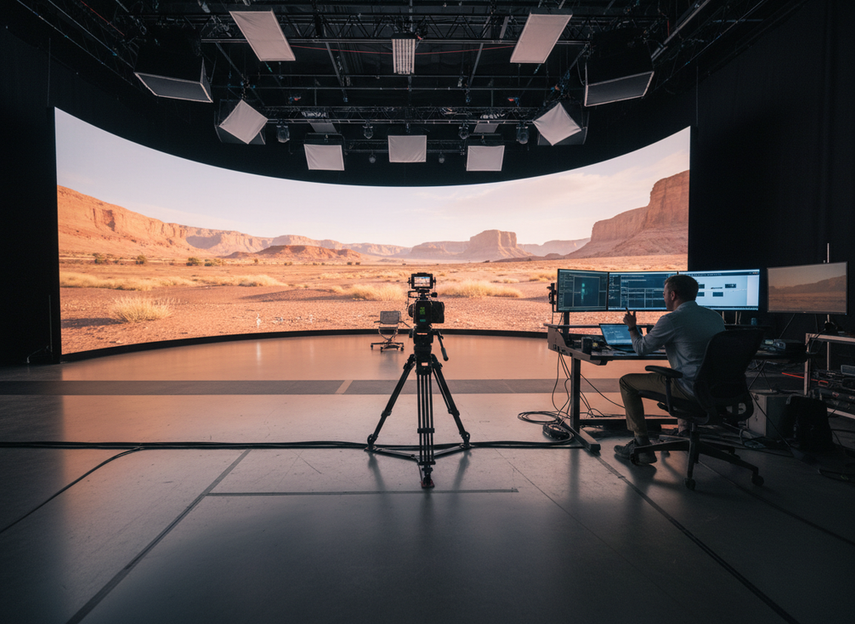
For a virtual production LED processor, the basic job is not just to send pixels to a wall. It has to fit the timing, color, and operator demands of a camera-facing set, where the LED volume is part of the shot rather than background scenery. That changes the buying question from “which processor looks strongest on paper?” to “which processor supports the full workflow?”
A practical shortlist starts with four questions: Does it fit the full latency chain? Does it support the color workflow you need? Does it behave predictably with genlock or other sync methods? Does it give operators enough control for repeated use? Unreal Engine’s In-Camera VFX guidance is a useful reminder that latency has to be judged across the entire camera-engine-processor path, not from a single spec line.
That is why this topic is a selection framework, not a brand contest. A processor that is fine for a standard event wall can still be a poor fit for a virtual production LED processor comparison if it leaves too much uncertainty in timing or color handling. If you are mapping broader stage options, the rental and stage LED display category is a better navigation starting point than a spec sheet alone.
The Criteria That Actually Drive Workflow Fit
Latency and Signal Path
Latency matters, but the useful question is where that latency comes from. In virtual production, the camera, render engine, scaling path, and processor all contribute. That means a “low-latency” marketing claim is not enough by itself; you need the processor in the context of the whole chain. If the workflow depends on live camera movement and fast inner-frustum response, ask for timing behavior in the complete system, not just the processor label.
Unreal Engine’s in-camera VFX documentation supports this chain-level view. It is the right lens for studios that want a processor they can actually integrate, not just benchmark in isolation.
Color Handling and Calibration Workflow
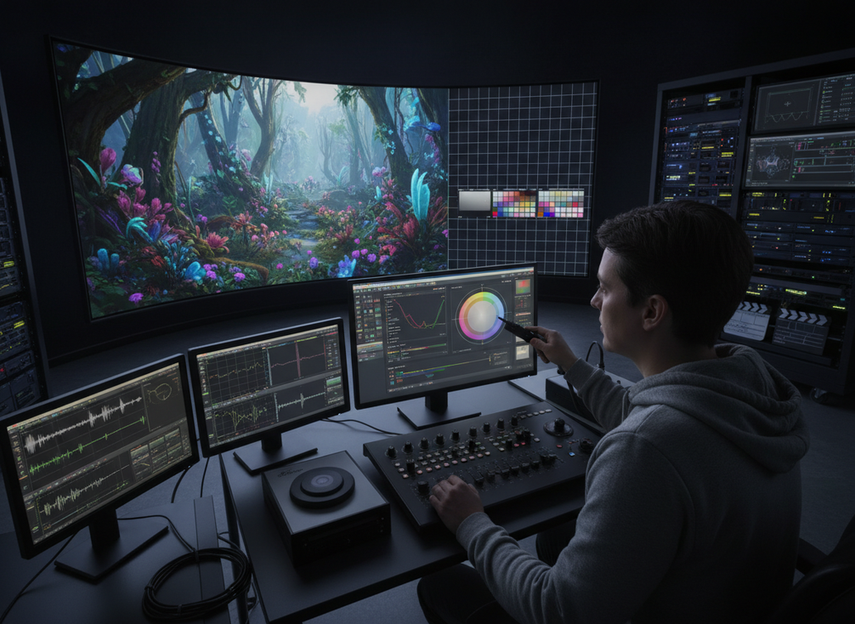
Color is another place where processor capability and workflow reality get confused. A processor can support the color pipeline, but it cannot fix every panel- or camera-level issue on its own. Studios working in cinema-style environments should pay attention to 3D LUT support, HDR workflow behavior, and the ability to keep the wall aligned with the camera pipeline. Netflix’s virtual production guidance treats color pipeline failures as a real production friction point, not a minor setup detail.
For high-end capture, ARRI’s virtual productions FAQ is a useful reference for why high-bit-depth processing matters in cinema-grade workflows. The practical takeaway is simple: if the camera chain expects richer tonal detail, do not assume a basic processing path will be enough. This is where a virtual production LED processor comparison should focus on workflow depth, not just a headline color feature.
Genlock, Frame Sync, and Camera Stability
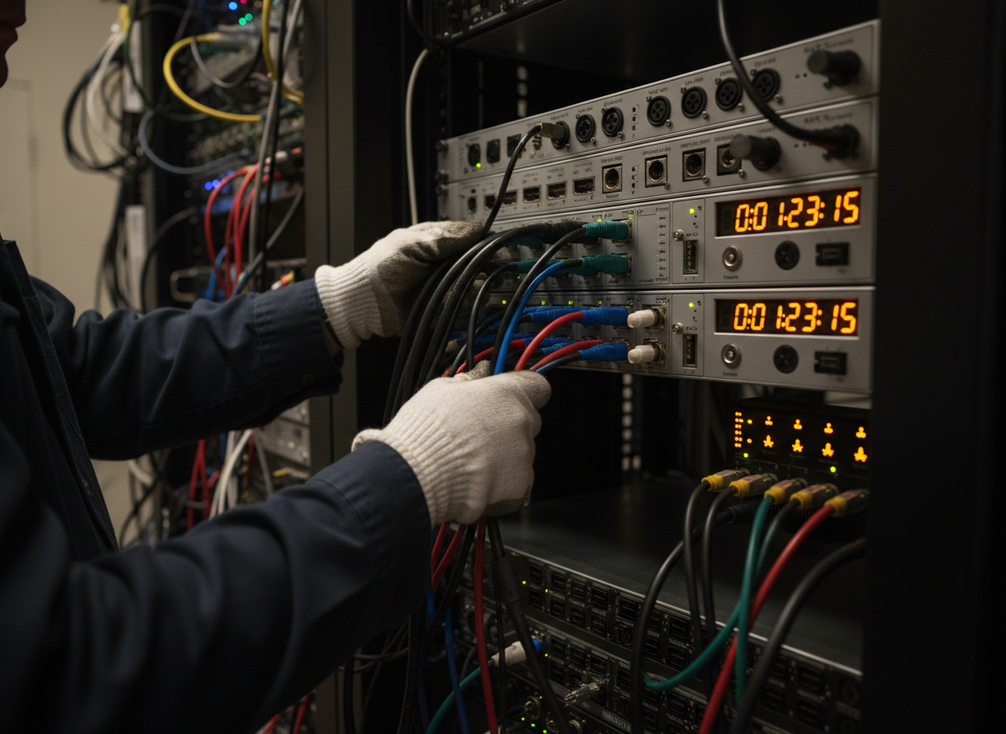
Genlock and frame sync are not optional nice-to-haves in many LED volume builds. They are part of the timing architecture that keeps the wall and the camera behaving together. SMPTE ST 2110 is a strong authority here because it reflects the modern shift toward precise timing over IP-based workflows. The decision point is whether the processor fits the stage’s timing method cleanly, not whether it merely mentions sync support in a brochure.
Treat sync as a system question. If the stage relies on tracking, render timing, and camera alignment happening together, ask how the processor behaves in the full signal chain and which sync modes are actually documented. For larger IP-based builds, timing architecture becomes even more important than menu features.
Input, Output, and Redundancy Planning
I/O flexibility matters more as the stage gets larger. A small in-house volume may only need enough routing to cover current camera feeds and a straightforward operator path. A rental-led stage or a distributed XR build usually needs more monitoring, more recovery options, and a clearer redundancy plan. The point is not to overbuy. It is to avoid discovering that the processor is short on the exact signal paths the stage needs.
The SMPTE ST 2110 suite and Megapixel’s ST 2110 virtual production cookbook both reinforce why IP routing and timing become more valuable as complexity rises. For a larger build, a processor is usually a better fit when it supports the required input-output mix, the needed monitoring path, and a realistic failover plan.
| Processor-family pattern | Best-fit workflow | Timing control | Color workflow depth | I/O and monitoring | What to verify |
|---|---|---|---|---|---|
| Timing-first feature set | Camera-critical stages where sync behavior drives the workflow | Stronger emphasis on genlock or frame sync behavior | Adequate, but not the only deciding factor | Usually sufficient if the stage is not heavily distributed | Ask for documented sync modes and stage-level timing behavior |
| Color-first feature set | Cinema-style volumes where matching the camera pipeline is central | Good enough if it does not compromise stability | Better support for LUT or HDR workflows | Usually moderate | Ask how color controls interact with the rest of the calibration chain |
| Routing-first feature set | Larger or IP-based builds with more feeds and recovery needs | Must still be stable | Usually one part of a wider system question | Stronger on redundancy and signal management | Ask for input-output maps, failover behavior, and operator monitoring paths |
| Feature-rich camera interaction set | Multi-camera or advanced XR workflows with more camera-wall interaction | Often paired with sync tools | May add refresh or frame-related tools | Depends on the family | Confirm whether the feature set is actually needed in your stage topology |
How Common Processor Families Differ in Practice
The useful way to compare processor families is by capability pattern, not by declaring a universal winner. In practice, some families are better suited to timing-heavy builds, some emphasize broader routing or operational flexibility, and some prioritize camera-wall interaction features such as shutter or refresh management. Sony’s virtual production toolset documentation is a good example of how advanced processing features can support the camera-wall relationship without turning the discussion into a brand ranking.
For a studio, the real question is which feature family lines up with the stage’s pressure points. If the volume is relatively simple, a processor with solid sync behavior and enough I/O may be enough. If the build is more complex, feature depth around timing, routing, and diagnostics starts to matter more than a polished spec sheet.
Match the Processor to Your Stage Workflow
-
Start with the camera and wall requirements. If the workflow is driven by live camera movement, inner-frustum interaction, or strict timing, put sync and latency ahead of everything else. If the stage is simpler, do not overbuy a feature set you will not use.
-
Confirm the sync method before you compare brands. A processor can look attractive until you check how it behaves with genlock, frame sync, or PTP-based timing. SMPTE ST 2110 and Megapixel’s virtual production cookbook are useful references when you need to understand why timing architecture matters in IP-based stages.
-
Map the color workflow next. If the show depends on accurate on-set grading, HDR behavior, or consistent wall-camera matching, make color pipeline fit part of the shortlist. That is where the processor has to support the workflow, not just appear configurable.
-
Check I/O, monitoring, and redundancy last. A small studio can often live with a straightforward path. A rental-led or distributed XR stage usually cannot. If you are comparing broader hardware paths, the C-Max indoor LED display category is a separate navigation route, but it should not be treated as proof of processor fit.
-
Shortlist only after you can explain why each option fits the actual stage. A processor that checks every box in theory but adds operator friction in practice is usually the weaker choice.
That sequence keeps the buy decision grounded and helps prevent overbuying advanced features for a small volume or underbuying sync and routing for a larger XR build.
What to Verify Before You Buy
Before you commit to a virtual production LED processor, ask for proof that maps to your own stage, not just a polished datasheet. The most useful checks are documented timing behavior, supported sync modes, color workflow notes, I/O maps, monitoring tools, firmware/update path, and support coverage.
A good shortlist request should also include stage-level test expectations. If the vendor or integrator can show how the processor behaves in the camera chain, the color pipeline, and the sync architecture, you are in a safer place than if you are relying on brochure language. For teams that want a broader inventory view, our rental and stage LED display options can help with browsing, but the final check should still be workflow-specific.
If you need a processor for a camera-critical LED volume, shortlist by timing, color, sync, and routing first. Then request documentation, ask for stage-level verification, and compare only the options that still fit your workflow.
FAQs
How Do I Choose a Virtual Production LED Processor for Genlock-Heavy Workflows?
Prioritize documented sync behavior and stage-level testing. If the workflow depends on camera alignment and tracking, the processor needs to fit the timing method used by the whole system, not just support sync in theory. Ask how genlock behaves with your camera chain, render path, and operator setup before you shortlist.
What Matters More Than Brand Names When Comparing Processors?
Timing behavior, color workflow fit, I/O flexibility, monitoring, and support documentation matter more than brand preference alone. A processor can look attractive on a feature list and still be a poor fit if the sync path is unclear or the color pipeline does not match the stage. Use the workflow as the filter.
Can One Processor Fit Both a Small Studio and a Larger XR Stage?
Sometimes, but only if the routing, timing, and monitoring headroom are there. A processor that works well in a compact volume may not scale cleanly when feeds, operators, and redundancy needs increase. The key check is whether the larger stage would force a different sync or failover design.
Why Is Latency Hard to Judge From Marketing Specs Alone?
Because the full latency path includes more than the processor. Camera behavior, render timing, scaling, and the rest of the signal chain all affect the result. If a spec sheet only gives a headline number, treat it as incomplete until the vendor shows how the full system behaves in a real LED volume.
What Documentation Should I Request Before Shortlisting a Processor?
Request timing behavior, supported sync modes, color workflow notes, I/O or routing diagrams, firmware/update details, and support coverage. The best documentation is the kind that helps you test the processor in your own stage, not just compare feature names. If that proof is missing, keep the option on the list only as a conditional fit.





