





A strong VMS message library design gives traffic operations center staff a controlled way to find, edit, and deploy approved messages faster, with fewer avoidable edits and less confusion. The goal is not just cleaner storage. It is a message set that matches how operators work during incidents, closures, and weather events, while staying within FHWA guidance on message units and message phases.

What a VMS Message Library Does
In a TOC, a VMS message library is a controlled set of approved templates, message fragments, and editing rules. It is not the same thing as free-form entry at the console. A library lets operators choose from preapproved content instead of rebuilding every message from scratch, which is especially helpful when traffic conditions change quickly.
FHWA messaging guidance is built around the idea that each message should carry only a limited number of information units, so the library should support that discipline instead of fighting it. In practice, that means the library should help the operator assemble the right answer to the driver’s question, not bury that answer inside long, hard-to-scan text. That is why a VMS message library design NTCIP approach starts with message structure first and software behavior second.
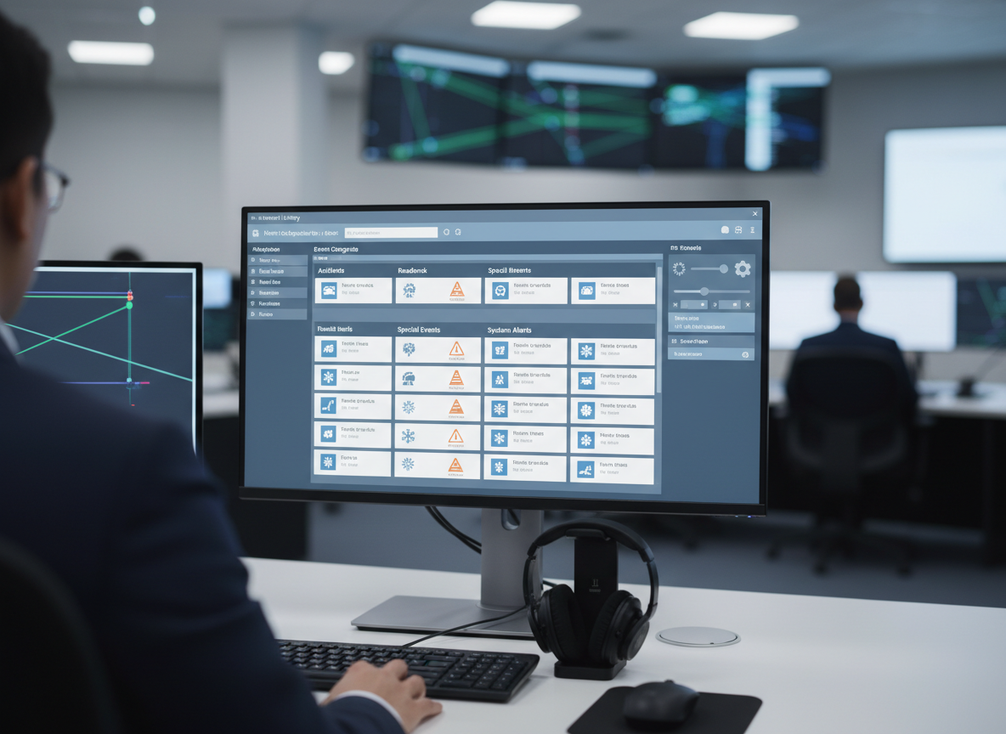
For most centers, the library should include the template name, the approved wording, the allowed edit fields, and the event family it belongs to. That gives operators a fast path from incident type to deployable sign content. It also makes it easier to standardize highway variable message sign message sets across shifts and facilities.
A useful test is simple: if an operator has to guess whether a message is preapproved, editable, or obsolete, the library is doing too much work poorly. If the same operator can find the right template in a few clicks and make only the allowed changes, the library is doing its job.
How Library Design Shapes Operator Speed
Library design should mirror the way a TOC actually dispatches messages. The fastest libraries usually group content by event family, such as incidents, roadwork, weather, lane closures, and detours. Oregon DOT’s VMS guidance supports that kind of organization because it reduces search friction when operators are under time pressure and need a message that already fits the situation.
That structure matters because operators do not search by theory. They search by the event in front of them. If the library separates similar items too aggressively, the user has to guess where a message lives. If it mixes unrelated messages together, the user has to read more entries than necessary. A good event-family template grouping makes the first screen useful, not just available.

Naming discipline matters just as much. Use short names that put the differentiator first, such as event type, direction, or roadway segment. The MUTCD also supports approved abbreviations and legibility, which is another reason to keep template names and message text consistent. If names are vague, nearly identical, or overloaded with internal jargon, operators spend more time verifying the entry than deploying it.
There is a simple rule of thumb here: the more urgent the workflow, the less room there is for creative naming. For a planned closure or weather shift, a clear category label may be enough. For an incident response queue, the template name should tell the operator what kind of message it is, what roadway it belongs to, and whether it has any special constraints.
Editing rules are the last part of speed design. Define what can change and what cannot. A good library usually locks the fixed warning language, allows only a few placeholders, and keeps approved abbreviations consistent across every template. That lowers the chance of an ad hoc rewrite that still looks right on screen but creates another round of review.
| Library element | Why it helps speed | Practical rule |
|---|---|---|
| Event family | Cuts search time under pressure | Group by incidents, weather, roadwork, and detours |
| Template name | Makes scanning easier | Put the most important distinction first |
| Fixed text | Limits rework | Keep approved warning language locked |
| Editable fields | Reduces errors | Allow only the parts operators actually need to change |
| Abbreviations | Supports consistency | Use approved forms the same way every time |
The biggest friction point is usually not the number of templates. It is the number of near-duplicates. If operators have to compare five versions of almost the same closure message, the library is too noisy. If they can land on one approved version and make only the necessary edits, the structure is closer to what a TOC needs.
Build the Library Around Message Governance
A usable library needs ownership, version control, and cleanup rules. Otherwise, it slowly fills with duplicates, stale detour text, retired work-zone messages, and wording that no one is fully sure still applies. Texas Transportation Institute guidance on message design and procedures supports regular audits to remove duplicate and stale-message cleanup, which is why governance belongs in the core design, not as an afterthought.
| Governance field | Why it matters | Practical example |
|---|---|---|
| Owner | Shows who maintains the template set | TOC supervisor or message coordinator |
| Approver | Clarifies who signs off on changes | Operations manager or designated reviewer |
| Effective date | Shows when a message became valid | Start date for a detour season |
| Expiration date | Helps retire time-bound content | End of a lane closure window |
| Event type | Supports fast filtering | Incident, weather, roadwork, detour |
| Roadway scope | Prevents wrong-location use | Specific corridor or direction |
| Revision history | Tracks what changed and why | Updated wording after a policy review |
| Operator notes | Preserves local context | "Use only for northbound work zone" |
Those fields are practical because they answer the questions operators and coordinators keep asking: Is this current? Who approved it? Where can it be used? When does it expire? Without those answers, the library may still exist, but it will not be dependable.
Governance also protects the editing workflow. If the library records revision history, the team can see whether a template changed because of policy, display space, or field feedback. That makes it easier to retire old versions without arguing over which one is "the real one." For traffic operations center message management, that kind of traceability is often more useful than adding more templates.
Here is the main boundary: governance is not a promise that every message will be perfect. It is a way to keep the library current enough that operators are not choosing from outdated content. If a template has no owner and no expiration rule, it will usually become a cleanup task later.
NTCIP Handling Needs Clear Verification
NTCIP should be treated as a verification topic, not as a blanket assumption that all signs and controllers will behave the same. NTCIP 1203 uses MULTI formatting for MULTI formatting for VMS messages, including formatting tags for fonts, justification, and page timing. That matters because the way a message looks in the library may not match exactly how it renders on a specific field device.
The practical check is device-specific. Confirm how your controller, sign model, and agency workflow handle the message after upload. What to verify first:
- Character limits and line breaks on the actual sign
- Font handling and justification in the device implementation
- Page timing and sequence behavior for multi-page messages
- How edits and uploads are logged in your workflow
- Whether temporary and permanent storage behave the way your agency expects
FHWA model systems engineering documents also distinguish between storage behavior and retrieval behavior, which is why the message storage and retrieval behavior should be checked in the real system, not assumed from the template screen. A message that looks correct in the authoring tool can still break if the device trims it, reflows it, or stores it in a different memory path than the team expects.
That does not mean NTCIP is difficult by default. It means the library should be built with verification steps, not wishful assumptions. If a template depends on a formatting tag or a memory behavior your device does not support, the failure should be discovered during testing, not during an incident.
A Practical Rollout Checklist
A rollout works best when the library starts with the most common event families and then gets cleaned, standardized, and tested before broad use. That keeps the first release useful instead of trying to cover every possible roadway scenario at once.
- Start with high-frequency event types such as incidents, weather, closures, and detours.
- Audit the current library for duplicates, obsolete wording, and inconsistent abbreviations.
- Add owner, approver, effective date, and expiration date fields to every time-bound template.
- Set the allowed edit fields so operators know exactly what can change.
- Verify NTCIP behavior on the actual controller and sign model.
- Run a tabletop or live workflow test with real operators before you scale the set.
- Review usage after the first operational cycle and remove weak templates.
If you are refreshing an older VMS display category, this is also the point to check whether the hardware workflow still matches the library structure. If you are planning a broader highway VMS solution, the message set and the device behavior should be aligned before deployment, not patched afterward.
The goal of the rollout is simple: fewer choices, cleaner approvals, and fewer surprises when operators need to publish a message fast. If your current library makes people hunt, edit too much, or second-guess the sign output, it is worth reorganizing now.
Final Takeaway
A good VMS message library is part template set, part workflow control, and part maintenance process. The best results come from clear event grouping, tight editing rules, named owners, and device-specific NTCIP verification. If your current library creates search friction or stale content, start with a cleanup pass and a small set of high-frequency templates. If you are ready to refresh the hardware side too, browse our traffic VMS solutions or review your current templates against the same checklist first.
FAQs
How Do You Organize a VMS Message Library for Fast Incident Response?
Group the library by event family first, then by roadway or direction. Incident, weather, roadwork, and detour templates should be easy to scan without opening unrelated categories. The fastest libraries usually keep the most common templates near the top and use short names that describe the event and location in one pass.
What Fields Should Every DOT VMS Operator Message Template Include?
At minimum, include the event type, roadway scope, approved wording, allowed edit fields, owner, approver, and expiration date if the message is time-bound. That gives operators enough context to choose the right entry and gives coordinators a way to retire stale content before it creates confusion.
Why Do Duplicate or Outdated Messages Cause So Much Trouble?
They slow operators down and make it harder to know which version is still valid. Duplicates force extra comparison, and stale wording can survive long after the road condition has changed. A regular cleanup cycle helps the library stay readable and reduces the chance that someone deploys the wrong template under pressure.
Can a Message Library Help With NTCIP Handling Across Different Signs?
It can help by keeping the content structure consistent, but it cannot guarantee the same rendering on every device. NTCIP 1203 uses MULTI formatting, yet actual behavior still depends on the controller and sign implementation. The safest approach is to verify formatting, storage, and logging on each device you use.
How Often Should a VMS Message Library Be Reviewed and Updated?
Review it on a regular cycle and after major roadway changes, seasonal shifts, or large template usage spikes. A fixed universal schedule is less important than a reliable one. If a template is used often, reviewed rarely, or changed by multiple people, it deserves closer attention than a rarely used backup message.





