





HDR and color pipeline calibration for an XR LED wall is about keeping the camera, display, and color-managed workflow predictable enough to support creative intent. It does not promise perfect visual matching, but it can reduce surprises, protect skin tones, and help the volume hold up from prep through shoot day.
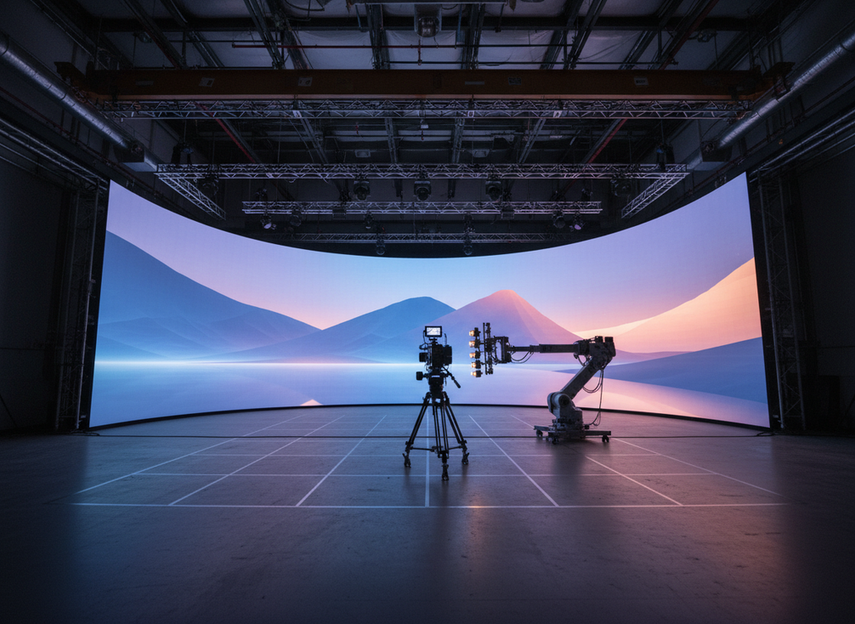
What HDR Calibration Has to Solve
An XR LED wall has its own peak luminance, black floor, scan behavior, and viewing characteristics, while the camera brings a separate exposure curve, sensor response, and color pipeline. HDR calibration has to reconcile those systems so the image feels controlled on camera rather than merely impressive to the eye.
The main problems are usually not one single "bad setting." They are interactions: clipping in highlights, lifted blacks from ambient spill, inconsistent saturation in bright colors, and camera angles that reveal panel behavior or moiré. In practice, the goal is to preserve a usable rendering range for the camera while keeping the wall close enough to the intended grade that the creative team is not constantly compensating on set.
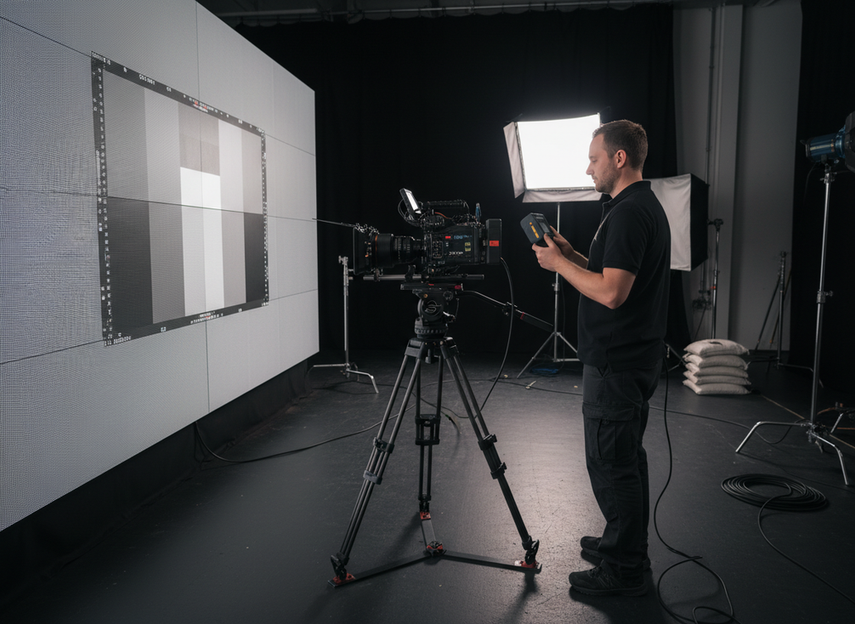
A useful way to frame the work is trade-off management:
| Calibration choice | What it helps | What it can cost | When it is useful |
|---|---|---|---|
| Higher wall luminance | More headroom for bright scenes and reflections | Can stress thermal limits and exaggerate panel nonuniformity | Daylight looks, high-key scenes, reflective surfaces |
| Lower wall luminance | Easier control of black level and camera exposure | Less apparent brightness in the final image | Night interiors, darker environments, sensitive skin-tone work |
| Tighter color management | More repeatable camera capture | Requires stricter LUT and device discipline | Multi-camera work, long shooting schedules |
| Wider creative latitude | More flexibility for cinematography choices | More risk of drift between rehearsal and take | Exploratory previs or heavily iterative shoots |
If you are still choosing a rental-stage setup, it can help to compare wall options and modularity in a way that supports calibration rather than overrides it. For a related stage-planning path, see rental-stage LED display options.
Netflix Partner Help notes that color shifts on virtual production stages can come from pipeline setup or overheating, not only bad panels. That maps well to XR work, where a wall problem can turn out to be a workflow problem.
Build a Camera-Safe Color Pipeline
A camera-safe pipeline begins before anyone opens the final show LUT. The display path, media server, camera settings, and color transforms should be treated as one chain, not separate departments making independent decisions. That is especially important in XR, where any weak link can show up immediately in the recorded image.
A practical baseline is to define one reference color space for the wall, one camera target, and one review path. From there, make sure transformations are documented and repeatable. ARRI’s virtual production color-management guidance stresses predictable transforms, clean monitor mapping, and separating camera-capture decisions from display-rendering decisions. In other words, avoid using the wall as a blunt correction tool for camera problems; fix the camera pipeline first, then let the wall follow the agreed render path.
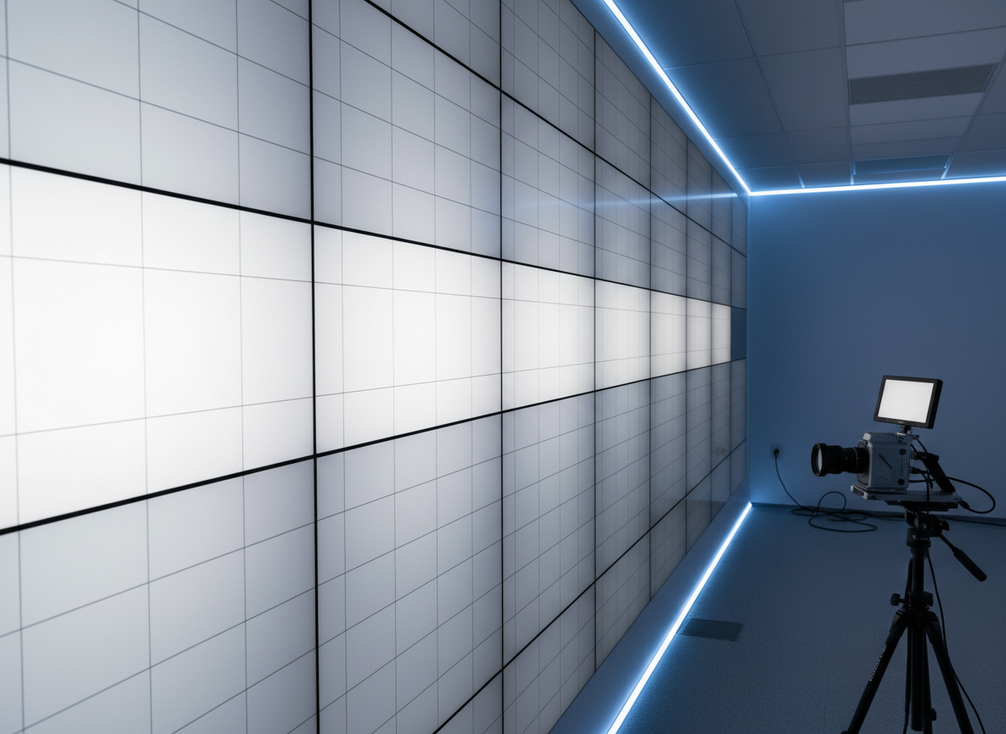
The LED processor should match the content and camera workflow color space, but only as a controlled working assumption rather than a universal shortcut. A reference-path-first setup is easier to reproduce than a setup assembled from last-minute fixes. A background note on workflow color-space matching points in the same direction.
Key steps:
- Lock a project color pipeline early, including working color space, transfer function, and monitoring transform.
- Confirm what the wall receives versus what the camera records; do not assume they are the same signal.
- Verify LUT ownership: who makes them, who approves them, and where they live.
- Keep camera matching limited to the minimum set needed for editorial continuity.
- Test the pipeline with representative skin tones, wardrobe colors, and bright practicals before the first shoot day.
If you need a more detailed process note for pipeline coordination, a navigation-only reference like camera-color management notes can help only if it matches your internal workflow documentation.
Dial in HDR Without Losing Image Consistency
HDR on an XR LED wall is useful only if it remains consistent from rehearsal to principal photography. The temptation is to push brightness until the image looks dramatic in the room, but that can break consistency on camera when exposure, lens choice, or camera angle changes. HDR should support the grade, not force every shot to be rebuilt around the wall.
The most reliable approach is to calibrate for repeatability first, then optimize for creative impact. Use a reference scene with faces, neutrals, and a few saturated accents. Check whether the same material holds its appearance as the camera moves through typical blocking positions. If highlights bloom, colors separate oddly, or the wall looks different between center and edge framing, the issue may be as much about viewing geometry and camera settings as about the HDR signal itself.
| HDR control variable | What to prioritize first | What to watch for on set | When the recommendation flips |
|---|---|---|---|
| Wall luminance | Enough headroom for the intended look | Clipping, panel stress, uneven response | Lower it when black level or skin-tone stability starts to slip |
| Tone mapping | Preserve highlight roll-off | Faces or practicals losing detail near bright regions | Tighten it when bright scenes look impressive but fall apart through camera |
| Exposure and shutter | Stable camera-to-wall behavior | Scene-to-scene inconsistency | Recheck after any camera or lens change |
| Color transforms | Repeatable grading path | Saturation drift and mismatch between rehearsal and take | Simplify them when the creative team needs fewer moving parts |
A few conservative rules help:
- Keep exposure changes incremental and documented.
- Treat high-brightness looks as scene-specific, not universal defaults.
- Compare the wall image under the same monitoring conditions the camera will see.
- Recheck after any major lens, camera, or media-server change.
- Make sure the creative reference is tied to an approved transform, not a temporary look.
The Netflix color-critical display guidance treats HDR calibration as a way to preserve tonal consistency and highlight roll-off without clipping. That is a better target than chasing a brighter preview.
Keep Uniformity Stable Across Multi-Week Shoots
Even a well-calibrated volume can drift over time. Panel aging, calibration file changes, ambient conditions, and maintenance interventions can all affect how the wall behaves. Multi-week shoots magnify these small changes because the team begins to rely on memory instead of measurement.
To keep uniformity stable, create a short maintenance rhythm and do not skip it when schedules get tight. The best practices are boring, but they are effective: verify calibration at predictable intervals, log any module replacements or firmware updates, and compare current behavior with the original reference under the same test material.
Focus on these stability points:
- White balance and grayscale tracking across the wall surface.
- Visible luminance variation between tiles or cabinets.
- Hue shifts at the edges versus the center of the viewing area.
- Camera interaction after changes in shutter angle, frame rate, or lens package.
- Environmental changes such as temperature and humidity that may affect output consistency.
This is also where operational discipline matters more than technical ambition. A team that records calibration state each week will usually outperform a team chasing a perfect one-time result. If the stage uses rental hardware, keep a second navigation path ready for replacements or later upgrades.
Run a Pre-Shoot and Mid-Run Checkpoint
A calibration plan is only useful if it survives the shoot schedule. That is why a pre-shoot checkpoint and a mid-run checkpoint should be non-negotiable. The first confirms that the system is ready; the second confirms that it stayed ready after real production use.
Before the first camera roll, run a short but disciplined verification pass:
- Confirm the active show LUT and monitoring path.
- Check a neutral gray, a skin-tone reference, and one challenging saturated color.
- Verify black level, highlight roll-off, and practical reflection behavior.
- Match camera and wall settings against the approved test record.
- Document any exceptions so editorial and color teams know what changed.
Mid-run, repeat the same core tests rather than inventing a new checklist. Keep it brief. The point is to detect drift, not to recreate the entire prep session. If results start to move, isolate the cause before adjusting everything at once. A slight luminance change may be enough; a full pipeline reset may not be necessary.
This checkpoint mindset matches the guidance from major production and post resources: keep monitoring conditions controlled, avoid unnecessary changes, and preserve traceability from capture to delivery. In XR environments, that discipline is often what separates a manageable issue from a lost half-day.
Wrap-Up
HDR and color pipeline calibration for XR LED volumes works best when it is treated as a controlled workflow, not a one-time tuning session. Start with a camera-safe pipeline, calibrate for repeatability, verify it against real blocking and exposure decisions, and keep checking for drift during the run. The aim is practical consistency that supports the story, not a claim of perfect visual equivalence. If you are planning a stage now, we can help you check current rental-stage LED options or review the workflow before the first shoot day.
FAQs
What Is the Main Goal of HDR Calibration in an XR LED Volume?
The main goal is to make the wall, camera, and monitoring path behave predictably together so the recorded image stays usable and consistent. The practical test is whether the look survives the lens, not just the stage preview.
Should the Wall and Camera Use the Same Color Settings?
Not necessarily. They should be mapped through a controlled pipeline, but the wall signal and camera-recorded signal often serve different purposes. If both are forced to behave the same way, the result can look fine in a preview and still miss the intended grade in camera.
How Often Should LED Volume Calibration Be Checked During a Shoot?
At minimum, check before the shoot starts and again during the run. Longer schedules may need weekly or phase-based verification depending on crew changes and maintenance. The check should be fast enough to fit call time, but specific enough to catch drift before it spreads across scenes.
What Usually Causes Inconsistency in HDR LED Volume Work?
Common causes include exposure drift, LUT changes, module variation, ambient light shifts, and camera or lens changes that alter how the wall is perceived. If the look changes after a reset, compare the active pipeline against the original reference before making broader adjustments.
Can HDR on an LED Volume Guarantee Matching Between the Wall and Final Grade?
No. HDR calibration can improve predictability and reduce correction work, but it cannot guarantee a universal match across every camera, scene, and viewing condition. The safest way to judge readiness is to confirm the result under the actual camera package and the same blocking conditions used for the shoot.





