





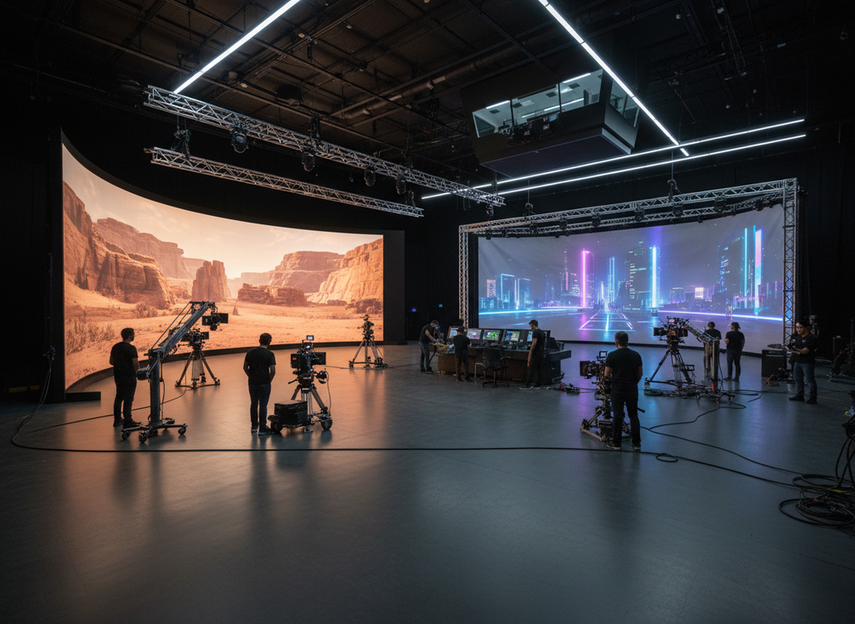
LED volume vs projection for virtual production is a stage-operations choice, not just a display hardware choice. An XR LED wall usually fits better when you need stronger ambient-light tolerance, more repeatable camera behavior, and a stage that will run virtual production often. Projection stays attractive when the room can stay dark, the surface is simpler, and lower upfront spend matters more than maximum control.
What Drives the Choice
For most studios, the real question is which display path supports the way the stage will actually be used. Virtual production display technology changes how lighting, camera placement, scheduling, and scene prep work together, especially when the stage has to support in-camera effects rather than only a background image. AVIXA’s overview of real-time light interaction is a useful reminder that LED volumes are often chosen because the stage itself becomes part of the image-making process.
That is why the first filter should be operating conditions. If the room will be bright, the production needs consistent camera results, or the stage will be used repeatedly, LED volume vs projection for virtual production usually tilts toward LED. If the space is dark, the setup is temporary, and upfront budget is the bigger constraint, projection remains a credible option.
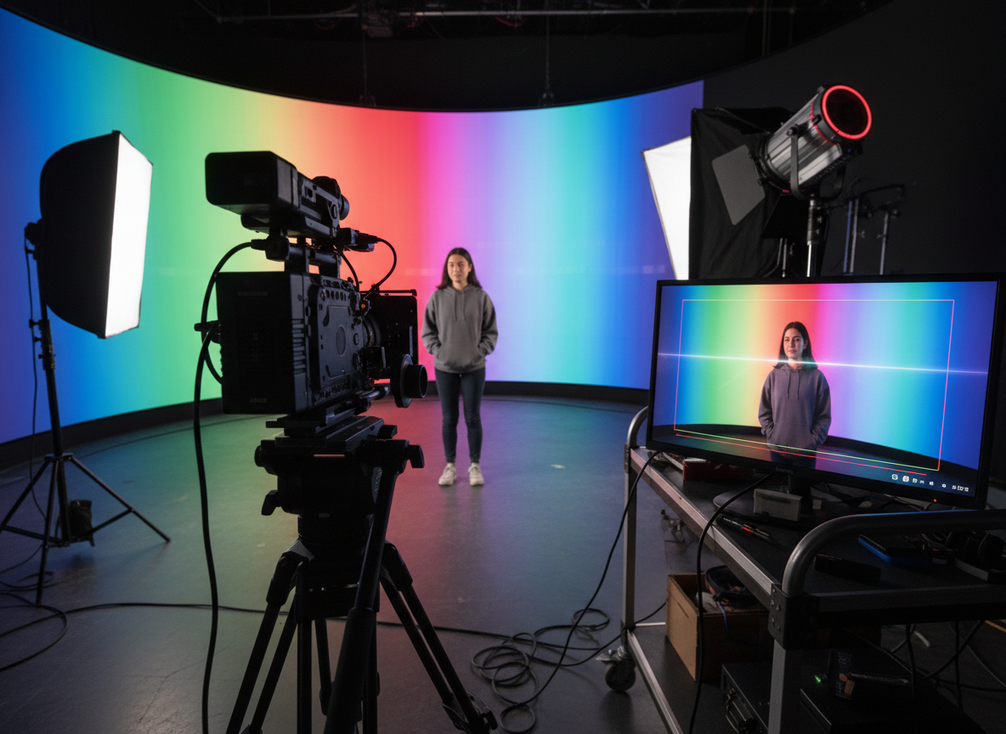
Image Quality and Camera Behavior
On camera, the biggest difference is not just sharpness. It is how the display behaves with the lens, sensor, and lighting plan. A study from Bournemouth University notes that LED panels can create camera-specific reflectance and emission mismatches, which is why moiré and pattern breakup deserve a real camera test instead of a brochure check. In plain terms, fine detail that looks clean to the eye can still turn into distracting interference once it is recorded.
LED also has a brightness advantage that matters when the stage cannot stay fully dark. Independent technical reporting notes that LED walls commonly reach roughly 1,000 to 5,000 nits, which gives them higher ambient-light tolerance than projection in mixed-light rooms. That does not mean LED is always better-looking. It means the image is less likely to wash out when practical lights, spill, or set illumination are part of the look.
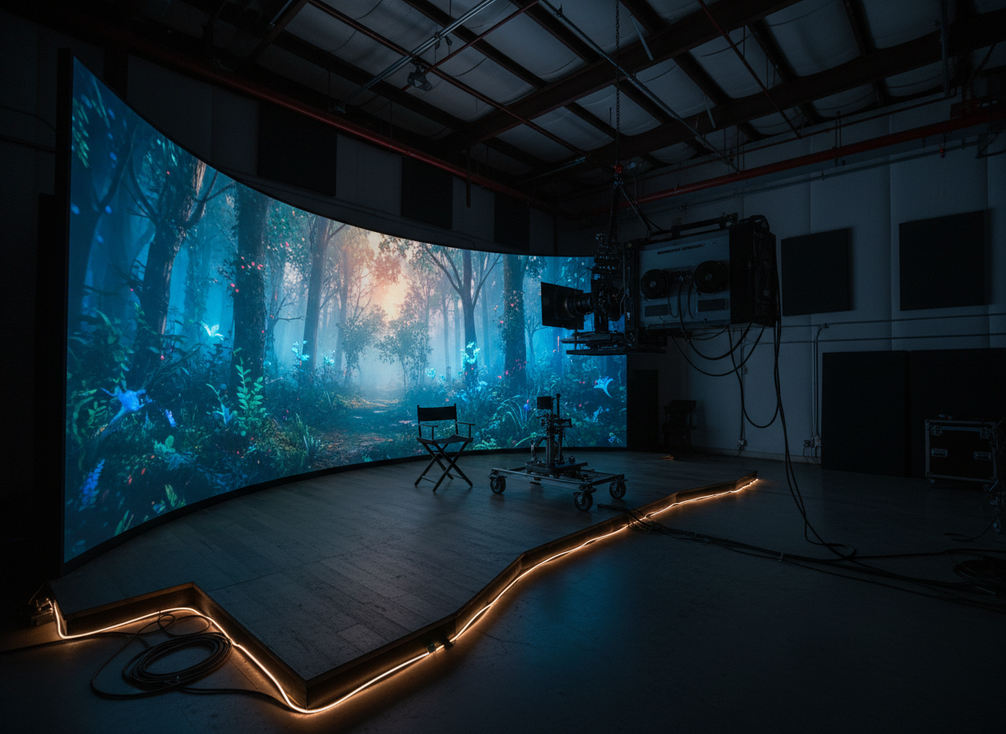
Projection can still make sense when the room is controlled and the geometry is simpler. The same comparison notes that projection often comes in at lower upfront CAPEX for large surfaces, but it also needs precise calibration. That tradeoff matters because calibration is not a one-time checkbox. If camera distance, lens choice, or screen position changes, the team may need to spend more time rechecking alignment.
A practical decision sentence is this: if moiré risk or bright-room washout would create expensive retakes, LED is usually the safer capture choice. If the stage is dark, the shots are simpler, and the team can tolerate a more calibration-heavy setup, projection can be the smarter starting point.
Moiré, Sharpness, and Camera Interaction
Moiré is the point where the display’s pixel pattern and the camera sensor start to fight each other, creating a shimmer or false pattern. That risk matters most on fine-detail wardrobe, hair, glossy props, and close camera work. In those setups, LED can look excellent or problematic depending on pixel pitch, lens, and shooting distance. Projection avoids some LED pixel-grid issues, but it can trade that for softer perceived detail if the throw and screen setup are not ideal.
For the studio, the best check is a representative camera test, not a theoretical spec review. Shoot the exact lens, distance, and lighting you plan to use, then inspect faces, high-detail textures, and moving edges. If the image stays clean in motion, the display path is probably workable. If artifacts show up in the test, the issue is not minor, because it will show up again under production pressure.
Brightness, Contrast, and Ambient Light Control
This is the clearest place where LED volume vs projection for virtual production often flips. LED is the more forgiving choice when the room has practical lights, partial daylight, or other sources that are hard to eliminate. Projection is more dependent on the room staying dark enough for the image to hold contrast.
That does not make projection a weak option. It makes it a better fit for controlled rooms where the lighting team can keep the image dominant without competing spill. If the stage needs to support a brighter look, a mixed-light setup, or quick lighting changes from one scene to the next, LED is usually easier to keep consistent.
Reflections, Spill, and On-Set Lighting
LED surfaces can reflect into lenses, props, and shiny wardrobe, so the lighting team still has work to do. The advantage is that the team can often control that behavior more predictably because the screen itself is bright and stable. Projection can reduce some reflective issues, but it can also be easier to wash out if the room grows too bright or the screen is not placed well.
That means the display is only part of the answer. Set dressing, matte finishes, blocking, and camera angles still shape the final image. If the production relies on glossy materials or fast lighting changes, the safer move is to test the actual set dressing, not only the empty stage.
Test Shots That Reveal the Real Difference
The fastest way to avoid regret is to run the same frame through both options under representative conditions. Test a face close-up, a moving background, a textured costume, and one glossy prop. Then review the result in motion, not as a still frame. If the stage only looks good in a static demo, that is a warning sign.
A decision sentence worth keeping is simple: if the shot list includes close work, reflective wardrobe, or frequent camera moves, the display choice should be validated with on-set tests before the budget is locked. That rule matters more than a brand claim or a spec sheet.
Workflow and Setup Tradeoffs
Workflow often decides the project faster than image quality does. A projection-based stage can be easier to reconfigure when the room changes often, while an LED volume tends to reward teams that want a more fixed, repeatable setup. Projection screen systems can also be easier to swap and move in rental-style use, which is why rental-stage LED options are not the only path a studio should consider.
The key question is whether the room is meant to behave like a permanent production tool or a flexible multipurpose space. If the stage serves repeated VP jobs and the crew wants a stable layout, LED volume vs projection for virtual production often favors LED. If the space flips between productions, needs fast changeovers, or has to move between uses, projection can reduce logistical friction.
Stage Footprint and Layout Constraints
Projection is more dependent on room geometry. Throw distance, screen placement, and camera positions all need to fit together, which can limit what the studio can build in a small or awkward room. LED walls bring their own footprint and structural needs, but they reduce some of the layout dependency that projection introduces.
That matters most when the stage is tight. If there is not enough room to place projectors and still keep the shot clean, projection can stop being the easy answer. If the room is generous, dark, and easy to reconfigure, projection keeps more of its appeal.
Rigging, Alignment, and Calibration
Both paths require planning, but the work is not identical. LED builds ask for panel alignment, structural planning, signal management, and careful verification before shoot day. Projection asks for aiming, screen geometry, calibration, and repeat checks whenever the layout changes. Neither option is set-and-forget.
The operational difference is that LED usually behaves better once the wall is built and standardized, while projection can demand more attention from the crew each time the room changes. That is why repeat-use stages often lean toward LED, while episodic or rental setups may prefer the lower permanence of projection.
Crew Time and Changeover Speed
If the stage has to reset often, changeover time becomes a cost. Modular LED systems can be easier to standardize across repeated builds, but they are also more hardware-heavy. Projection can be faster to re-space in some temporary rooms, especially when the team only needs a simple screen-based setup.
For production managers, the useful question is not "Which is faster in general?" It is "Which one is faster when the room has to switch modes twice a week?" If the answer depends on a lot of re-aiming, re-leveling, or layout rework, projection loses some of its cost advantage.
Operating Cost and Total Effort
The cost comparison is best framed as upfront spend versus total effort. Projection may lower initial CAPEX, especially for large surfaces, but it can add calibration and room-control work. LED often raises the first purchase price, yet it may reduce some recurring friction around environment control and maintenance. A practical industry cost overview from CoPilot Co. places LED virtual production anywhere from small indie budgets to very large studio-scale budgets, which shows how wide the planning range can be in real-world builds.
| Decision dimension | LED volume | Projection | Reader takeaway |
|---|---|---|---|
| Image quality / camera behavior | More forgiving in bright or mixed-light rooms, but still needs camera testing for moiré and reflectance | Can work well in controlled dark rooms, but is more sensitive to layout and washout | Test the actual shot, not the spec sheet |
| Workflow / setup | Better for repeatable, standardized stages | Better for temporary or frequently reconfigured spaces | Match the system to how often the room changes |
| Operating cost / total effort | Higher upfront spend, potentially less recurring friction | Lower upfront spend, but more dependence on calibration and room control | Separate purchase price from crew time |
| Stage-fit scenarios | Bright, repeat-use, control-heavy stages | Dark, simpler, budget-led stages | Let operating conditions decide first |
The table above is the safest way to think about it: owned stages and repeat-use XR rooms tend to justify LED sooner, while rental or episodic stages often get more value from projection. If the room is mixed-use, the real decision may be whether a phased build or hybrid plan is more sensible than a single large buy.
Which Option Fits Your Stage
LED volume vs projection for virtual production tends to fit when the studio needs repeatable camera results, stronger light tolerance, and a stage that will stay in service often. It is usually the stronger long-term fit for owned stages, immersive builds, and brighter rooms where image consistency matters more than the cheapest first invoice.
Projection tends to fit when the room is dark, the layout is simple, and the team wants lower upfront cost with more flexibility to reconfigure the space. It can be the better starting point for rental or episodic use, especially when the room needs to switch between VP and non-VP work.
A mixed-use studio should not force a binary answer too early. If the room has to serve multiple production modes, a phased build or hybrid approach may be smarter than locking into a full XR LED wall on day one. In that case, the right choice is the one that reduces regret from changeovers, not the one that wins on a single headline spec.
A Practical Selection Checklist
Before you commit, verify five things: the camera tests hold up on faces and moving detail, the room can control ambient light the way the shot list requires, the floor plan supports the display geometry, the crew can live with the setup and reset burden, and the budget separates purchase price from total operating effort. If those checks point in different directions, ask for a stage-specific quote and a test plan before you sign off. We can help you compare the fit and request the right configuration once the room conditions are clear.
FAQs
How Do You Decide Between an LED Volume and Projection for Virtual Production?
Start with the stage conditions, not the hardware brand. If the room is bright, the camera work is sensitive, or the stage will be reused often, LED is usually the stronger default. If the room can stay dark and the project is budget-first, projection stays in the running. The deciding signal is whether the room can support the shot list without repeated rework.
What Camera Problems Should You Test Before Choosing a Stage Display?
Test for moiré, reflections, exposure balance, and motion artifacts. The most useful check is to shoot the exact lens, distance, and lighting plan you expect to use, then review moving faces, textured clothing, and glossy props. If the artifacts only appear when the talent moves or the camera pushes in, the stage still needs work.
Can Projection Work for a Small Virtual Production Stage?
Yes, if the room can stay controlled and the screen geometry is simple. Small stages are where projection can still make sense because the upfront spend is lower and the setup can be easier to move around. It starts to break down when throw distance is too tight, the room gets brighter, or the stage has to change often between shoots.
Why Do Some Studios Prefer LED for Repeatable XR Shoots?
Repeatable XR work rewards consistency. An XR LED wall can make it easier to hold the same image behavior, lighting response, and stage setup across multiple sessions. That matters most when the studio is running the same workflow week after week, because the team spends less time re-solving the room each time production starts.
What Should Be in a Virtual Production Display Checklist Before Purchase?
Include camera test results, ambient-light conditions, floor space, crew workflow, documentation, and installation constraints. The best checklist also asks one simple question: if the room changes later, will the system still fit? If the answer is no, the purchase may be too rigid for the studio’s real use case.





