





A smart pole can put an urgent message where people will see it. Making that useful takes more than connecting a screen: the city needs a clear trigger, a short approval path, the right display zones and a way to confirm, update and end the alert. This guide turns those needs into a pilot brief covering message control, cameras, backup power and maintenance ownership.

Why Public Safety Teams Use Smart Poles
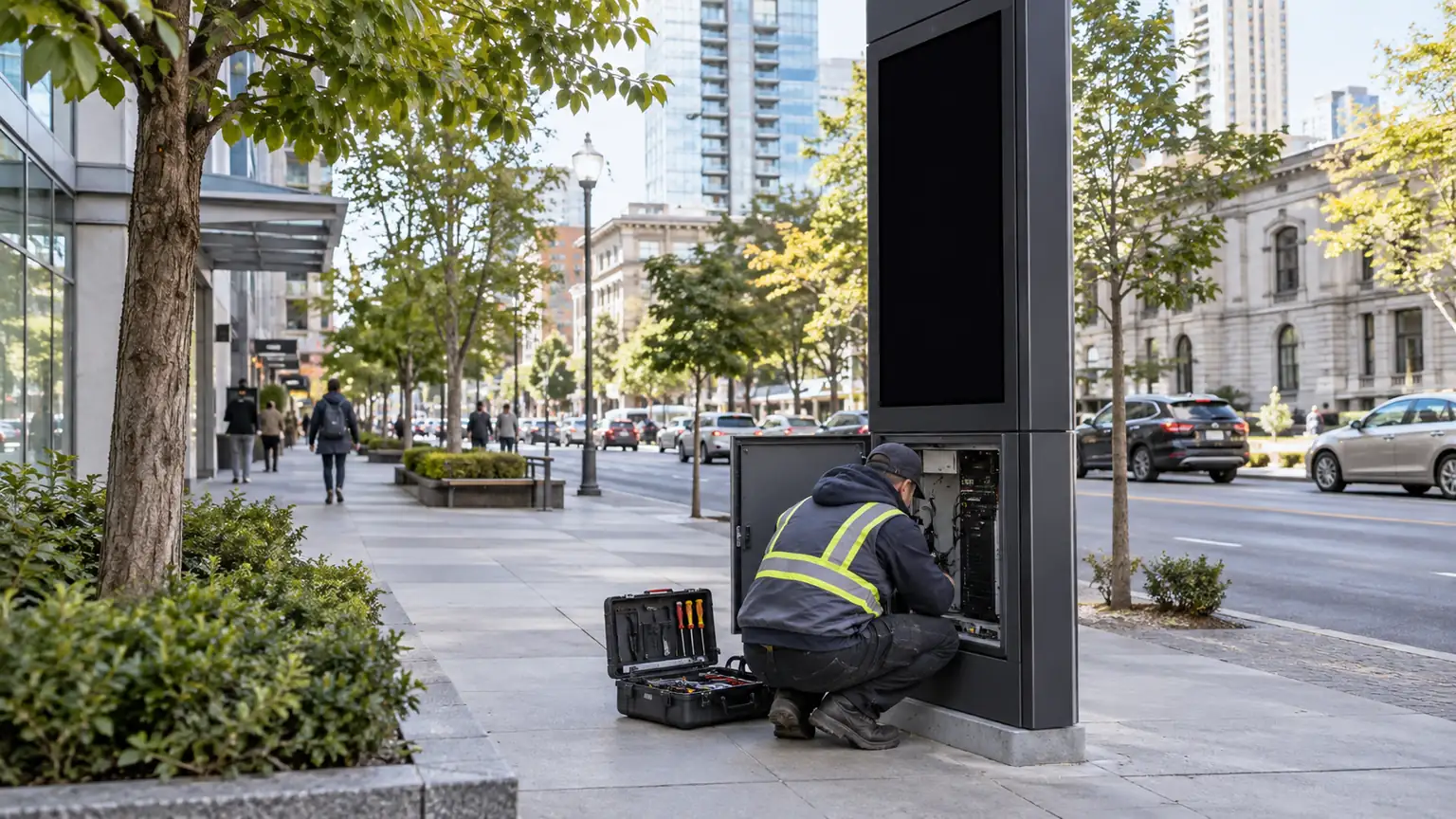
Cities use smart poles because the infrastructure already sits where people need notice: along corridors, at crossings, in downtown districts, near transit, and around campuses or event zones. That makes the pole a practical surface for local alerts and situational awareness, but not a substitute for 911, dispatch, or emergency management systems. In this setup, smart pole emergency alert integration extends reach rather than replacing the city’s core alerting chain.
The deployment question is usually less about whether a pole can display a message and more about whether the city can operate it cleanly. A corridor may need a different alert scope than a campus edge or a temporary event zone. For a browsing path into outdoor pole display options, smart pole display platforms and broader outdoor DOOH options can help frame category fit, but they do not replace site checks. The companion guide on smart pole 5G integration covers the connectivity layer this page assumes.
How the Alert and Video Workflow Fits Together
The workflow matters more than the cabinet. In a U.S. public alerting context, FEMA’s Integrated Public Alert & Warning System is the federal gateway for authenticated emergency information, so local pole deployments should be designed around an approved alerting chain rather than ad hoc message posting. The pole is the output point, while the authority to create and publish the message should stay with the right agency or role.
Use a clear message lifecycle: trigger the approved alert, select the affected zones, override routine advertising, confirm delivery, then update or cancel. Give each message an identifier, priority and expiry time so reconnecting poles do not revive stale instructions. Test the all-clear and return to normal content as carefully as the initial alert.
Alert Sources and Trigger Paths
The trigger path should be simple enough to use under pressure. Common options include operator-initiated alerts, preapproved incident templates, or escalations from another municipal system. The important boundary is authority. If too many people can trigger or edit a public message, the risk of false activation goes up. If too few can act, the city may lose response speed.
A good rule is to separate message creation from message approval when policy requires it, then keep the override path short. That lets a communications lead, emergency manager, or control-room operator publish the right message without turning every alert into a long approval chain.
Control Room Handoff and Approval
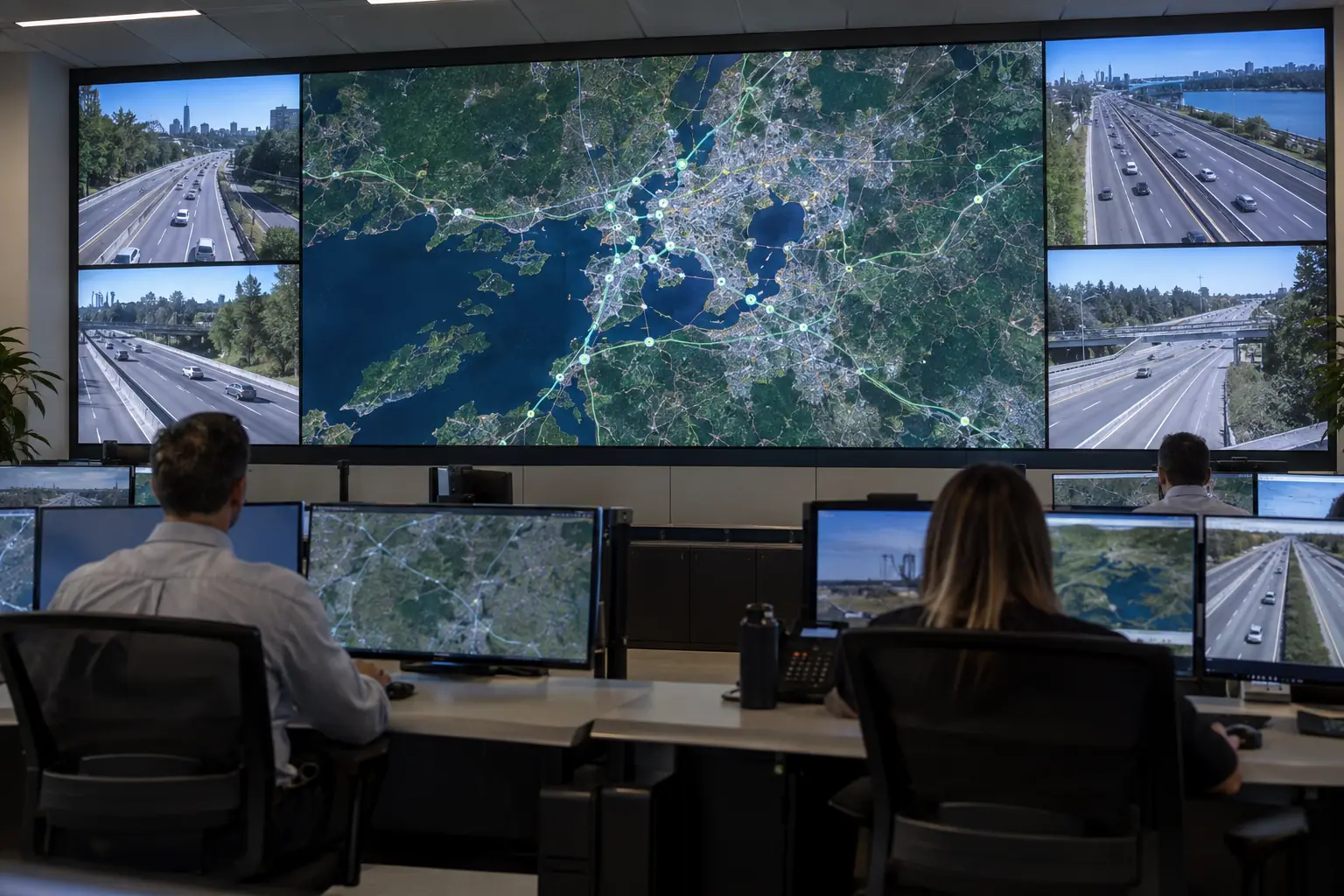
Many cities route a request through a control room, public safety communications team, or traffic operations desk before it reaches the pole. That handoff is where delays often appear. If the workflow has to move through multiple departments, the city should document who can approve, who can cancel, and who gets notified after publication. Otherwise, the system may work in a drill but break down during a live incident.
This is also the right place to define after-hours coverage. A well-designed system does not depend on a single person being available. It depends on a clear fallback path if the primary approver is off shift.
Camera Feeds and Situational Awareness
Camera feeds can add value when they support verification or situational awareness, but they should stay policy-bound. They are not a blanket recommendation for every pole. In mixed-vendor deployments, buyers often check ONVIF interoperability so that camera, recorder, and management tools can communicate more predictably. ONVIF does not prove a full city design will work, but it does reduce the chance that the camera side becomes a procurement surprise.
The cleanest boundary is this: alert publishing and camera viewing should not share the same access rules by default. A person may be allowed to send a public message without having open-ended video access, and a viewer may need camera visibility without the ability to publish alerts. That separation matters when several departments share one pole network.
Network and Content Management Interfaces
At the interface level, distinguish server acceptance, device receipt and what is actually displayed. The pilot should test an unreachable pole, a duplicate message, a network reconnection and an expired alert. Specify the available display-status feedback or field confirmation rather than treating a successful API response as proof that the public saw the message.
If the city plans an IPAWS or other alert-feed connection, define the authorized originator, gateway and message-format support before procurement. Where CAP is used, document how priority, geography, updates and expiry map to the display controller. A pole-mounted LED screen alone does not establish compatibility with the wider alerting system; specify the integration alongside the shared pole infrastructure.
Alerting Readiness Matrix
| Readiness Element | What Good Enough Usually Looks Like | Why It Matters |
|---|---|---|
| Trigger authority | Named roles, not ad hoc access | Reduces mistaken or unauthorized alerts |
| Message library | Short templates approved in advance | Speeds response and limits ambiguity |
| Distribution scope | Pole zones mapped to real areas | Prevents over-alerting or under-alerting |
| Power resilience | Backup plan documented and tested | Keeps alerts available during outages |
| Network resilience | Alternate communications path defined | Preserves delivery when connectivity degrades |
| Public accessibility | Audio and visual output suited to the site | Improves reach in noisy or busy areas |
| Logging and review | Records retained for after-action analysis | Supports accountability and improvement |
| Privacy review | Data collection minimized and explained | Lowers compliance and trust risk |
Power Backup and Uptime Planning
Power planning is where many smart pole projects become more realistic. Cities often want a simple runtime promise, but the right answer depends on the mission, the load, the climate, and the supporting network gear. The CPUC backup power benchmark is a useful planning reference sourced from a CPUC proceeding on telecommunications equipment backup — it frames continuity around a minimum of four hours with a design objective of eight hours. Confirm current state requirements with your jurisdiction before specifying runtimes; it is a benchmark, not a universal guarantee for every pole.
A practical backup plan should cover more than the display cabinet. It should include the communications path, controller, and any devices needed to publish the alert. If the display stays powered but the network path fails, the alert may still not reach the public.
| Backup Approach | Typical Use Case | Strength | Trade-Off | What to Verify |
|---|---|---|---|---|
| Battery backup | Short continuity window for a single site | Compact and fast to deploy | Limited runtime and battery maintenance | Runtime under load, recharge time, service intervals |
| Generator-supported circuit | Longer continuity for a critical location | Better for extended outages | Larger footprint and more complex maintenance | Transfer behavior, fuel access, service responsibility |
| UPS-backed network gear | Protects the communications path | Helps the alert system stay reachable | Does not power every field device | Which components stay live and for how long |
| Hybrid continuity plan | Critical corridors or multi-device sites | Better resilience across the full path | More planning and coordination | Whole-path behavior, not just cabinet runtime |
For most cities, the decision is not "battery or generator" in the abstract. It is whether the site needs enough continuity to complete the alert mission during the expected outage window. If that window is uncertain, the right next step is a pilot with measured load and switchover testing, not a blanket runtime claim.
Data Governance, Privacy, and Access Control
The governance model should be defined before launch, not after the first public alert or camera review. NIST’s Privacy Framework is a strong reference for privacy risk management because it helps cities organize data collection, access, retention, and accountability without pretending that one legal template fits every municipality.
The core controls are straightforward: role-based access, audit logs, retention rules, and clear escalation ownership. Alert publishing and camera access often need different permissions, and they should be treated that way unless a city has a documented reason to combine them. That separation reduces the chance of overbroad access during an incident and makes after-action review easier.
A city should also review public-records obligations, retention schedules, and transparency practices before connecting pole cameras to operational systems. If the deployment is near schools, transit areas, or event spaces, the privacy review should be even more explicit. The city does not need to promise that every use is identical across all sites; it needs to prove that each site has a defined purpose and review path.
Governance Decisions to Lock Before Launch
- Who can publish an alert: keep this tied to named operational roles.
- Who can view video: define it separately from alert authority.
- How long data is kept: align retention with local rules and operational needs.
- Who reviews logs: assign responsibility before the first incident.
- How cancellations work: document the path for updates and all-clear messages.
- How privacy concerns are handled: use a review process, not informal judgment.
When multi-department use is expected, the best practice is role-scoped access with a named owner per function (often implemented via federation between departmental identity systems). That keeps emergency operations from becoming a shared-access free-for-all.
Deployment Fit Checklist for Municipal Buyers
Before a city treats an existing pole as deployment-ready, the team should verify the site, the load, the network, and the operating model.
- Confirm the use case first. Decide whether the site is for alerting, camera verification, or both. If the answer is both, document which function has priority during a conflict.
- Check the physical site. Make sure the pole location, sightlines, and public exposure match the intended audience area.
- Verify power capacity and backup. Confirm what stays live during an outage and for how long.
- Check network readiness. Validate the uplink, remote management path, and failover behavior.
- Define access and maintenance ownership. Public safety, IT, and public works should each know their role.
- Review governance and privacy. Finalize who can publish, who can view, what is retained, and how it is audited.
- Start with a pilot. Test one district or one incident class before expanding scope.
That checklist is usually enough to separate a promising idea from a rollout-ready site. If any one of those steps is still vague, the project is not ready for scale.
Next Steps for a Pilot Rollout
The safest next move is a limited pilot with one district, one alert class, and one clear ownership model. Validate site fit, workflow ownership, backup power, and governance before broader rollout. Document what works, what fails, and what still needs policy or infrastructure changes. That keeps smart pole emergency alert integration practical, auditable, and easier to approve across departments.
If you are narrowing the field for a pilot, start with one site, one message path, and one backup plan that your team can test end to end. To walk a specific corridor or campus through the checklist above, contact our team.
FAQs
How Do Cities Decide Which Poles Can Support Alerts and Cameras?
Start with the site survey, then check power, network, access, and the intended operating model. A pole can look suitable physically and still fail the project if it cannot support the right backup plan or governance controls. The quickest screen is whether the site can handle the alert function without forcing a risky access or maintenance workaround.
What Should Be Included in an Emergency Alert Workflow?
At minimum, the workflow should include a trigger source, approval step, message selection, distribution scope, cancellation path, and logging. If camera verification is part of the process, it should be optional and policy-bound, not assumed for every incident. The simplest workable workflow is the one operators can repeat under stress without improvising.
Can Smart Poles Keep Working During a Power Outage?
Yes, with a backup design that covers the display, controller and communications path for the required mission. Set the runtime from the local outage scenario and measured load, then test switchover and recovery. The telecom backup benchmark cited above is context, not a universal four-hour requirement for smart poles.
What Data Access Controls Should Cities Require?
Require role-based access, audit logs, retention rules, and separate permissions for alert publishing and video viewing. If the same login can do everything, the city has probably not separated operational roles tightly enough. A better test is whether each role has the minimum access needed to do its job and no more.
Why Pair Camera Feeds With Public Safety Alerts?
Video can help verify what is happening and whether an alert is still needed, but it should be governed separately from alert publishing. That makes the system more usable during incidents and easier to defend during review. The pairing works best when the camera is a decision support tool, not an automatic expansion of surveillance access.
Sources
- Integrated Public Alert & Warning System — FEMA (federal gateway for authenticated emergency information)
- ONVIF Profiles — ONVIF (camera interoperability conformance reference)
- CPUC backup-power decision document — California Public Utilities Commission (four-hour minimum / eight-hour design objective used here as a planning benchmark only)
- NIST Privacy Framework — NIST (privacy risk-management reference)





