





A virtual production LED wall usually needs 3,840 Hz as a practical baseline for standard camera work. That number alone cannot guarantee clean footage. Camera results also change with scan ratio, PWM behavior, shutter timing, genlock, brightness, and low-gray performance. Test 7,680 Hz or higher for slow motion, short exposures, and demanding rolling-shutter setups.
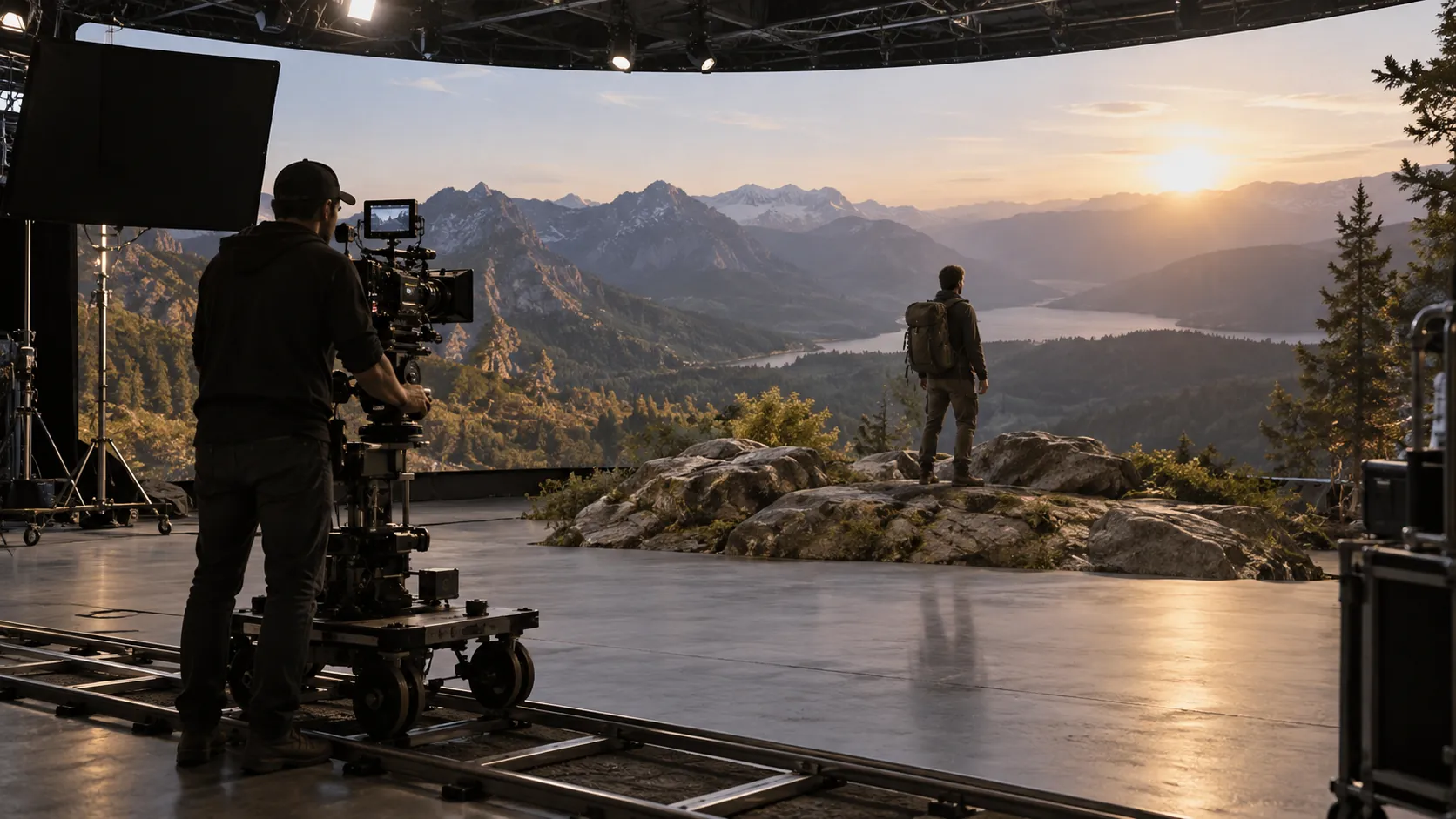
Match the Virtual Production LED Wall to the Camera Workflow
List the full camera package first. Then compare panels, processors, and supplier proposals.
Record each camera model, sensor mode, frame rate, shutter angle, lens range, and planned shooting distance. Include slow-motion rates, camera movement, playback format, and intended LED brightness.
A virtual production LED wall may look stable to the eye but still show bands or shimmer on camera.
| Production Workflow | Starting Refresh Target | Camera Test | Procurement Decision |
|---|---|---|---|
| Standard production at 23.976 to 60 fps | 3,840 Hz | Test every planned frame rate and shutter angle. | Use 3,840 Hz as a baseline, not a guarantee. |
| High-frame-rate or slow-motion capture | 7,680 Hz or higher | Test the highest frame rate and shortest exposure. | Ask for recorded footage from the intended camera package. |
| Multi-camera production | Camera-tested value | Test every sensor, angle, and shutter setting. | Approve one shared range or save separate presets. |
These figures support the initial shortlist. Recorded tests still need to cover the full signal and imaging chain.
Standard Broadcast and Live Production
For 23.976, 24, 25, 29.97, 30, 50, or 60 fps, use 3,840 Hz as the planning baseline.
A 3840Hz LED display refresh rate gives many cameras more room across common shutter settings. It does not approve the wall by itself.
The processor, LED output, and camera should share one timing reference. Phase settings may still need adjustment.
The on-set infrastructure resource also covers genlock, frame-rate multiplication, and testing across the full signal chain.
High Frame Rate and Slow Motion
High-frame-rate capture shortens each exposure window. The camera may sample a smaller part of the LED drive cycle.
Short exposures leave less room for PWM timing, scan multiplexing, and low-gray instability. Higher refresh can widen the clean-capture window.
Test 7,680 Hz or higher for demanding slow motion and short exposures. Use moving footage rather than static charts alone.
Include the highest planned frame rate in the quotation request. The virtual production LED wall should pass that exact setup.
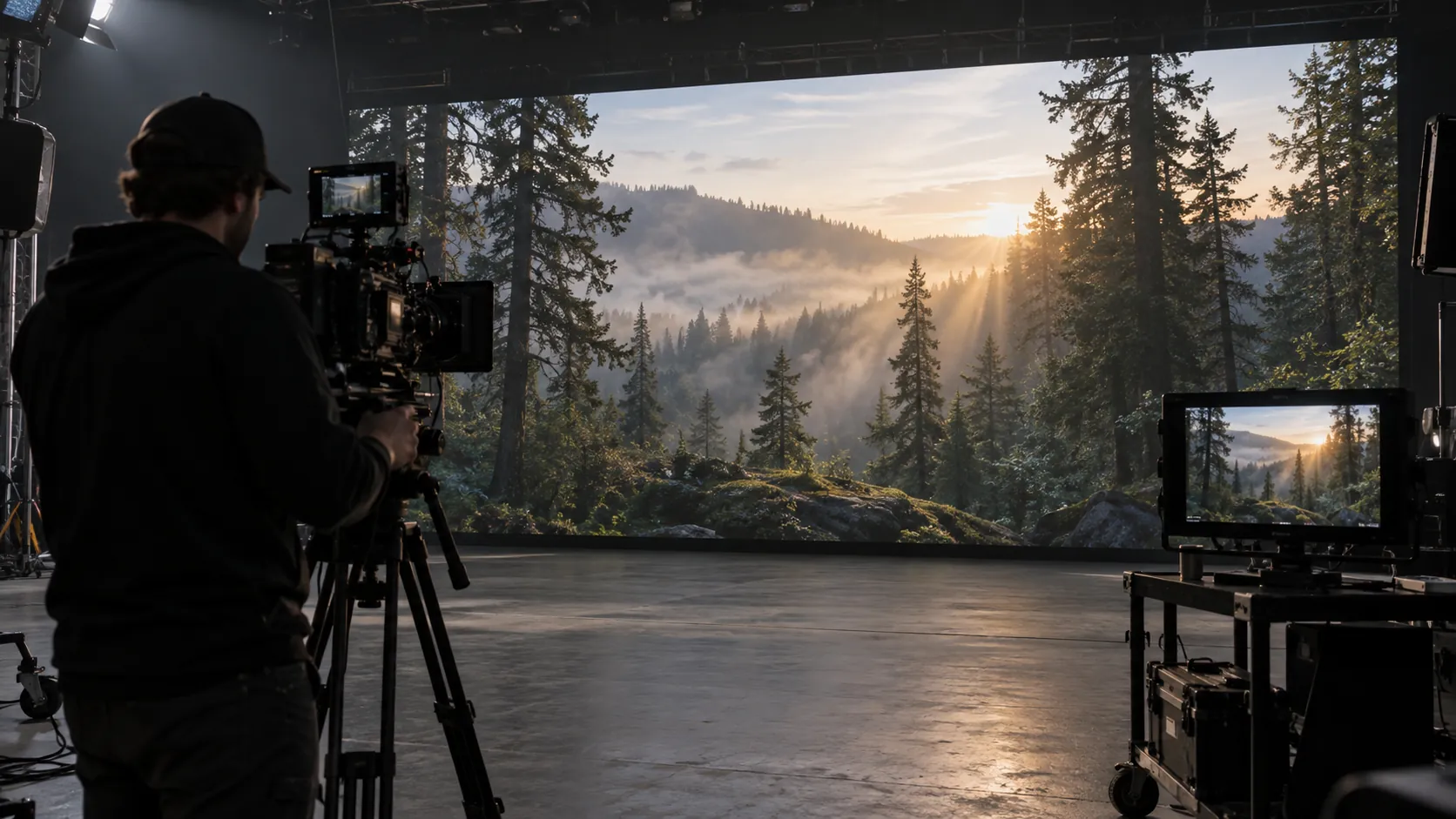
Why Is Refresh Rate Only Part of Camera Performance?
Refresh rate, scan ratio, and PWM affect different camera artifacts.
| Technical Variable | What It Controls | Camera Risk | Buyer Question |
|---|---|---|---|
| Refresh rate | Repeated LED updates each second. | Poor timing can create flicker, bands, or unstable exposure. | Which rate stays clean across our shutters and frame rates? |
| Scan ratio | Driver timing across LED row groups. | Heavy multiplexing can reveal moving scan lines. | Which LED display scan rate for filming is used? |
| PWM behavior | LED on-time within each brightness cycle. | Short on-times can weaken low-gray stability. | How does the panel behave at production brightness? |
One headline refresh number cannot describe all three. Ask for the tested driver mode, receiving card, processor, and brightness setting.
Refresh Rate and Scan Ratio
Refresh rate counts repeated LED updates. Scan ratio describes how the driver cycles through row groups.
In a 1:8 scan design, one row group out of eight is active at a time. A 1:16 design cycles through sixteen groups.
Higher multiplexing can narrow the usable camera window. Driver IC design and processor timing also affect the image.
Test pans, tilts, and moving subjects across the virtual production LED wall. Motion often reveals scan artifacts hidden by static images.
Scan lines and moiré have different causes. Scan lines come from timing. Moiré comes from overlapping spatial pixel grids.
PWM and Low-Gray Performance
PWM controls perceived brightness through rapid changes in LED on-time. Low output can shorten each active period.
Poor PWM behavior may create LED screen flicker on camera, dark bands, crushed shadows, or uneven gradients.
Test low-gray ramps at the planned production brightness. Include dark skies, shadow detail, skin tones, and slow gradients.
For camera work, high grayscale at low brightness often matters more than peak indoor brightness. Ask for test footage from the selected refresh mode.
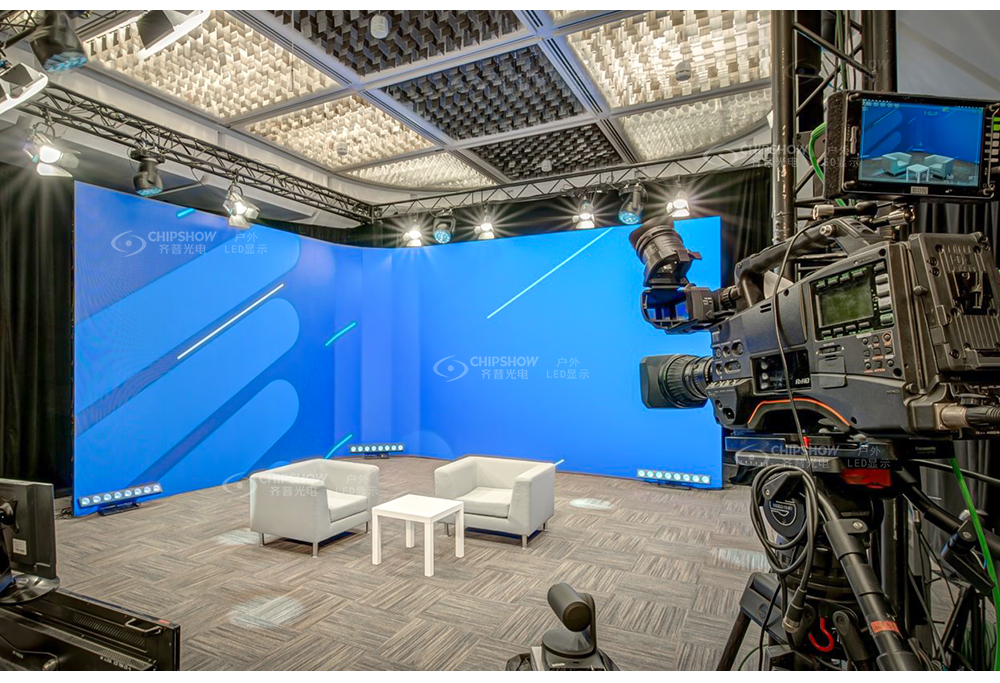
How Do You Synchronize a Virtual Production LED Wall With the Camera?
Use one timing reference across every device that supports external synchronization.
Genlock and Frame Synchronization
Genlock aligns compatible devices to a common reference. It reduces free-running mismatch, rolling bars, frame blending, and tearing.
Send the reference to the camera, media server, image processor, and LED control hardware where supported. Confirm lock status on each device.
Phase adjustment may still be needed after lock. Rolling-shutter cameras often need careful phase and shutter testing.
Use this exposure formula during planning:
Exposure time = shutter angle ÷ (360 × frame rate)
At 24 fps with a 180-degree shutter, exposure time is about 1/48 second.
Limit Unnecessary Frame Conversion
Every conversion adds another timing decision. Keep playback, render output, processor input, and camera settings on one approved rate.
Convert 23.976 fps into 24 fps only when production requires it. Apply the same approach to 29.97 and 30 fps.
An image processor may multiply input frames while keeping genlock. Confirm the selected multiplier through recorded tests.
Document all scaling, switching, and format conversion. Bypass noncritical devices during troubleshooting.
How Should You Test a Virtual Production LED Wall With the Camera Package?
A virtual production LED wall camera test should reproduce the planned lenses, distances, movement, exposure, brightness, and processing chain.
Record every test. Review the full-resolution files on a calibrated display.
Flicker, Scan Lines, and Moiré
Use content that exposes timing, tonal, spatial, and calibration problems.
Full-white and saturated fields can reveal brightness instability, dead pixels, or cabinet variation.
Low-gray ramps can reveal banding, crushed detail, color shifts, or PWM instability.
Skin-tone footage can reveal white-balance and color-pipeline errors.
Horizontal and vertical movement can reveal scan lines, tearing, judder, or frame blending.
Fine grids and detailed textures can reveal moiré at planned lenses and distances.
Fast pans and tilts should match the hardest camera movement planned for production.
If an artifact changes with shutter timing, inspect sync, phase, PWM, and scan behavior.
If focus, aperture, or distance changes the artifact, inspect moiré risk. Higher refresh cannot remove moiré by itself.
Test the virtual production LED wall at the lowest planned brightness. Low output can reveal faults hidden during bright demos.
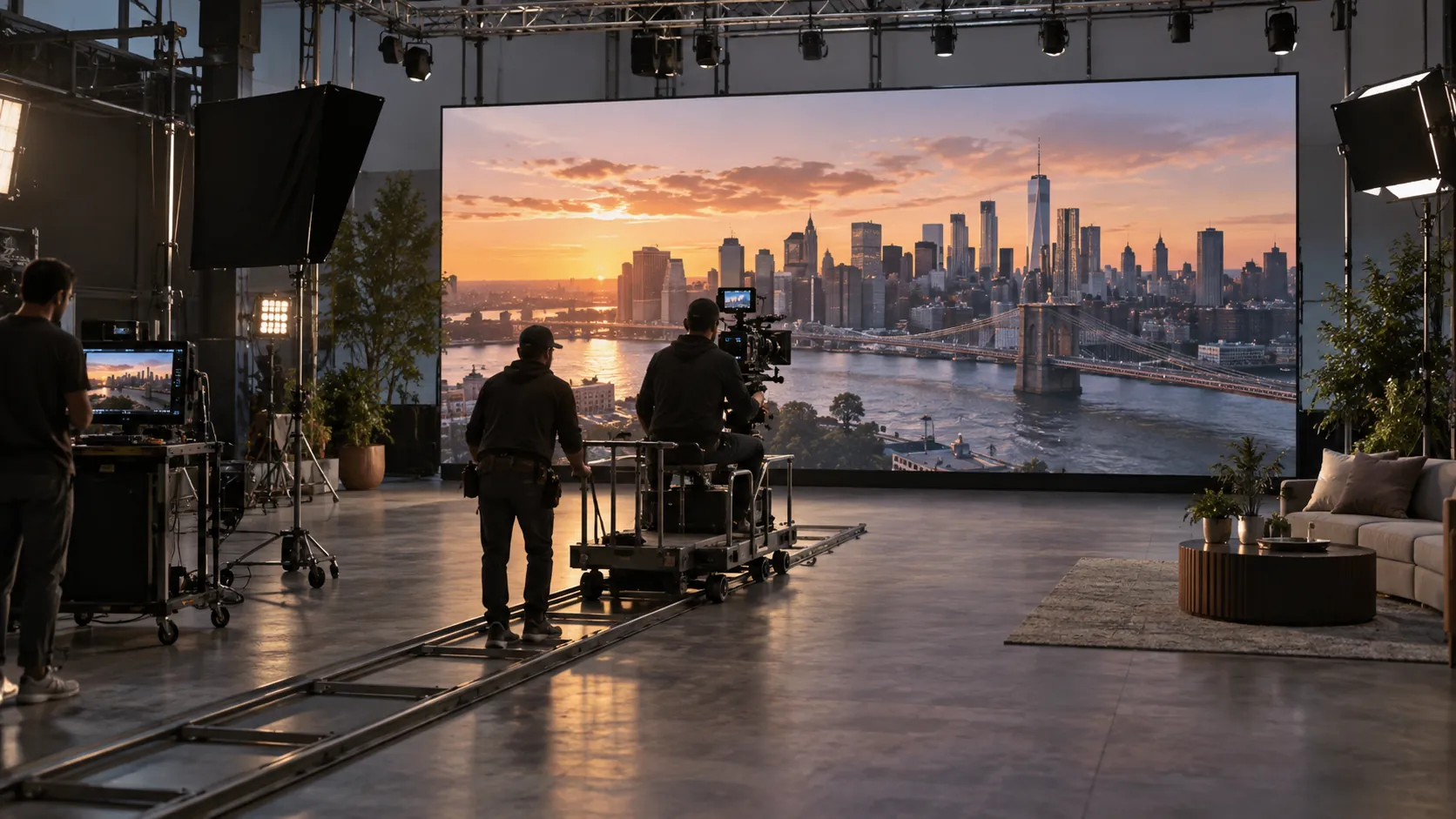
Multiple Camera Positions and Settings
One clean angle cannot approve the whole stage. Rolling-shutter and global-shutter sensors sample LED output differently.
Test every camera body, sensor mode, frame rate, and recording format. Include each planned shutter setting.
Cover the closest shot, widest angle, longest lens, and shallowest planned depth of field.
For multi-camera work, check if one phase setting supports every camera. Save separate presets when needed.
Add Camera Performance to the Acceptance Plan
Turn the camera test into clear purchase or rental conditions.
| Acceptance Item | Required Record | Pass Condition |
|---|---|---|
| Camera package | Record each body, sensor mode, lens range, and distance. | Every planned package completes the agreed tests. |
| Timing | Record source rate, output rate, genlock source, phase, and shutter. | No visible tearing, moving bars, or frame blending appears. |
| Display mode | Record refresh, scan ratio, brightness, PWM mode, and grayscale settings. | Motion and low-gray material remain stable. |
| Test material | Save white, color, ramp, skin-tone, grid, and motion clips. | Approved results remain repeatable after restart. |
| Service handover | Save firmware, configuration files, wiring, and support contacts. | Operators can restore the approved state. |
The acceptance plan records the exact virtual production LED wall configuration that passed. It can also reduce disputes after delivery.
Noise, cabinet weight, service speed, and assembly consistency also affect setup time, transport costs, and repeated use across productions.
The C-Shine Plus indoor rental LED supports refresh rates up to 7,680 Hz. Available pixel pitches are 1.9 mm (0.075 in), 2.6 mm (0.102 in), 2.9 mm (0.114 in), and 3.9 mm (0.154 in).
The 500 × 500 mm (19.7 × 19.7 in) cabinet weighs up to 7 kg (15.4 lb). The 500 × 1,000 mm (19.7 × 39.4 in) cabinet weighs up to 13 kg (28.7 lb).
The display uses a fanless design and is rated at 40 dB or lower. These features may suit camera-heavy events, temporary studio backdrops, and quiet venues.
C-Shine Plus should still complete the planned virtual production LED wall camera test. Product specifications cannot replace recorded compatibility evidence.
Test Your Virtual Production LED Wall Before Purchase
Define the camera package, highest frame rate, shortest exposure, and sync design. Use 3,840 Hz for standard planning. Test 7,680 Hz or higher for demanding capture. Record scan ratio, PWM mode, brightness, phase, and accepted camera settings. A documented approval process reduces shoot-day changes and protects rental inventory decisions. Compare every shortlisted virtual production LED wall under the same test conditions.
FAQs
Q1. Why Does 3,840 Hz Not Equal 3,840 FPS?
They measure different processes. FPS counts complete video frames, while 3,840 Hz describes repeated LED drive cycles. A wall can display 24, 30, or 60 fps content while its LEDs refresh thousands of times per second.
Q2. Can a 60 Hz Signal Run on a 3,840 Hz Virtual Production LED Wall?
Yes. The processor repeats each video frame across multiple LED drive cycles. Clean footage still requires suitable PWM behavior, correct phase settings, genlock, and testing with the planned camera and shutter.
Q3. Does a Higher LED Refresh Rate Reduce System Latency?
Not necessarily. End-to-end latency also comes from rendering, media playback, scaling, processing, signal transport, and camera tracking. Measure the full production chain rather than judging latency from panel refresh rate alone.
Q4. What Pixel Pitch Should Be Tested for a Virtual Production LED Wall?
No single pitch suits every stage. A 1.9 to 2.6 mm (0.075 to 0.102 in) range is common for camera-facing rental work. Confirm it using the planned distance, lens, sensor, aperture, and focus.
Q5. Why Does LED Screen Flicker on Camera Get Worse at Low Brightness?
Low brightness shortens LED on-time within each PWM cycle. Short camera exposures may capture incomplete illumination periods, causing bands or flicker. Test dark content and low-gray ramps at the lowest planned production brightness.





