





Playback drift usually comes from mismatched clocks, frame-rate conversion, uneven startup times, buffering, or different signal paths. The LED cabinets are rarely the source. Reliable LED screen solutions keep media servers, processors, controllers, and players on one timing plan. The full production chain should be checked during system design, then tested with the final content and signal routes prior to the event.
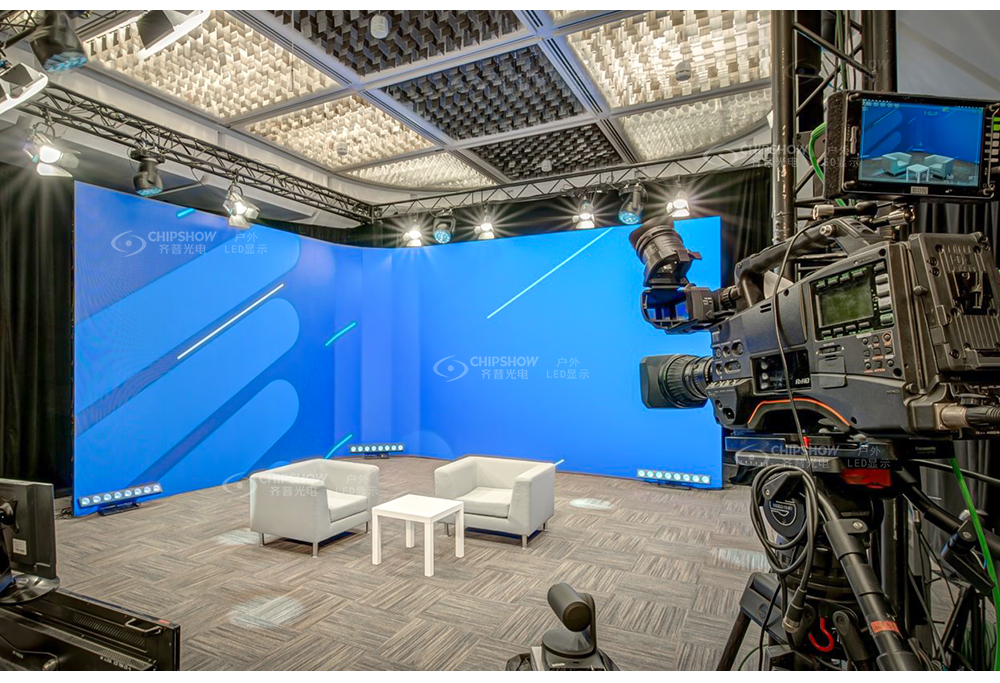
Find Where Playback Drift Enters LED Screen Solutions
Trace each signal route from the media server to every receiving card. Record every point where timing may change.
A fixed offset usually comes from startup timing or processing latency. An offset that grows over time often points to unmatched clocks or frame rates.
Drift in frames = accumulated time error in seconds × playback frame rate in fps
Use this calculation to locate playback problems without replacing working LED modules.
| Observed Error | Likely Cause | First Check |
|---|---|---|
| Constant frame offset | Unequal buffering or startup timing | Compare processor modes and route latency. |
| Offset grows over time | Independent clocks or unmatched frame rates | Check source rates and timing references. |
| Error appears after recovery | Player returns at the wrong timeline position | Review restart and failover settings. |
| Only one camera shows bands | Camera shutter and LED scan behavior differ | Test shutter, scan settings, and refresh settings. |
Media Players and Servers
Separate players may receive commands at slightly different times. Their internal clocks can also move apart during long playback.
Use one media server when output capacity and cable reach allow it. Distributed players need matching software, content, frame rates, and timing references.
Turn off automatic updates and noncritical background tasks during production. Record the approved software and firmware versions in the show file.
Switchers, Converters, and Extenders
Switchers, scalers, and converters may add frame buffers. Frame-rate conversion can also repeat or drop frames.
Record the latency of every route. Match device models, firmware, settings, and processing modes where possible.
Skip scaling when the source already matches the required output. Equal cable lengths will not correct a delay created inside a processor or converter.
Processors and Sending Controllers
Processors map video across cabinet loads, but they still need stable input timing. Check accepted frame rates, reference inputs, pixel capacity, and redundancy behavior.
Review synchronization status on every processor and sending controller. One device running from its own clock can break alignment across the screen network.
Select a Synchronization Architecture for LED Screen Solutions
Screen count, distance, content layout, and recovery needs should shape the synchronization architecture.
| Architecture | Suitable Use | Timing Method | Main Risk | Required Recovery |
|---|---|---|---|---|
| One source for multiple screens | Nearby screens sharing one timeline | One source timing feeds matched routes | A source failure affects all screens | A synchronized backup source takes over. |
| Distributed players with a shared clock | Distant screens or separate canvases | Players follow one reference and timeline | Network jitter or different player states | Each player returns to the current master frame. |
| Genlock and frame lock | Broadcast, IMAG, and camera-critical events | Compatible devices lock to a shared reference | Unsupported equipment may run freely | Every device confirms reference lock. |
Centralized LED screen solutions keep LED wall playback synchronization simpler. Distributed systems cover longer distances, but they need closer monitoring and stronger recovery controls.
One Source for Multiple Screens
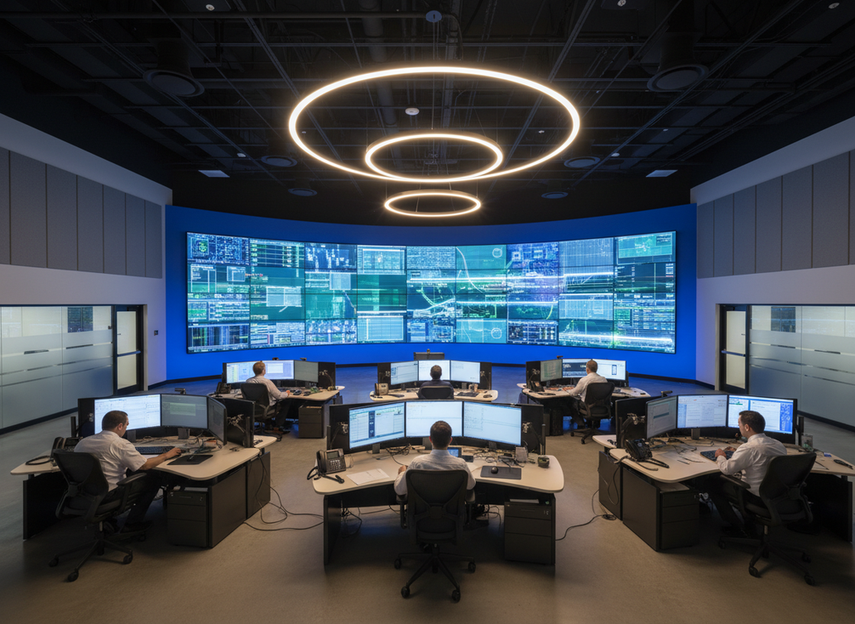
A single source is often the cleanest method for synchronizing several LED screens. Build one canvas, then route synchronized outputs to each processor.
Keep output formats identical across all destinations. Distribution equipment should pass the source timing without adding scaling or frame conversion.
Distributed Players With a Shared Clock
Distributed playback reduces long video cable runs. It also supports separate screen areas within one production timeline.
Every player should use the same approved content package and time reference. Schedule playback after all players report that they are ready.
Monitor timeline position, buffer status, file version, and reference lock. A correct clock cannot fix an incorrect content file.
Genlock and Frame Lock
Genlock aligns compatible video outputs with an external reference. Frame-lock features vary between processors, so check the exact operating mode.
For IP broadcast systems, SMPTE ST 2059-2 defines a PTP profile for professional broadcast timing.
Use LED display genlock synchronization when several screens appear in the same camera shot. Confirm that each source, processor, and output supports the selected reference.

Align Frame Rates, Clocks, and Signal Paths
Stable LED screen solutions remove unnecessary format conversion and measure every remaining delay.
Treat frame rate, clock reference, and route latency as separate commissioning items. Correct content can still reach one screen several frames later than another.
Source and Output Frame Rate
Set the media timeline, server output, switcher, processor, and camera chain to compatible rates. Do not treat 59.94 fps and 60 fps as the same rate.
For two free-running outputs with a constant rate difference:
Time to drift one frame = 1 ÷ |frame rate A − frame rate B|
Outputs running at 59.94 fps and 60 fps will separate by about one frame after 16.7 seconds. Use media rendered at the required output rate whenever possible.
Test every required conversion during technical rehearsal. Check motion, repeated frames, dropped frames, and long-run alignment.
Clock and Time Reference
NTP can synchronize computer clocks and scheduled start times, but it cannot keep individual video frames in phase.
The NTPv4 specification in RFC 5905 explains how networked devices align their system clocks. Frame-accurate playback still requires genlock, frame lock, or a suitable PTP setup.
Set primary and backup timing references. Test how each device responds to reference loss, recovery, and source switching.
Cable and Network Path Differences
Cable propagation delay is usually minor across standard event distances. Active extenders, converters, frame buffers, and network queues create larger timing differences.
Measure end-to-end latency on every route. Apply delay compensation at one controlled point.
Wireless links can add changing latency. Use them for backup control or file transfer only after testing them under venue conditions.
Control Content Versions and Scheduled Playback
Reliable LED screen solutions keep files, schedules, and player states consistent across the network.
Many multi-screen video synchronization failures come from mismatched assets. Accurate clocks cannot align different file versions or incomplete transfers.
Master Asset Versions
Create one approved master package for each production. Record filenames, versions, frame rates, durations, start markers, and checksums.
Render every screen-specific file from the same timeline. Keep frame counts and playback durations consistent across all outputs.
Each player status report should show the approved package identifier.
Every screen-specific file should match the master frame count.
Each checksum should pass verification prior to playback.
The approval record should identify the operator and release time.
Local Caching and Download Confirmation
Transfer media to local storage prior to playback. Remote streaming adds bandwidth variation and recovery risk.
Check file size and checksum after transfer. Mark a player as ready only after validation finishes.
Release the full package as one approved version. Mixing old and new files within the same schedule can break synchronization.
Coordinated Start and Recovery
Run a formal readiness check ahead of the playback command. Each player should confirm content, timing lock, output format, and storage status.
Begin playback at a shared future timestamp. After a fault, the player should return to the current master frame.
Some systems cannot rejoin cleanly during playback. Record that limitation and define the safest recovery procedure for the production team.
Test LED Screen Solutions Prior to the Event
Test LED screen solutions with extended playback, camera comparison, and controlled failure scenarios.
A short preview may not reveal slow clock drift or occasional network problems. Use the same devices, routes, settings, and content planned for the event.
Extended Playback Test
Run the final content for the full planned playback period. Include at least one restart and one source-switching cycle.
Show a visible frame counter during commissioning. Check alignment at the beginning, midpoint, and end.
A growing difference points to a clock or frame-rate mismatch. A fixed difference points to route latency or unequal startup timing.
Same-Frame Camera Test
Place all relevant screens within one camera view. Display matching timecode, a frame counter, and a single-frame flash marker.
Record at a higher frame rate when the camera supports it. Pause the footage and compare the displayed frame numbers.
Set the camera shutter carefully. Rolling-shutter bands can resemble timing problems even when the playback frames match.
Reboot and Failover Test
Restart each player, processor, and controller separately. Remove the primary signal and timing reference during controlled tests.
Record fault detection, takeover behavior, output interruption, and final frame alignment. Check that each recovered device returns to the current timeline.
Document any device that requires a full production restart. Add that information to the onsite recovery plan.
Lock Your LED Screen Solutions Prior to Commissioning
Finalize timing, frame rates, routes, assets, and recovery rules during system design.
For large touring canvases, the C-Carbon P3.91 rental LED wall reduces cabinet count and handling load. Each cabinet measures 1,000 × 1,000 × 83.75 mm (39.4 × 39.4 × 3.3 in) and weighs 20 kg (44.1 lb).Its 3.91 mm (0.154 in) pixel pitch and 3,840 Hz refresh rate support camera-facing outdoor rental projects. Single-person handling must still follow local rigging and workplace safety procedures.
Send the screen count, distances, resolutions, and signal diagram through Chipshow sales and support. The project team can review controller capacity, cabinet loading, timing interfaces, and redundancy requirements.
FAQs
Q1. Does an HDMI Splitter Keep Multiple LED Screens Synchronized?
Yes, if every output follows the same processing path. Different scalers, converters, processors, or display settings can add unequal delays, so each route still requires latency testing.
Q2. How Many LED Screens Can One Controller Synchronize?
It depends on pixel capacity, bandwidth, port count, and mapping limits. Calculate the total resolution at the required frame rate, then reserve capacity for redundancy and later expansion.
Q3. Can Different LED Refresh Rates Affect Playback Synchronization?
Not directly. Video frame rate controls playback timing, while LED refresh rate affects panel scanning and camera capture. Mixed refresh settings may still create different camera artifacts across screens.
Q4. How Much Delay Between LED Screens Is Visible?
A one-frame delay may be visible on adjacent screens. One frame equals about 16.7 milliseconds at 60 fps and 20 milliseconds at 50 fps, especially during flashes or fast motion.
Q5. Should Audio Follow the Same Synchronization Clock?
Yes, audio and video should follow one timing plan. Separate physical clocks are possible, but their delay must remain fixed and measured to prevent lip-sync drift during long playback.





