





Choosing pixel pitch for modular LED display panels takes more than checking viewing distance. Screen size, content detail, native resolution, processor capacity, installation tolerances, and maintenance costs all affect the specification. A finer pitch can improve close-up clarity, but it can also add cost without a noticeable gain. Compare each option using the actual screen layout, content, audience positions, and camera setup.
What Project Inputs Set the Pixel Pitch Range?
Use measured site conditions rather than picking a P value from a product catalog.
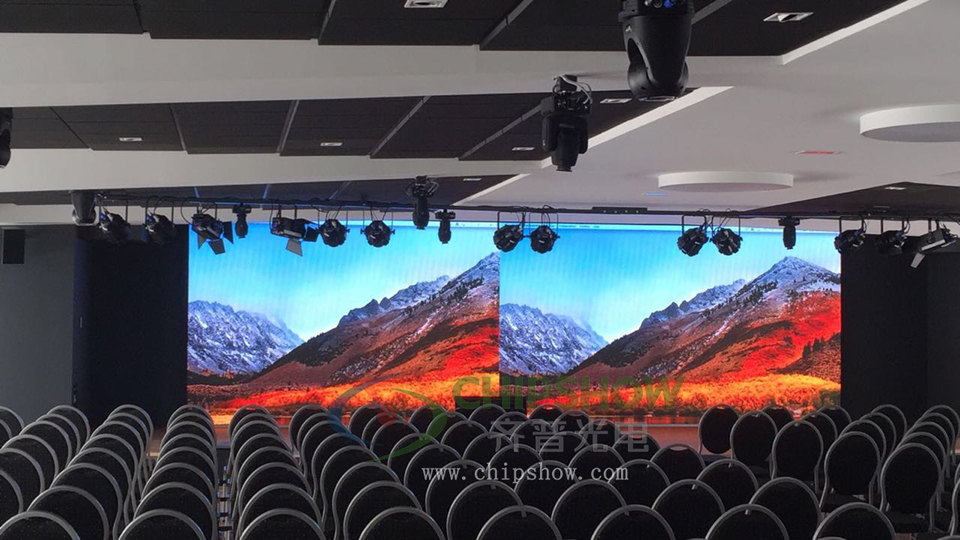
Closest and Typical Viewing Distances
Record the nearest viewer, main audience area, farthest viewer, and every camera position. Each position places different demands on modular LED display panels.
These formulas are useful during early planning:
Minimum viewing distance in meters ≈ 0.9 × pixel pitch in millimeters.
Minimum viewing distance in feet ≈ 3 × pixel pitch in millimeters.
P3.91 has 3.91 mm (0.154 in) between pixel centers. Its preliminary close-view distance is about 3.6 m (11.7 ft).
Small text and close camera shots may need a finer pitch. Moving a camera farther back may also reduce visible pixel structure.
Anyone researching how to choose LED display pixel pitch should also review the main audience area. One unusually close seat should not control the entire specification.
Screen Dimensions and Content Type
A large screen can reach a useful native resolution without using the finest available pitch. Smaller screens often need denser pixels for detailed content.
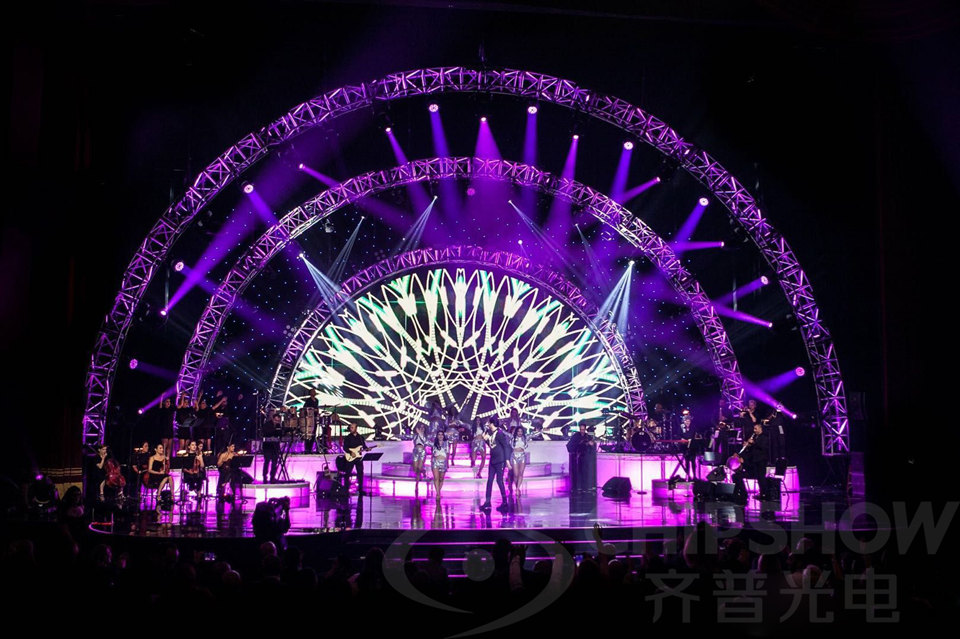
Video backgrounds usually need less pixel density than spreadsheets, sponsor grids, presentation text, or detailed data. Define the smallest critical text early.
AVIXA’s Display Image Size for 2D Content standard links content size with viewing positions. It does not set LED pixel pitch requirements.
Ask the client for the actual media planned for the event. Test lower thirds, logos, gradients, live feeds, and safety messages at their intended sizes.
Indoor and Outdoor Operating Conditions
An indoor LED wall pixel pitch specification should account for close viewing, comfortable contrast, and high grayscale at low brightness. Outdoor projects also face sunlight, weather exposure, mounting height, and longer viewing distances.
Record ambient light, viewing angle, operating brightness, and camera routes. Extra brightness cannot fix unsuitable pitch or a low-quality source file.
Check side-stage seats and elevated balconies as well. These positions may reveal seams, color shifts, or weaker contrast sooner than central seats.
How Do You Calculate Native Resolution for Modular LED Display Panels?
Calculate the pixel canvas first. Then compare cabinets, processors, and commercial LED display resolution targets.
Native Pixel Canvas
Convert the active screen dimensions to millimeters. Divide each dimension by the proposed pixel pitch.
Pixel width = active screen width in millimeters ÷ pixel pitch in millimeters.
Pixel height = active screen height in millimeters ÷ pixel pitch in millimeters.
Total pixels = pixel width × pixel height.
A 6.10 × 3.05 m (20 × 10 ft) screen at P3.91 produces about 1,560 × 780 pixels. Final values must follow the verified cabinet pixel count.
Product materials may round the nominal pitch. Final mapping should use the exact module and cabinet resolutions.
An LED display pixel pitch calculator can speed up early comparisons. Final system design still needs a verified cabinet layout and signal review.
These calculations give buyers a fair basis for comparing modular LED display panels with the same screen dimensions.
Aspect Ratio and Content Mapping
Compare the physical screen ratio with each main source format. Standard 16:9 content may not fit a wide scenic wall.
Operators may crop, scale, letterbox, or extend the composition. Each method changes pixel use and the amount of readable content.
For an irregular layout, create one map for the full canvas. Mark each output region and processor output area clearly.
Controller Output Capacity
Calculate the total pixel count first. Then select processors, sending cards, receiver cards, and network outputs.
Confirm the rated load for every device:
Each output must stay within its verified pixel capacity.
Port assignments must follow receiver-card and cabinet limits.
Redundant routes must support the planned backup method.
Spare capacity must cover any planned screen expansion.
A control system that cannot carry the pixel load may need replacement. That change affects the budget, rack space, and cable plan.

How Should Buyers Balance Detail, Cost, and Serviceability?
Pixel pitch should provide enough visible detail without creating unnecessary service and operating costs.
Cabinet and Module Count
A finer pitch adds pixels across the same physical area. It may also increase processing, calibration, and spare-part requirements.
Cabinet size affects labor separately from pixel pitch. Larger cabinets can reduce seams, locks, cables, and rigging points across a wide wall.
For large touring screens, the C-Carbon P3.91 rental LED wall uses a 1,000 × 1,000 × 83.75 mm (39.4 × 39.4 × 3.30 in) cabinet. Each cabinet weighs 20 kg (44.1 lb).
The larger format can reduce connection points across wide stage screens. Magnetic front and rear service also provides quicker module access.
The cabinet supports brightness up to 6,000 cd/m² (6,000 nits). Its specified refresh rate is 3,840 Hz. Both the front and rear carry an IP65 rating.
The IP65 rating covers protection against dust and water ingress. Project planning should still account for connectors, drainage, wind loads, and local electrical requirements.
This setup may suit outdoor touring projects where cabinet weight, service access, weather protection, and camera performance all affect the specification.
Power Density and Heat
Finer-pitch displays do not all use the same amount of power. Compare typical draw, maximum draw, brightness settings, power design, and cooling method.
Higher component density can concentrate heat and add troubleshooting work. Check venue power, distribution capacity, airflow, and cable loading for each option.
Spare Parts and Replacement Work
Use consistent modules, receiver cards, power units, cables, and masks where possible. Fragmented spares can remove an early price advantage.
| TCO Factor | Possible Finer-Pitch Effect | Buyer Check |
|---|---|---|
| Pixel density | More pixels occupy the same screen area. | Confirm viewers can see the extra detail. |
| Control capacity | Processing demand may rise. | Check outputs, ports, and redundancy. |
| Service inventory | More component versions may be needed. | Price a complete spare package. |
| Calibration | Replacement matching may take longer. | Confirm batch records and calibration files. |
| Labor | Technicians may inspect more components. | Test access and replacement procedures. |
Evaluate modular LED display panels by lifecycle cost rather than pitch alone. The coarsest pitch that passes every project test often offers strong value.
How Should Candidate Pixel Pitches Be Compared?
Use the same content, brightness, signal path, viewing positions, and cameras for every option.
| Test Condition | Keep Constant | Record |
|---|---|---|
| Audience viewing | Distance, angle, and content size. | Pixel visibility and text readability. |
| Camera capture | Lens, distance, shutter, and frame rate. | Moiré, banding, flicker, and color. |
| Brightness | Operating level and ambient light. | Grayscale, contrast, and uniformity. |
| Service test | Tools, access direction, and technician. | Replacement time and handling risk. |
| Signal test | Source, scaling method, and processor. | Mapping errors and latency. |
A controlled comparison shows if the finer pitch produces a visible or operational benefit.
Full-Scale Sample Testing
Test several connected cabinets where possible. A single module cannot show cabinet seams, structural tolerance, data loading, or large-area uniformity.
View the sample from the nearest seat and the main audience area. Repeat the test at the planned operating brightness.
Project-level testing should confirm the final choice of modular LED display panels. Catalog values cannot reproduce the full venue, content, and camera setup.
Small Text and Fine Graphics
Use the smallest approved sponsor text, presentation label, or data field. Check readability without excessive software sharpening.
Test diagonal lines, thin fonts, small icons, and high-contrast edges. These details can reveal scaling and mapping errors quickly.
Off-Axis and Camera Viewing
View the display from side seats, balconies, control positions, and camera tracks. Record visible seams and color differences.
Camera tests should use the planned lens, distance, shutter, and frame rate. Refresh rate can reduce banding and flicker.
Higher refresh rates cannot remove optical moiré. Pixel pitch, camera distance, focus, aperture, lens design, and sensor sampling also affect it.
Scan design and driver configuration can influence camera banding. Test the full signal chain with the actual production equipment.
Finalize Modular LED Display Panels With a Project-Level Test
Confirm the viewing distances, native resolution, content mapping, processor capacity, TCO, service access, and camera performance before finalizing the specification. Provide the screen dimensions, source formats, nearest viewing position, camera plan, and maintenance requirements. These details help define a practical configuration without paying for pixel density the audience will not notice.
FAQs
Q1. Can Modular LED Display Panels Use Different Pixel Pitches in One Project?
Yes. Separate screens can use different pitches for different viewing distances. Mixing pitches within one continuous image may cause mapping, calibration, and visual consistency problems.
Q2. What Is the Difference Between P2.6 and P3.91 Modular LED Display Panels?
P2.6 offers clearer detail at shorter distances. P3.91 usually costs less and suits longer viewing distances. Test both options with actual content and cameras.
Q3. Can Modular LED Display Panels Be Expanded Later?
Yes. Expansion requires spare processor capacity, enough power, compatible cabinets, suitable structure, and matching modules. Recalibration may also be needed after installation.
Q4. Can the Same Pixel Pitch Deliver Different Image Quality?
Yes. Pixel pitch only describes pixel spacing. LED packaging, scan design, grayscale, calibration, cabinet flatness, refresh rate, and processing also affect image quality.
Q5. Why Can Replacement Modules Show a Color Difference?
Replacement modules may use different LED batches or calibration data. Operating hours, temperature, and aging also affect color. Keep batch-matched spares and saved correction files.





