





Start where the audience will sit or stand, then look at the smallest detail they need to read. That is a better way to choose LED display pixel pitch than asking for the finest panel in the catalogue. A boardroom spreadsheet, a retail campaign and auditorium lyrics place different demands on the screen. Match pitch, screen dimensions and content together so the budget buys detail people can use.
What Is Pixel Pitch and Why Does It Matter for LED Displays?
In an LED display, thousands or millions of LEDs work together as pixels. Pixel Pitch is one of the most important specs because it tells you how tightly those pixels are arranged.
Pixel Pitch Defined: The Relationship Between Dot Spacing and Image Clarity
Pixel Pitch is the distance from the center of one LED pixel to the center of the next LED pixel. It is measured in millimeters. A P1.5 LED display has a 1.5 mm pixel pitch. A P3.0 LED display has a 3.0 mm pixel pitch.
The smaller the number, the closer the pixels are packed together. That usually means a sharper image at close viewing distances. The larger the number, the farther apart the pixels are. That can still look clear from a distance, but it may look grainy up close.
For example, a P1.5 wall in a conference room can look smooth at short range. A P4.0 screen in an auditorium may look clean from the seating area because viewers are farther away.
Pixel Pitch vs Resolution vs Screen Size: How They Interact
Resolution means the number of pixels on the screen, usually shown as width by height. LED Display Resolution is not decided by Pixel Pitch alone. It also depends on the physical screen size.
A small screen with fine Pixel Pitch may have fewer total pixels than a much larger screen with a wider pitch. That is why buyers should not ask only, “What pitch is best?” A better question is, “What pitch gives the right resolution for this screen size and viewing distance?”
Three factors work together:
- Pixel Pitch controls pixel density.
- Screen size controls how many pixels can fit on the display.
- Viewing distance controls how much detail the audience can actually see.
You can calculate the approximate pixel canvas from the dimensions: horizontal pixels = screen width in millimeters ÷ pixel pitch in millimeters, with the same calculation for height. A nominal 1.5 mm pitch needs 5.76 × 3.24 meters for 3840 × 2160 pixels; at 2.0 mm, that becomes 7.68 × 4.32 meters. These are calculated dimensions before fitting the actual module and cabinet layout, so use the final pixel map in the quotation.
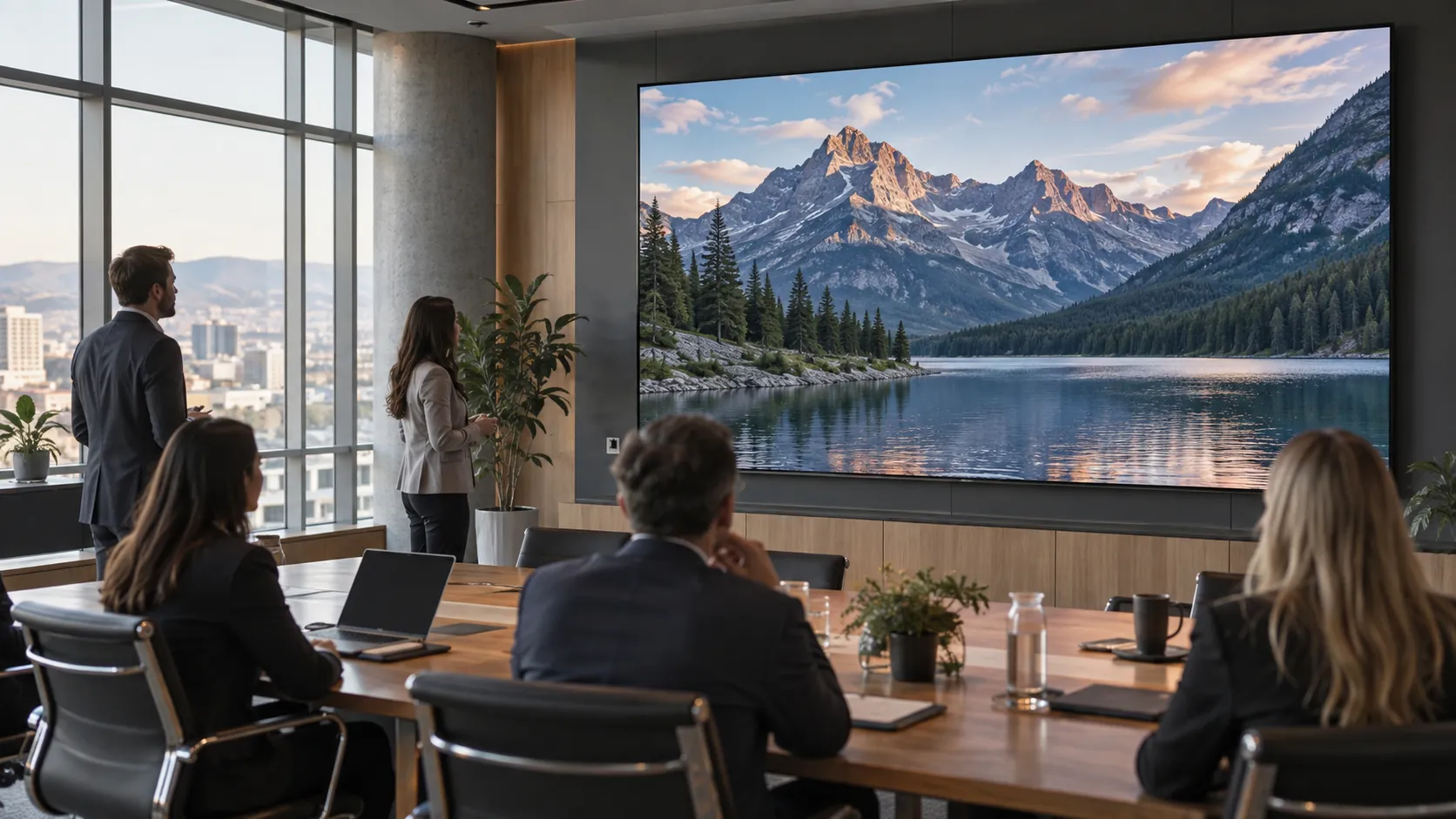
How to Calculate the Right Pixel Pitch for Your Viewing Distance
Pixel Pitch selection becomes much easier when it starts with distance. A display viewed from 6 feet away needs much finer pixel density than a display viewed from 40 feet away.
The Viewing Distance Formula and Quick Reference Table
A common practical rule is:
Minimum comfortable viewing distance in meters is close to the Pixel Pitch number in millimeters.
For example, P2.0 is usually comfortable from about 2 meters away. P3.0 is usually comfortable from about 3 meters away. This is not a strict engineering law, but it is useful for early planning.
The table below gives a simple reference for common indoor applications.
| Pixel Pitch | Approximate Minimum Viewing Distance | Best-Fit Use Case |
| P0.9 to P1.2 | 3 to 4 ft | Executive rooms, control rooms, premium close-view walls |
| P1.5 | 5 ft | Meeting rooms, corporate lobbies, boardrooms |
| P1.8 to P2.0 | 6 to 7 ft | Retail displays, showrooms, presentation spaces |
| P2.5 | 8 ft | Auditoriums, houses of worship, indoor stages |
| P3.0 to P4.0 | 10 to 13 ft or more | Larger halls, viewing from rows or open spaces |
Use the distance table to shortlist pitches, then demonstrate your smallest text from the closest, farthest and side viewing positions. The one-meter-per-millimeter rule is an early planning shortcut, not a promise that individual pixels disappear at that distance. For meeting rooms, the LED versus projector comparison shows how to test the complete room setup.
When to Prioritize Pixel Density Over Screen Size
Pixel density means how many pixels fit in a given area. Higher pixel density improves fine detail, small text, and close-range viewing.
Prioritize pixel density when the screen will show:
- Financial dashboards
- Small text
- Product details
- Maps or security feeds
- Video calls or faces at close range
- Premium brand visuals
Prioritize screen size when the audience is farther away and the message needs impact more than fine detail. A worship hall, school auditorium, or large showroom may benefit more from a bigger screen at P2.5 or P3.0 than a smaller screen at P1.2.
Pixel Pitch Recommendations by Application Scenario
Different spaces need different levels of LED Display Resolution. The best Pixel Pitch is not always the smallest one. It is the one that fits the way people will actually view the screen.
Corporate Lobbies and Meeting Rooms: P1.2 to P2.0
Corporate lobbies and meeting rooms often have short viewing distances. People may stand or sit close to the screen, so image clarity matters. P1.2 to P2.0 is often a strong range for these spaces.
For boardrooms, P1.2 or P1.5 can help text, charts, and video calls look more refined. For larger meeting rooms, P1.8 or P2.0 may provide a good balance between detail and cost. The screen should also support stable grayscale, high refresh rate, and front maintenance if wall space is limited.
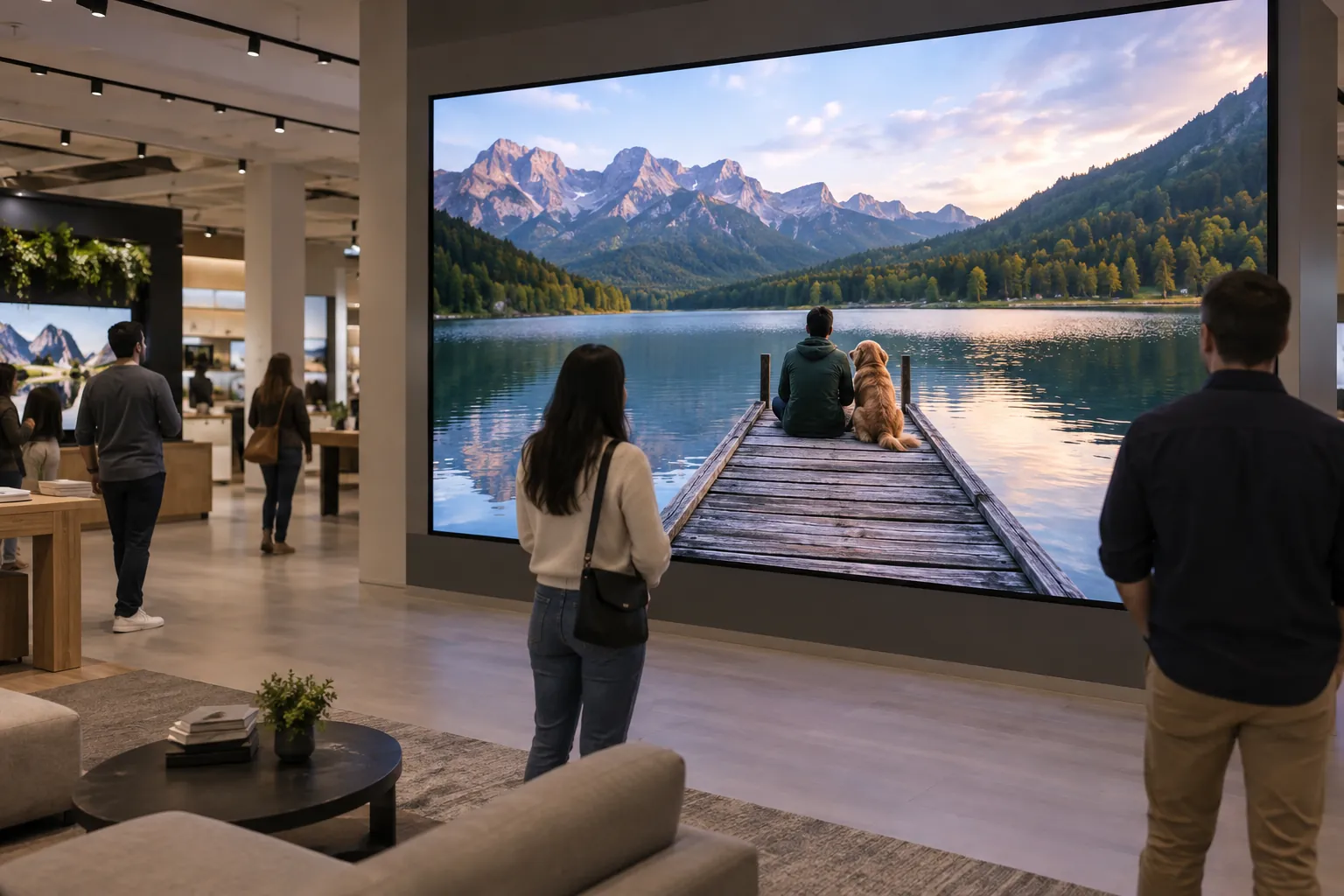
Retail and Showroom Displays: P2.0 to P3.0
Retail and showroom screens need strong visual impact. They often show product videos, brand campaigns, lifestyle visuals, or promotional content. Viewers may stop close to the screen, but they usually do not inspect it like a computer monitor.
P2.0 to P3.0 works well for many retail displays because it keeps images clean while controlling cost. For luxury showrooms or close-view product storytelling, a finer pitch may be useful. For larger storefront or atrium screens, P3.0 may be enough if viewers stand farther away.
Content quality matters here. A high-resolution LED display will not fix low-quality videos or poorly designed graphics.
Houses of Worship and Auditoriums: P2.5 to P4.0
Houses of worship and auditoriums usually have longer viewing distances. The screen may show lyrics, sermon notes, live camera feeds, announcements, and event visuals. Most viewers are seated several rows away, so ultra-fine Pixel Pitch is often unnecessary.
P2.5 to P4.0 can provide strong readability and good image quality for many indoor audience spaces. If the first row sits very close to the screen, choose the finer end of the range. If the screen is large and mounted high, P3.0 or P4.0 may offer better value.
Does Smaller Pixel Pitch Always Mean Better Image Quality?
A smaller Pixel Pitch can improve detail, but it is not automatically better for every project. After a certain point, the human eye may not see enough improvement to justify the added cost.
The Diminishing Returns of Ultra-Fine Pixel Pitch
Diminishing returns means each extra dollar brings less visible improvement. Moving from P4.0 to P2.5 can make a major difference for a close indoor audience. Moving from P1.2 to P0.9 may be harder to notice unless the screen is viewed very closely or used for high-detail work.
Ultra-fine Pixel Pitch also requires more careful planning. More pixels mean more LED components, more processing needs, and stricter installation precision. For some projects, that investment is worth it. For others, the money may be better spent on a larger screen, better content production, or stronger control equipment.
How Content Resolution and Source Quality Affect the Final Image
Source quality means the quality of the video, image, or signal sent to the LED display. A high-end display cannot create detail that does not exist in the source file.
A 4K screen playing low-resolution content will still look soft. A finely pitched LED video wall showing compressed or poorly scaled content may reveal flaws more clearly. Buyers should match LED Display Resolution with content workflow.
For best results, plan the content format before choosing the screen. Text size, video resolution, aspect ratio, and playback system should all match the final display layout.
How Pixel Pitch Impacts Total Project Cost
Pixel Pitch affects more than image quality. It changes the cost of LED modules, control systems, installation accuracy, spare parts, and sometimes energy use. A smart budget compares total project value, not just the price per square meter.
LED Module Cost Differences Across Pixel Pitch Ranges
A smaller Pixel Pitch places more pixels into the same area. That usually means more LEDs, more driver components, and more precise manufacturing. As a result, fine-pitch LED displays usually cost more than wider-pitch displays of the same physical size.
The cost jump can be especially noticeable below P1.5. Ultra-fine pitch products are often used in premium indoor spaces where close viewing and sharp detail are required.
Pixel Pitch can also affect maintenance planning. More pixels mean more components, so buyers should ask about module access, spare modules, calibration, and support.
Balancing Image Quality, Budget, and Screen Size
Compare two or three options with the same content and seating plan. For example, test a smaller P1.5 display against a larger P2.0 display: the first may reward close viewing, while the second may make slides easier to follow at the back. Record what the audience can actually read before deciding where the extra budget belongs.
A practical selection process should ask:
- How close is the nearest viewer?
- What type of content will appear most often?
- Does the screen need to show small text?
- Is the screen used for live camera feeds?
- Is the budget fixed or flexible?
- Would a larger screen create more value than a finer pitch?
For many projects, the best LED Display Resolution is not the highest possible resolution. It is the highest useful resolution for the actual space.
How to Spec an LED Display with the Right Resolution
A strong specification gives the supplier enough detail to recommend the right screen. It also helps buyers avoid vague quotes that are hard to compare.
Step-by-Step Specification Checklist
Before requesting a quote, prepare the following information:
- Installation location: wall-mounted, freestanding, recessed, or hanging.
- Screen size: target width and height, not just diagonal size.
- Viewing distance: nearest, average, and farthest viewer positions.
- Content type: video, text, live camera, dashboards, ads, or mixed use.
- Target resolution: 2K, 4K, 8K, or custom layout.
- Brightness requirement: indoor ambient light level and window exposure.
- Maintenance access: front service, rear service, or limited access.
- Control needs: single screen, multi-zone content, or remote operation.
Include a few representative content files with the brief, especially the densest spreadsheet, map or dashboard you expect to use. The business LED display selection guide helps combine image requirements with installation and support so the quotation covers the whole project.
Chipshow Fine-Pitch LED Displays for Indoor Applications
Chipshow’s indoor LED display range provides different product paths for close-view control rooms, conference spaces, commercial displays, and larger audience environments. The right direction depends on viewing distance, content detail, screen dimensions, installation method, and budget.
The table below gives buyers a practical starting point for product selection.
| Buyer Scenario | Recommended Chipshow Direction | Why It Fits |
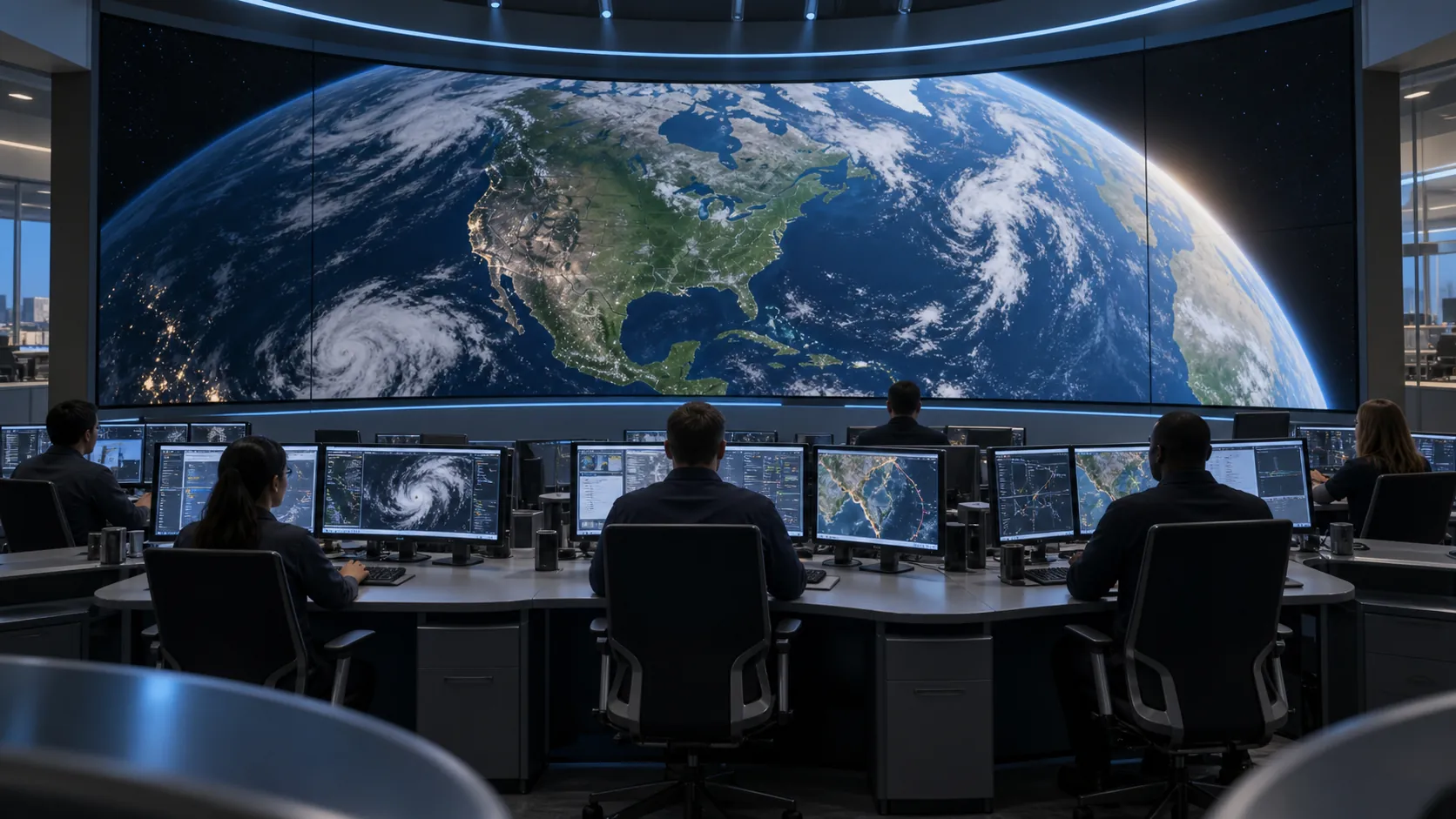
| Control room, command center, or premium close-view application | C-Pad or C-Pad-C | Suitable for detailed close viewing, with COB options, front maintenance, high reliability, and anti-collision surface protection in supported configurations |
| Conference room, corporate lobby, or commercial display | C-Max | Supports front maintenance, wall-mounted installation, and common 4:3 or 16:9 display layouts |
| Auditorium, education space, house of worship, or showroom | C-Max or wider-pitch indoor options | Supports larger display areas while balancing viewing distance, Pixel Pitch, image impact, and budget |
These product paths are starting points rather than fixed rules. C-Pad and C-Pad-C are more suitable for applications that prioritize close-view detail and professional monitoring, while C-Max provides a practical direction for conference rooms, commercial spaces, and larger indoor video walls.
Depending on the selected Pixel Pitch, cabinet layout, and total screen size, Chipshow indoor configurations can also support 2K, 4K, or 8K resolution planning. Buyers should confirm the nearest viewing distance, target resolution, content type, aspect ratio, and maintenance access before choosing the final product configuration.
Get the Right Pixel Pitch for Your Project
Pixel Pitch selection is not about choosing the smallest number. It is about matching LED Display Resolution to viewing distance, content quality, screen size, and budget. A corporate boardroom, retail showroom, auditorium, and control room all need different answers. Share your room layout, target screen size, viewing distance, and content plan with Chipshow — contact our team — to receive a practical indoor LED display specification.
FAQs
Q1. What Pixel Pitch Is Best for a 4K LED Display?
Choose pitch and physical size together. For 3840 × 2160 UHD, nominal P1.5 gives a calculated active area of 5.76 × 3.24 meters, while P2.0 gives 7.68 × 4.32 meters. The final dimensions depend on the actual pixel pitch and cabinet grid; ask for the native pixel map rather than relying on a “4K” label.
Q2. Can LED Display Resolution Be Higher Than the Video Source?
Yes, but the display will not add true detail by itself. If the video source is low resolution, the processor may scale it to fit the screen, but the image can still look soft. Good LED Display Resolution works best with matching content quality.
Q3. Is Fine Pixel Pitch Necessary for Text-Heavy Content?
Usually yes, especially when viewers stand close to the screen. Text, charts, maps, and dashboards need enough pixel density to keep edges clean. For longer viewing distances, a moderate Pixel Pitch may still keep text readable if font size is large enough.
Q4. Can Pixel Pitch Affect Camera Performance?
Yes. The pixel pattern can interact with the camera sensor and create moiré, while scan behavior, timing and exposure can produce other artifacts. Test the intended camera, lens and shooting positions. The XR moiré guide explains the pitch-and-camera relationship in more detail.
Q5. What Pixel Pitch Is Best for Conference Rooms, Control Rooms, and Retail Displays?
Conference rooms often use Pixel Pitch options around P1.25 to P2.0, depending on the nearest viewing distance and screen size. Control rooms and command centers may use P0.93 to P1.56 when detailed dashboards, maps, or monitoring feeds are viewed at close range. Retail displays often use P1.56 to P3.0, with finer options for close-view product content and wider options for larger spaces.
Q6. Why Do Fine-Pitch LED Displays Cost More?
Because the same screen area holds more pixels. A finer pitch packs more LED chips, drivers, and processing into each square meter, and it needs tighter manufacturing and installation precision. That is why the cost rise is usually steepest below P1.5. When viewers sit far enough away, a wider pitch paired with a larger screen often delivers more visible value per dollar.





