





Before asking how much an LED screen costs, decide what people need to see on it. A lobby welcome wall, a meeting-room spreadsheet and an outdoor advertisement need different combinations of size, detail and brightness. Put the viewing task, sample content and site conditions into one brief; suppliers can then explain which configuration fits and what the complete project will cost.
Write the viewing task before selecting hardware
Is the display primarily for advertising, readable information, live video or an event backdrop? Identify the smallest essential text and collect representative content. Record the intended viewing positions and the lighting conditions that the proposal needs to address. These details give suppliers something concrete to evaluate.
Build a requirements brief that bidders can answer
| Brief item | What to provide or request |
|---|---|
| Purpose and audience | Describe the viewing task and the content that must remain readable. |
| Site and layout | Provide the proposed display area, access constraints and known environmental exposure. |
| Content sources | List media players, live inputs and any systems that must connect. |
| Operation | Name the content approver, daily operator and maintenance contact. |
| Commercial scope | Ask bidders to separate equipment, installation, transport, training and support. |
| Acceptance | Agree on samples, checks, documentation and responsibility for unresolved items. |
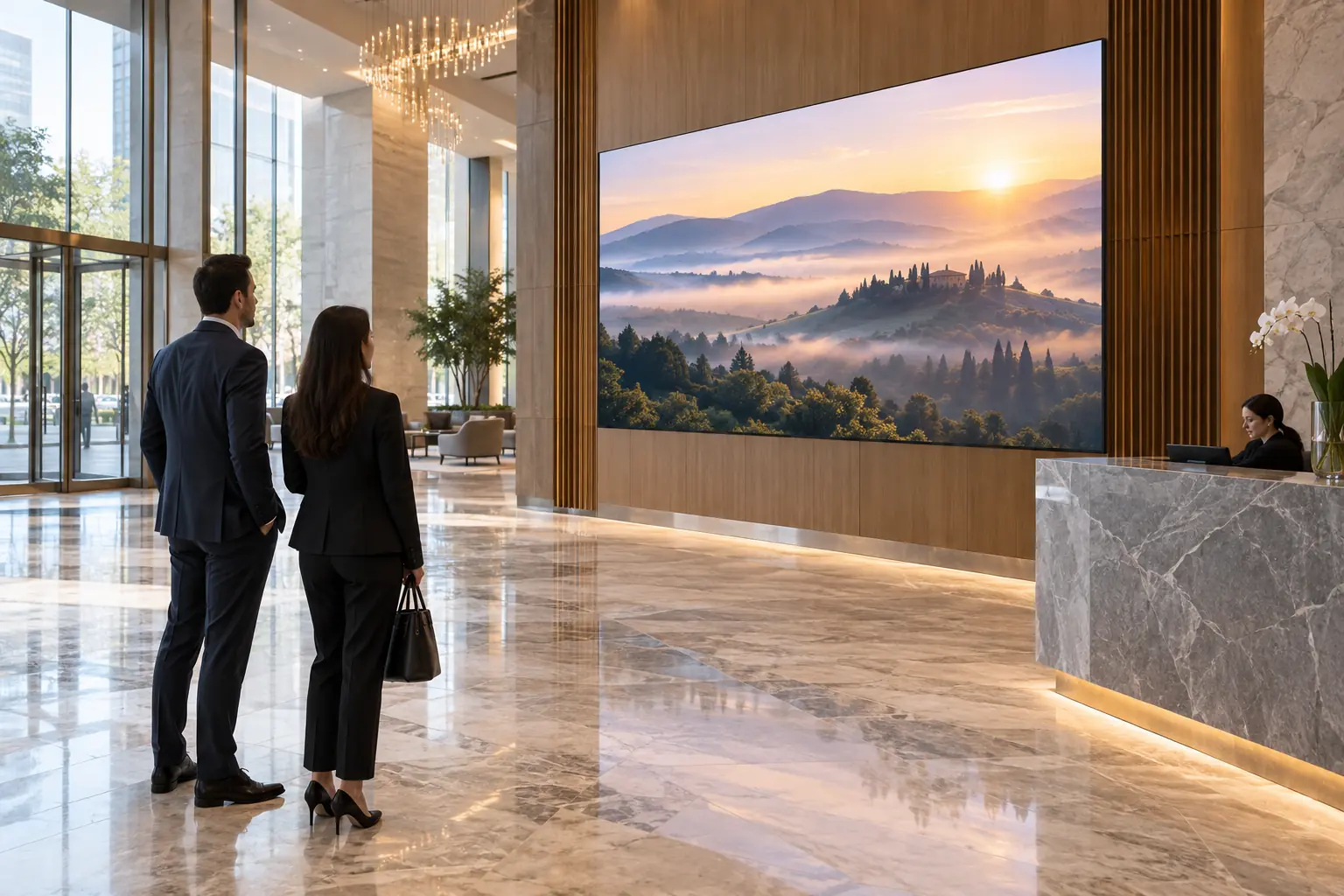
Example brief: for an illustrative 3 × 2 m lobby wall, specify welcome messages and promotions, 720p source playlists with bold type, an agreed crop or letterbox treatment for the 3:2 wall, viewing from 2–4 m and bright glazing on one side. Name who uploads content and who manages power and mounting. Request the display, mounting system, spares and a quoted support term, then check noon-time readability, color consistency and the agreed pixel-defect acceptance criteria. This is a planning example, not a customer case.
Mark unknowns instead of filling them with assumptions
List what still needs a site check, such as mounting details or available electrical supply, and assign each item to the person who can answer it. Ask bidders to state any assumptions that affect price or installation. Keep the final model and specification revision with the quotation so the approved configuration remains clear at handover.
Choose technical details in the right order
Start with pixel pitch, screen dimensions and native resolution, using your actual content and viewing positions. A distance rule can help shortlist options; a demonstration with the smallest text shows whether the selected detail is worth paying for.
Next, compare the cabinet and service design: where technicians gain access, what is replaceable and how the image is checked after a repair. For close-view control rooms, the COB, SMD and GOB comparison explains the construction and protection tradeoffs. Match those benefits to the room instead of choosing by the technology label alone.
Compare complete proposals, not isolated prices
Make sure each quotation answers the same brief. Record what is included, what is excluded and what depends on another contractor. Where a bidder proposes an alternative, ask which requirement changes and how it will be demonstrated.
For outdoor projects, use the manufacturer evaluation guide to compare factory and product evidence. For support-sensitive installations, use the service SLA guide to compare response, spares and restoration commitments. Include those answers in the offer, where they can be reviewed alongside the price.
If the project is actually a replacement of an existing multi-screen LCD wall, the LCD-to-LED retrofit planning guide covers the footprint mapping and installation sequence for that case.
Agree on handover before ordering
Agree on the handover while the quotation is being finalized: a demonstration with your content, the accepted configuration, operator training and a list of any outstanding work with named owners. The buying team should be able to hand the project to operations without making them reconstruct the system from email threads.
Frequently Asked Questions
What Should a Business Write Down Before Requesting LED Display Quotes?
Describe the viewing task and the content that must remain readable, the proposed display area and site constraints, the content sources, the operating roles, and the acceptance method. Mark unconfirmed items as open dependencies instead of assuming them, so every bidder quotes the same scope.
Does Pixel Pitch Decide the Whole Display?
No. Pitch is discussed in relation to the proposed content and viewing task; packaging terms such as COB, SMD or GOB do not by themselves establish protection, performance or maintenance cost. Ask for the exact model and supporting documentation in each proposal.
How Should Two Different Quotations Be Compared?
Check that each quotation answers the same brief, record what is included, excluded and dependent on another contractor, and ask bidders proposing alternatives which requirement changes and how it will be demonstrated. Keep delivery, warranty and service responsibilities attached to the order rather than to marketing statements.
What Counts as a Complete Handover?
A demonstration using representative content, a documented configuration, training for the intended operator, and an agreed way to record and resolve outstanding issues before the order is placed.
Why does a manufacturer recommend writing the brief first? Because an LED display is a system decision: pitch, brightness, processing, and service all trade against each other. A written brief lets Chipshow and any other vendor answer the same questions with comparable proposals — which is what makes the final comparison fair.





