





Compare outdoor LED display manufacturers using the exact configuration, supporting documents, quotation scope and service terms they offer. A shared requirements brief is more informative than comparing brand claims or cabinet price alone.
Give every supplier the same starting brief
Document the application, screen size, viewing positions, content and service access. Record sun and shade, rain, dust, temperature and corrosion exposure; identify who will review support loads, electrical arrangements and local approval requirements. If these inputs change between suppliers, the quotations may describe different solutions. The business LED display requirements guide helps organize this first step; this article focuses on evaluating the supplier’s response.
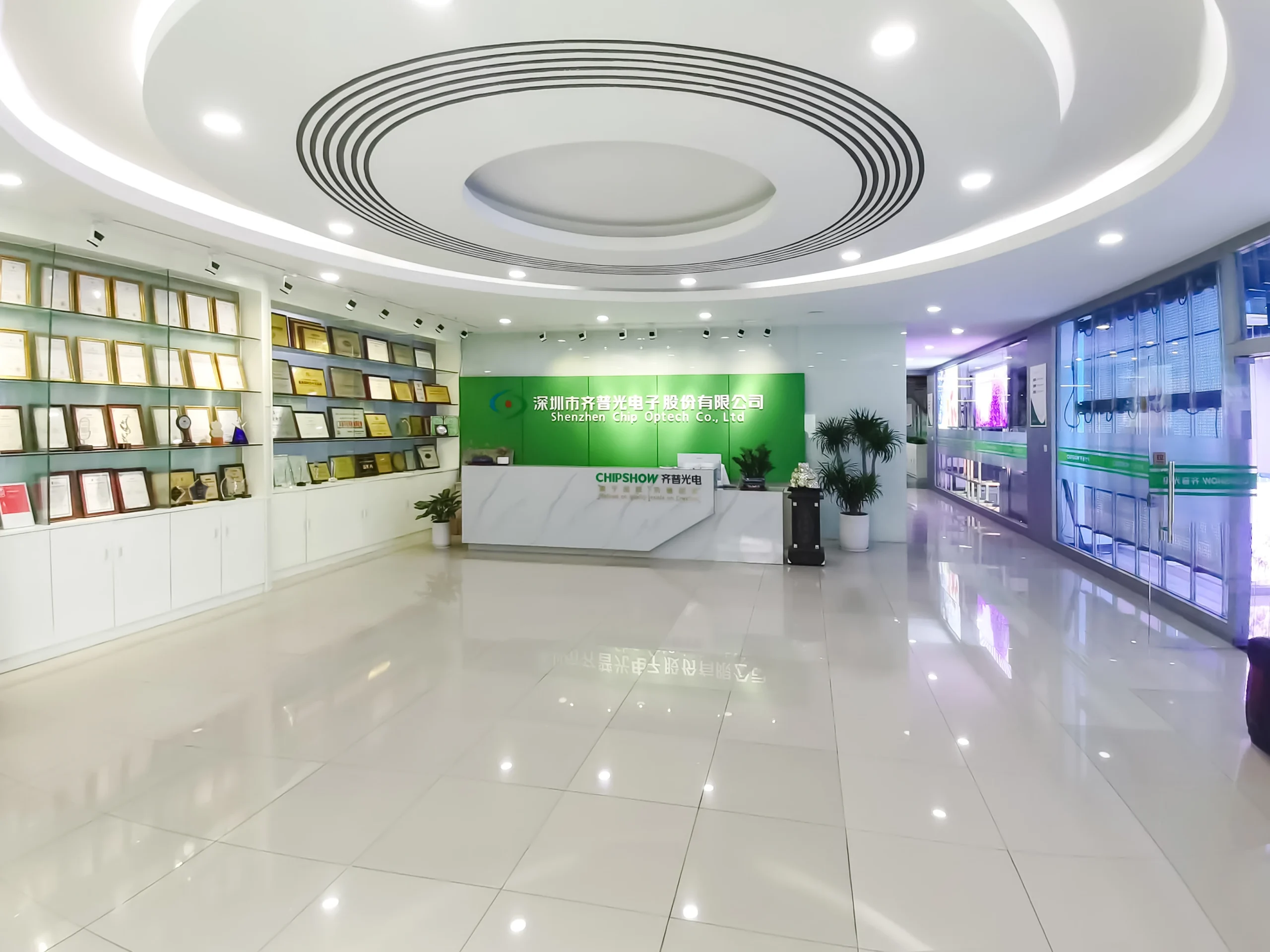
Ask each supplier to identify what it manufactures, what it buys in and what the installer or operator must provide. A clear division of responsibility is more useful than assuming factory size or in-house research alone guarantees a successful installation.
Verify documents, not just certification logos
Request documents relevant to the intended market and proposed equipment. Check the manufacturer identity, model coverage, issuing body, applicable standard and document status. A certificate for another model or an unrelated component does not automatically cover the assembled screen. Have the relevant technical or compliance specialist assess what the documentation actually establishes.
Ask how the quoted performance was determined
For a stated brightness, power or environmental figure, request the test conditions and configuration. Clarify which values are typical, maximum or conditional, and whether the evidence concerns a module, cabinet or complete installed system. Avoid treating a catalogue headline as a site acceptance result.
The LED display system technology evaluation article provides a related framework for separating display, processing and control responsibilities. No packaging name or component specification alone verifies the whole system.
Compare quotations on the same scope
| Scope | Compare | Ask each supplier to provide |
|---|---|---|
| Display | Active dimensions, native resolution and hardware revision | Model-specific equipment list and drawings |
| System | Processing, control, cabling and separately supplied equipment | Included items and named integration responsibilities |
| Installation | Structural design, power work, access equipment and commissioning | Scope, exclusions and responsibility for site approvals |
| Service | Spares, training, maintenance access and escalation contacts | Spare-part list, access plan and support terms |
| Commercial | Delivery assumptions, exclusions and warranty coverage | Itemised price, delivery terms and written warranty |
Mark an unanswered item as unresolved rather than assigning it an optimistic value. A lower quote may reflect a different scope; a higher quote still needs supporting evidence. Neither price level proves quality.
Read warranty exclusions and response commitments
Clarify coverage, start date, labor, transport costs, on-site support and the process for obtaining replacement parts. Distinguish an acknowledgement target from a repair commitment. Ask for relevant historical references, with customer permission where needed, but do not use a past project as proof of a new service promise.
Request a configuration-specific comparison
Send your screen dimensions, location, viewing distances, content and service-access requirements to the Chipshow team. Ask for the proposed configuration, an itemised quotation and the supporting documents needed to compare it with the other offers.





