





A good LED display starts with the content you need people to see. The media source, image processor, display controller and LED pixels all have a job in getting that content onto the wall. Understanding this source-to-screen path helps you compare complete systems, spot missing equipment in a quotation and ask for a demonstration that reflects everyday use.
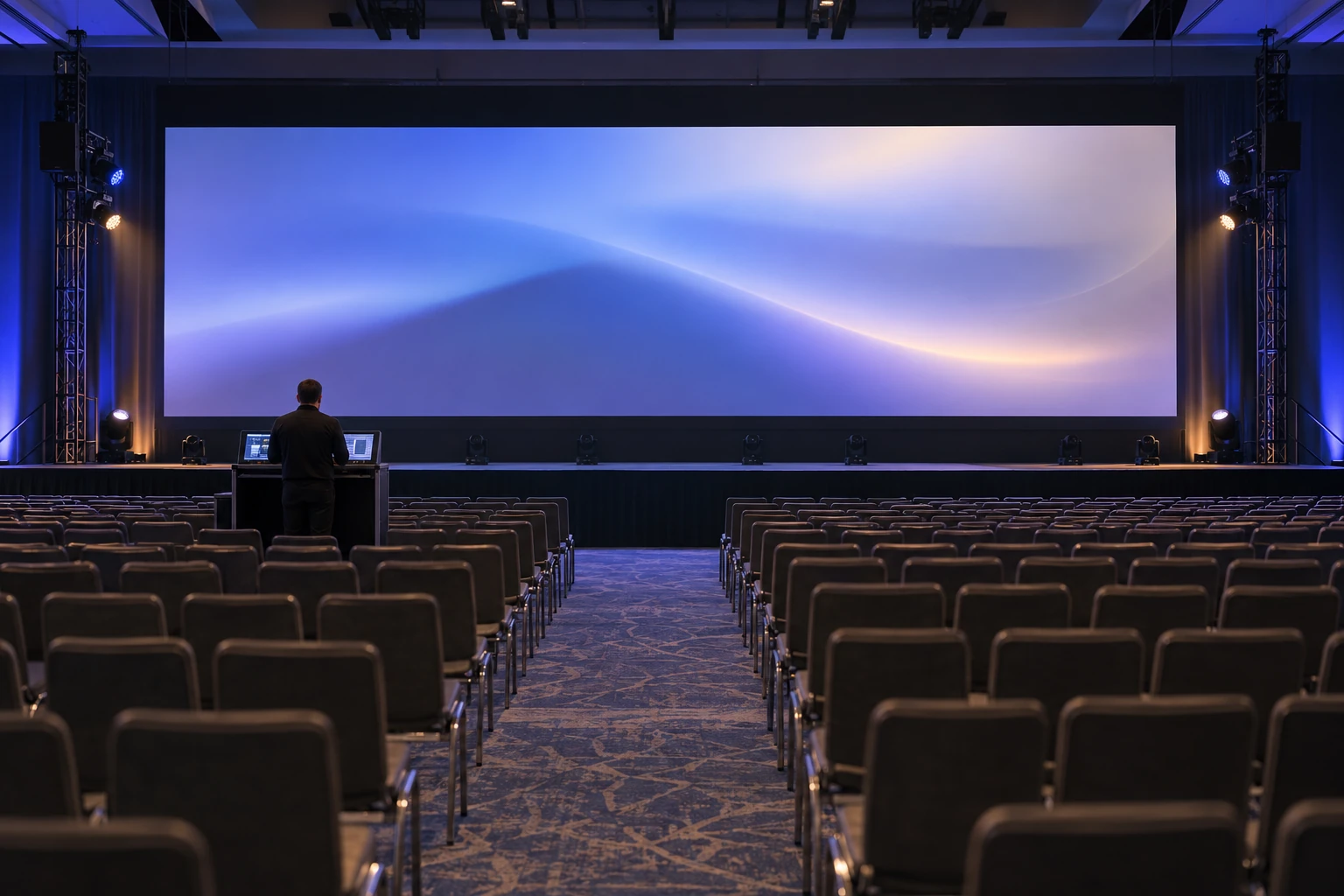
Start with the source-to-screen path
For a new project, sketch the path from the content source to the visible image. Identify the media player or live input, processing equipment, screen-control components and display cabinets. Ask the supplier to name the equipment included in its offer and identify anything the customer or another contractor must provide.
Make responsibility visible
Put an owner beside each connection and configuration. Who supplies the source signal? Who maps the image to the screen? Who keeps configuration backups? This helps prevent an apparently complete display quotation from leaving essential integration work unassigned.
Test the content you actually need to show
Use representative material rather than relying only on a demonstration reel. Include your smallest important text, a typical image, motion content and any live source expected in daily operation. Review these from the planned audience positions and under lighting conditions relevant to the site.
Bring the smallest text your audience must read, not only the supplier’s best-looking video. The LED pixel pitch guide explains how pixel spacing affects detail; the room test shows whether that detail is useful at your viewing distance. A finer pitch is worth paying for when it improves the content people actually need to see.
Agree on evidence before accepting the system
- Save the source files and configuration used in the demonstration so the test can be repeated.
- Check that the intended image fills the correct display area without unexpected cropping or stretching.
- Ask the integrator to demonstrate an approved response to a missing input and explain how normal operation is restored.
- Record the brightness setting, viewing position and any camera settings used when comparing alternatives.
Include service access in the technology decision
A convincing picture does not answer how the screen will be maintained. Ask which components can be reached from the proposed service side, what clearance is needed and which tasks require isolation by qualified personnel. Request the relevant maintenance instructions before the enclosure or surrounding structure is finalized.
If the screen will move between venues, compare packing, repeated assembly and access for repairs as well as the finished picture. The rental versus fixed LED screen guide helps match the cabinet format to that workload. Follow the maintenance procedure for replacement work; a removable module is not automatically hot-swappable.
Turn the evaluation into a purchasing brief
Use the business LED display selection guide to bring the room, content samples and support requirements into one brief. Ask every bidder to show what is included, who handles integration and how the finished system will be accepted. Comparing answers to the same brief is much easier than comparing unrelated specification sheets.
Frequently asked questions
What is the basic LED display signal path?
Identify the content source, image processing, display-control components and visible display. Ask the supplier to name the equipment in the actual offer.
What content should an acceptance demonstration use?
Use the smallest important text, representative images, motion and any intended live source. Record the relevant viewing and lighting conditions.
What belongs in the handover record?
Keep the agreed source files and configuration, acceptance checks, service instructions and named owners for the system responsibilities.
Before requesting a quote, send the screen dimensions, viewing positions, sample content and expected operating hours. Include the source devices you already own. Those details help the supplier propose the display and the equipment needed to make it work as a system.





