





Optical zoning gives each LED sports display area the beam, brightness, and camera performance its location requires. Perimeter boards and upper scoreboards rarely face the same seats, sunlight, or lenses. One venue-wide specification may waste power and leave weak viewing angles. Zone-based requirements connect display performance to the actual stadium layout.
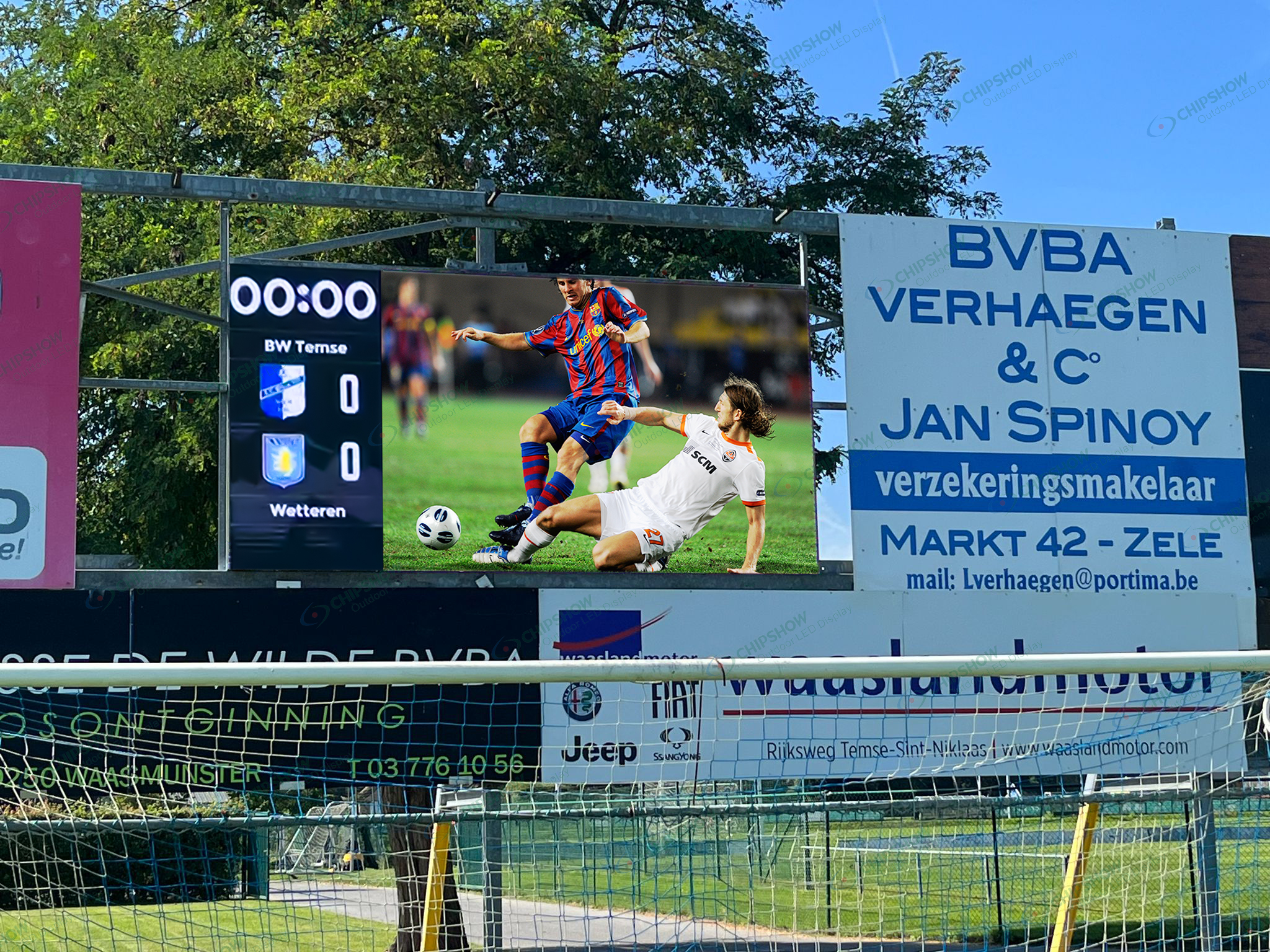
Map Each LED Sports Display Zone During Venue Design
Venue drawings should show screen locations, seating angles, sunlight paths, and planned camera positions. Separating these conditions by zone prevents one specification from being applied to screens with different viewing and operating demands.
Field-Level Perimeter Boards
Perimeter boards sit close to players, front-row spectators, and low broadcast cameras. Cabinet tilt and vertical beam coverage control what each group sees.
Soft masks and top padding reduce contact risk at field level. Include both features in the perimeter-zone specification.
Main Scoreboards and Ribbon Displays
Main scoreboards carry scores, replays, sponsor content, and safety messages to distant seats. Text size and brightness uniformity affect readability across the bowl.
Ribbon displays face viewers at varied horizontal and vertical angles. Long viewing distances also require stable color and legible moving text.
Covered Concourse and Fan Areas
Concourse screens sit closer to viewers and often operate under cover. Lower output may provide clearer viewing without glare in these areas.
Record viewing distance, seat angle, sunlight exposure, camera use, content, and service access for every LED sports display zone.
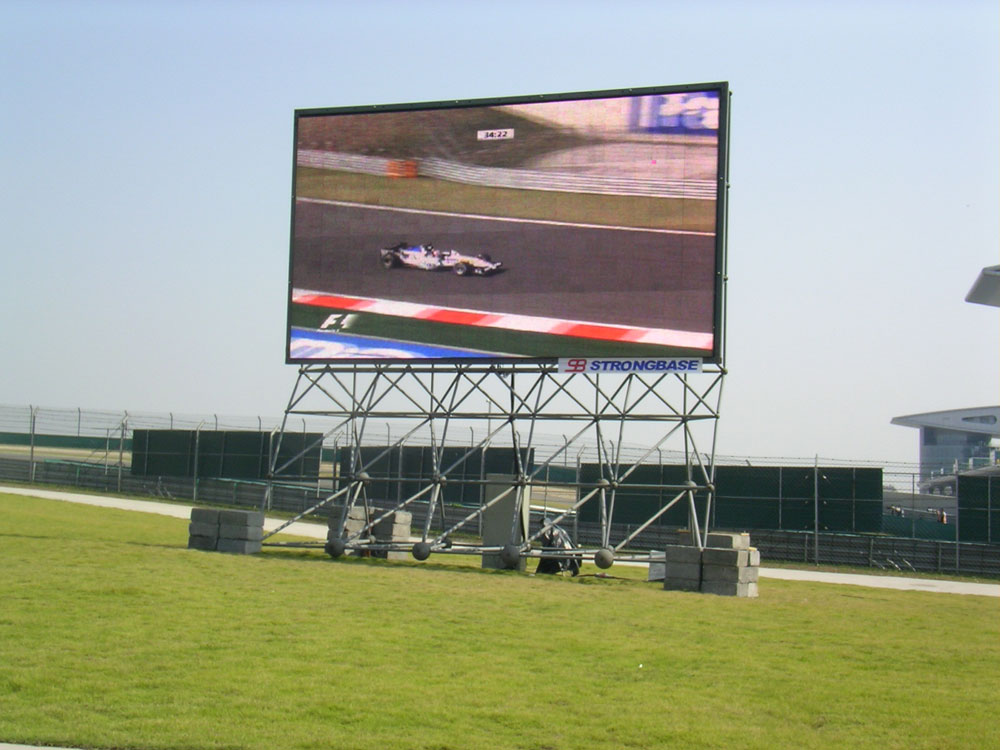
Where Should Wide and Focused Optics Be Used?
Beam selection for an LED sports display should follow useful viewing coverage, not the widest number on a specification sheet.
| Decision Factor | Wide Beam | Focused Beam |
|---|---|---|
| Seating layout | Covers multi-tier, corner, and end-zone seats | Serves concentrated seating in a defined direction |
| Camera coverage | Supports cameras across several venue sides | Supports planned camera lanes within the beam |
| Viewing distance | Handles mixed short and long distances | Directs output mainly toward distant seats |
| Sunlight | Fits shaded zones with varied viewing angles | Concentrates forward intensity in sun-facing zones |
| Light distribution | Spreads output across wider angles | Limits light outside the planned viewing area |
| Main design risk | Forward intensity may fall at equal input power | Visibility may fall outside the specified beam |
Measurements from real seats and camera positions should confirm the final optical design.
Wide Beams for Distributed Seating
Wide optics cover seats and cameras spread across large horizontal and vertical angles. Typical locations include multi-tier stands, corners, and end zones.
Measure both brightness and color off axis. A wide brightness pattern may still show color drift near its limits.
Focused Beams for Defined Viewing Areas
Focused optics suit long sidelines with a narrow range of useful viewing angles. The beam concentrates available output toward those seats.
Map every position outside that beam. A 45° vertical pattern might miss upper tiers or low cameras if the cabinet tilt is wrong.
Match C-Sport Optics to Stadium Conditions
Chipshow supports both optical approaches within the C-Sport range. The P8 Wide-View SMD display uses 8 mm (0.31 in) pitch and 120° horizontal and vertical viewing. Brightness options are 5,500 nits and 8,000 nits.
Its two SMD packages have different maximum power ratings. SMD2727 is rated at up to 570 W/m² (53.0 W/ft²). SMD3535 is rated at up to 470 W/m² (43.7 W/ft²).
The P8 ICE Ultra-Bright display uses a 100° horizontal and 45° vertical beam. It provides up to 10,000 nits, with IP65 protection at the front and rear.
Both cabinets measure 1,280 × 900 × 100 mm (50.4 × 35.4 × 3.9 in). Soft masks and top padding reduce player contact risk. This field setup video shows the perimeter cabinet format.
Maximum power supports electrical design. TCO calculations need typical operating power at the required brightness settings.
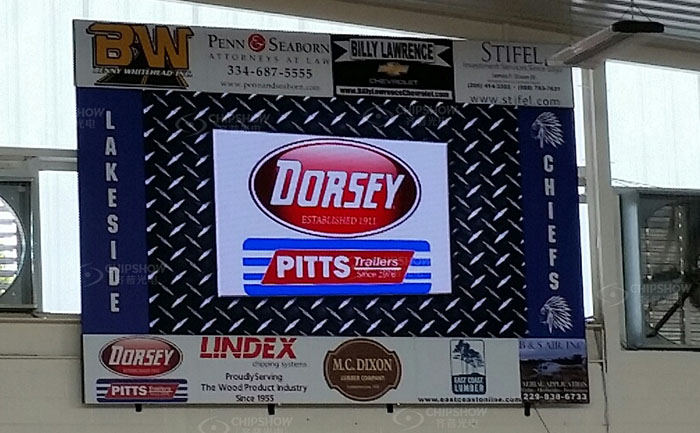
How Should Brightness Be Zoned Across a Stadium?
Ambient light, screen orientation, event time, camera exposure, and content all affect the required output. Brightness settings should reflect each zone’s working conditions instead of the screen’s maximum rating.
Account for Direct Sun and Covered Areas
Sun-facing sections usually need higher daytime brightness than shaded zones. Higher output cannot correct poor beam direction or strong surface reflection.
Commission the screen with representative content under expected sunlight. Test white text, dark backgrounds, sponsor colors, video, and emergency messages.
Covered areas normally run at lower brightness. Excess output creates glare, hides dark detail, and increases power without improving readability.
Set Day, Dusk, and Night Modes
Day, dusk, and night presets give each LED sports display a suitable operating range. Night settings should control glare while preserving dark detail.
An ambient-light sensor can feed a scheduled brightness policy. Rate limits prevent sudden output changes during live play.
Control-system documentation describes mappings between sensor readings and screen brightness. Manual control remains necessary for unusual weather or broadcast conditions.
Match Zones Seen Together
Shared spectator and camera views need consistent white point, gray balance, and perceived brightness. Gradual transitions reduce visible steps between adjacent zones.
Commissioning records should state target values and permitted variation. Cameras often make small brightness differences easier to see.
Match LED Sports Display Performance to Broadcast Cameras
Broadcast acceptance should cover the full signal path and every camera planned for the venue. Refresh rate, scan configuration, processing, and camera exposure must work together under real production settings.
Treat Refresh Rate as One Camera Specification
A 3,840 Hz refresh rate is a common procurement baseline for camera-facing stadium screens. Clean footage still requires compatible panel and camera settings.
Scan-line performance also follows scan ratio, driver IC configuration, pulse width modulation, input frame rate, and camera exposure.
Normal shots, fast pans, replays, and slow-motion modes need separate trials. Different camera positions may reveal different color or brightness behavior.
Synchronize the Signal Path
Systems with Genlock give cameras and LED processing a shared timing reference. Shutter-fit and phase controls align display timing with camera exposure.
Synchronization documentation describes how Genlock, phase adjustment, and shutter fitting address scan lines. Processor documentation also requires camera tests during setup.
Test each lens, frame rate, shutter speed, and slow-motion mode. Calibrate the LED sports display with the venue lighting active.
Handle Moiré Separately
Moiré occurs when the LED pixel grid interacts with the camera sensor grid, creating unwanted lines or patterns in the footage.
Camera distance, focus, aperture, lens choice, and framing may change its visibility. Refresh rate does not correct this spatial pattern.
Connect Optical Zoning to Power, TCO, and Acceptance
Zone-level LED sports display data supports electrical design, energy forecasting, cooling, and maintenance planning. Separate operating profiles also prevent sun-facing screens from distorting the energy estimates for shaded or covered zones.
Base TCO on Average Power
Maximum power determines circuit and distribution capacity. Average operating power provides the stronger basis for annual energy forecasts.
Calculate each stadium LED display screen with the following formula:
Annual energy (kWh) = screen area [m² (ft²)] × average power density [kW/m² (kW/ft²)] × operating hours
Build separate profiles for match days, other events, testing, and standby. Each profile should use an agreed content mix and brightness level.
A single maximum-power estimate exaggerates routine energy use and weakens TCO comparisons.
Require Zone-Specific Evidence in the RFP
The request for proposal should include these requirements:
- Venue drawings must show seat angles, screen tilt, sunlight direction, and camera positions.
- Viewing coverage must state horizontal and vertical limits for each zone.
- Brightness schedules must include measurable day, dusk, and night targets.
- Power data must state maximum and typical values in W/m² (W/ft²).
- Camera trials must cover planned frame rates, shutters, lenses, and slow-motion settings.
- Acceptance criteria must define brightness, color variation, flicker, scan lines, and defective-pixel limits.
- Each zone needs a stated test method and pass criteria.
Match Maintenance to Zone Load
Higher operating power increases cabinet heat and cooling demand. Strong sunlight and longer operating hours can raise the load further.
Lower output in shaded or narrowly viewed zones reduces unnecessary heat. Maintenance schedules should use recorded temperatures, operating hours, and fault history.
Inspect each led screen for stadium use from representative seats and cameras. Site measurements should accompany factory images.
Define Each LED Sports Display Zone Before Procurement
Optical zoning belongs in the project specification and acceptance documents. An LED sports display should match the venue’s seats, sunlight, cameras, and operating schedule. Send Chipshow the venue, sunlight, and camera drawings with the RFP. Request zone-specific beam data, brightness modes, average power estimates, and test procedures. These records give procurement teams a clearer basis for technical and TCO comparisons.
FAQs
Q1. Which Service Access Type Is Better for a Stadium LED Screen?
Neither is universally better. Front access suits wall-mounted screens or sites with limited rear space. Rear access works well with a safe service corridor. Match the access method to the structure, cable routes, weather sealing, and maintenance plan.
Q2. What Pixel Pitch Is Suitable for a Stadium LED Screen?
Use the nearest viewing distance and content detail to set pixel pitch. Perimeter and ribbon screens often use 8 to 10 mm (0.31 to 0.39 in). Closer center-hung screens may use 3.9 to 5.9 mm (0.15 to 0.23 in).
Q3. What IP Rating Should an Outdoor Stadium LED Display Have?
IP65 is a common baseline for exposed outdoor cabinets. Check front and rear ratings separately because their exposure may differ. Drainage, sealed connectors, temperature range, and enclosure design still require project-specific review.
Q4. What Spare Parts Should a Sports LED Display Keep?
Keep matching modules, power supplies, receiving cards, masks, and cables. Set quantities from installed area, fault history, and replacement lead time. Store each LED batch separately to reduce visible color differences after repairs.
Q5. How Often Should Optical Calibration Be Rechecked?
Recheck calibration at least once per season as a practical baseline. Repeat it after major repairs, severe weather, controller changes, or new camera setups. Use the same test content, seats, and camera positions each time.





