





A P3.91 LED screen needs full platform compatibility for cross-rental use. Matching pixel pitch alone is not enough. Cabinet revisions, rigging hardware, connectors, receiving-card files, and calibration data need to align. Clear handover records keep those details traceable. This level of standardization supports larger concerts, festivals, corporate events, and touring productions with fewer setup risks and spare-part conflicts.
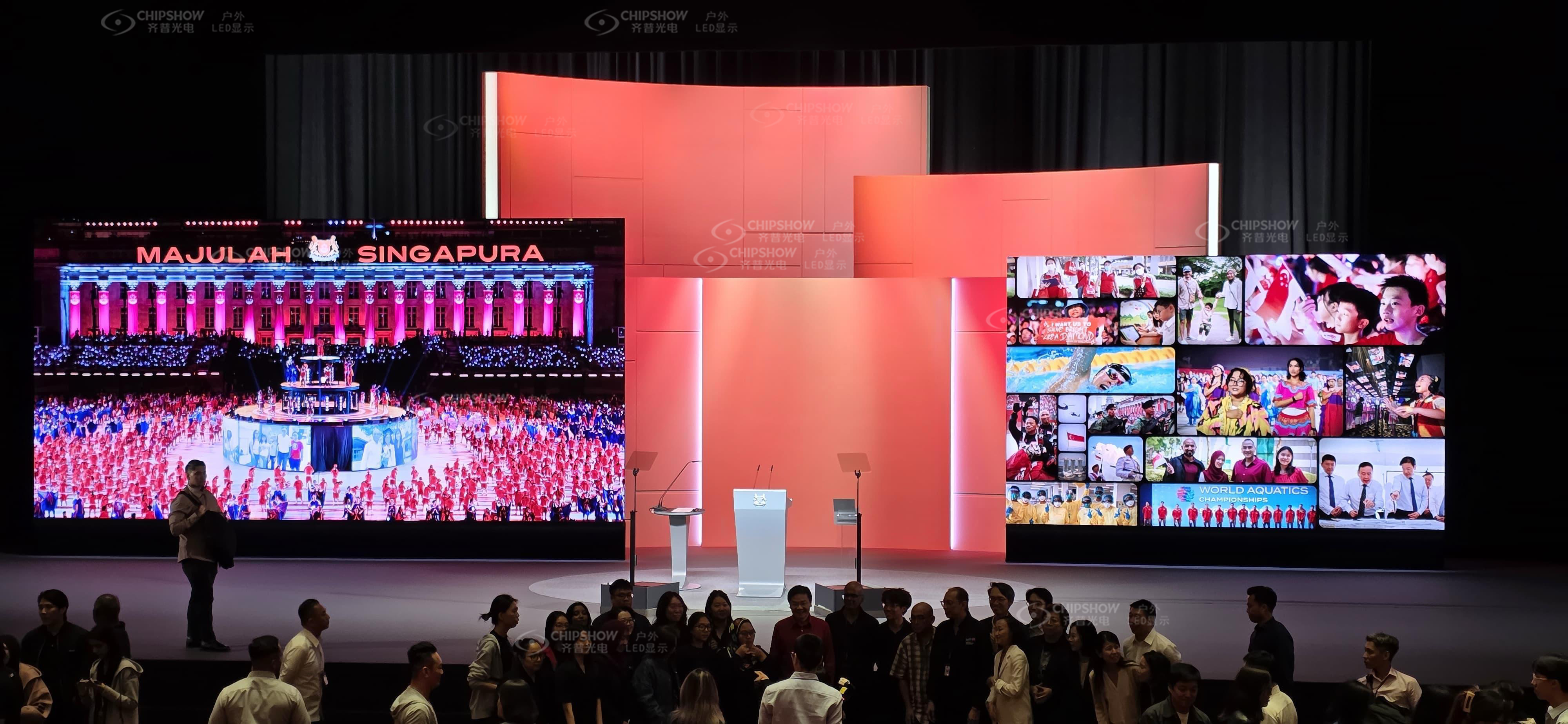
When Does a P3.91 LED Screen Fit a Rental Fleet?
The 3.91 mm (0.154 in) pixel spacing suits medium-distance event screens. Individual pixels may remain visible at close range, especially with fine text.
| Project Condition | P3.91 Fit | Required Decision |
|---|---|---|
| Audience viewing from about 3.6 to 3.9 m (11.7 to 12.8 ft) or farther | Usually suitable for medium-distance event visuals | Validate detailed text and fine graphics at the actual distance |
| Viewers closer than 3.0 m (9.8 ft) | Individual pixels may become visible | Consider a P2.6 rental LED display for closer viewing |
| Indoor corporate events | Suitable when seating distance supports the pitch | Check low-brightness grayscale, noise, and camera performance |
| Outdoor concerts and festivals | Suitable with an outdoor-rated cabinet | Confirm brightness, IP rating, cooling, wind planning, and power demand |
| Image magnification (IMAG) side screens and streamed events | Suitable after camera testing | Test the full signal chain at production frame rates |
Estimate minimum viewing distance as 0.9 × pixel pitch in millimeters. In imperial units, use feet ≈ 3 × pixel pitch in millimeters.
P3.91 gives an estimated minimum distance of about 3.6 m (11.7 ft).
AVIXA describes several viewing-distance methods. Acceptable distance also varies with eyesight, content, and client expectations.
A P3.91 LED screen for events can serve as a main wall, side screen, or stage backdrop. Dense presentation text may require a finer pitch.
Indoor and outdoor versions should remain separate unless the manufacturer approves a mixed build. Their brightness, protection, cooling, weight, and power requirements may differ.
Build a Mechanical Compatibility Matrix for P3.91 LED Screens
Cabinet geometry, locks, rigging hardware, and active image position determine mechanical compatibility.
Cabinet Platform and Production Revision
Record the manufacturer, series, revision, cabinet dimensions, active image area, and module layout. Two 500 × 500 mm (19.7 × 19.7 in) cabinets can still have different depths or active image positions.
Check the frame profile, seam tolerance, module orientation, and rear service space. Small differences can create visible steps or prevent secure assembly.
Locks, Alignment, and Mixed Cabinet Sizes
Fast locks must share compatible geometry and locking direction. Their load ratings must cover the planned assembly.
Positioning pins must align without force or field modification.
Mixed 500 × 500 mm and 500 × 1,000 mm (19.7 × 39.4 in) formats require documented platform compatibility. Matching widths alone do not confirm compatibility.
Rigging and Curving Hardware
Check hanging bars, ground supports, dollies, wind braces, and curve locks against an approved compatibility list. Structural ratings must cover the wall size and installation method.
A closed lock does not prove structural approval. Use the manufacturer’s load documentation and local engineering requirements.
| Compatibility Level | Typical Items | Action |
|---|---|---|
| Must match | Cabinet platform, locks, active image position, power pinout, and rigging system | Reject the mixed build when any item conflicts |
| May vary after validation | Production batch, receiving-card model, and module revision | Complete bench, screen, and camera testing |
| Keep on separate surfaces | Different pixel pitches or unapproved indoor and outdoor cabinets | Use separate processor outputs and rigging plans |
Large outdoor main screens place heavy demands on freight and handling. The C-Carbon P3.91 uses a hybrid frame and is significantly lighter than traditional die-cast aluminum options.
Each 1,000 × 1,000 × 83.75 mm (39.4 × 39.4 × 3.30 in) panel weighs 20 kg (44.1 lb). It delivers up to 6,000 cd/m² (6,000 nits) with a 3,840 Hz refresh rate.
IP65 protection covers the front and rear. Magnetic service access supports maintenance from either side.
One technician can position each cabinet on suitable builds, subject to approved rigging and site safety procedures.
The C-Carbon outdoor handling footage shows how each cabinet is moved and positioned during setup. Cross-rental compatibility still requires matching revisions, rigging parts, and configuration files.
Verify Power, Data, and Control System Compatibility
Mechanical fit does not confirm power or control compatibility.
Power Distribution and Connector Pinouts
Confirm the operating voltage, frequency, connector type, pinout, input direction, and maximum current. The same connector shell can carry a different wiring arrangement.
Calculate circuit loading from the approved power specification. Include startup current, cable length, distribution limits, and applicable electrical rules.
Label power cables by platform and isolate unidentified cables from live power runs.
Data Path and Receiving Card Configuration
Check data connector types, signal direction, receiving-card capacity, cabinet resolution, and screen mapping. Record primary and backup signal paths.
Mixed cabinets do not always need identical receiving cards. Each card must be compatible with the processor and approved firmware.
The configuration must match the driver IC, module resolution, and scan mode. Keep a verified file for each cabinet revision.
Firmware, Scan Mode, and Processor Support
Create a version matrix covering receiving-card firmware, driver IC, scan mode, module resolution, grayscale, and refresh rate. The control system must support every receiving-card model and cabinet resolution in the mixed wall.
Maintain a known-good software and firmware baseline for active inventory. Test updates on spare P3.91 LED screen cabinets first.
Set Standards for P3.91 LED Screen Batch Matching
Calibration can reduce visible batch variation. It cannot correct incompatible hardware or damaged components.
Batch Records and Calibration Data
Record production batch, LED package, driver IC, module revision, and cabinet serial number. Link each cabinet to its correct calibration and configuration files.
Request original files during every sub-hire handover. Store a master backup and a field copy with clear version names.
Brightness, Color, and Low-Grayscale Acceptance
Set an agreed brightness and white-point baseline for the assembled rental LED display screen. Then test red, green, blue, white, and grayscale content.
Low-grayscale testing reveals dark patches, color shifts, and cabinet borders missed by bright content. Review gradients at operating brightness, not only maximum output.
Document acceptable variation with measurements and reference images. Visual judgment alone makes disputes harder to resolve.
Replacement Modules and Camera Validation
A replacement module should match the LED package, driver IC, scan mode, module revision, and calibration data. A module that lights correctly can still show a visible color block.
Camera-facing rental specifications commonly call for at least 3,840 Hz. Some broadcast or XR productions request 7,680 Hz.
Refresh rate can reduce visible flicker and scan lines under compatible shutter settings. It cannot remove moiré.
Moiré occurs when the LED pixel grid interacts with the camera sensor. Its visibility also changes with the lens, focus, aperture, and camera distance.
Use this camera acceptance check:
Test every planned frame rate and shutter setting.
Review white, RGB, grayscale, gradients, and moving content.
Check seams and color from the main camera positions.
Save the accepted camera and processor settings.
Document Every Cross-Rental Handover
A written handover record defines the equipment scope, test baseline, and repair responsibility.
| Handover Record | Required Detail | Operational Value |
|---|---|---|
| Equipment identity | Exact series, revision, batch, and serial numbers | Prevents substitution based only on pixel pitch |
| Asset quantities | Cabinets, beams, supports, cables, dollies, and curve hardware | Supports complete dispatch and return checks |
| Spare inventory | Modules, power supplies, receiving cards, and connectors | Shortens recovery time during an event |
| Control files | Configuration, calibration, mapping, and firmware records | Speeds commissioning and fault recovery |
| Test evidence | White field, RGB, grayscale, and camera test results | Establishes condition at handover |
| Responsibility | Transport, handling, damage, repair, and return terms | Reduces commercial disputes |
| Support contacts | Named technical contacts and escalation routes | Gives crews faster access to accurate support |
Complete records shorten LED screen rental turnaround and preserve each P3.91 LED screen cabinet’s operating history.
Standardize Your P3.91 LED Screen Fleet for Safer Expansion
Standardize cabinet revisions, rigging hardware, power connections, control files, calibration data, and handover records as the fleet grows. These controls reduce setup delays, spare-part conflicts, and technical risk across cross-rental projects. Contact our team for a compatibility review when adding new P3.91 LED screen inventory or planning a large sub-hire build.
FAQs
Q1: What Size P3.91 LED Screen Is Needed for Native 4K UHD?
Native 4K UHD contains 3,840 × 2,160 pixels. At 3.91 mm (0.154 in) pitch, the calculated image area is about 15.0 × 8.4 m (49.3 × 27.7 ft). Standard cabinet grids may not produce exactly 2,160 vertical pixels. Confirm the cabinet resolution, final canvas, and processor mapping.
Q2: Can a P3.91 LED Screen and a P2.6 Rental LED Display Serve the Same Event?
Yes, they can serve separate walls with independent mappings and processor outputs. A P2.6 wall may support closer camera or audience positions. Do not combine both pitches within one continuous image surface.
Their cabinet resolutions and calibration files remain separate. Test both surfaces with the planned cameras and content.
Q3: How Many Cabinets Are Needed for a 5 m × 3 m (16.4 ft × 9.8 ft) P3.91 LED Screen?
Cabinet format determines the count. A 5 × 3 m (16.4 × 9.8 ft) wall needs 60 cabinets at 500 × 500 mm (19.7 × 19.7 in). It needs 15 cabinets at 1,000 × 1,000 mm (39.4 × 39.4 in). Add project-specific spares and verify the active pixel map.
A 500 × 1,000 mm (19.7 × 39.4 in) format needs 30 cabinets.
Q4: How Should P3.91 LED Screen Cabinets Be Transported Between Events?
For an LED video wall rental, use fitted flight cases, corner protection, connector caps, and documented case weights. Keep cabinet faces away from loose accessories. Assign cases by wall zone and build order. Record cabinet IDs and visible damage at dispatch and return. Follow the manufacturer’s stacking and lifting limits.
Q5: How Should P3.91 LED Screen Cabinets Be Stored Between Events?
Store cabinets in a dry, ventilated area within the specified storage limits. Keep connectors capped and cabinets inside fitted flight cases. Isolate wet or damaged units from available stock. Set inspection intervals from operating conditions and manufacturer instructions. Validate firmware changes on spare cabinets prior to fleet-wide use.





