





Calibration drift in COB LED walls is usually manageable when it is treated as an ongoing maintenance task, not a one-time setup step. In a 24/7 command center, the COB LED calibration drift question is really about how small changes in color, brightness, and uniformity can slowly affect readability and operator confidence, so the best approach is to set a repeatable cadence before drift turns into a disruption.
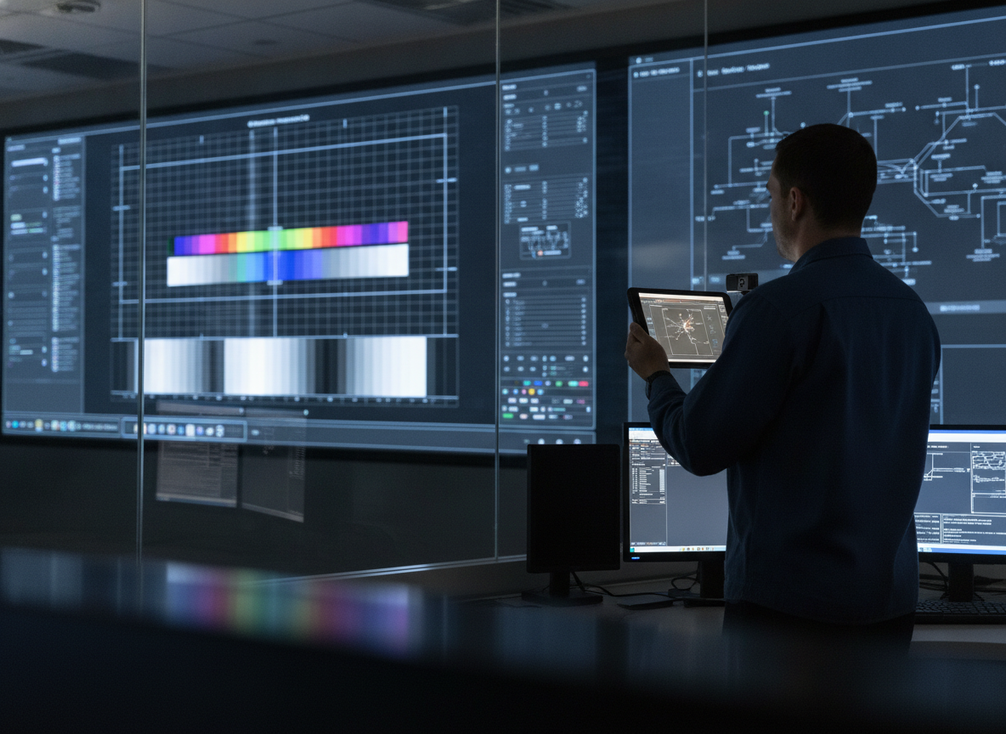
What Calibration Drift Changes Over Time
Calibration drift is the gradual shift away from a wall’s original tuned state. In plain terms, a COB LED wall can start to look slightly different across modules over time, with changes in brightness, white balance, and panel-to-panel consistency. The AVIXA Image System Contrast Ratio framework is useful here because it gives teams a way to verify whether uniformity and brightness are still holding up instead of guessing by eye.
For command centers, that matters because operators live in dense visual content. Maps, alarms, status colors, and camera feeds can make a small mismatch easier to notice than it would be in a casual viewing space. If one section of the wall looks warmer, dimmer, or slightly off from the rest, the display may still function, but the room loses some of the visual confidence that 24/7 operations depend on.
The first signs are usually subtle. A user may say the wall looks "a little off," but what they are often noticing is patchy brightness, a hue mismatch, or a section that no longer reads as one continuous surface. That is why COB LED calibration drift should be understood as a control-room reliability issue, not just an image-quality issue.
SMPTE references in the AV system performance verification guide help define why color accuracy still matters in mission-critical rooms. The goal is not perfect visual sameness forever. The goal is to keep the wall inside a working window that still supports quick reading and trusted decisions.
How to Spot Drift Before It Hurts Operations
The safest way to catch drift early is to use a repeatable check, not a gut feeling. If the team only reacts after someone complains, the wall may already be outside its normal operating window.
A practical workflow looks like this:
- Compare the wall under the same ambient lighting conditions each time.
- Look for adjacent patches that no longer match in brightness or color.
- Play known reference content, such as grayscale ramps or simple color fields.
- Compare today’s appearance against the commissioning baseline, not just the last service visit.
- Log any mismatch by location so trends are easier to spot later.
That process is stronger when it is measured against a known method. The AVIXA published standards page is a useful starting point because it points teams toward a documented way to check display performance. For a command center, that matters more than a casual visual check because the room’s work depends on consistency, not just "good enough" appearance.
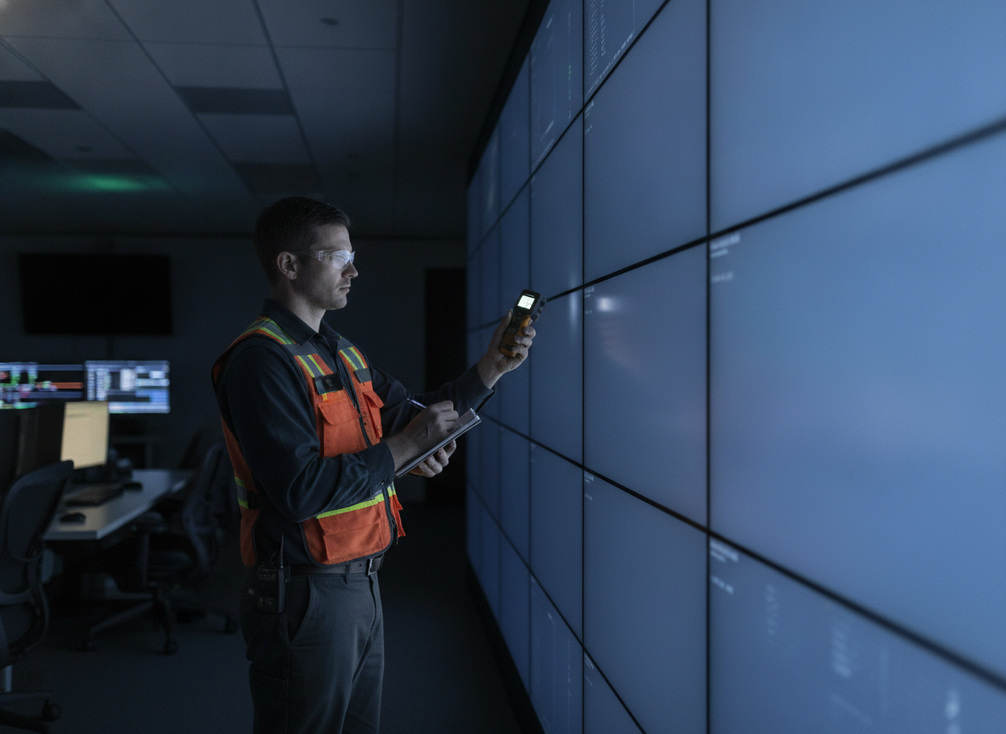
A simple rule of thumb: if the wall only looks fine after content changes, after long runtime, or after a service visit, then drift may be present even if it is not yet dramatic. That is the point where teams should move from observation to documentation and verification.
A useful parallel is the way larger institutions document AV maintenance and inspection routines. The University of Houston AV standards show how structured checks support long-term consistency. You do not need the same policy language, but you do need the same habit: baseline, inspect, compare, record, and recheck.
Calibration Planning That Fits 24/7 Uptime
For a live command center, calibration planning has to protect uptime first. That usually means choosing maintenance windows, coordinating with the room’s support teams, and deciding in advance which checks are quick verification tasks and which ones require deeper correction.
A practical cadence is condition-based rather than fixed. Runtime, room temperature, airflow, content mix, and recent service history all affect how often a wall should be reviewed. If the wall is running around the clock in a hot room or under uneven lighting, the schedule may need to tighten. If repeated checks show stable results, the team may be able to keep the same rhythm without over-servicing the wall.
That logic fits institutional AV practice as well. The University of Houston’s standards are a helpful example of how organizations formalize AV checks and documentation for long-term reliability. The exact process will vary by facility, but the planning idea is the same: avoid surprise maintenance in a room that cannot easily go offline.
What should get checked first? Start with brightness, white balance, and patch uniformity. Those are the checks most likely to show whether the wall still reads evenly in the room’s normal lighting conditions. If time is limited, that first pass is more useful than a long fine-tuning session that does not tell the team whether the wall still looks coherent at operational distance.
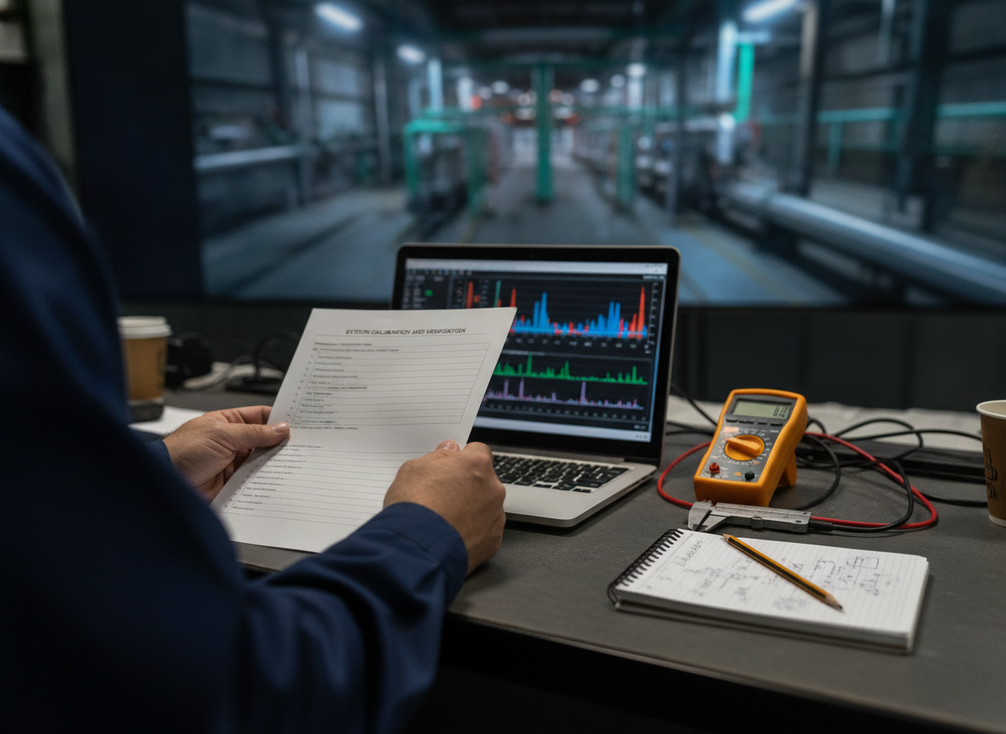
If you are comparing platform options while building a maintenance plan, a mission-critical command center solutions page can be a useful navigation path. For rooms that need a rugged zero-downtime approach, zero-downtime COB video walls are another path to review, but the key decision still starts with uptime needs, not product names.
How Drift Affects TCO and Ownership Risk
Calibration drift belongs in TCO conversations because it changes both direct maintenance cost and indirect operational risk. A display that slowly goes out of tune may require more technician time, more service coordination, and more frequent correction. If the team waits until the problem is obvious, the fix can become more disruptive than planned maintenance would have been.
| Cost factor | What drift affects | What proactive planning changes |
|---|---|---|
| Labor | More checks and recalibration time | Smaller, scheduled service visits |
| Downtime planning | Harder-to-predict maintenance windows | Better alignment with low-risk hours |
| Operator efficiency | Slower reading when visuals do not match | More consistent incident response |
| Asset life planning | Repeated corrections can expose broader issues | Earlier environmental or service review |
| Support burden | More troubleshooting and escalation | Cleaner documentation and faster root-cause checks |
The ownership risk is not only financial. Drift can reduce operator trust, especially when a wall is used for incident response, camera review, or status monitoring. If the screen no longer looks consistent, teams may hesitate, second-guess what they see, or spend extra time verifying a visual that should have been obvious.
That is why managing COB LED calibration drift in command centers should be part of procurement and service planning from the start. Instead of asking only whether the wall looks sharp at installation, ask how it can be verified, corrected, and kept stable without turning every service visit into a disruption.
If you need a broader commercial comparison point, fine-pitch COB LED displays and the C-Max category can help you review indoor display options. For command centers, though, the more important question is still how the wall behaves after months of runtime, not only how it looks on day one.
A Practical Drift-Management Checklist
Use this checklist to keep drift from becoming a recurring surprise:
- Set a commissioning baseline for brightness, white balance, and uniformity.
- Document the measurement method used at startup.
- Recheck the wall after service, module replacement, or major environmental change.
- Compare current readings against the original baseline, not just the last adjustment.
- Track drift by location so patterns are easier to see.
- Tie inspections to runtime, room conditions, and service history.
- Keep a simple record of who verified the wall and when.
- Make sure AV, IT, and facilities know the maintenance window before work starts.
- Reconfirm the fix after calibration so the wall still reads evenly under normal use.
- Escalate repeated drift to power, HVAC, or service review if it keeps returning.
If you turn that list into an SOP, the biggest win is consistency. The room does not need a perfect calibration story. It needs a repeatable one.
FAQs
How Often Should a 24/7 LED Wall Be Recalibrated?
There is no universal schedule that works for every room. A better starting point is to verify the wall on a routine basis and recalibrate when runtime, environment, service history, or operator feedback suggests drift is building. Condition-based planning is usually safer than a blanket interval.
What Are the Earliest Signs of COB LED Drift?
The first signs are usually subtle, such as a section of the wall looking slightly dimmer, warmer, or less even than the rest. Operators may notice it first in familiar dashboards, maps, or camera feeds where color and brightness differences stand out.
Can Calibration Be Done Without Taking the Wall Offline?
Sometimes, yes. Lightweight verification can often happen with limited disruption, especially if the display is serviceable in zones. Deeper calibration usually needs a planned window, so the key is to separate quick checks from corrective work before the room needs them.
Why Does Drift Matter to Total Cost of Ownership?
Because drift changes maintenance labor, support effort, and downtime risk. If the wall is allowed to wander until the problem is obvious, correction usually takes more coordination and creates more operational friction than scheduled verification would have.
What Should Be Checked After Service or Module Replacement?
Recheck brightness, white balance, and patch uniformity after the work is done. Service can change how the wall reads, even if the repaired part itself is fine, so a short post-service verification helps catch mismatch before the next shift.





