





XR LED volume pixel pitch for virtual production is not a one-number decision. The wall can look fine in person and still show moiré, banding, or color shifts on camera if pitch, refresh, sync, and calibration do not match the shot list. For most teams, the first question is not “What is the smallest pitch available?” It is “How close will the camera be, what lens will you use, and how much motion will the shot carry?”
What Pixel Pitch Means on Camera
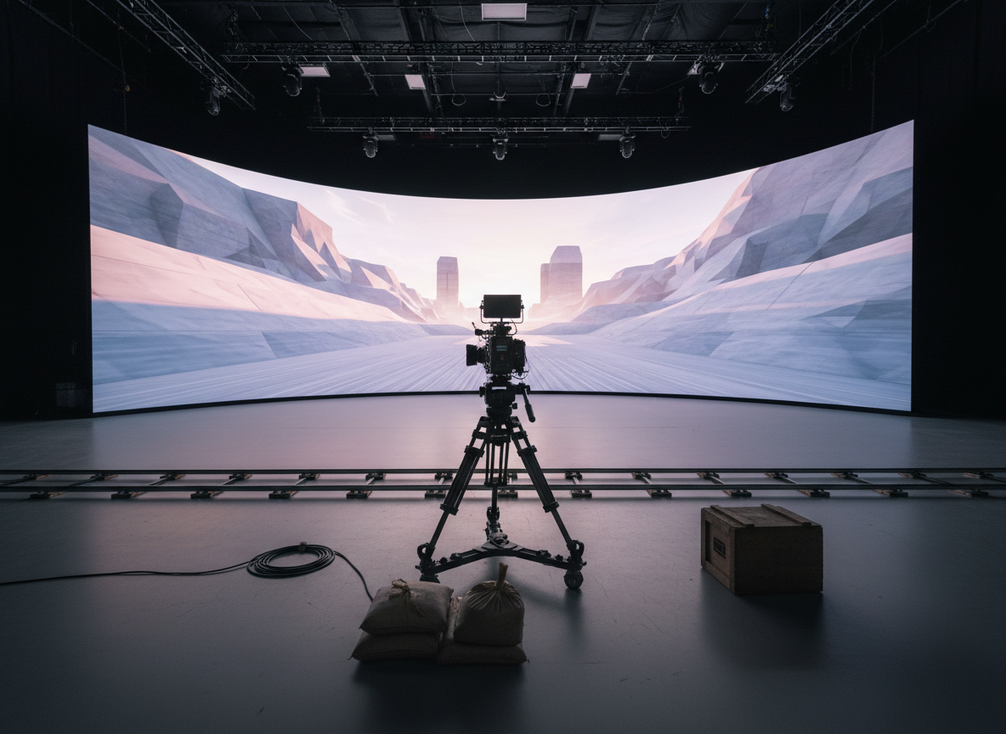
Pixel pitch is the distance between LED pixels, and in virtual production it helps determine how fine the image appears on camera. In the VP Glossary pixel pitch baseline, standard XR volumes are often discussed around 2.3 mm to 2.8 mm, but that range is context, not a universal rule. A tighter pitch can help when the camera is close, but it does not automatically solve every moiré problem.
For close-up talent work, tighter framing, and shorter camera distances, pitch matters more because the camera resolves more of the panel structure. For wider framing, the same wall may be acceptable with less aggressive pitch because the texture is less visible. If the shot plan keeps faces, wardrobe detail, or set pieces close to the wall, pitch deserves more budget attention than it would for a distant background shot.
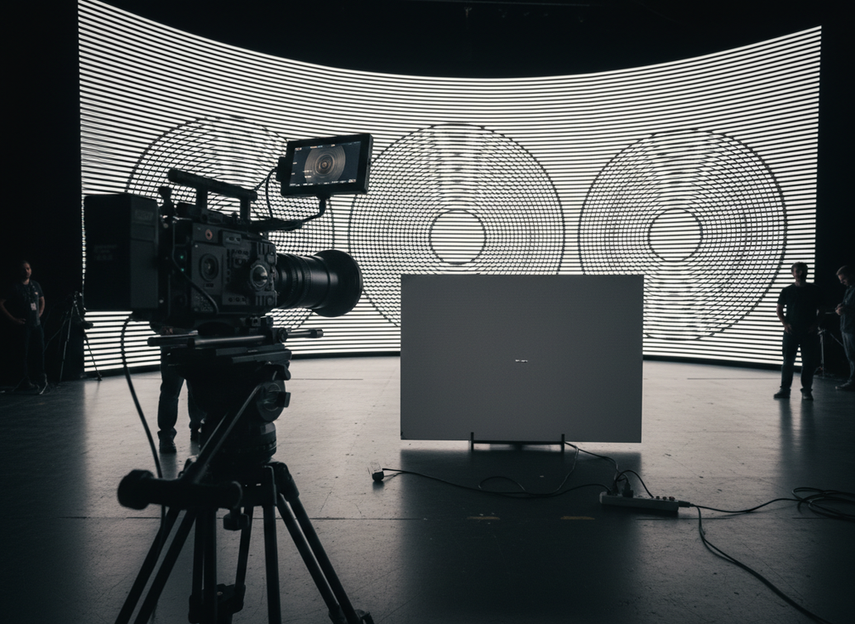
The relationship is not just about pitch. Moiré risk also changes with lens choice, framing, and how close the camera sits to the wall, which is why a wall that looks clean in the showroom can still fail once the camera moves in. For tighter spaces or close camera moves, the moiré relationship between pitch, distance, and lens choice is the part to test, not just the pitch number on a spec sheet. If the production is mostly medium and wide shots, overspecifying the wall can add cost without adding much camera value.
Pitch, Viewing Distance, and Camera Framing
When the camera is farther back, a modest pitch can be enough because the wall sits less prominently in the frame. When the camera is close or the lens is tighter, the same wall can reveal pixel structure more easily. That is why the buyer should ask for a test that matches the expected lens range, not just a basic on-site demo. In practice, camera distance and focal length should be part of the purchasing conversation from day one.
Where Overspecifying the Wall Adds Cost
Chasing the smallest pitch possible can increase budget, power, rigging complexity, and procurement pressure without guaranteeing a better result on camera. If the stage will mostly serve wider shots or lower-detail backgrounds, a smaller pitch may be a luxury rather than a requirement. The better buying rule is to pay for tighter pitch only when the shot list makes visible artifacts likely.
Refresh Rate, Genlock, and HDR Workflow
Refresh rate matters for XR LED volume pixel pitch for virtual production, but it is not a standalone camera-safety spec. A wall can advertise a strong refresh number and still produce flicker or rolling bands if the camera timing and controller behavior are not aligned. The safer way to think about it is workflow-first: refresh rate, genlock, shutter behavior, and camera exposure settings all need to work together.
Genlock support is the timing step that helps the camera and wall stay in sync. In a camera workflow, that coordination can reduce timing conflicts that show up as visible artifacts. This is why refresh rate alone is not enough. If the synchronization path is wrong, a high refresh spec can still disappoint once the camera is rolling.
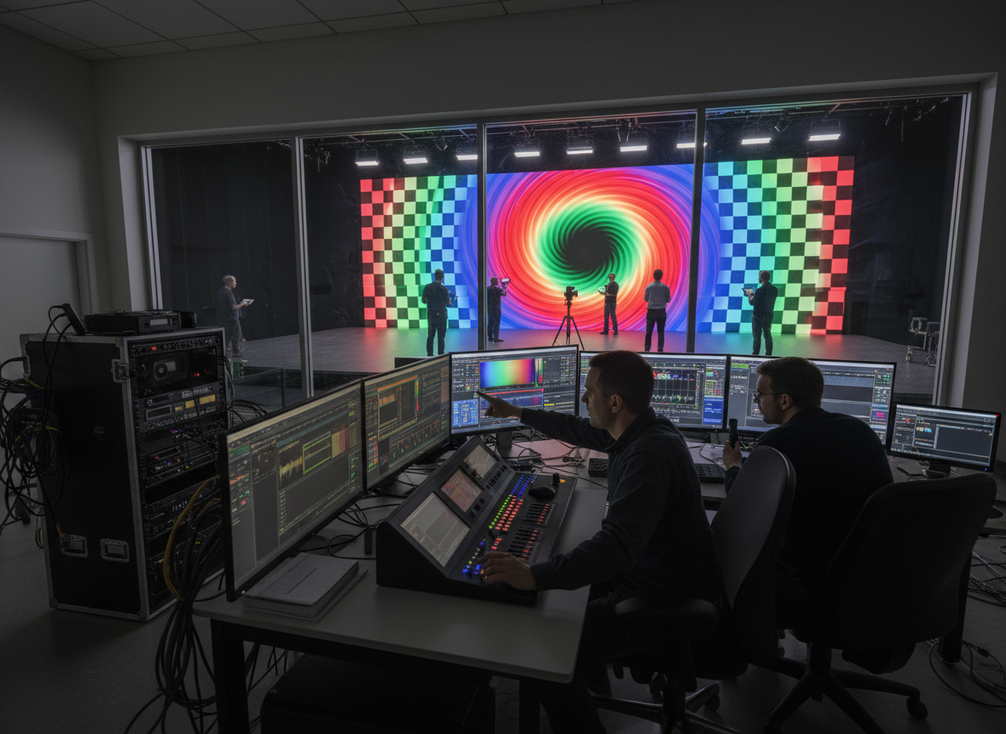
HDR and color pipeline checks belong in the same discussion. Netflix Partner Help notes that color shift on camera can come from viewing angles, overheating, or color pipeline problems, not just the LED panel itself. That means the buyer should verify white balance, camera profile, and content pipeline alongside refresh and sync. In narrow shutter or high-motion work, the refresh and genlock conversation becomes more important, but the final result still depends on the whole system.
Why Refresh Rate Alone Is Not Enough
For high-motion scenes, narrow shutter angles, or camera work that is especially sensitive to flicker, refresh and genlock deserve more attention than they would in a static studio shoot. Technical guidance often discusses very high refresh rates for these cases, but the usable number depends on the rest of the system, so treat any single figure as contextual rather than universal. The practical buyer question is whether the wall, controller, and camera can be verified together under the real shooting setup.
How Genlock Reduces Timing Conflict
Genlock is not a feature to tick off in isolation. It is a coordination path between the camera and the wall, and its value depends on how the controller, camera body, and production workflow are configured. If the wall is being evaluated for a stage that will shoot motion-heavy content, genlock support should be part of the acceptance checklist before purchase, not after install.
Where HDR and Color Pipeline Checks Fit
Color accuracy can drift for reasons that have nothing to do with pixel pitch. Viewing angle, thermal behavior, and color pipeline setup can all change what the camera sees. That is why HDR claims should be tested in context, not trusted as a spec-sheet promise. The safest sign-off is a real camera test with the intended exposure, white balance, and content type.
Choosing a Wall Spec for the Shot List
The best XR LED wall spec depends on the shoot, not on a single category benchmark. Close-up talent work usually pushes pitch priority higher. High-motion content pushes refresh and genlock higher. Mixed-use stages usually need a balance of both, plus enough calibration control to keep the wall consistent across different camera setups.
| Shot Condition | Pitch Priority | Refresh / Genlock Priority | Calibration Priority | Procurement Note |
|---|---|---|---|---|
| Close-up talent work | High | Medium | High | Pay for tighter pitch only if the camera will sit close enough to see panel structure. |
| Medium shots | Medium | Medium | High | A balanced spec may be enough if the lens range stays moderate. |
| Wide shots | Low to medium | Medium | Medium | Avoid overbuying pitch if the wall stays deep in the background. |
| High-motion content | Medium | High | High | Refresh, genlock, and controller behavior matter more than pitch alone. |
| Mixed-use stage | High | High | High | Use the shot list to decide which side of the trade-off matters most. |
For procurement, the cleanest rule is this: if camera distance is short or the shot is tight, pitch deserves more weight; if motion is fast or shutters are narrow, refresh and genlock deserve more weight. If both conditions apply, treat the wall as a system purchase, not a display purchase.
If your stage is still at the evaluation stage, the buying question is whether the wall fits the camera plan before it fits the budget spreadsheet. That is where rental LED stage options and premium touring LED stages can serve as browsing paths, but the final decision should still come from the shot list and camera test.
Calibration Checks Before a Shoot
A wall is camera-ready only after the production team checks it under the real shooting setup. Use the sequence below as a preflight, not a rough checklist. If a step fails, fix it before the stage is locked for the day.
- Inspect panel alignment and make sure seams, gaps, and obvious height mismatches are not visible in the intended framing.
- Run grayscale and color uniformity checks across the wall, especially in the part of the frame where talent will stand.
- Load the actual content or a close proxy, because test patterns alone do not always reveal camera-visible artifacts.
- Bring in the intended camera body, lens, and exposure setup, then look for moiré, flicker, or banding in motion.
- Check white balance, HDR behavior, and the color pipeline together, since color drift can come from the system, not just the panel.
- If the wall or controller has sync settings, verify that genlock and timing behavior match the production workflow.
- Sign off only after the wall, camera, and content team agree that the look is acceptable for the shot list.
This is where many teams save money by catching problems early. A wall that passes a quick showroom demo may still need fine adjustment once the camera, lens, and content are all in the same room. If moiré or color shift appears during testing, treat that as a setup mismatch first and a product issue second.
The C-Rock premium touring panels and C-Shine-Plus rental panels are browsing paths only; the real question is whether the chosen configuration can be validated on the actual camera package. For engineering teams that want to review a related technical document, the test report details page can support documentation checks, but it should not replace live camera validation.
A Buyer Checklist for Camera-Safe XR Volumes
Before you approve an XR LED volume spec, confirm the camera distance, lens range, and shot size first. Then verify that refresh, genlock, HDR, and calibration are being evaluated together, not as isolated features. Final acceptance should come from a real camera test, not from the spec sheet alone.
- Does the shot list include close-up work, wide work, or both?
- Will the camera sit close enough to reveal panel structure?
- Is refresh being checked with genlock and the intended shutter settings?
- Are HDR, white balance, and color pipeline settings tested together?
- Has the team reviewed moiré and banding in the actual camera package?
- Did production, engineering, and content all sign off on the result?
If you are still comparing options for an XR LED volume, use the checklist to narrow the field, then ask for a camera test with your real lens and content. That is the fastest way to avoid overbuying pitch or underbuying sync.
FAQs
What Pixel Pitch Helps Prevent Moiré on XR LED Volumes?
There is no single pitch that guarantees moiré prevention. The better check is whether the pitch matches the camera distance, focal length, and frame size you actually plan to use. In close-up work, tighter pitch usually deserves more attention; in wide shots, the same spec may be less important.
Which Refresh Rates Are Usually Camera-Safe for Virtual Production?
Refresh rate needs to be judged with genlock, shutter behavior, and controller settings, not in isolation. A higher number can help in some setups, especially with motion or narrow shutter angles, but the real test is whether the wall stays stable under the intended camera configuration.
How Do Genlock and Refresh Rate Work Together on Set?
Genlock coordinates timing between the camera and the wall, while refresh rate sets how often the panel updates. If the two are not aligned with the shutter and exposure plan, timing artifacts can still show up. Treat them as a workflow pair, not as separate buying checkboxes.
What Should Be Tested Before Shooting on an XR LED Wall?
Test panel alignment, grayscale uniformity, camera response, and color behavior with the actual shooting package. The most useful check is a live camera test with the intended lens and content, because that is where moiré, banding, and color drift become visible.
Can a Higher-Resolution Wall Still Show Moiré on Camera?
Yes. Higher resolution helps only if the camera distance, lens choice, and framing also support it. If those variables do not line up, the wall can still show visible artifacts even when the pixel count looks strong on paper.





