





A bright billboard wins attention; a well-calibrated one makes the creative look right. For a full-color outdoor LED display, compare RGB control, dark gradients, white balance and module matching—not just peak brightness. This guide shows buyers how to test those qualities at day and night settings, then maintain them after the first module replacement.
What Makes a Full-Color Outdoor LED Display Work?
Full-color performance starts with how each pixel creates, adjusts, and maintains RGB output.
RGB Control Builds Full-Color Output
A full-color outdoor LED display uses red, green, and blue emitters inside each pixel. The control system changes each channel’s intensity to create images, videos, and motion graphics.
An outdoor advertising LED display screen needs stable RGB control across the full cabinet array. A logo should match across panels, corners, and replacement modules.
Good full-color output depends on several linked factors. LED binning sorts LEDs by color and brightness to support panel consistency. Driver ICs control pixel signals and current. Grayscale processing, calibration data, and thermal control also shape final image quality.
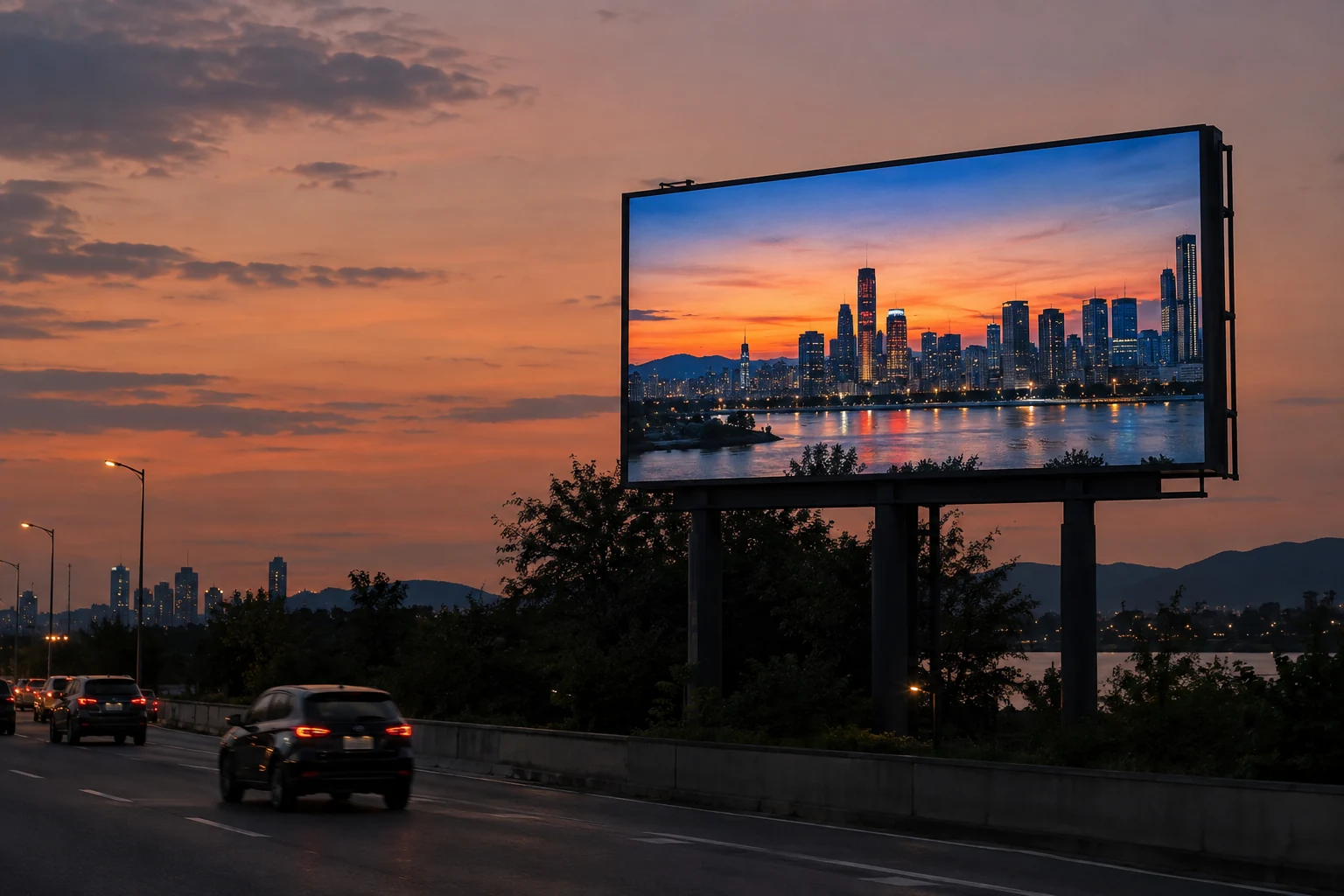
Pixel Pitch Controls Detail at Viewing Distance
Pixel pitch affects image detail, not color accuracy. A tighter pitch can improve close-view clarity, but it cannot fix poor calibration or limited grayscale performance.
A common rule of thumb is that the minimum comfortable viewing distance in metres is roughly equal to the pixel pitch in millimetres, so a P6 screen sits near 6 m (about 18–20 ft). Some integrators quote tighter factors (about 0.9 m per mm) for image-fusion estimates. These are informal estimators, not standards — legibility depends on content type and pixel structure, so confirm by viewing test content at the site’s real viewing positions.
For DOOH buyers, pixel pitch should match the real viewing path. Roadside screens, building façades, and street-level displays need different pitch and content strategies.
Why Does Grayscale Affect LED Outdoor Display Image Quality?
Grayscale controls how smoothly the screen moves from dark tones to full brightness.
In an LED outdoor display, grayscale refers to the number of brightness steps each color channel can show. Higher grayscale depth helps preserve gradients, shadows, facial tones, and brand color transitions.
Limited grayscale performance often appears in dark scenes first. Night ads may look harsh, skin tones may look flat, and smooth backgrounds may show visible bands.
| Image Area | Limited Grayscale Result | Strong Grayscale Result |
| Dark backgrounds | Shadow detail becomes crushed or noisy. | Low-light detail stays visible and controlled. |
| Color gradients | Banding appears in skies, products, and motion graphics. | Gradients move smoothly across the screen. |
| Skin tones | Dark facial detail can look flat or show banding; color casts also involve white balance and calibration. | Skin tones look balanced across brightness levels. |
| Brand colors | Logos may shift across panels or dimming modes. | Brand colors stay closer to approved artwork. |
| Night advertising | Low brightness may look muddy or uneven. | Contrast remains readable without harsh glare. |
A full-color outdoor LED display with limited grayscale may still look bright. It may not deliver the visual control required for premium DOOH campaigns.
For procurement, ask for grayscale performance at real operating brightness. Peak brightness alone does not prove campaign image quality.
How Do Color Calibration and White Balance Protect Campaign Quality?
Calibration aligns the screen after manufacturing, installation, and long-term service.
Point-by-Point Calibration Reduces Visible Panels
Point-by-point calibration applies corrections at individual pixel locations. Module- and cabinet-level adjustments act on larger areas; they are useful but are not the same level of correction. Ask which method is included, then inspect low-gray fields and cabinet boundaries on the assembled wall.
For DOOH networks, calibration helps keep campaigns consistent across multiple screens. Brand colors should not look warm on one site and cool on another.
Calibration should also be maintained after service work. A replaced module can look different when it comes from another production batch.
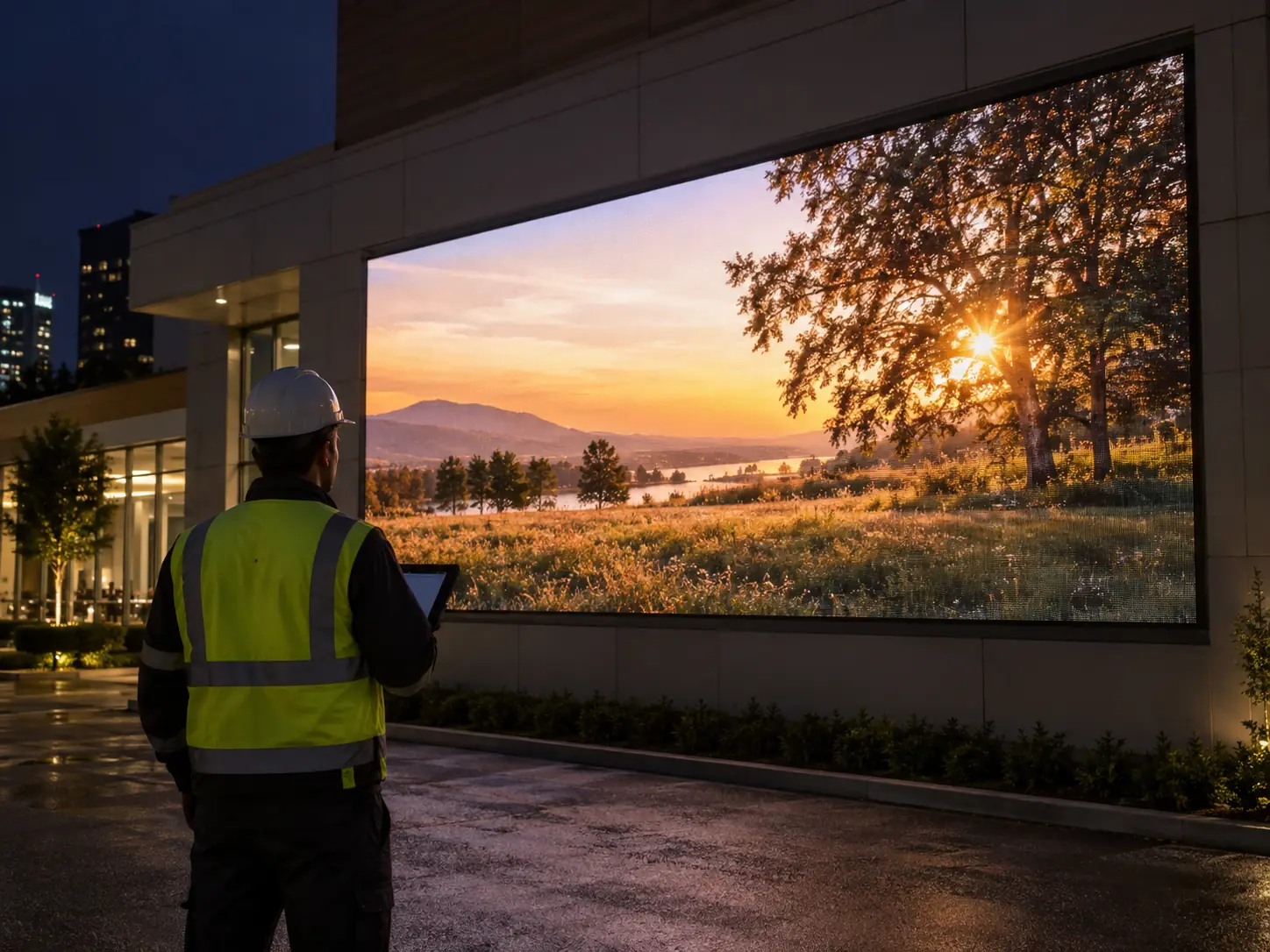
White Balance Keeps Neutral Content Stable
White balance aligns red, green, and blue output so white content stays neutral. Poor white balance can create blue, green, pink, or yellow shifts.
White balance matters for text, product shots, background fields, and corporate colors. It also affects how viewers judge overall screen quality.
Ask suppliers how white balance is measured. A visual check is not enough for a paid advertising asset.
Module Replacement Needs Color Planning
Outdoor screens need service across years of operation. Wind, heat, dust, long operating hours, and scheduled maintenance may include module replacement.
A spare module should match the installed wall as closely as possible. Good planning includes LED bin control, spare module policy, and on-site recalibration support.
For large DOOH networks, record calibration data by cabinet and module location. That record improves maintenance speed and reduces visible repair marks.
Which Outdoor Conditions Affect Color Performance?
Outdoor color quality changes under sunlight, temperature shifts, weather exposure, and long operating hours.
| Outdoor Condition | Color Risk | Buyer Check |
| Direct sunlight | Colors can look washed out under strong daylight. | Ask for brightness modes and ambient light control. |
| Viewing angle | Side viewers may see color shift or lower contrast. | Test content from planned viewing positions. |
| Temperature | LED output and driver behavior can drift under heat. | Review thermal design, ventilation, and power control. |
| Rain and dust | Moisture or dust can affect long-term stability. | Check front and rear IP ratings for exposed areas. |
| Long operating hours | LED output can shift as usage accumulates. | Ask about binning, recalibration, and spare module strategy. |
| Static content | Fixed logos can reveal uneven aging over time. | Rotate creative assets and manage brightness schedules. |
Outdoor advertising operators should test color at day and night brightness. A screen that looks strong at noon may not look balanced at low evening brightness.
Operational half-life refers to the time until LED brightness declines to 50% of its initial output. It does not mean the display suddenly fails.
What Should Buyers Confirm During Full-Color Outdoor LED Display Selection?
A technical checklist helps buyers compare long-term visual performance, not only upfront cabinet price.
| Procurement Question | Why It Matters for DOOH |
| What LED package and binning policy are used? | Consistent LED batches reduce color variation across modules. |
| What grayscale depth is maintained at operating brightness? | Real campaigns often run below peak brightness. |
| Is calibration pixel-level, module-level, or cabinet-level? | Finer calibration supports smoother visual uniformity. |
| How is white balance measured and adjusted? | Neutral whites protect product visuals and brand assets. |
| Are spare modules from the same batch? | Batch control reduces color mismatch after repairs. |
| Can replaced modules be recalibrated on site? | On-site service quality affects screen appearance after maintenance. |
| What IP rating is needed for each exposed side? | Front and rear protection should match site conditions. |
| Is front service, rear service, or dual service needed? | Service access affects maintenance time and labor cost. |
| How does power design support total cost of ownership? | Efficient power control helps reduce long-term operating cost. |
| Can sample content be tested under real brightness modes? | Test videos reveal banding, color shift, and uniformity issues. |
For outdoor DOOH projects, C-Fit Easy and C-Slim are practical starting points when buyers need brightness control, service access, weather protection, and long-term visual consistency. Confirm the current figures — including compliance status verified for the exact model and revision — against the C-Fit Easy P6-P8 specifications page and the supplier documentation for the quoted configuration.
Bring a short test playlist: a dark gradient, a neutral gray field, a face, a brand-color block and moving small text. Run it at the proposed day, dusk and night settings from the intended viewing positions. Save the content version and accepted settings so the later handover uses the same reference.
A useful test should include daytime, dusk, and night settings. Color consistency across brightness modes often reveals poor calibration, uneven grayscale, or weak module matching.
How Should DOOH Operators Review Display Samples?
A sample review should test the same content that advertisers will use in real campaigns.
Test Creative Assets Before Approval
Use files that include brand colors, white backgrounds, dark scenes, people, product details, and smooth gradients. These materials expose problems that simple demo loops may hide.
Do not rely only on high-brightness sample videos. Ask the supplier to show the same content at typical daytime, dusk, and night brightness settings.
Review the Screen From Real Viewing Angles
A full-color outdoor LED display should be checked from the actual viewer path. For a roadside screen, test from the main traffic direction. For a street-level display, review side angles and walking-distance views.
Color shift at an angle can affect campaign quality. It can also affect how advertisers judge the site after launch.
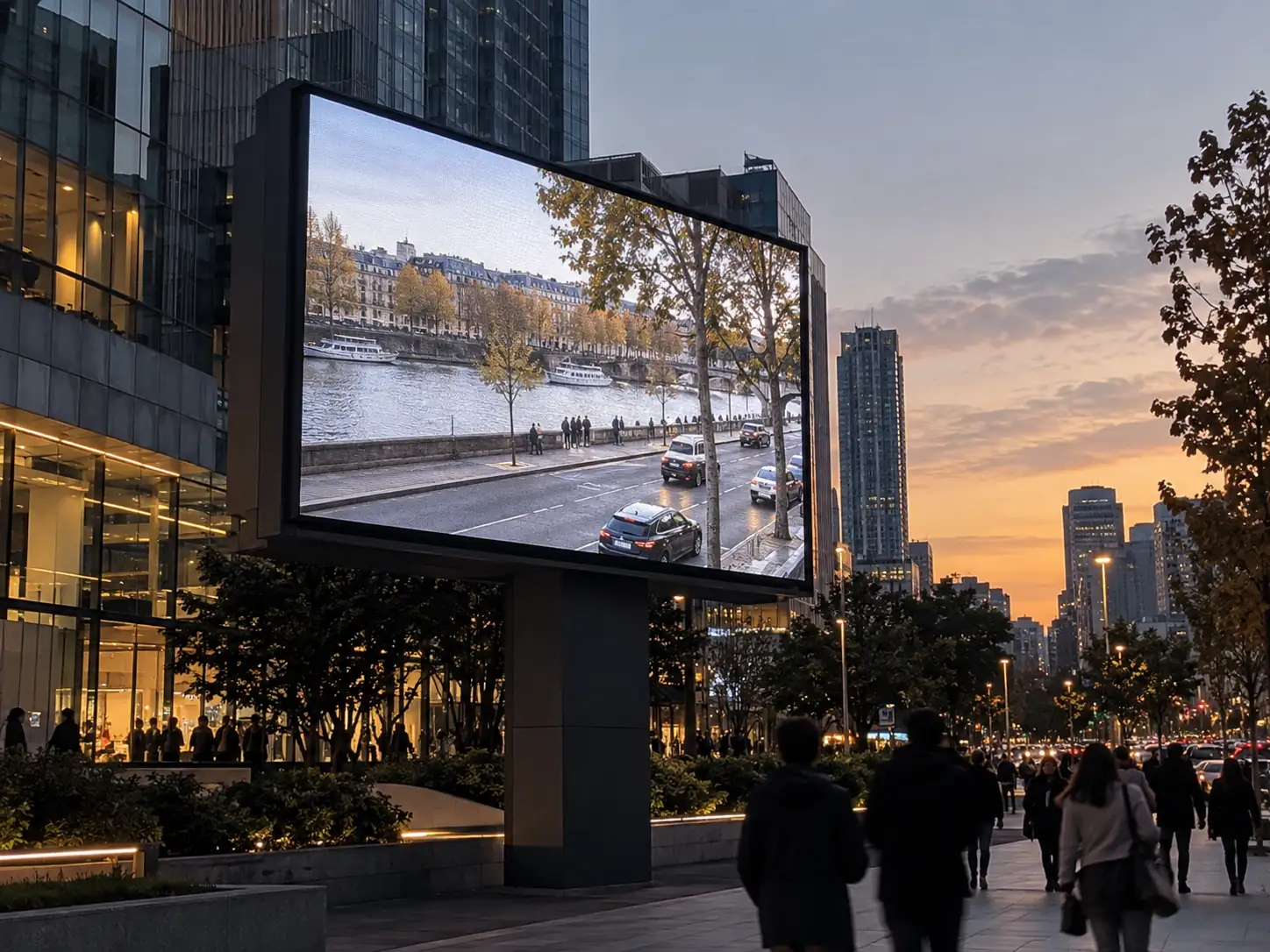
Check Maintenance Impact
Ask to see a module replacement during the sample review, then compare the repaired area on neutral gray and dark gradients. Record the spare batch, calibration file and physical module position. The spare-parts planning guide connects that visual check to the service inventory.
For multi-site DOOH networks, this step supports long-term operating control. It also helps protect advertiser confidence across different locations.
Specify the Right LED Outdoor Display for Long-Term DOOH Value
Choose an LED outdoor display by checking brightness, grayscale, calibration, white balance, and service planning together. A full-color outdoor LED display should keep ads clear and accurate after installation, module service, and seasonal weather changes. For DOOH operators, stable color performance protects campaign quality, reduces rework, and supports better asset value across the screen’s operating period. For 2026 procurement, make grayscale at operating brightness, calibration records by cabinet and module location, and the spare-module plan explicit line items in the specification, and verify every performance and compliance figure against current supplier documentation for the exact configuration.
FAQs
Q1. What Grayscale Level Is Good for Outdoor LED Advertising?
For many outdoor advertising projects, 14-bit to 16-bit grayscale processing is a practical specification range to discuss with suppliers. Higher bit depth helps gradients, shadows, and skin tones look smoother. Buyers should still test grayscale at real operating brightness, because driver ICs, calibration, and content settings also affect the final image.
Q2. How Does Calibration Affect Outdoor LED Display Quality?
Calibration keeps brightness and color output consistent across cabinets, modules, and replacement parts. It matters during factory testing, on-site setup, and later service work. For DOOH operators, proper calibration reduces visible panel differences and helps paid campaigns look consistent across different screens.
Q3. How Often Should an Outdoor LED Display Be Calibrated?
Plan around every 12–24 months, with visual checks during annual maintenance, and recalibrate sooner after major module replacement, visible color drift, or brightness imbalance. Treat this interval as a planning range and confirm it against the supplier’s current maintenance guidance for the installed model; the outdoor billboard maintenance checklist covers the surrounding service routine.
Q4. Does Pixel Pitch Affect Color Accuracy in an LED Outdoor Display?
Not directly. Pixel pitch controls image detail and viewing distance, not color accuracy. Color performance depends more on LED binning, grayscale processing, calibration, white balance, and thermal stability. A tighter pixel pitch can look sharper, but it cannot correct poor color uniformity.
Q5. What Brightness Is Suitable for an Outdoor Advertising LED Display Screen?
Brightness is a site decision, not a fixed number: shaded street-level placements, standard roadside DOOH, and sun-facing landmark façades sit in very different operating ranges. Ask each supplier for measured brightness and dimming-mode data for the exact model and revision quoted, then match the figures to sunlight exposure, viewing distance, scheduled brightness modes, and energy use.





