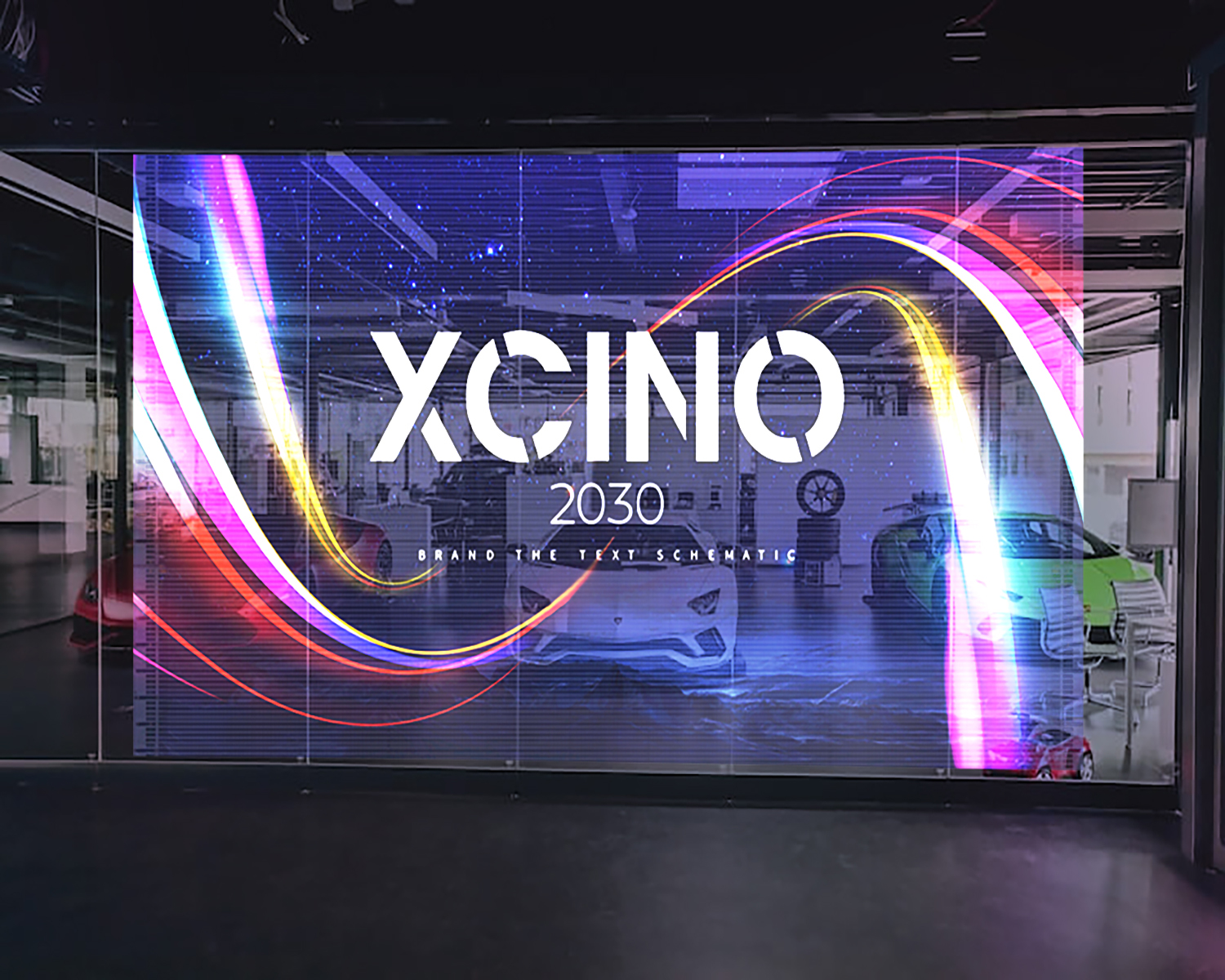
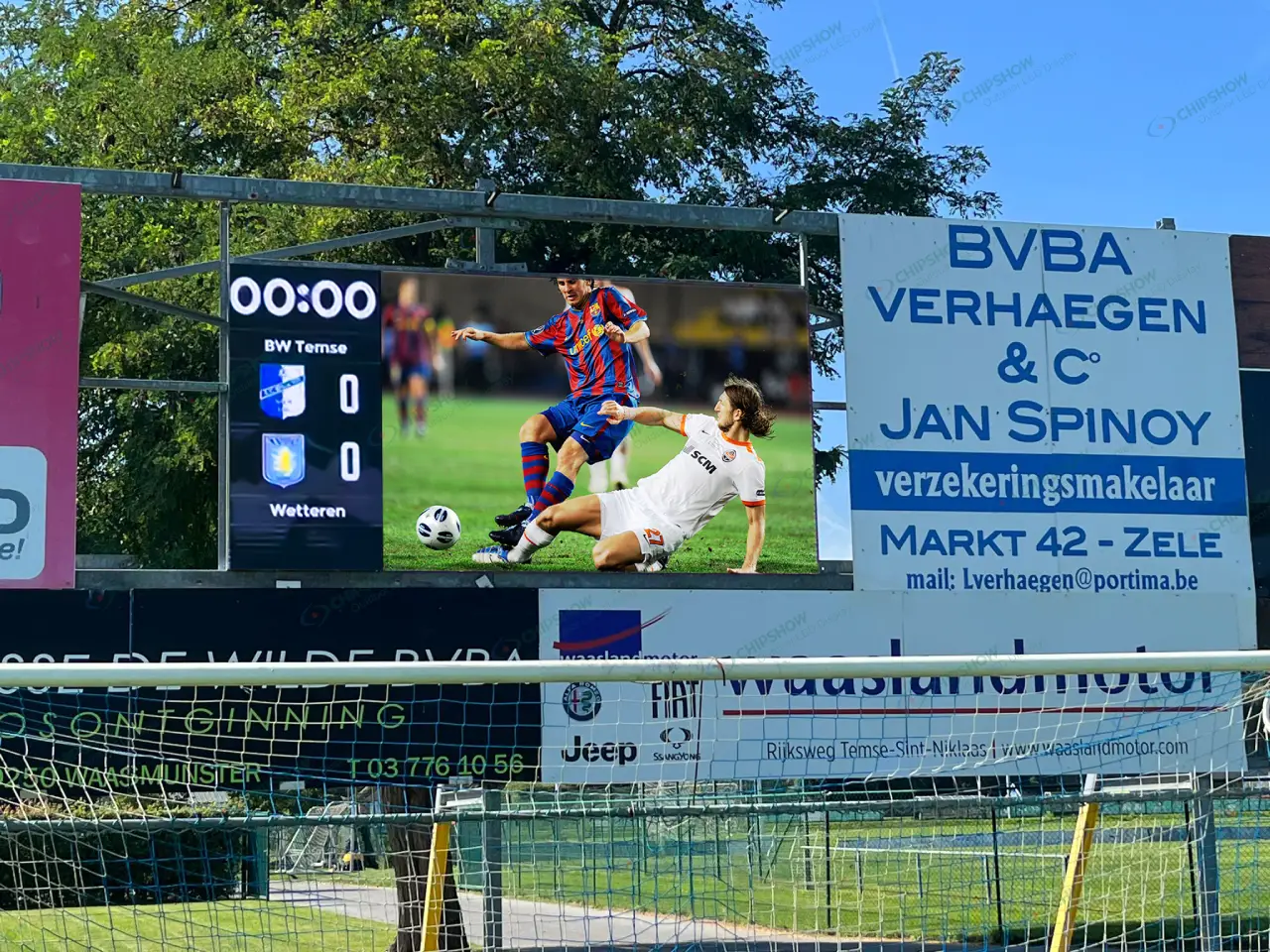
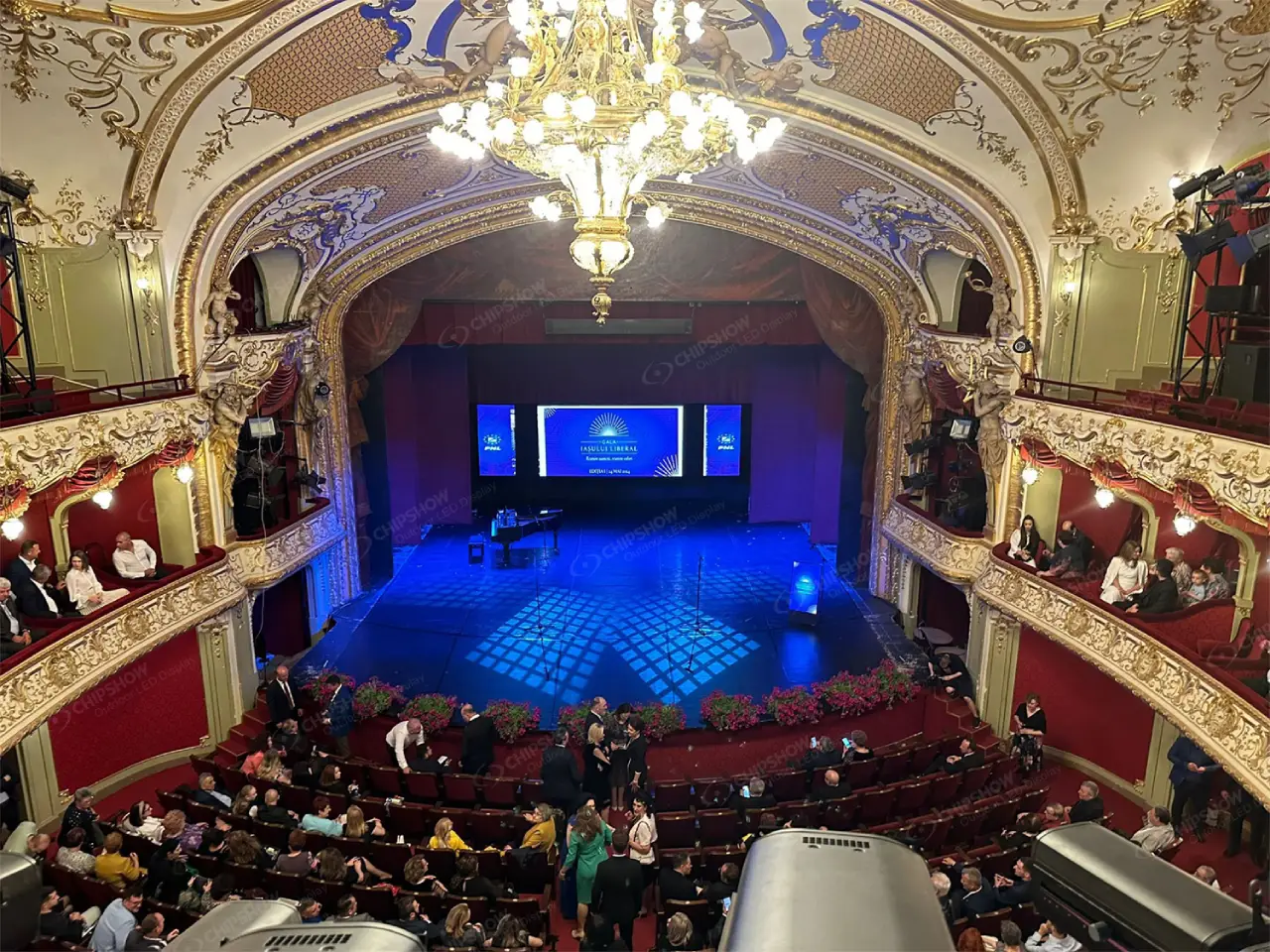
A higher transparency percentage does not automatically produce a better transparent LED screen installation. Pixel pitch, brightness, glass reflections, viewing distance, and mounting structure jointly determine the result. Retail operators need readable campaigns while keeping merchandise visible. Building owners need a media facade that fits the architecture and maintenance plan. Define the installed viewing conditions first, then compare display configurations against those requirements.
Is the Screen Behind Glass or Exposed Outdoors?
Installation position establishes the environmental, structural, and service requirements for a transparent LED screen.
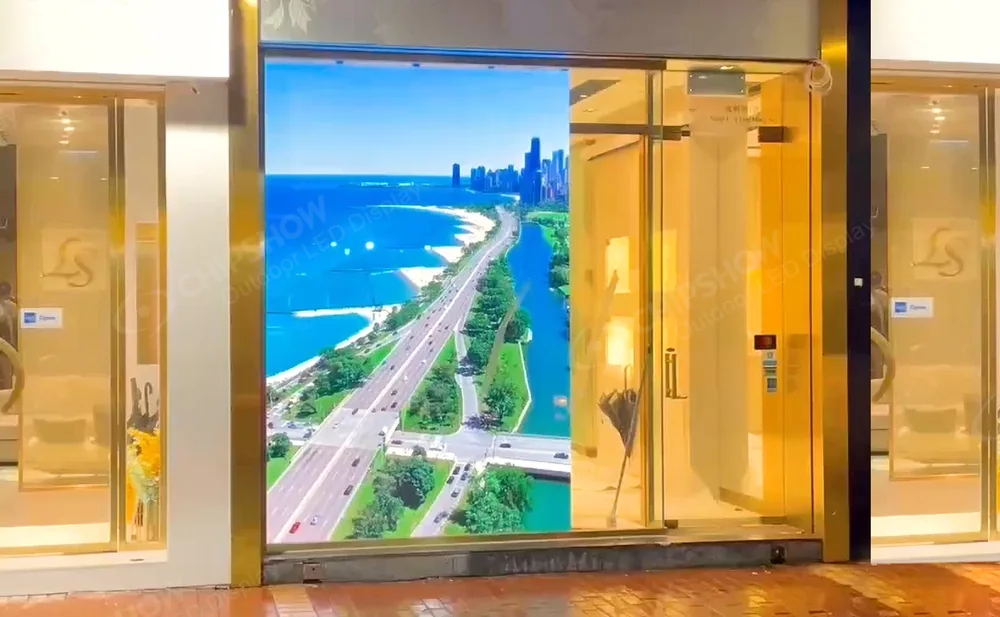
Indoor Window Installation
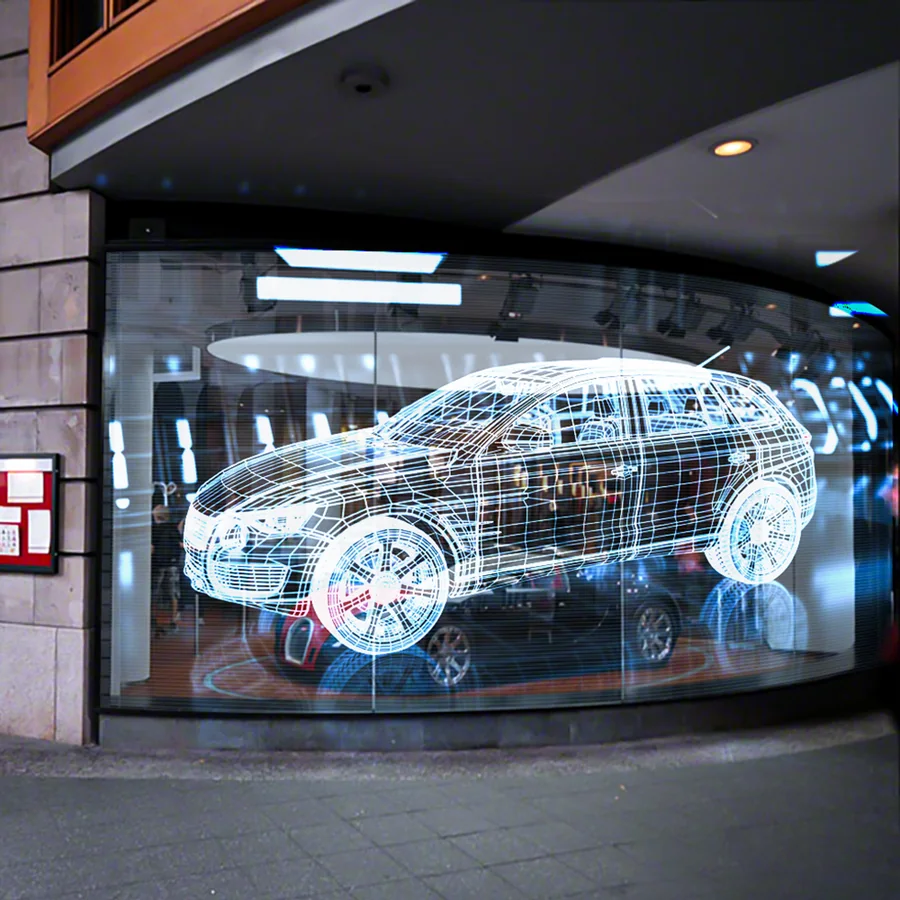
A transparent LED screen for a retail window must deliver a readable image through the actual storefront glazing. Glass tint, reflections, interior lighting, and sun orientation affect what pedestrians can see.
An indoor mounting position shelters equipment from direct rain, but solar heating can raise temperatures behind glass. Confirm equipment temperature limits, ventilation requirements, and clearance around power supplies.
Coordinate the display with merchandise layouts and staff circulation. A screen that obstructs window dressing or requires moving fixtures for repairs creates recurring operating costs.
Exterior Media Facade
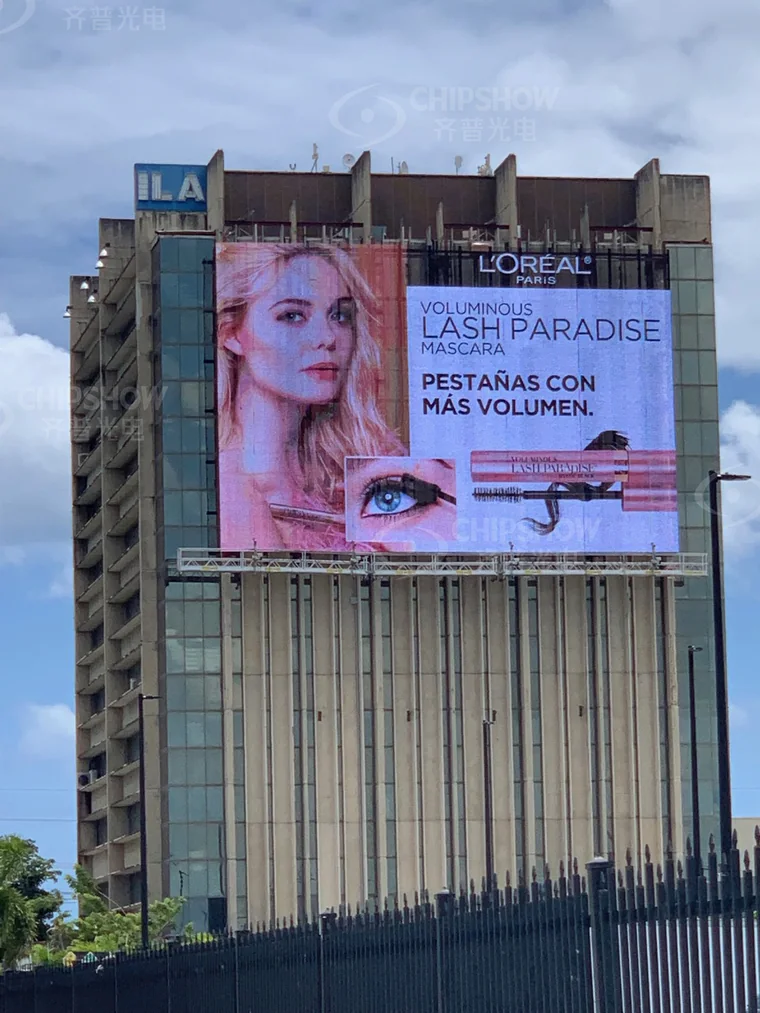
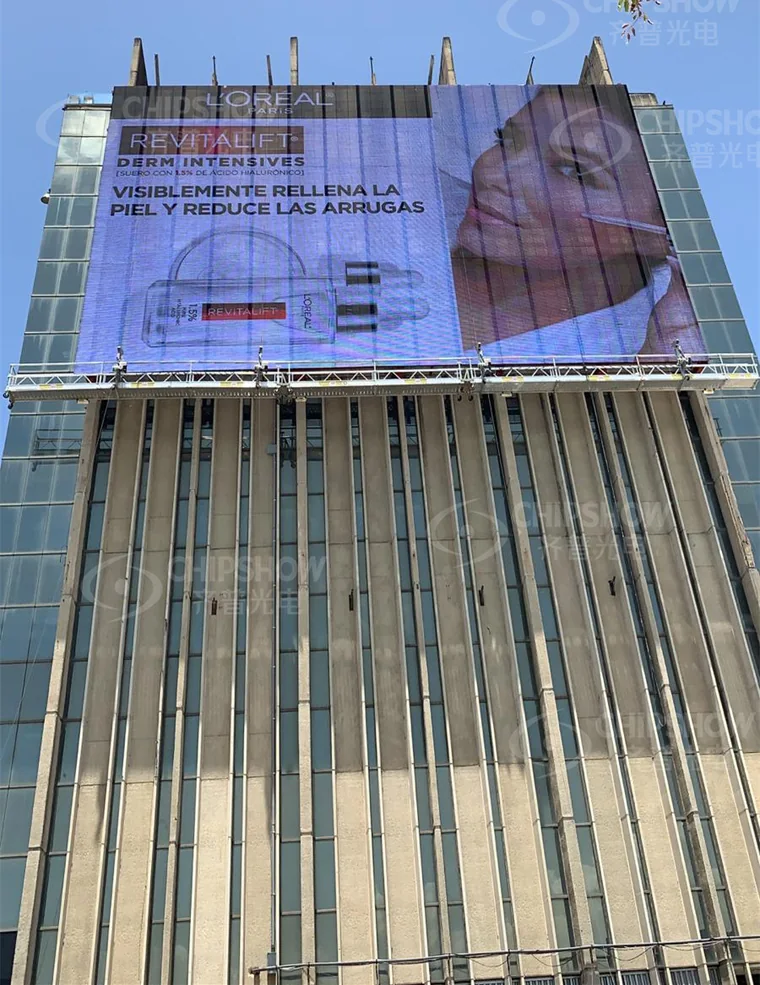
A transparent LED display for a glass facade needs a defined attachment design and documented exposure conditions. Screen elevation, wind, rain, corrosion, and maintenance access all influence the specification.
For a facade viewed across a plaza, Chipshow’s C-Trans Façade P10.41 is a configuration worth evaluating. Its published specifications list approximately 10.4 mm pitch in both directions, 58% permeability, and front and rear service options.
These features provide a basis for evaluating image detail, openness, and access. Confirm the supplier’s permeability measurement method and assess the complete installed assembly during a site mockup.
Final suitability depends on approved structural connections, environmental conditions, and visual performance. The listed IP65 rating addresses enclosure ingress protection; it does not establish wind resistance or building approval.
Semi-Outdoor Atriums
A covered atrium may experience wind-driven rain, condensation, dust, and substantial temperature changes. Classify conditions at the equipment location rather than relying on the label “semi-outdoor.”
Document seasonal exposure and cleaning procedures. Confirm protection requirements for modules, connectors, power supplies, and controls across the installed system.
Balance Transparency With Image Visibility
Evaluate the transparent LED screen together with its glazing, background, and audience position.
Transparency and Pixel Density
Ask how the supplier calculates the transparent LED screen transparency rate. A quoted percentage may describe geometric open area rather than measured visible-light transmission.
Frames, mounting rails, power supplies, and cabling create additional obstruction. Request drawings showing these components across the complete window opening.
Specify transparent LED screen pixel pitch in both directions when horizontal and vertical spacing differ. A single pitch number can conceal differences that affect text detail and image proportions.
| Specification Choice | Potential Benefit | Trade-Off to Check |
|---|---|---|
| Wider spacing between LED strips | Greater open area with otherwise comparable construction | Lower pixel density in the affected direction |
| Finer pixel pitch | Better reproduction of small features | Configuration-dependent changes in openness, cost, and power |
| Higher available brightness | Additional output for bright conditions | Heat, electrical demand, and nighttime control |
| Gaps between display sections | More unobstructed window area | Interruptions across text and moving images |
Compare complete configurations using identical content and viewing positions. Openness and image detail depend on the physical design, so pitch alone cannot establish the better option.
Glass Reflection and Daylight
Street reflections can compete with imagery displayed behind glass. Bright sky, nearby buildings, and moving vehicles may remain visible across the campaign.
Obtain the glazing schedule, including tint and coatings. The glass’s visible transmittance describes the proportion of visible light passing through it. Display open area describes a separate property.
Test the transparent LED screen through the specified glazing at the proposed setback. Compare image brightness from the audience side of the glass, rather than relying solely on the display’s published output.
Higher output may improve visibility, but reflections and background lighting still affect contrast. Review display settings, content, and interior lighting together.
Viewing Distance and Content Scale
Record the closest meaningful viewer, main approach direction, and available reading time. Include oblique sidewalk views and elevated facade sightlines.
A retail window LED display may need to communicate a short offer within a few steps. A distant media facade may prioritize a large brand mark or broad animation.
Select pitch against the smallest required visual feature at those positions. Small text demands a different evaluation from a large logo.
Request the final pixel map and prepare content for that layout. Where pitches differ by direction, confirm that the processing workflow preserves circles, lettering, and product proportions.
Coordinate Structure, Cabling, and Building Access
Mounting and service arrangements determine how a transparent LED screen fits the building throughout operation.
Mullion and Mounting Layout
Overlay the proposed display on facade elevations showing mullions, transoms, doors, and opening windows. Check frame positions against both the outward image and the interior view.
Provide the structural engineer with equipment weights, support geometry, connection details, installation elevation, and applicable site loads. Include brackets, cables, power equipment, and relevant maintenance loads.
Existing curtain-wall members need an approved load path. Low display weight or open construction does not establish that a mullion can accept additional attachments.
Coordinate fixing locations and installation depth with the facade designer. Preserve access to glazing seals, drainage paths, and components requiring future replacement.
Power and Data Routing
Show power and data routes on coordinated drawings. Concealed routes still need suitable protection, strain relief, access, and replacement space.
Provide maximum electrical demand for supply and distribution sizing. Use representative average system demand for operating-cost estimates.
Include controllers, network equipment, and any additional cooling in the electrical scope. Confirm isolation, grounding, surge protection, and penetrations with the responsible designers.
Specify controller locations, network access, scheduling responsibilities, and behavior following signal loss. Identify who can change content and brightness settings.
Service and Emergency Access
“Front service” identifies an access direction. Technicians also need working clearance, suitable equipment, and a route for removing components.
Demonstrate module and power-supply replacement on the proposed layout. Check that adjacent glazing, fixtures, or structural members do not obstruct removal.
Preserve escape routes, door operation, smoke-control openings, and required building access. Have the relevant designers and authorities confirm applicable requirements.
For elevated installations, identify access equipment, contractor responsibilities, and isolation procedures in the purchase scope.
Match Content and TCO to the Commercial Use
Content and operating assumptions should reflect the transparent LED screen’s commercial purpose.
High-Contrast Creative
Use large shapes, clear lettering, and a limited message hierarchy. Fine product details and dense text can lose definition against a visible background.
Black content reduces LED emission in those image areas; it does not create an opaque black surface. Merchandise, lighting, and architectural elements remain visible through the display’s open areas.
Review creative alongside the store’s lighting and merchandising plan. Bright fixtures or moving imagery behind the screen can compete with the intended message.
Approve campaign templates using the actual pixel map. Define readable text sizes and suitable image treatments through the mockup.
Day and Night Content Versions
Create separate daytime and nighttime presets for brightness and content. Daytime readability and evening visual comfort require different settings.
At night, assess the image from nearby occupied spaces as well as the target audience position. Confirm operating hours and applicable brightness restrictions with the project authority.
Approve output levels that satisfy the viewing task under each tested condition. If automatic dimming is specified, verify sensor placement, transitions, and manual override.
Preserve approved presets and scheduling instructions in the handover documentation.
Campaign Downtime and Maintenance
Evaluate total cost of ownership, or TCO, across a defined operating period. Include hardware, supports, electrical work, installation access, controls, content production, commissioning, cleaning, spares, and maintenance.
Estimate electricity using representative average system power under the planned content and brightness schedule:
Annual energy (kWh) = Σ [average system power for each operating mode (kW) × annual operating hours in that mode].
Multiply the result by the applicable electricity tariff to estimate energy charges. Account separately for other tariff components where relevant.
Request power measurements using representative campaign material. A maximum-power specification supports electrical design but does not establish annual consumption.
Agree on replacement-part availability, fault response, remote diagnostics, and campaign update responsibilities. Access arrangements can extend downtime even when spare modules are available.
For advertising sites, evaluate potential revenue disruption using contracted inventory and playback records. For owner-operated retail, assess commercial value through tracked customer actions rather than assumed sales increases.
Approve the Design With an On-Site Mockup
A representative site test converts a transparent LED screen proposal into agreed acceptance criteria.
Use the actual glass type, display setback, mounting arrangement, and proposed campaign material. Include enough display area to reveal strip spacing, frame interruptions, and background interaction.
Run daylight tests when reflections challenge the image, then repeat after dark. Record conditions, content files, and settings for consistent comparison.
Evaluate the following with the retailer, property team, integrator, and content owner:
Confirm that required text and branding remain readable from agreed audience positions.
Check merchandise visibility and outward views from occupied interior locations.
Review glare, reflections, color appearance, and image proportions.
Verify brightness scheduling, content updates, and recovery after a power interruption.
Demonstrate component removal, cable access, and the proposed cleaning method.
Document approved viewing positions, brightness presets, test content, and pass criteria in the purchase scope. Include measurement methods and acceptance thresholds for any quantified performance requirements.
Photographs support the record, but camera exposure can distort apparent brightness and contrast. Use direct assessment and agreed measurements for final approval.
Carry the approved configuration into factory and site acceptance testing. Identify equipment or layout changes that require renewed visual assessment.
A Transparent LED Screen Matched to Real Site Conditions
A suitable transparent LED screen configuration reflects the actual glazing, audience positions, mounting constraints, and content requirements.
Facade drawings and site photos help Chipshow assess the project’s dimensions, elevation, glass specification, viewing distances, and sun exposure. Details about operating hours, power availability, service access, approval requirements, and launch timing provide a basis for a proposal covering pixel pitch, openness, brightness control, mounting coordination, and maintenance scope.
FAQs
Q1. Does Glass Tint Reduce Transparent LED Screen Visibility?
Tint can reduce transmitted display light and alter perceived color. The effect depends on the glazing, coatings, lighting, and viewing angle. Test the proposed screen through the actual glass type under representative conditions.
Q2. Can a Transparent LED Screen Follow Curved Glass?
Some configurations support curved or segmented layouts. Confirm the permitted radius, bending direction, frame geometry, and service clearances. Obtain approval for the exact configuration rather than assuming a flat panel can bend.
Q3. What Is the Difference Between Transparent LED Panels and LED Film?
Panels generally use framed LED strips or modules. LED film typically uses a thin transparent substrate carrying LEDs and conductive paths. Compare the proposed products’ attachment, replacement, cabling, thermal limits, and glazing compatibility.
Q4. Can Existing Window Cleaning Equipment Work Around the Display?
Possibly, subject to an access review. Check cradle travel, brush clearance, water exposure, anchor points, and isolation procedures with the cleaning contractor. Confirm approved cleaning methods for both the glazing and display components.
Q5. Does a Transparent Display Affect the View From Inside the Building?
Yes. LED strips, frames, cables, and supports remain physical obstructions. Their visibility varies with viewing angle, distance, and lighting. Review the interior view with the screen operating and switched off during the mockup.