





A digital signage installation should enter service only after documented acceptance testing. The checks should cover structure, image quality, fault recovery, remote control, and service access. Every result needs an approved limit, an assigned owner, and clear evidence. Across multi-site outdoor LED networks, a shared digital signage installation process also improves warranty tracking and service planning.
What Should a Digital Signage Installation Acceptance Plan Define
A digital signage installation acceptance plan should state the test scope, assigned roles, approval rules, and required records.
Equipment and Work Included in the Test
The test scope should cover the full installed system. Testing only the visible outdoor LED display screen leaves many risks within the digital signage installation unchecked.
The scope should include:
- LED cabinets and modules.
- Supporting structures and mounting hardware.
- Power distribution and grounding.
- Signal processors and receiving cards.
- Media players and network equipment.
- Light sensors and monitoring devices.
- Cable routes, drainage, and ventilation.
Any excluded work should appear in writing. Common exclusions include civil works, utility feeds, and third-party network services.
Roles of the Supplier, Integrator, and Operator
Each test needs a responsible party and an approving party.
The supplier provides product records, approved limits, and configuration files. The integrator demonstrates installation quality and system operation.
The operator checks content workflows, alerts, user accounts, and maintenance procedures. A project manager or consultant may control the final defect register.
Clear ownership prevents open issues from moving between different contractors.
Pass, Conditional Pass, and Fail Criteria
Written status rules support clear payment, correction, operation, and handover decisions.
| Status | Required Condition | Project Action |
|---|---|---|
| Pass | All critical tests meet approved requirements. | The system enters normal operation. |
| Conditional pass | Minor defects do not affect safety or core operation. | Assign correction owners and retest dates. |
| Fail | A critical structural, safety, image, power, signal, or control test fails. | Keep handover open until retesting succeeds. |
A conditional pass cannot cover unsafe wiring, unstable structures, water entry, or repeated system failure.
Defect Correction and Retesting Rules
Each defect record needs a location, severity level, owner, deadline, and supporting image.
The retest should cover the repaired part and every connected function. A replaced power supply may affect its cabinet, circuit, receiving card, and displayed image.
Use this formula:
Retest scope = corrected item + connected systems + affected signal and content paths
Use a standard test form that records the test method, acceptance limit, result, responsible party, and supporting evidence.
How Should the Physical LED Installation Be Inspected
Physical checks should confirm that the digital signage installation is aligned, protected, serviceable, and safe to maintain.
Cabinet Alignment and Surface Flatness
Inspect the screen from the front, sides, and normal viewing positions. Cabinet edges should align across every row and column.
Use an approved straightedge or laser method. Save the readings from fixed reference points for later comparison.
Poor alignment may create visible seams, uneven shadows, and stress around module edges.
Module Gaps and Seam Consistency
Display solid colors while checking cabinet and module joints. These patterns reveal surface defects more clearly than detailed advertising content.
Modular LED display panels should remain level. Gaps should stay even, with no raised corners or compressed modules.
Repeat the check after the digital signage installation reaches its normal operating condition. Heat can reveal movement that was not visible during initial setup.
Front and Rear Service Clearance
Technicians should be able to remove every serviceable part without disturbing nearby cabinets.
A front service LED display needs clear tool access to modules, power supplies, and receiving cards. Rear-service systems need safe walkways, lighting, and enough door clearance.
Our C-Fit Easy Standard SMD uses two cabinet sizes for fixed outdoor projects:
- 960 × 960 mm (37.8 × 37.8 in).
- 1,280 × 960 mm (50.4 × 37.8 in).
Front and rear service access supports consistent maintenance across billboard and facade networks. Our C-Fit Easy video shows the cabinet structure and installation layout.
Cable Routing and Strain Relief
Cable quality can affect the stability of the full digital signage installation. Inspect cable labels, bend radius, connector locking, separation, and strain relief. Cable weight should not pull directly on any connector.
Keep cables away from sharp edges, drainage routes, heat sources, and moving service parts. Outdoor cable entries also need suitable sealing.
Electrical work must comply with the codes, permits, and inspection requirements that apply at the project location.
Other markets should follow the electrical codes, permit rules, and inspection requirements that apply at the project location.
Weather Seals and Drainage Paths
Weather protection should be checked across the complete digital signage installation, not only at cabinet level. Inspect seals, cable glands, access doors, covers, penetrations, drip loops, and drainage openings.
IEC 60529 defines enclosure protection against solid objects and water. An enclosure rating does not cover every field-installed joint.
The complete installation still needs separate checks for:
- Cable entries.
- Cabinet joints.
- Rear covers.
- Structure penetrations.
- Drainage paths.
- Field modifications.
Water should not collect behind modules, inside support structures, or near electrical parts.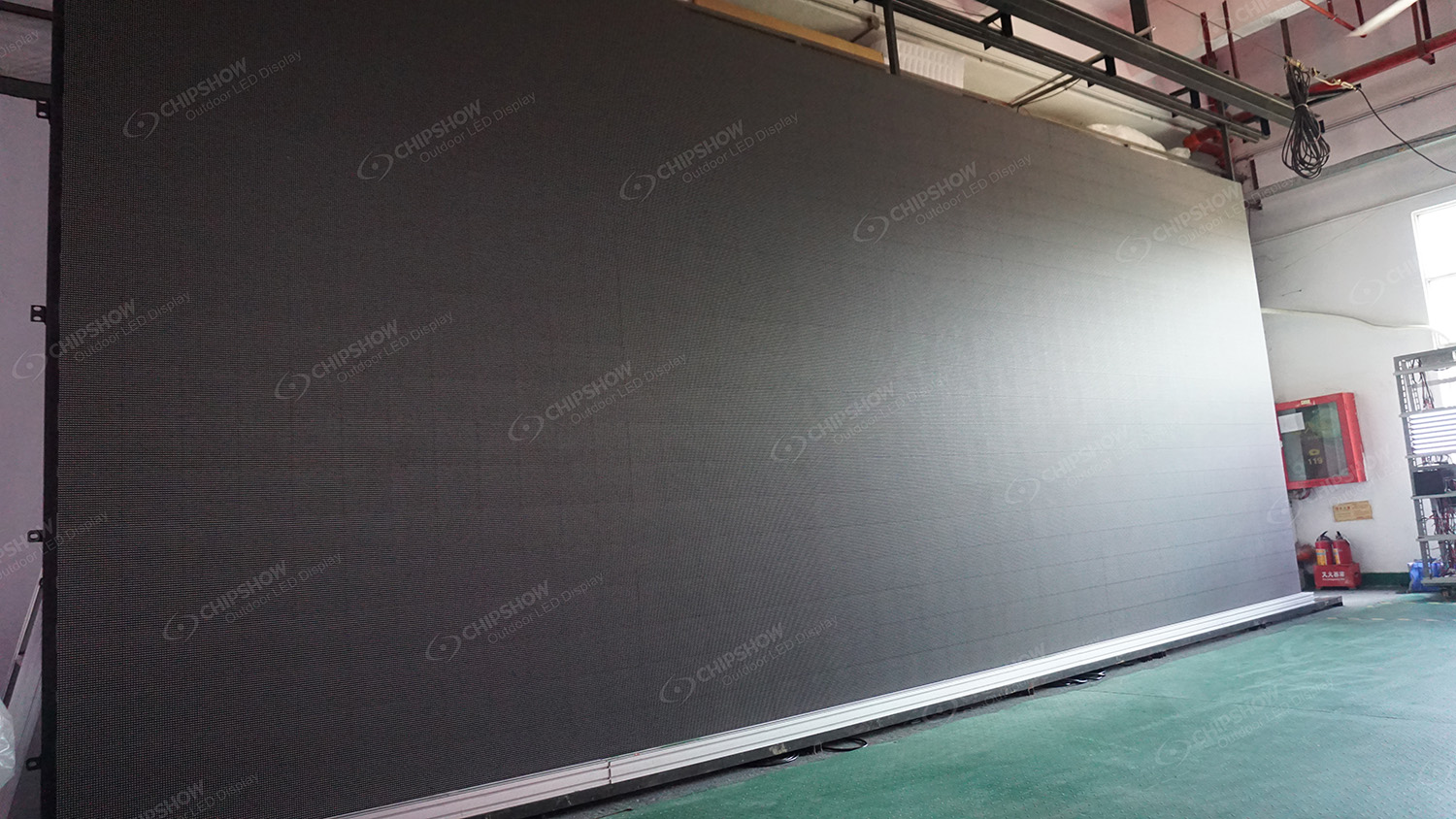
Which Image Quality Tests Should Be Completed
Image tests should create a recorded performance baseline for the digital signage installation.
Dead and Abnormal Pixel Inspection
Run full-screen red, green, blue, white, and black patterns.
Record dark pixels, stuck pixels, wrong colors, flicker, and unstable clusters. Identify every defect by cabinet and module position.
Use the defect limit stated in the approved project specification. Repeat the inspection at normal operating temperature.
Brightness and Color Uniformity
Measure the center, edges, corners, and cabinet boundaries with approved instruments.
Keep screen settings, measurement positions, and viewing angles consistent. Store the measurement map as the visual baseline.
Instrument readings should be reviewed beside a visual inspection. Local color patches may remain visible even when the average result passes.
White Balance and Grayscale Performance
Display neutral white, gray ramps, and smooth gradients.
Check for:
- Color shifts between cabinets.
- Visible banding.
- Clipped shadow detail.
- Uneven transitions.
- Color changes at lower brightness levels.
Run the test at each approved operating brightness level. Daytime performance alone does not confirm acceptable night operation.
Low-Brightness Image Quality
Use the planned night setting and representative dark content.
Review shadow detail, skin tones, small text, gradients, and low-contrast graphics. Colors should remain stable as brightness decreases.
Compare the result with local brightness restrictions and the approved operating schedule.
Automatic Brightness Sensor Response
Test this function only where ambient light sensors are included in the project.
Change the sensor input under controlled conditions. The screen should move toward the configured brightness level without repeated cycling.
Check the sensor location for nearby lamps, reflections, shadows, and physical obstructions. Record the manual override procedure for sensor or network failure.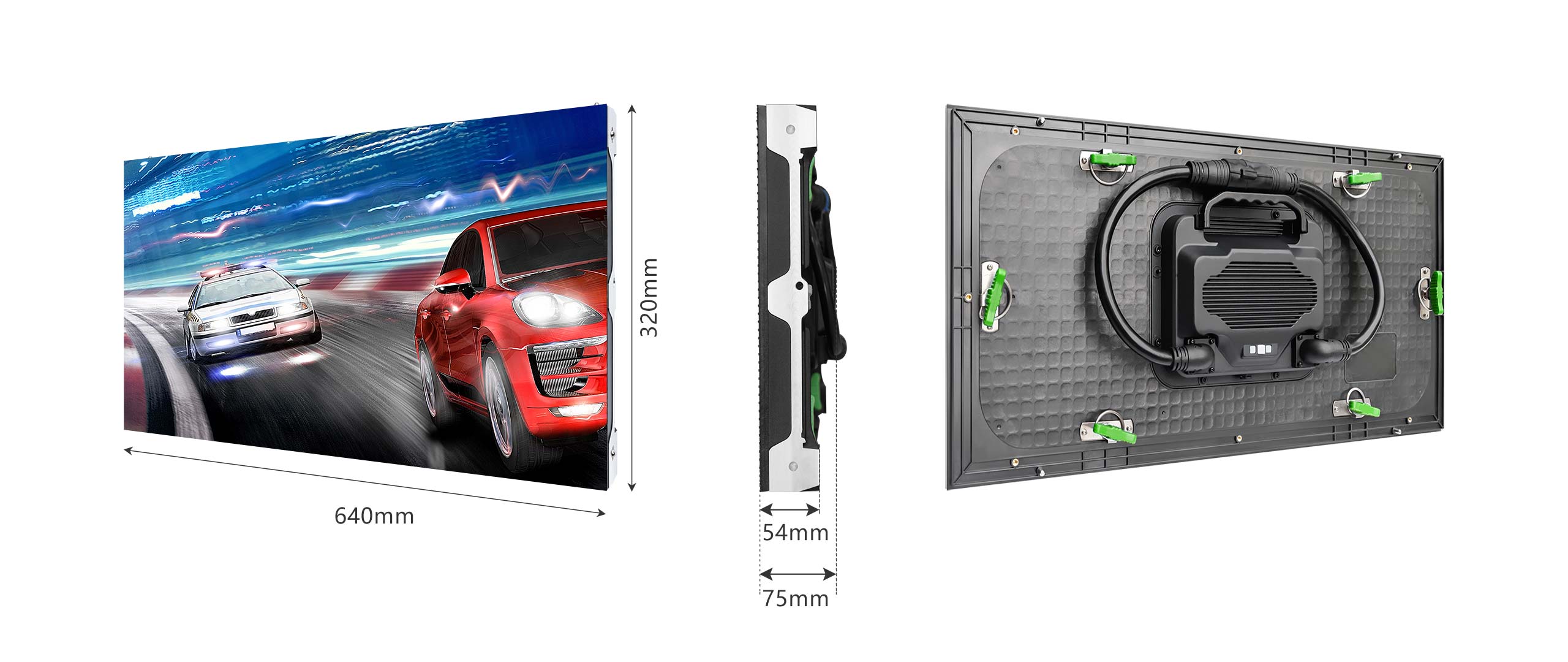
How Should Power and Signal Resilience Be Tested
Power and signal tests should confirm that the digital signage installation remains stable during controlled faults.
Full-Load Power Test
Run the project-approved electrical load test at the specified brightness.
Monitor:
- Voltage and current.
- Circuit breakers.
- Power connectors.
- Cabinet temperature.
- Image stability.
- Power distribution behavior.
Record the test duration and ambient conditions. All testing should remain within rated operating limits.
Processor and Receiving Card Restart
Restart processors, media players, sending devices, and selected receiving cards.
After the restart, confirm that cabinet mapping, scaling, calibration, and content placement remain correct.
Record recovery time and any manual steps. An undocumented recovery process creates service risk after handover.
Signal Interruption and Recovery
Disconnect the approved signal path through a controlled test procedure.
The screen should enter its specified fallback state. That state may use cached content, a backup source, a safe image, or a blank screen.
Restore the signal and check recovery, synchronization, scaling, and content playback.
Redundant Power or Signal Switching
Test redundancy only where the approved design includes backup paths.
Isolate the primary path through an approved safety procedure. Check takeover time, affected screen areas, alarms, and stable restoration.
A backup path should cover every area listed in the redundancy design. Partial switching may leave some cabinets unprotected.
Content Playback After an Unplanned Reboot
Use the approved fault-simulation method.
Confirm that the correct schedule, screen assignment, time setting, and playback state return after recovery.
Temporary test files should remain inactive. The system should not require undocumented content selection.
How Should Remote Management Be Verified
Remote tests should confirm that the digital signage installation can be managed through normal operating networks and accounts.
CMS Connectivity and Content Publishing
Use the operator’s normal remote network connection.
Upload, schedule, replace, and remove a test asset. Confirm delivery to the correct site, screen, content zone, and playback window.
A successful local upload does not confirm remote CMS operation.
Screen Health and Fault Alerts
Test only the monitoring functions included in the approved project scope.
Create safe, controlled faults where suitable. Check that the dashboard and alert channel identify the correct site, screen, and affected device.
Alerts may be sent through a dashboard, email, service platform, or another approved channel.
User Permissions and Access Logs
Test content, service, and administrator roles.
Content teams should not have unrestricted engineering access. Service staff should not change campaign schedules without approval.
Review the access logs for:
- User name.
- Action taken.
- Affected asset.
- Date and time.
Remove all temporary test accounts after acceptance.
Time Synchronization Across Multiple Sites
Publish synchronized content across representative sites.
Check time zones, daylight-saving settings, controllers, media players, and CMS clocks. Compare playback times with the approved tolerance.
Incorrect timing can affect campaigns, proof-of-play reports, and fault investigations.
Offline Content and Network Recovery
Disconnect the external network through an approved procedure.
Stored content should follow the defined offline playback policy. Record any loss of monitoring or publishing access.
Restore connectivity and check queued updates, monitoring, and schedule recovery. The system should not skip or duplicate scheduled content.
What Must Be Included in the Handover Package
The digital signage installation handover package should support operation, maintenance, warranty work, and later system changes.
As-Built Drawings and Cable Maps
Provide final drawings that match the completed installation.
Include:
- Cabinet layout.
- Power circuits.
- Signal routes.
- Network equipment.
- Sensors.
- Grounding.
- Drainage.
- Service access.
Add revision numbers, approval dates, and all accepted field changes.
Product Serial Numbers and Batch Records
Record serial numbers and batch details for tracked components.
Link every item to its site and physical position. These records support warranty work, color matching, and spare-part selection.
Digital records are easier to search and update than handwritten lists.
Calibration and Configuration Files
Back up receiving-card files, cabinet mapping, calibration data, processor settings, sensor rules, and CMS configurations.
Record firmware versions in a separate file. Each backup should include the site, screen, device, date, and revision.
Test the restoration process on approved equipment. An untested backup may fail during an actual service event.
Spare Parts Inventory
List spare modules, power supplies, receiving cards, cables, connectors, sensors, and service tools.
Set stock quantities using:
- Site access.
- Shipping lead time.
- Uptime targets.
- Batch compatibility.
- Contract requirements.
- Local storage conditions.
Separate on-site stock from central warehouse stock.
Maintenance Training and Escalation Contacts
Training should cover inspection, safe isolation, module replacement, configuration restoration, and fault escalation.
Provide written procedures and named contacts for hardware, software, network, and warranty support.
Record trainee names and training dates.
How Can Multi-Site DOOH Acceptance Be Standardized
A shared digital signage installation process keeps evidence, naming, defects, and approvals consistent across sites.
Standard Test Forms
Use the same evidence fields at every site.
Each form should record:
- Test method.
- Approved limit.
- Result.
- Instrument used.
- Tester.
- Approver.
- Date.
- Supporting files.
Keep model-specific limits where different hardware requires different values.
Baseline Photos and Measurement Records
Capture consistent front, rear, side, seam, access, cable, drainage, and control-equipment views.
Use fixed file names and reference positions. Store each measurement record beside the related images.
These records give service teams a reliable comparison point during later inspections.
Consistent Asset Naming
Apply one naming structure to sites, screens, cabinets, circuits, controllers, sensors, and network devices.
Use the same names in drawings, CMS records, monitoring dashboards, labels, and warranty files.
Mixed naming systems slow down service work and increase the chance of editing the wrong asset.
Central Defect and Warranty Tracking
Maintain one controlled defect register across the network.
Each record should include:
- Site and asset.
- Severity.
- Description.
- Assigned owner.
- Deadline.
- Repair history.
- Retest evidence.
- Warranty status.
Review repeated failures by batch, component, and site condition.
Approve Your Digital Signage Installation With Recorded Evidence
Approve the digital signage installation only after every critical test has clear evidence. Confirm safe service access, stable fault recovery, remote operation, and complete handover files. Standard forms improve site comparisons and warranty tracking. For fixed DOOH networks, serviceable cabinet layouts also reduce technician access time and long-term maintenance pressure.
FAQs about LED Acceptance Testing
Q1: What Is the Difference Between FAT and SAT for LED Displays?
Factory acceptance testing(FAT) checks equipment against approved requirements at the production site. Site acceptance testing(SAT) checks the completed system under real operating conditions. SAT covers structure, power, signal paths, networks, content, controls, and local interfaces. Equipment may pass factory testing and still show installation or integration defects at the final site.
Q2: What Causes Repeated or Misaligned Images on a New LED Screen?
Repeated, shifted, or cropped images often come from incorrect cabinet mapping, receiving-card settings, port order, or canvas dimensions. Check the approved configuration and physical data path first. Test each output port and cabinet row separately. Save the corrected mapping and receiving-card files after every screen zone displays correctly.
Q3: Can an IP65 Cabinet Still Develop Water Ingress After Installation?
Yes. An IP65 rating applies to the tested enclosure under defined conditions. Poor cable glands, open joints, damaged seals, blocked drains, or field modifications can create new water paths. Acceptance testing should inspect the full assembly, including penetrations, connectors, drainage, and rear protection.
Q4: What Firmware Information Should the Handover Package Record?
Record firmware versions for processors, receiving cards, media players, sensors, and network devices. Link each version to its matching configuration backup and acceptance date. Note approved exceptions and restricted updates. This record reduces compatibility problems during replacement, recovery, and future maintenance.
Q5: Can One Acceptance Checklist Cover Different Outdoor LED Models?
Yes, at the process level. Use shared evidence fields, naming rules, defect categories, and approval steps across the network. Keep separate limits for brightness, power, protection rating, service access, and redundancy. A shared checklist should standardize reporting without forcing identical limits on different outdoor LED configurations.





