





Installing an outdoor LED display is a significant investment, and getting it right from the start saves time, money, and headaches down the road. Whether you’re setting up a large billboard, a storefront sign, or a stadium screen, the installation process involves more than just mounting panels to a wall. This guide walks you through the key technical factors and practical steps you need to know before the first bolt goes in.
What Is an Outdoor LED Display?
An outdoor LED display is a large-format screen made up of individual LED modules or panels that work together to show images, video, and text in open-air environments. Unlike indoor displays, outdoor LED display screens are built to handle direct sunlight, rain, dust, wind, and temperature swings — sometimes all in the same day.
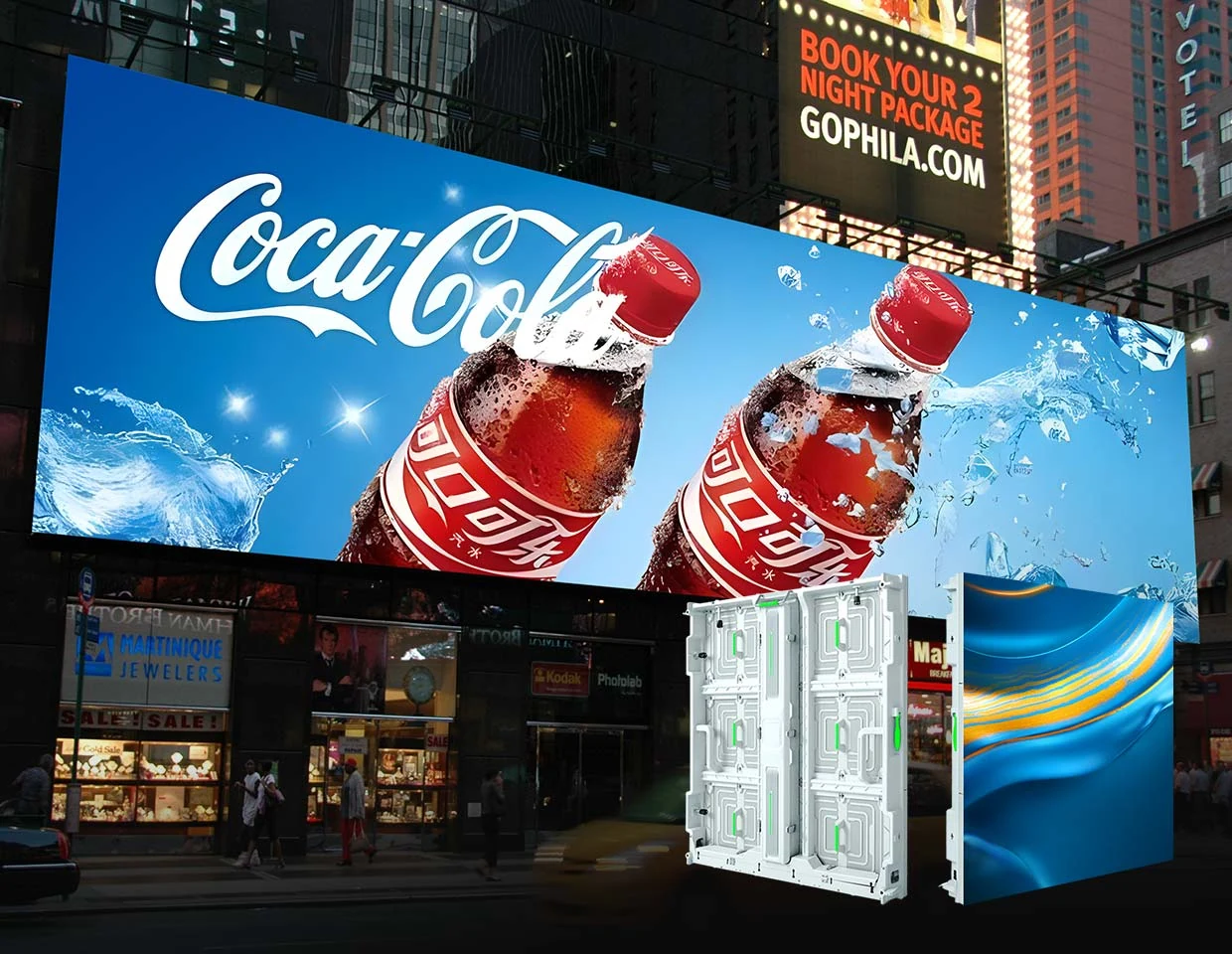
These displays are used across a wide range of settings: roadside billboards, sports arenas, transit hubs, retail storefronts, concert stages, and government buildings. Outdoor LED display panels come in different pixel pitches (the distance between LED clusters), which determines how sharp the image looks at a given viewing distance. The larger the screen and the farther away viewers stand, the larger the pixel pitch can be without sacrificing image quality.
If you’re sourcing hardware for a new project, reputable outdoor led screen manufacturers typically provide technical spec sheets that cover brightness ratings, ingress protection (IP) ratings, refresh rates, and structural load specs. Request this documentation before purchasing, and compare the proposed equipment against the site survey, intended content and installation scope.
What Technical Factors Should You Check Before Installing an Outdoor LED Display?
A site survey and a review of the proposed hardware help identify installation constraints before equipment is ordered. Check the following items with your project team.
1. Environmental Resistance and IP Ratings
Outdoor conditions vary dramatically by region, so your display needs to be rated for the environment it will face. IP ratings (Ingress Protection) tell you how well the unit resists dust and water.
- IP65 covers dust ingress and low-pressure water jets under its specified test conditions.
- IP67 and IP68 concern immersion under specified conditions. Confirm rain, water-jet and cleaning exposure separately against the enclosure documentation.
A waterproof outdoor LED display screen is not optional in wet climates — it’s a baseline requirement. Check both the front cabinet rating and the rear electrical enclosure rating separately, as they may differ.
2. Thermal Management and Heat Dissipation
LED modules generate heat, and prolonged heat buildup degrades both brightness and lifespan. Outdoor screens have to manage internal temperatures even on hot summer days when ambient temperatures are already high.
Look for displays with passive heat dissipation fins, internal fans for larger cabinets, or thermally optimized aluminum housing. If your site gets direct afternoon sun on the back of the screen, factor that into your cooling requirements. Thermal sensors that trigger automatic brightness reduction during heat spikes are a useful built-in protection feature.
3. Brightness Standards and Visibility
Outdoor visibility depends heavily on ambient light. A screen that looks great indoors will wash out completely in direct sunlight without sufficient brightness.
Auto-brightness adjustment (using ambient light sensors) is highly recommended. It protects screen longevity during night hours and ensures visibility throughout the day without manual intervention.
4. Lightning Protection and Grounding Systems
This is one of the most overlooked factors in outdoor LED display board installations. A direct or nearby lightning strike can destroy your electronics instantly if the system is not properly grounded.
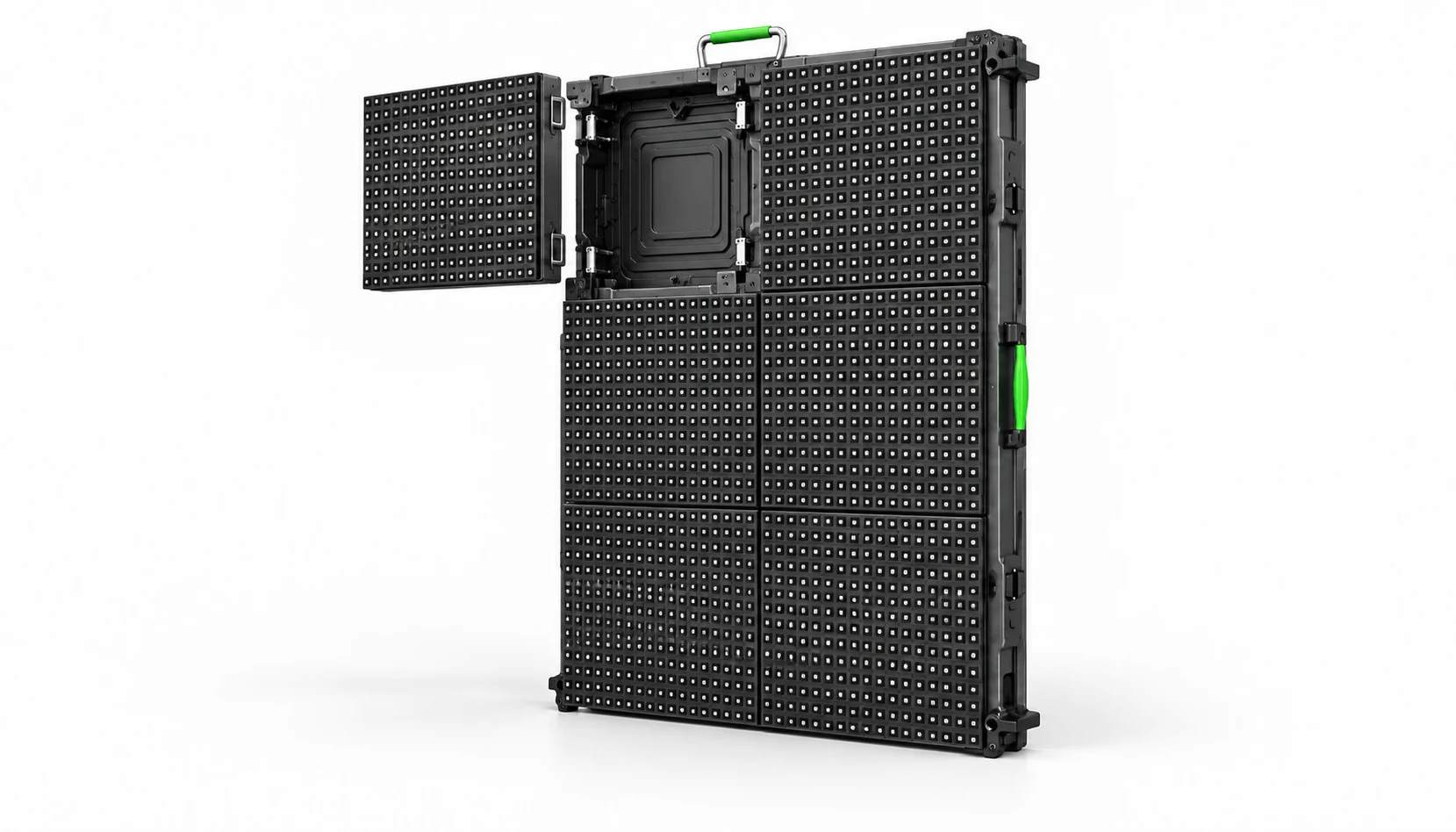
Conceptual illustration; confirm the selected model’s dimensions, mounting and service method.
Your installation should include:
- A dedicated grounding rod connected to the main structure.
- Surge protection devices (SPDs) on power input lines.
- Shielded data cables between the controller and the display.
- A proper lightning rod or air terminal if the display is the tallest structure in the area.
Check local electrical codes before finalizing your grounding design — requirements vary by region.
5. Structural Design and Installation Methods
The mounting structure has to handle more than just the weight of the screen. Wind load is often the most critical structural factor, especially for large-format or freestanding displays.
Common installation methods include:
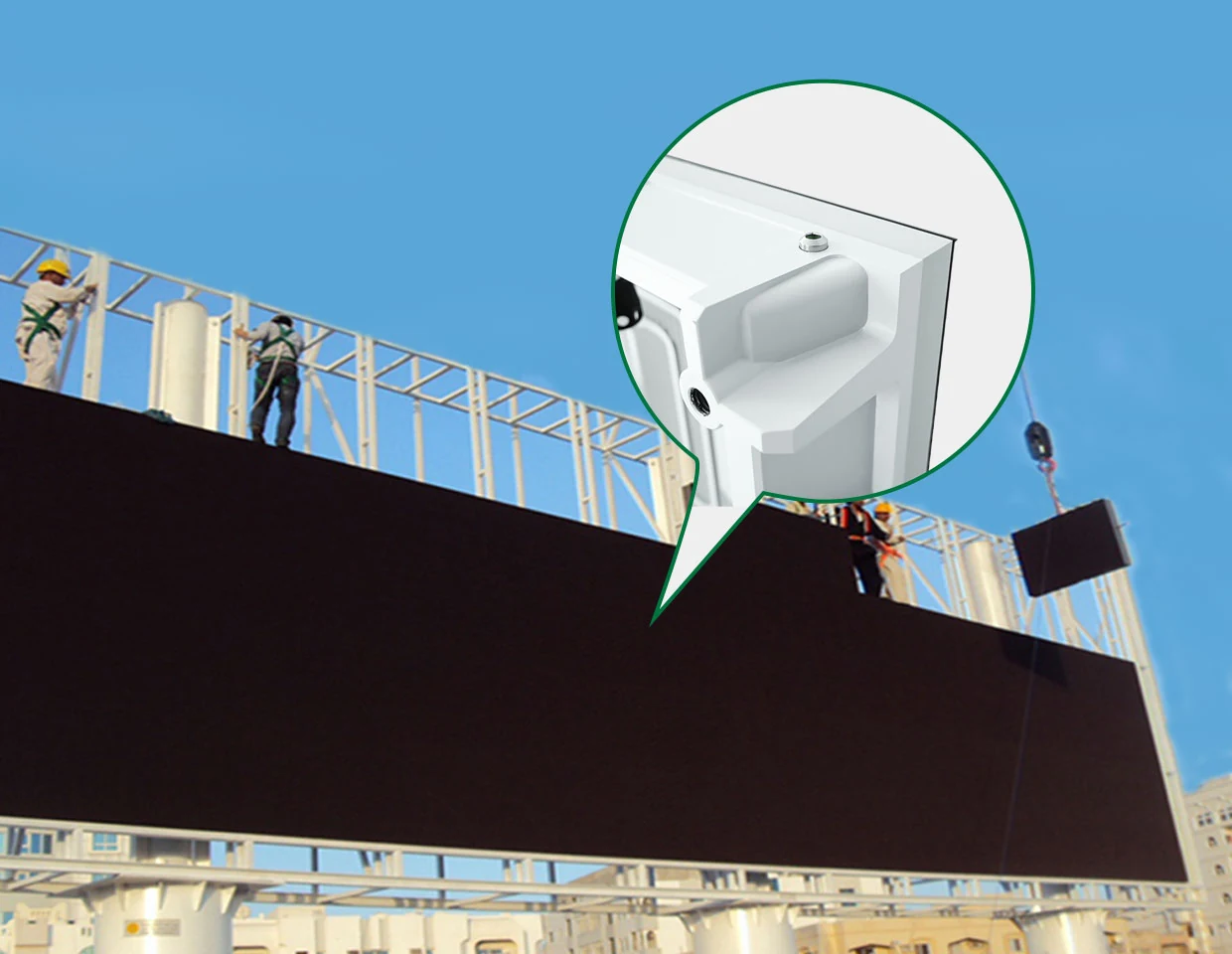
- Wall-mounted systems anchored into reinforced concrete or steel-framed walls.
- Pole-mounted systems using single or dual steel poles embedded in concrete footings.
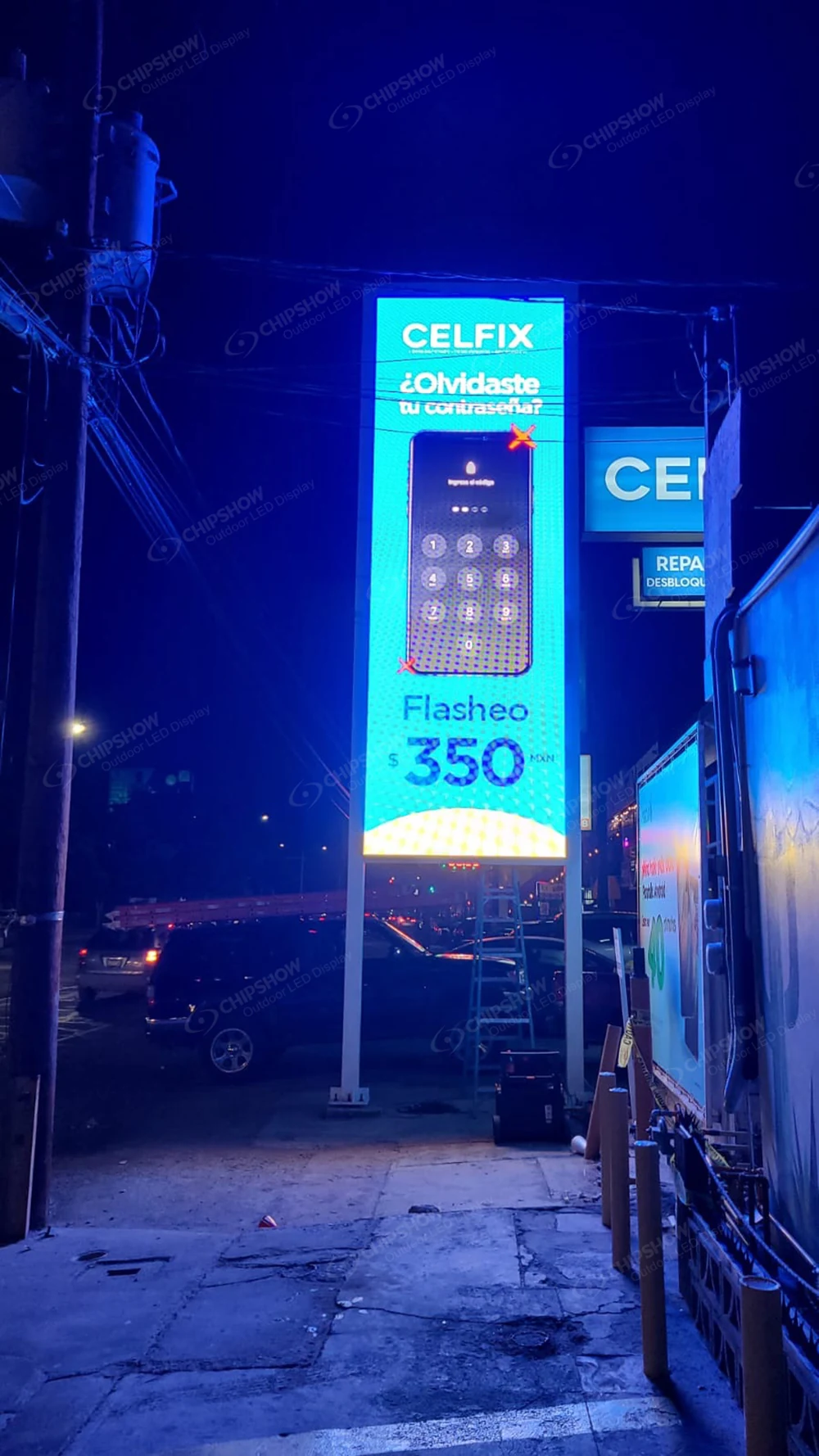
- Roof-mounted systems that require a structural engineering review of the building’s load capacity.
- Ground-level freestanding frames for temporary or semi-permanent setups.
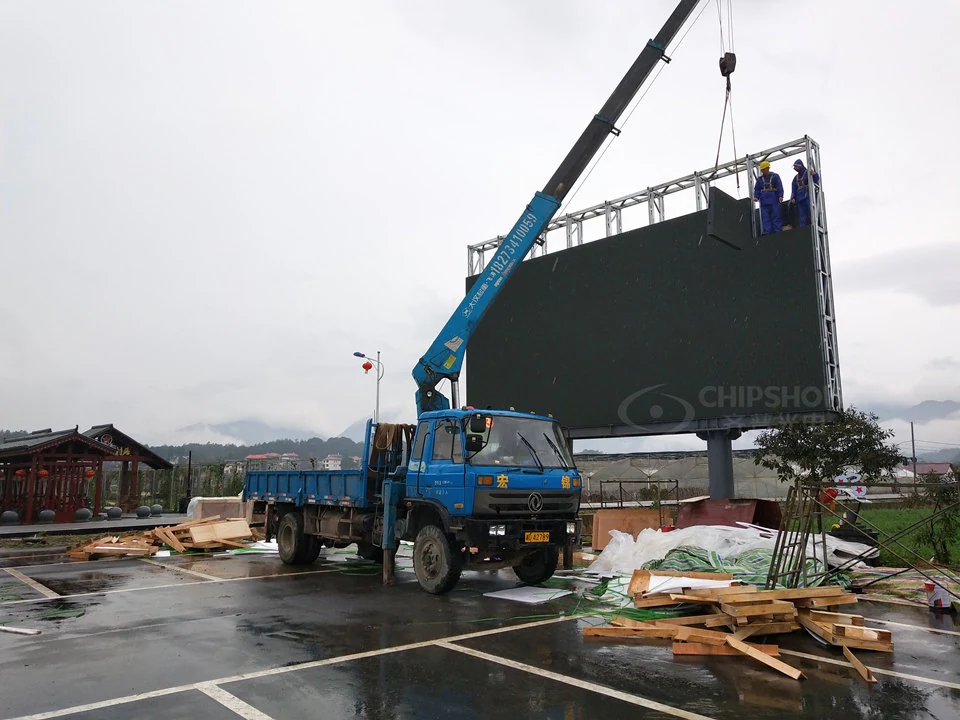
All hardware (brackets, bolts, frames) should be made from galvanized or stainless steel to prevent rust. Have a licensed structural engineer review the design if the display exceeds a certain size — most jurisdictions require this for commercial installations.
6. Maintenance Accessibility and Serviceability
You will need to access the back of the display panels eventually, whether for routine inspection or component replacement. Plan for this from day one.
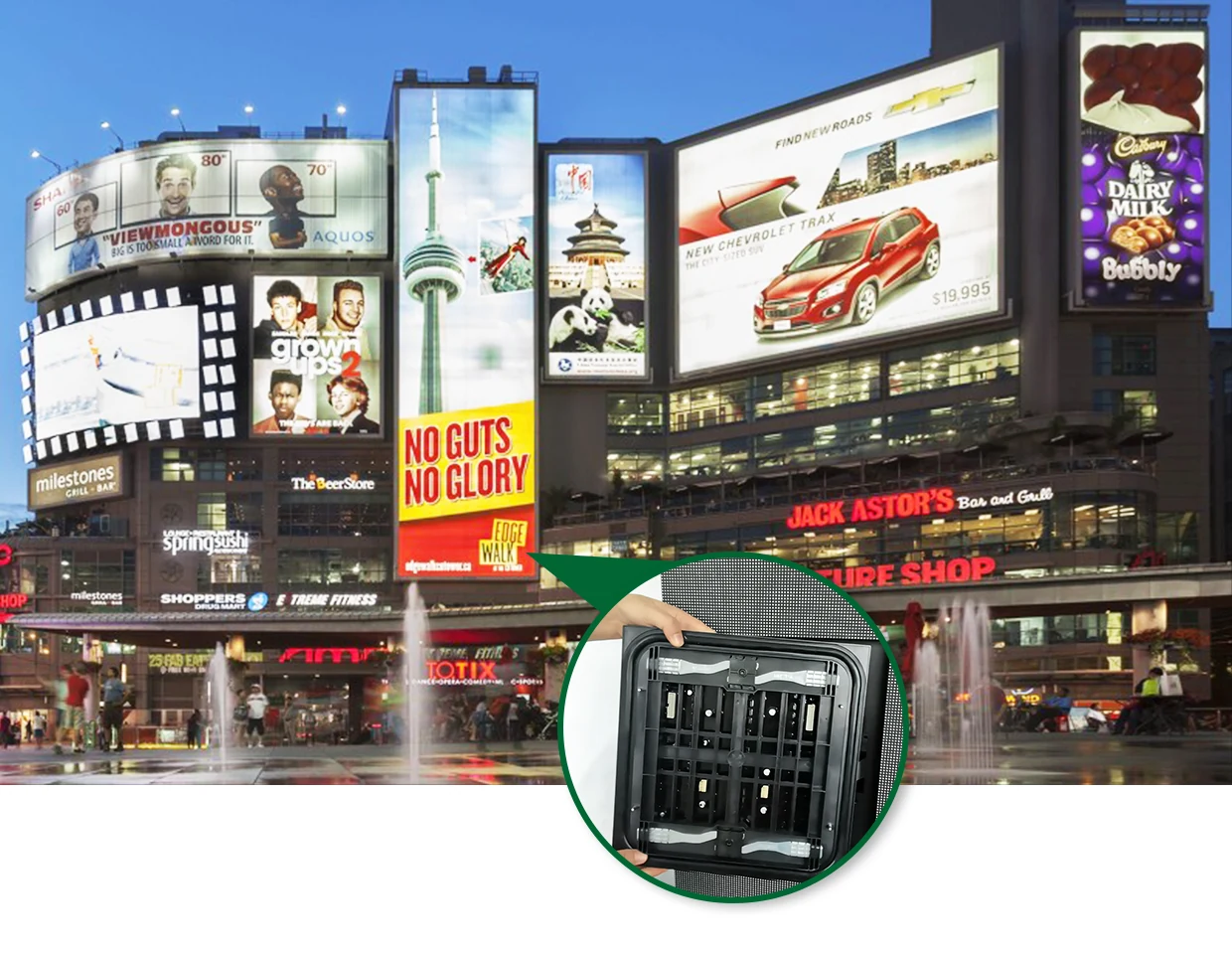
Front-access panel designs are convenient for wall-mounted or tight-clearance installations — individual modules can be swapped without removing the entire cabinet. Rear-access designs require a maintenance walkway or platform behind the screen. Either way, design your installation so a technician can reach every panel safely, without needing heavy equipment for routine service calls.
7. Site Selection and Viewing Distance
Where you place the display directly affects how effective it is. The minimum and optimal viewing distances depend on pixel pitch.
- Assess a P6 configuration with sample project content at the nearest and farthest intended viewing positions. Pixel pitch alone does not determine text readability.
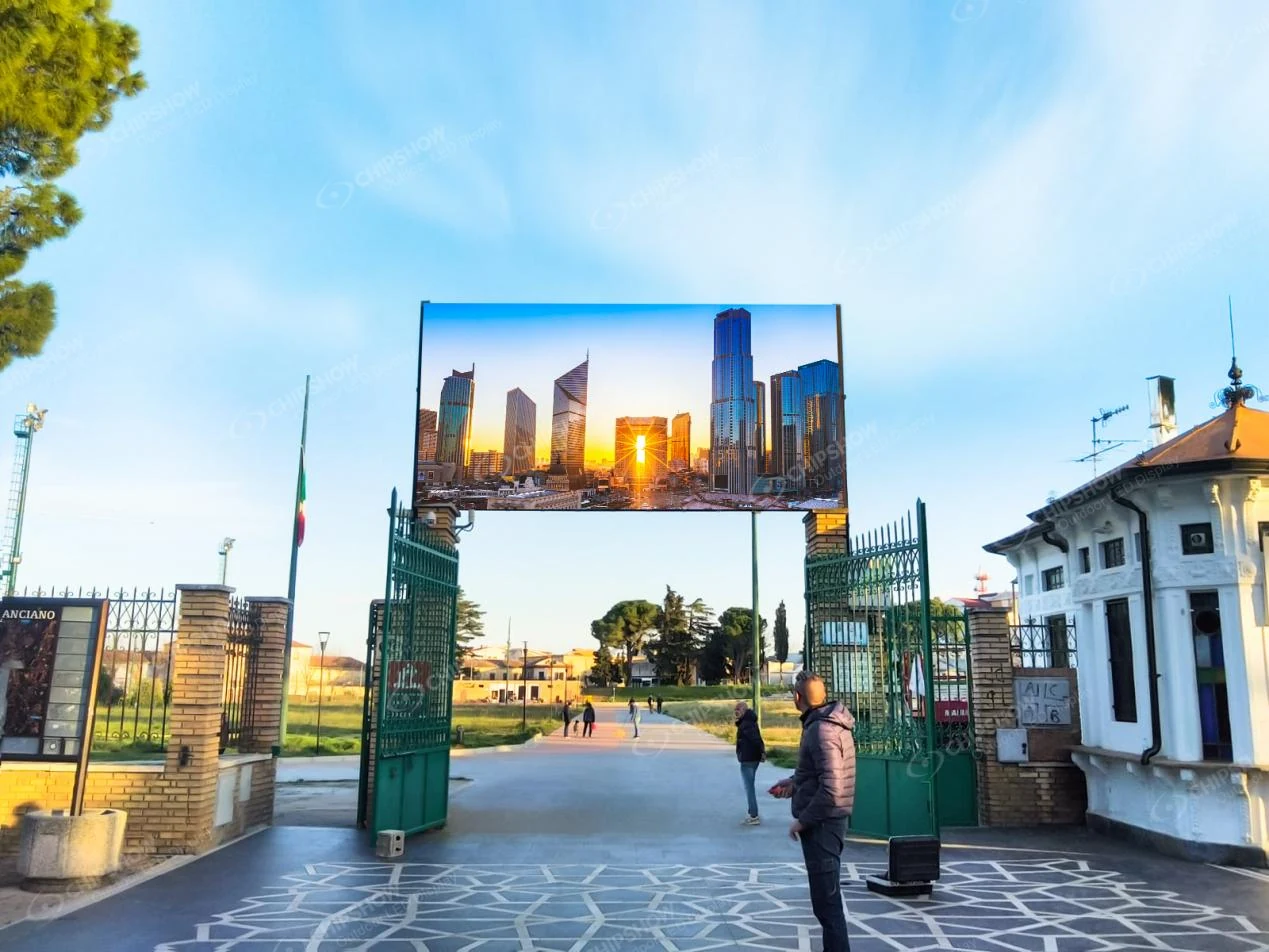
- A P10 panel also needs to be checked with the intended content and viewing layout before selection.
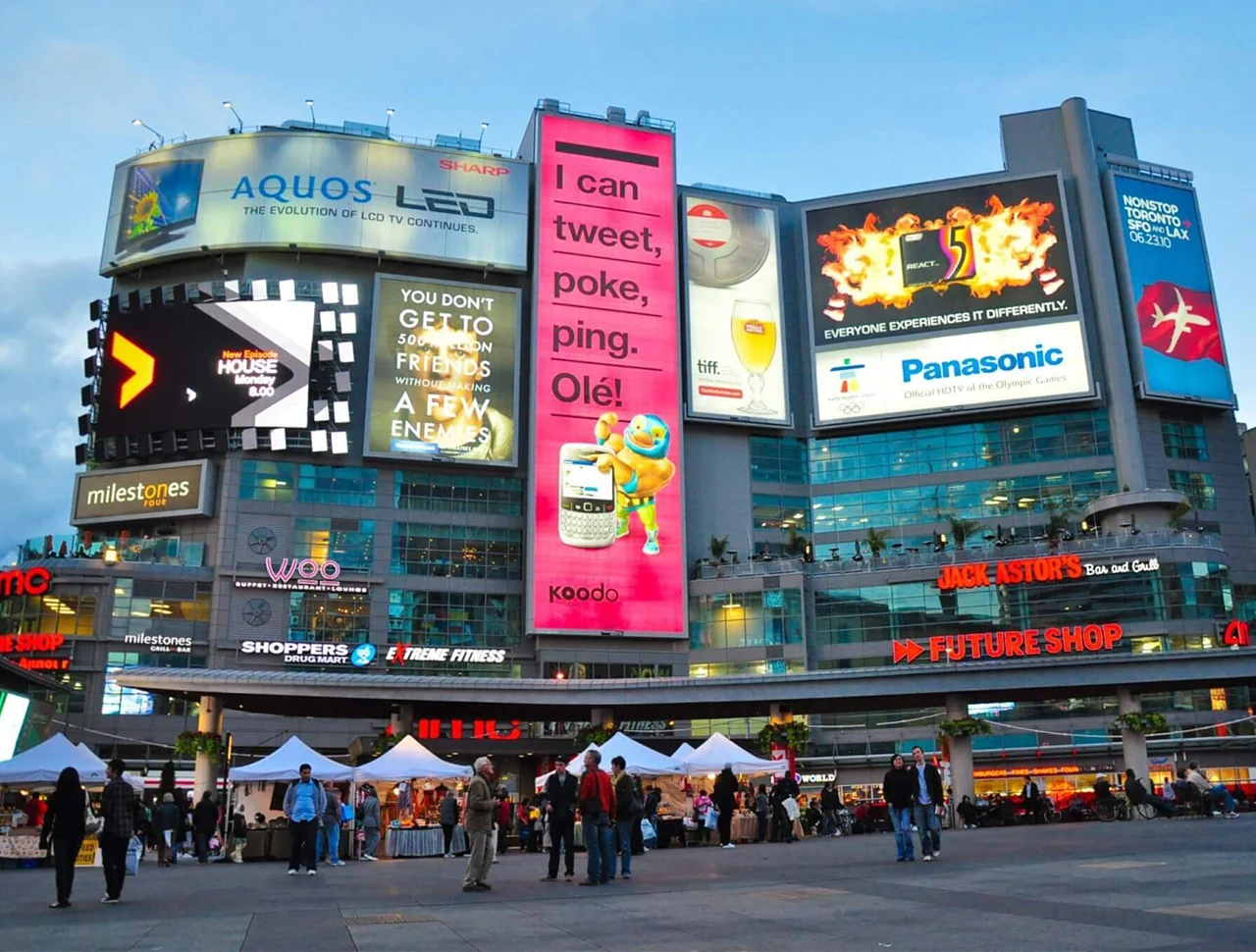
- Larger pixel pitches (P16, P20) are suited for highway billboards and large sports venues.

Also consider sightline obstructions (trees, utility poles, other signage), the direction of traffic or pedestrian flow, and whether the display will face into direct sunlight for extended periods — which affects both visibility and thermal load.
How to Install an Outdoor LED Display: A Step-by-Step Walkthrough
Once your technical planning is complete, the physical installation follows a clear sequence. You can also watch our installation video directly.
Step 1: Site Survey and Permitting
Before ordering materials, conduct a full site survey. Measure the mounting surface, assess structural integrity, document utility line locations, and confirm zoning rules for signage in your area. Most municipalities require permits for permanent outdoor displays.
Step 2: Foundation and Structural Prep
For pole-mounted or freestanding systems, dig and pour concrete footings according to your structural engineer’s specifications. For wall-mounted systems, install anchor bolts or a steel backing frame directly into the wall. Allow concrete to cure fully before proceeding.
Step 3: Electrical Infrastructure
Run conduit for power and data cables before the screen goes up. Install your breaker panel, power distribution units, and surge protectors at this stage. Make sure your power supply is sized correctly for your display’s wattage — account for peak load, not average load.
Step 4: Mounting the Structure and Cabinets
Lift and secure the main frame or support structure. Then mount outdoor LED display panels (cabinets) one by one, starting from the bottom row and working upward. Use a level at each stage to ensure alignment. Connect cabinet-to-cabinet data and power links as you go.
Step 5: Controller Setup and Signal Routing
Install the LED controller (sending card) in a weatherproof enclosure near the display. Connect signal cables from the source (media player, PC, or broadcast system) to the controller, then verify data connections to each cabinet’s receiving card.
Step 6: Testing and Calibration
Power on the display and run a full-screen color test. Check for any dead pixels, brightness inconsistencies, or misaligned modules. Use the manufacturer’s calibration software to adjust white balance and brightness uniformity across all panels. Test the auto-brightness sensor if your system has one.
Step 7: Weatherproofing and Final Inspection
Seal all cable entry points with weatherproof conduit fittings or silicone. Verify that all cabinet doors, latches, and gaskets are properly closed and sealed. Do a final structural inspection and sign off on grounding continuity with a multimeter before going live.
Plan Your Outdoor LED Display Installation the Right Way
Don’t wait until problems appear to think through your technical requirements. Review your IP ratings, brightness specs, structural load calculations, and grounding plan before any hardware ships. Careful planning helps avoid common installation problems. Long-term reliability also depends on the selected hardware, installation quality and ongoing maintenance. Use this guide as your baseline checklist, and consult qualified engineers and certified outdoor led screen manufacturers when your project requires it.
FAQs About Outdoor LED Display Installation
Q1: What IP rating do I need for an outdoor LED display in a rainy climate?
Ask for the tested front and rear enclosure ratings and their test conditions. Rain, water jets and immersion are different exposures. Confirm suitability for the actual installation, including connectors, seals and drainage, rather than selecting a rating from rainfall alone.
Q2: How long does it typically take to install an outdoor LED display?
It depends on the size and complexity of the project. A small wall-mounted outdoor LED display board might take two to three days including wiring and testing. A large freestanding or rooftop installation with structural work, permitting, and full commissioning can take two to four weeks. Permitting timelines vary by location and can add weeks to the schedule if not started early.
Q3: Do I need a structural engineer for my outdoor LED display installation?
Not always — but in most cases, yes. For any large-format display, a permanently mounted screen, or a freestanding installation, a structural engineering review is strongly recommended and often legally required. Wind load calculations are particularly important. For wall-mounted displays, establish structural review and permit requirements for the actual site before selecting anchors or starting installation.
Q4: Can I install an outdoor LED display myself, or do I need a contractor?
It depends on the scale. Small decorative or temporary displays may be manageable for someone with electrical and construction experience. But for permanent commercial installations, you’ll need licensed electricians for power work and structural contractors for mounting. Attempting a large outdoor LED display screen installation without proper expertise creates real safety and liability risks, and may void manufacturer warranties.
Q5: What causes outdoor LED displays to fail prematurely?
The most common causes are inadequate heat dissipation, poor waterproofing that allows moisture into the cabinets, improper grounding that leaves electronics vulnerable to power surges, and using hardware that isn’t rated for the local climate. Skipping regular maintenance, like cleaning ventilation paths and checking seal integrity, also accelerates wear. Sourcing from reputable outdoor led screen manufacturers with proper certifications reduces the risk significantly.
Q6: How often should an outdoor LED display be serviced?
A general recommendation is a full inspection every six to twelve months, depending on environmental exposure. This includes checking pixel condition, cleaning ventilation and heat sinks, testing power connections, and inspecting weatherproof seals. Displays in harsh climates (coastal salt air, desert dust, heavy snow) benefit from more frequent checks. Many manufacturers include recommended maintenance intervals in their documentation.
Q7: What pixel pitch should I choose for my outdoor LED display?
It depends on your minimum viewing distance. As a practical rule, multiply the pixel pitch in millimeters by 1,000 to get the minimum comfortable viewing distance in millimeters — so a P8 panel works well from around 8 meters away. For street-level retail or close-range signage, P4 to P6 is common. For highway billboards or stadium screens where viewers are 30 meters or more away, P10 to P16 is typically sufficient and more cost-effective.





