





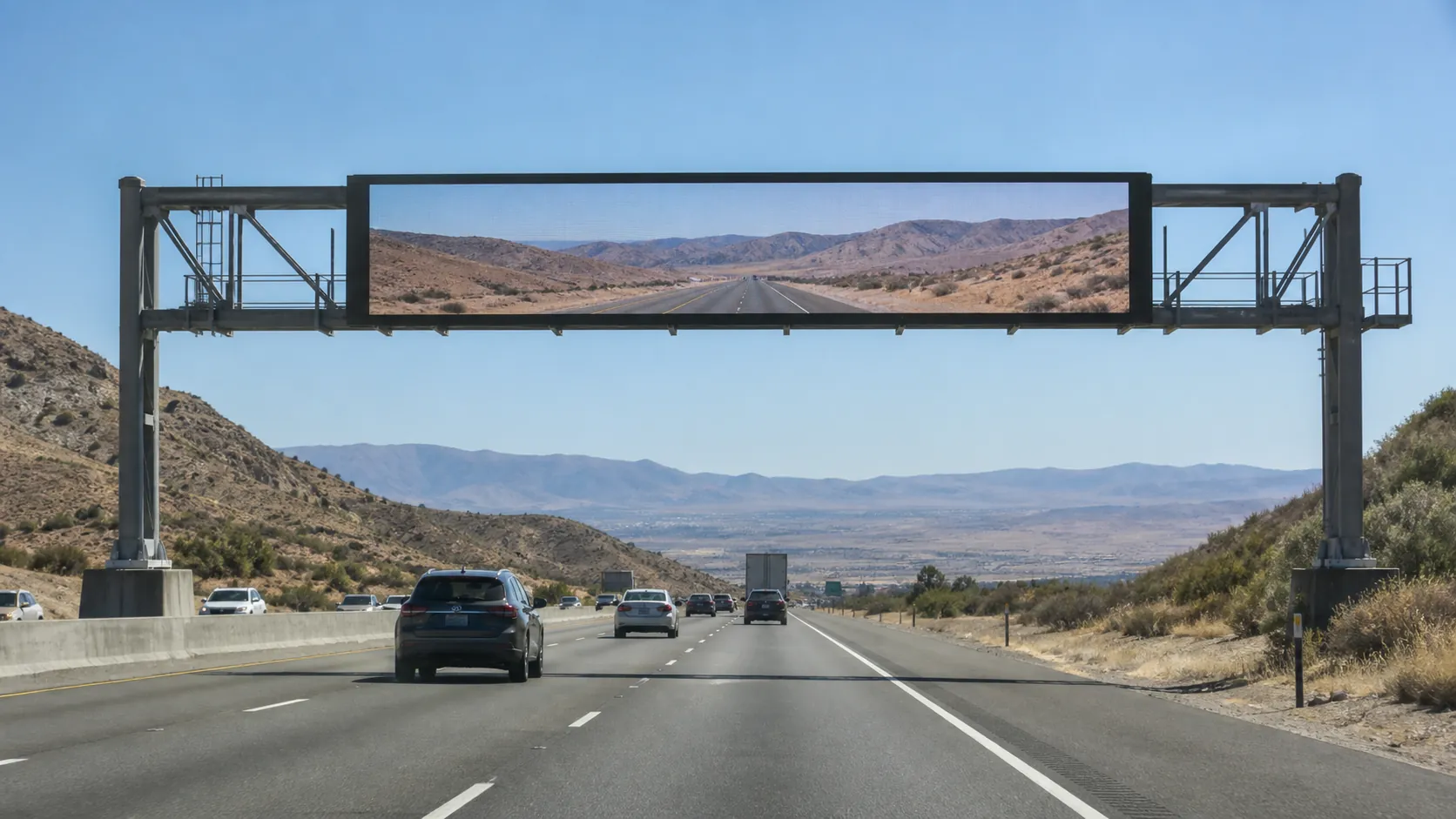
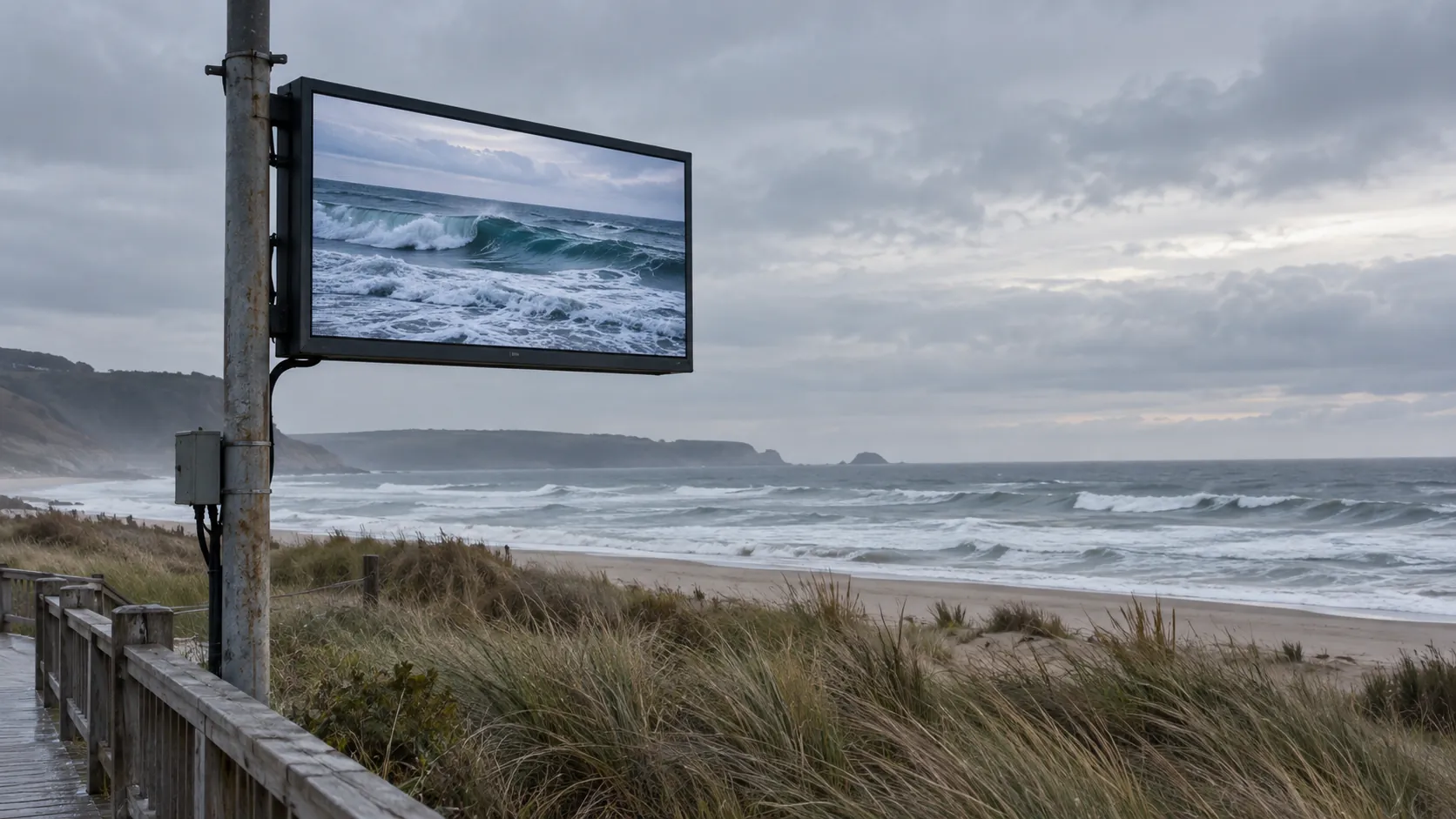
A coastal billboard, a shaded city wall and a highway gantry face different weather problems. Start the specification with the site: heat and cold, wind exposure, salt or humidity, and the routes through which water can enter. Matching those conditions to the cabinet and support design helps you buy a screen that stays useful through the seasons, with maintenance access planned from the start.

What Fails First in Extreme Weather
The first failure is rarely dramatic. More often, an outdoor LED display starts with small problems such as brightness instability, seal wear, condensation, or hardware corrosion, then moves toward downtime or maintenance calls. Heat, cold, wind, and salt air can each push a different weak point.
Thermal stress matters because repeated expansion and contraction can fatigue solder joints in LED assemblies, which is one reason temperature management belongs in the buying decision rather than only the maintenance plan. CALCE’s LED failure analysis is a useful reminder that thermal cycling is a physical reliability issue, not just a comfort issue.
For infrastructure projects, the main lesson is simple: match the display to the environment, not the brochure. A cabinet can look rugged and still be a poor fit if the site has wide seasonal swings, strong wind exposure, or persistent moisture. The right spec is the one that closes the site’s weakest failure path first.
Thermal Limits and Heat-Cycle Design
For highway dynamic message signs, NEMA TS 4 is a relevant specification reference; its functional range is commonly quoted as −34°C to +74°C (about −29°F to +165°F). Match the required edition and test conditions to the tender. For a commercial billboard, start with its actual site conditions rather than assuming every traffic-sign requirement applies. The highway VMS procurement guide covers the traffic-sign buying context.
What matters next is not just the number, but what that number covers. Operating range, storage range, and cold-start behavior are not the same thing. A display may be fine in storage conditions and still be slow, unstable, or unavailable at startup if the vendor does not define the full use case. If the quote does not clearly state whether the limit applies to operation, storage, or startup, treat that as a check-before-buying gap.
Operating Range and Startup Range
The practical question is whether the sign can run when the site is hot in direct sun and cold before dawn. On a highway shoulder, solar gain can push cabinet temperatures higher than the air reading suggests. In winter, the worst issue is often not survival but whether the display starts cleanly after a cold soak.
Ask for normal operation, storage and startup conditions separately. For a hot site, identify the expected ambient temperature and solar exposure; for a cold site, ask how the sign restarts after a cold soak. The VMS enclosure thermal-management guide helps turn those questions into a cooling and heating review.
Thermal Management Features
Thermal design should move heat away from the electronics, not just avoid shutdown. Look for clear airflow paths, sensible cabinet layout, and service access that lets technicians clean vents, replace fans, or inspect hot spots without damaging the enclosure. If cooling relies on airflow, blocked intakes, dust, or poor clearances can erase part of the advantage.
In real use, the best thermal system is the one that keeps output stable during the hottest part of the day and does not turn every summer service visit into a roadside repair. That matters because thermal drift and repeated heat cycles can shorten the life of the modules even when the display still "works."
Seasonal Site Matching
Match the spec to the actual site, not the average climate. A shaded urban wall, an open highway gantry, and a sun-baked roadside cabinet do not face the same heat load. In cold regions, check whether winter startup is a concern; in hot regions, check whether solar exposure and reflective surroundings make the cabinet hotter than expected.
If a site is hard to reach, thermal design matters even more because minor cooling issues can become expensive maintenance events. For that reason, the most useful thermal question is not "Does it have a temperature spec?" but "Does it have enough margin for this exact location?"
Wind Load and Mounting Stability
Wind review includes the display, its connections and the supporting structure. Highway projects may reference the applicable AASHTO structural-support specification. Ask the structural designer to state the design wind basis, exposed area, geometry and load assumptions for the actual mast or gantry; a generic drag coefficient is not a complete support design.
The important judgment is this: the cabinet rating alone does not prove the installation is structurally adequate. Exposure height, mounting style, pole design, and the surrounding structure all change the load case. That is why a roadside mast, a gantry, a freestanding frame, and an open-coast installation should not be treated as the same engineering problem.
| Site Condition | What To Verify | Why It Matters | Common Mistake |
|---|---|---|---|
| Roadside mast or pole mount | Cabinet drag assumptions and pole design | Wind load rises with exposure and height | Treating the enclosure as the whole structure |
| Highway gantry | Connection details and support capacity | The support system carries the real load | Approving the sign before reviewing the frame |
| Freestanding sign structure | Base, bracing, and foundation assumptions | Movement and fatigue can drive failures | Using a generic sign design for a DMS |
| Open-coast or storm-prone site | Conservative engineering review and mounting margin | Salt and wind often create combined stress | Relying on the cabinet’s weather rating only |
Include the mount in the purchase review, especially for an elevated or exposed display. Give the support designer the cabinet dimensions, total installed mass and connection details early enough to coordinate the frame and foundations. This avoids ordering a display first and discovering later that the support assumptions do not match it.
Corrosion Protection in Coastal and Humid Sites
Salt, moisture and wet-dry cycling can attack fasteners, connectors, cable entries and seams before the cabinet face looks damaged. Ask for corrosion-test evidence that identifies the tested assembly, coating, method, duration and acceptance result. For a project with a specified salt-spray test, compare those details with the offered hardware so the report answers the site’s corrosion question.
Materials and Coatings
In coastal and humid environments, the first line of defense is materials and finish quality. Look for corrosion-resistant metals, protective coatings, and build choices that make repeated wet-dry cycling less punishing. UV exposure matters too, because a finish that holds up in shade may age faster in direct sun.
Do not stop at the outer shell. A neat-looking enclosure can still hide vulnerable hardware if the coating system, base material, and exposed edges were not designed together.
Fasteners, Connectors, and Cable Paths
The small parts often fail first. Fasteners, cable entries, and connectors deserve close review because they are hard to see and expensive to replace once the display is installed. In wet or salt-heavy sites, these details can determine whether a unit stays serviceable or becomes a recurring maintenance call.
If the quote does not explain how dissimilar metals, cable sealing, and connector protection are handled, the corrosion risk is probably being pushed onto the maintenance team. That is a warning sign for any public infrastructure job.
Maintenance Access and Inspection
Corrosion protection only helps if technicians can inspect the unit without compromising the seals. Plan for access, inspection intervals, and the reality that the most useful maintenance is often early detection, not emergency repair.
A practical rule is to inspect the exposed hardware before the cabinet finish becomes the focus of attention. Cosmetic rust is a clue; service interruption is the real cost.
Ingress Protection and Real-World Sealing
An IP rating is useful, but it does not prove overall weather durability. It speaks to dust and water ingress resistance, not wind load, corrosion life, or structural adequacy. That means an IP claim should be treated as one input, not the final answer.
- Check what the rating actually covers. It helps describe protection against dust and water entry, but it does not tell you whether the structure can handle wind or whether coastal hardware will last.
- Separate exposure types. Light rain, wind-driven rain, splash, and wash-down conditions are not the same, and a simple rating can be overread if the site exposure is harsher than the lab scenario.
- Inspect the whole enclosure path. Gaskets, doors, seams, and cable entries have to work together. A strong front seal does not help much if the service door or cable entry is weak.
- Treat cleaning and maintenance as part of the seal review. If the installation needs periodic washing or close-up access, the sealing details should still make sense after repeated service cycles.
The best check is not "What IP class does it have?" but "What real exposure does the site create, and which parts of the enclosure are most likely to leak first?"
Spec Sheet Checks Before You Buy
Use the quote review to force a hard comparison between sites and vendors. The most useful documents are the ones that show environmental limits, structural assumptions, corrosion evidence, sealing details, and service requirements without making you guess.
- Confirm the site conditions first. Write down the hottest month, cold-start concern, wind exposure, and whether the site is coastal, humid, or storm-prone.
- Verify the temperature range. For highway-grade use, compare the quote against NEMA TS 4’s functional operating range and ask whether the vendor is describing operation, storage, or startup. Where tenders also list certifications (UL, FCC, CE, TAA, RoHS and similar), check the current compliance status for the exact model and destination market instead of accepting a line-level blanket claim.
- Check the mounting assumptions. Record the applicable structural design basis and confirm that the display connections, support and foundation are reviewed together.
- Ask for corrosion evidence. Match the tested materials, coating and assembly to the proposed hardware, then compare the test method and result against the project requirements.
- Review sealing and service access. Make sure the IP claim, gaskets, cable entries, and maintenance access all support the expected field conditions.
- Compare bids on the same checklist. A cheaper quote that skips one of these items is not really the same offer.
If you only remember one thing, make it this: the safest purchase is the one that proves it can survive the site you are actually building, not the cleanest test lab version of that site.
Final Takeaway
Use the outdoor LED display range to shortlist cabinets against the site brief, then carry the selected design into the billboard maintenance plan. Record what needs inspection, how technicians reach it and which conditions call for a service visit. A good weather specification should be practical to maintain after installation, not just convincing on the quotation.
FAQs
How Do I Compare Outdoor LED Display Spec Sheets for Extreme Weather?
Start with the site, then compare temperature range, wind assumptions, corrosion details, and sealing claims on the same worksheet. A strong sheet will tell you whether the environmental limit covers operation, how the support system was treated, and what evidence exists for coastal or humid exposure.
What Temperature Range Should a Highway LED Sign Support?
There is no one universal answer for every project, but highway-grade signs are commonly checked against NEMA TS 4’s functional operating range of -34°C to +74°C. The more important question is whether that range covers both the expected summer peak and the cold-start conditions at your site.
Can an IP Rating Alone Prove Outdoor Weather Durability?
No. An IP rating helps describe dust and water ingress resistance, but it does not prove wind performance, corrosion life, or structural adequacy. Treat it as one part of the review, then check mounting, hardware, and maintenance access separately.
Why Do Coastal LED Display Projects Need Extra Corrosion Review?
Salt air and wet-dry cycling can damage fasteners, connectors, coatings, and cable paths before the cabinet looks bad. That is why coastal projects should ask for material details, sealing details, and a salt-spray benchmark instead of relying on appearance alone.
Can a Display’s Wind Rating Be Treated as the Full Structural Answer?
No. The cabinet’s wind assumptions are only one input. Exposure height, mount type, pole or gantry design, and local engineering review still determine whether the installation is safe and approvable.





