





When a module needs attention in a 24/7 command center, the service team needs access, the right spare and a clear way to restore the image. COB fine-pitch displays can bring a clean, detailed picture to the room; this guide examines how to keep that picture available through routine maintenance and repairs.

Why Serviceability Changes the Buying Decision
A sharp image does not help much if the wall is hard to reach, slow to service, or disruptive to repair. AVIXA’s guidance on documentation requirements for audiovisual systems is a useful reminder that 24/7 systems need records, not assumptions. If your room runs around the clock, the display should be judged as an operational asset, not just a visual one.
For most buyers, that means asking a simple question early: what happens to the room when one section needs service? A COB fine-pitch LED display can be a good fit in control rooms, but only when the access method and support plan match the way the room actually runs. The best choice is the one that keeps maintenance predictable, not the one that sounds premium in a brochure.
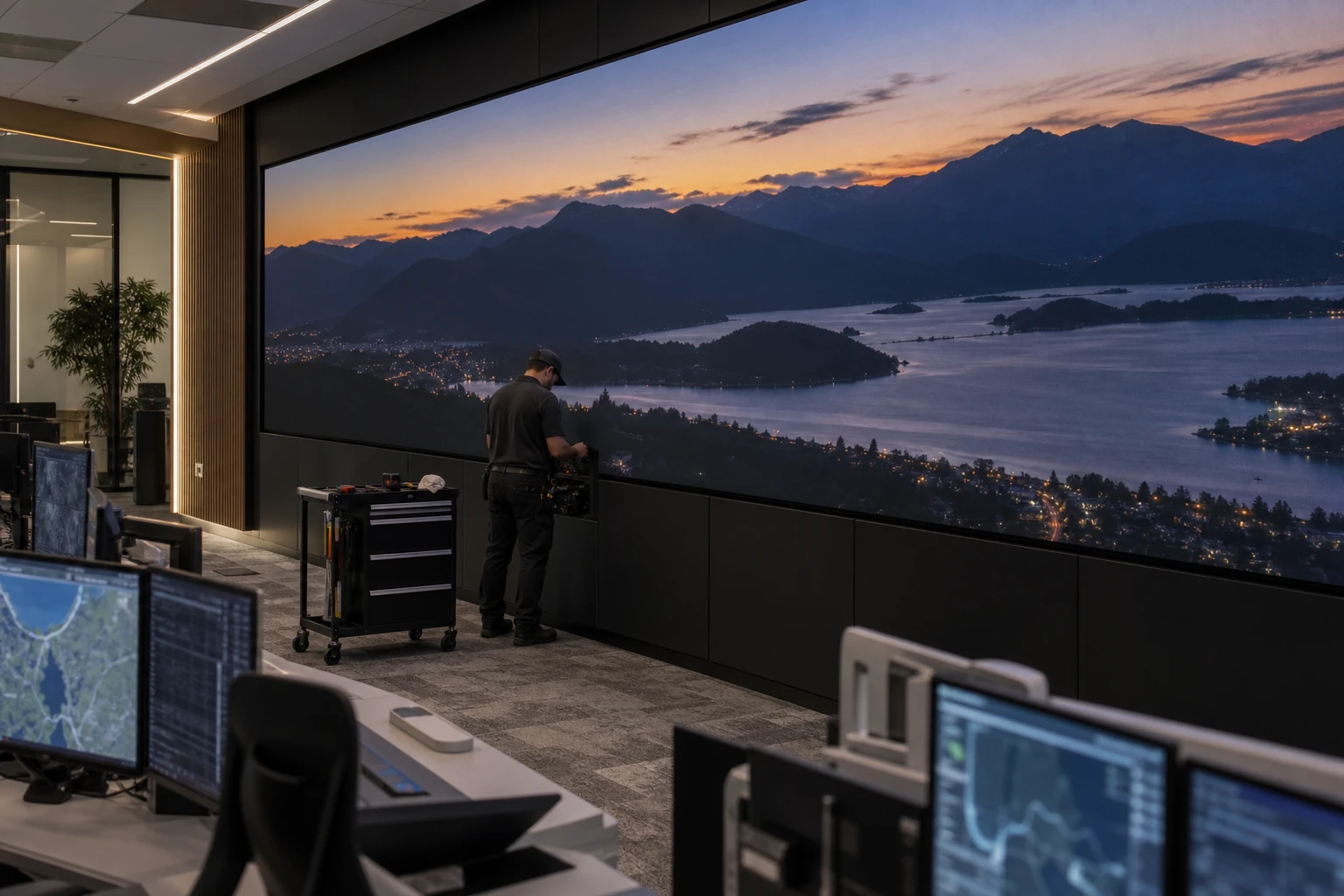
What to Compare Beyond Pixel Pitch
Pixel pitch still matters for viewing distance and image detail, but it does not tell you how the wall will be maintained. In practice, serviceability often comes down to access path, replacement unit size, and how much of the wall must be opened to complete a repair.
Front-Access Design
Ask the supplier to demonstrate front access on the proposed cabinet, including the tools, working clearance and components reached from that side. Check the space in front of the wall as well as behind it: consoles and furniture can turn a nominally front-service design into an awkward repair.
Module Replacement Workflow
COB repair workflow also matters. In many setups, the practical question is whether the field service path is a module swap, a broader cabinet service, or a deeper OEM repair. A simpler replacement path usually makes scheduled maintenance easier and reduces the chance that a small fault turns into a long outage. The key is to verify the actual workflow on the model you are considering, because COB fine-pitch LED display service access is not identical across platforms.
Operational Disruption and Downtime Risk
The buyer decision is not just whether a display can be repaired. It is how much disruption the repair creates. If the access route is awkward, even a small fix can demand more room access, more coordination, and a longer maintenance window. In live SOC, NOC, or corporate control rooms, that difference matters more than a minor spec gap. The goal is to keep repair work inside the operating pattern the room can tolerate.
Procurement Questions to Ask
Ask what the smallest field-replaceable unit is, which faults need workshop repair and how the image is checked after replacement. Use the COB, SMD and GOB comparison when shortlisting construction types, then compare the SLA commitments for the actual offers.
| Serviceability Check | What You Want To See | Why It Matters |
|---|---|---|
| Access method | Front access confirmed on the exact model | Reduces clearance problems in tight rooms |
| Replaceable unit | Clear module or subassembly path | Keeps small faults from becoming long outages |
| Service documentation | Installation and maintenance steps available | Helps future troubleshooting and handoffs |
| Spare strategy | Defined spare modules or parts plan | Lowers recovery uncertainty |
| Support path | Clear warranty and service process | Makes uptime planning more realistic |
How Front Service Affects Maintenance Economics
Front-access design can change the maintenance math, but only in the installation it actually supports. When technicians can work from the viewing side, the room may need less clearance, fewer scheduling compromises, and less disruption to adjacent equipment. That is why front service can lower the practical burden of routine checks and repairs, especially where rear access is blocked by walls, racks, or fixed furniture.
AVIXA’s performance verification standard is useful here because it frames readiness as something you verify on a schedule, not something you assume from a spec sheet. In a 24/7 room, the service window itself becomes part of the cost equation. A display that is easier to access may be cheaper to live with, but that advantage is installation-specific, not universal.
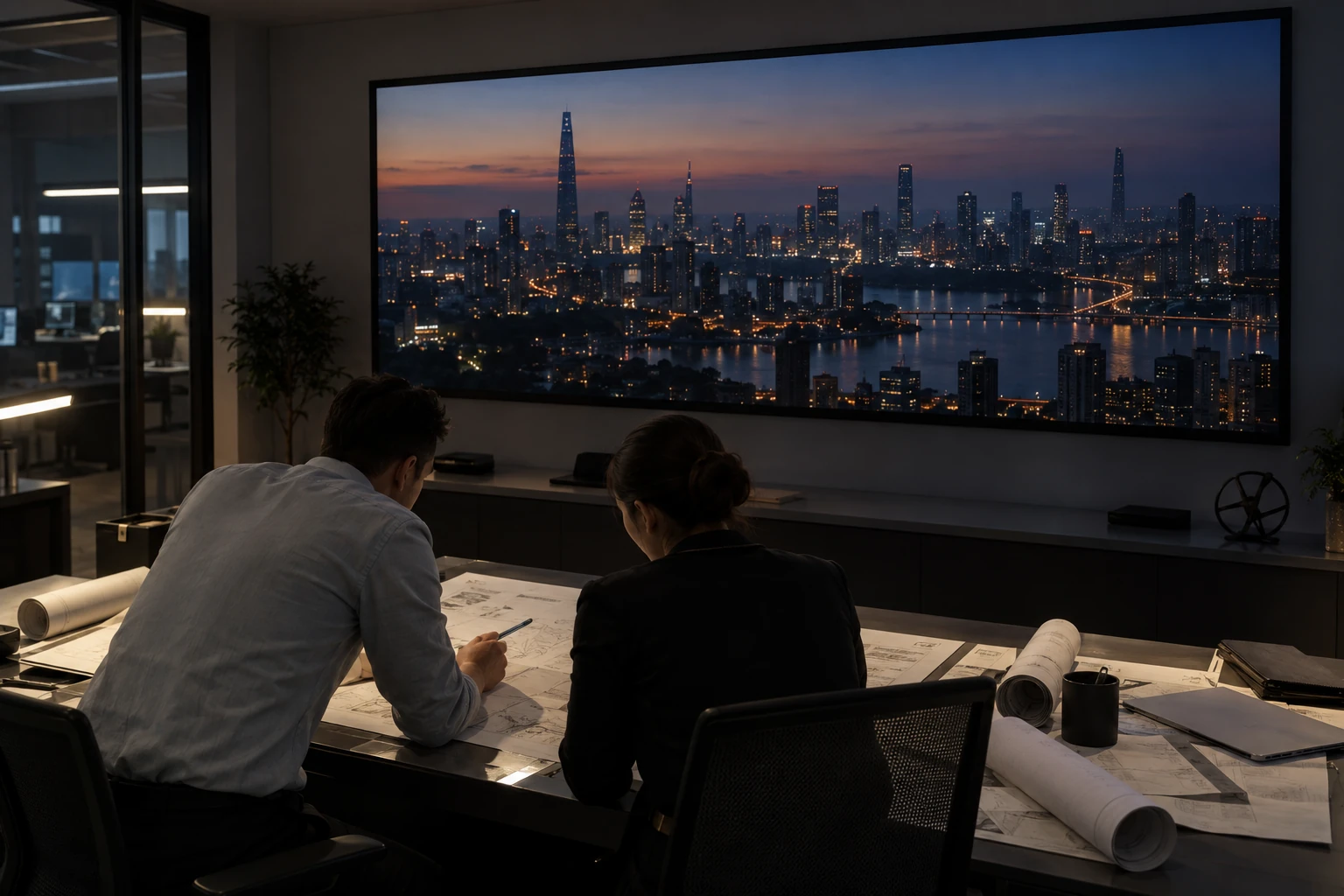
The economics also include spare parts and technician readiness. A front-service COB display still needs a team that knows the workflow, the right modules on hand, and documentation that makes the restore process repeatable. Chipshow’s own COB indoor LED screens buying guide reflects that logic: the upfront choice makes more sense when routine maintenance and recovery effort matter over the life of the room. The practical question is not whether COB is premium, but whether the repair path fits your operating model. The companion spare-parts planning and repair-turnaround guide covers how to size that stock for always-on walls.
COB Serviceability in Real Command Rooms
- In a tight wall-mounted room, service access can matter as much as viewing quality because technicians may have little clearance behind the wall.
- In a live operations room, the maintenance window is often short, so the repair path should be simple enough to fit into planned downtime.
- In a corporate control room with a small internal AV team, the easiest system to own is usually the one with clear documentation and repeatable steps.
- If the room cannot tolerate wide shutdowns, front-access service is more attractive, but only when the model truly supports it.
- If the installation already has strong rear access and the maintenance schedule is flexible, front service may be less important than documentation and spare planning.
- The right answer depends on access, staffing, and how much disruption the room can absorb during service.
This is where COB fine-pitch LED display buying decisions often go wrong. Buyers focus on image quality first, then discover that the service path is awkward for the room they actually have. A display can be a good visual fit and still be a poor maintenance fit.
A Procurement Checklist for 24/7 COB Deployments
- Define the outage window the room can accept. If the display must stay live most of the time, serviceability should rank near the top of the spec.
- Confirm the exact access method on the model you are evaluating. Do not infer front service from the COB label alone.
- Ask for the repair workflow in writing. You want to know whether service happens at the module, cabinet, or a deeper subassembly level.
- Verify the spare strategy. A 24/7 room should have a clear plan for spare modules, lead times, and technician readiness.
- Review support terms before purchase. Warranty, service response, and maintenance responsibilities should be visible in the buying decision.
- Compare the model-specific documentation. AVIXA’s documentation requirements for audiovisual systems make clear that records and modification tracking support long-term troubleshooting.
Time the complete demonstration from fault identification to the accepted image, not only the hands-on module swap. Record staffing, access, configuration and calibration steps. Use those inputs in the command-center TCO comparison so the service advantage is visible in the budget.
Final Takeaway
For 24/7 command centers, the best COB fine-pitch choice is usually the one with the clearest service path, not the one with the flashiest headline spec. Verify access method, spare strategy, documentation, and support terms before you spec the wall. If you are comparing models now, use those checks to narrow the field first, then choose the option that fits your room’s maintenance reality.
FAQs
How Do COB Fine-Pitch Displays Hold Up in 24/7 Control Rooms?
They can be a strong fit when the installation plan matches the room’s service needs. The key is not just image quality, but whether repairs can be handled within the maintenance windows your operation can tolerate. Model-level access design and support documentation matter more than the COB label alone.
What Makes Front-Service Design Valuable for Maintenance?
Front service matters most when rear clearance is limited or service work must happen without opening up the back of the wall. It can reduce disruption, but only if the chosen cabinet or module design truly supports front access. Buyers should confirm that before they treat it as a benefit.
Can a COB Display Be Easier to Repair Than Other Fine-Pitch Options?
Sometimes, but not automatically. Repair ease depends on the access path, the smallest replaceable unit, and the service workflow the model uses. A COB fine-pitch LED display may be easier to maintain in one room and harder in another if the wall layout or support plan is different.
What Should Procurement Teams Ask About Spare Parts and Support?
Ask how many spare modules are recommended, who stocks them, what the lead time looks like, and what service steps require OEM tools or software. Also ask for the exact restore procedure in writing. Those details tell you more about real uptime readiness than a general promise of support.
Why Does Maintenance Economics Matter More Than Pixel Pitch Alone?
Pixel pitch affects image detail, but maintenance economics shape how expensive the wall is to own and operate. Access complexity, technician time, spare planning, and repair disruption all influence the real cost of keeping a 24/7 room online. That is why serviceability belongs in the first round of comparison, not the last.
When Is COB Fine-Pitch Not a Good Fit?
If the room has no clear service access plan, no spare-part strategy, or a very small tolerance for downtime without support documentation, the purchase is riskier. In that case, the better choice is the model class with the most transparent repair workflow and the easiest access route for your actual installation.
What Evidence Should Close a 24/7 COB Purchase Decision?
Model-level answers to four questions: how a failed module is reached, what the smallest replaceable unit is, where spares are held, and who performs the repair. If the documentation answers those in writing for the exact model, the serviceability case is evidence-based; if it answers them with the COB label or a general warranty promise, treat the claim as unverified.





