





Command center LED wall cybersecurity is about governance, segmentation, and controlled access, not just the display itself. If the wall connects to operations, corporate, or remote-support networks, the security review should happen before go-live so uptime and operator workflow stay intact.
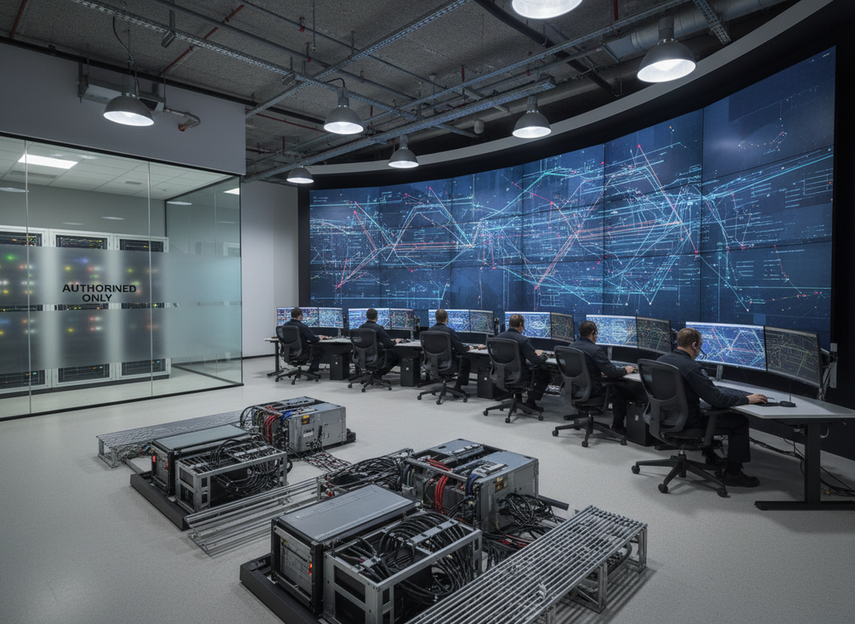
Why Command Center LED Networks Need Security Controls
A connected LED wall is networked equipment, so it belongs in the cybersecurity review just like other managed systems. NIST SP 800-53 control families treat security as an organization-wide risk process with access control, audit and accountability, incident response, and system and communications protection, which fits command center buying decisions.
For display-specific field equipment, the U.S. Department of Transportation’s ITS security control set for dynamic message signs reinforces the same practical idea: connected display systems benefit from authentication, integrity checks, and incident-response planning. In a command center, that means the real question is not only whether the wall looks sharp, but whether it fits the room’s access rules and recovery expectations.
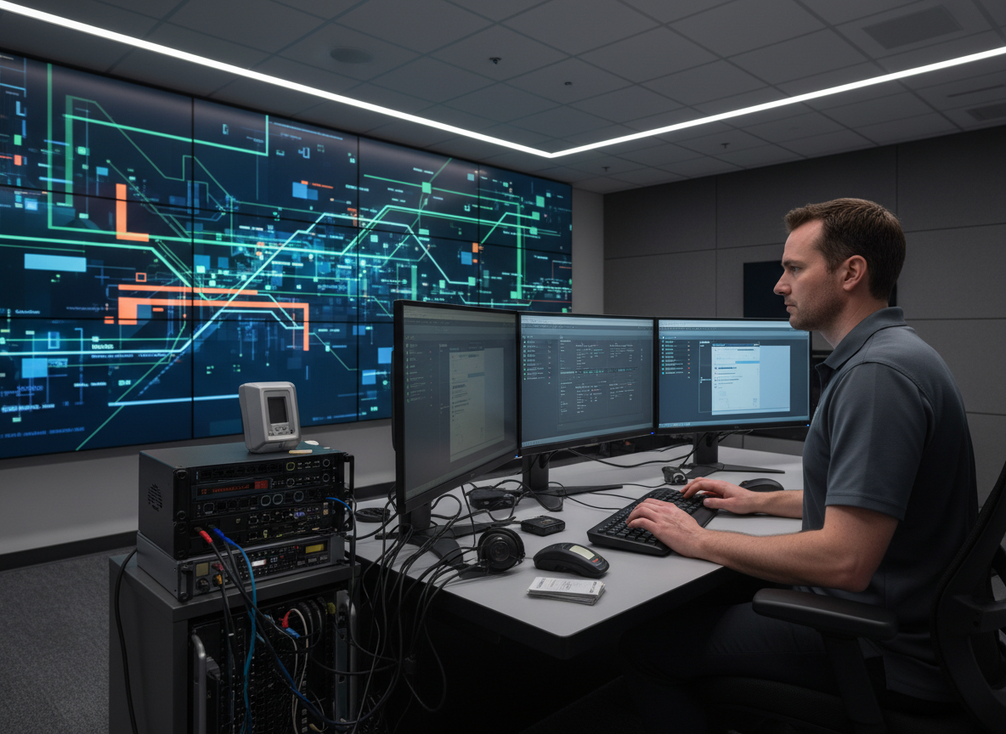
If the display can receive content, accept admin changes, or permit remote service, it should be treated as part of the operational attack surface. That does not make the project unsafe by default. It does mean the security review should define who can touch it, what it can reach, and how fast those permissions can be revoked if something goes wrong.
Define the Security Boundary Early
Before the wall goes live, procurement and IT should define the security boundary in plain terms: who can access it, who can change it, who can support it, and which systems it is allowed to reach. NIST SP 800-53 Rev. 5 is useful here because it frames those choices as control decisions, not informal convenience decisions.
For most rooms, the boundary should cover four access paths: local operator control, administrator access, remote service, and update or maintenance access. If those paths are not named separately, the wall can become an exception that no one fully owns. That is usually where risk creeps in.
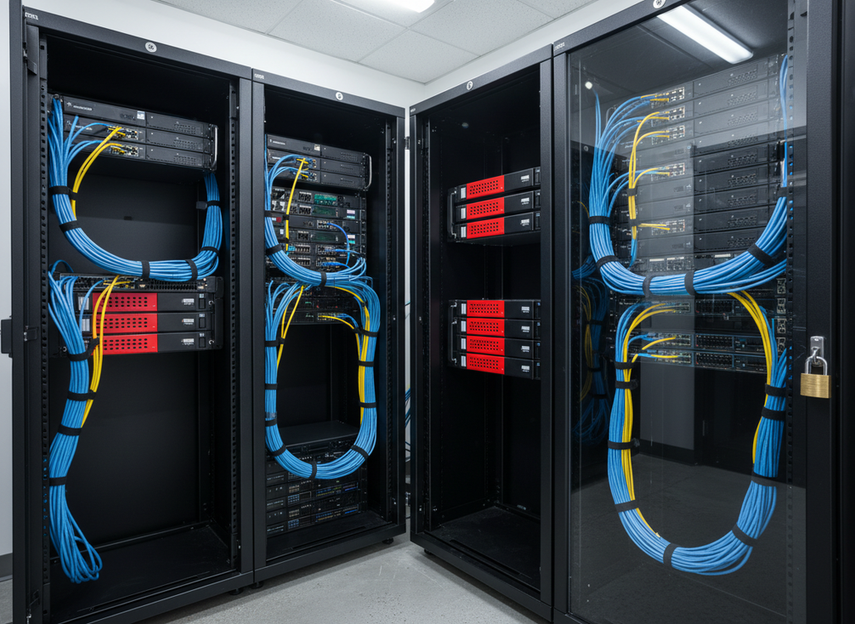
A practical ownership model looks like this:
- Operators can run the wall day to day.
- IT controls admin accounts and change approval.
- Vendor access is approved for a limited task, not left open.
- Someone is responsible for logs, incident escalation, and revocation.
The point is not to make the room harder to use. The point is to make sure the wall can be supported without turning support access into a permanent back door. If the support model depends on shared credentials or vague ownership, the deployment is not ready.
How to Segment LED Traffic
The safest default is to keep content delivery, management, and service traffic separate. That does not require one universal design, but it does require a design that limits how far the LED wall can reach and how far other systems can reach into it. Harvard IT’s network segmentation guidance describes the same idea in practical terms: group assets into security zones and isolate OT or IoT-style networks from the core business LAN.
In real command center use, the useful controls are familiar: VLANs, firewall allowlists, restricted management subnets, and narrow service paths. CISA’s segmentation guidance for critical environments also emphasizes deny-by-default filtering, monitored DMZs, and limiting remote access to approved paths.
What this means for a buyer is simple. If the room is using a flat network, the LED wall is harder to govern and easier to overexpose. If the wall is adjacent to operations systems, tighter zone separation is usually the safer choice. The best architecture is the one that preserves serviceability without letting the display become a bridge into more sensitive systems.
Test failover with the security model in place, not after it. A backup path that restores the picture but opens a broader management route is not a clean recovery path.
Protect Remote Support Without Slowing Operations
Remote support is useful, but permanent or unlogged access is a bad default for command center LED wall cybersecurity. The better pattern is time-limited, named, and auditable access for a specific maintenance task. That keeps service work possible while reducing the chance that support becomes a standing exception.
NIST’s incident-response guidance and log-management guidance both point toward the same practical rule: if you expect to investigate, contain, or recover later, you need records that show who did what and when. NIST log management guidance and NIST incident response guidance support that approach.
For command center use, the buyer questions are straightforward:
- Can remote access be turned on only for approved work?
- Is the session tied to a named person or approved service account?
- Is the session logged?
- Can access be revoked quickly after the task ends?
- Does daily operator use stay separate from admin support?
If the answer to any of those is no, the remote path is too broad. A jump host, bastion, or similarly restricted path can help, but the control only works if the access window is short and the logs are actually reviewed. Convenience alone is not a security strategy.
Balance Security With Uptime and Recovery
The best command center LED wall cybersecurity setup is usually the one that reduces exposure without making the room awkward to operate. The table below shows the core controls to prioritize first.
| Control | Security Value | Operational Impact | Deployment Priority |
|---|---|---|---|
| Access review cadence | High | Low | High |
| Network segmentation | High | Medium | High |
| Remote support workflow | High | Medium | High |
| Logging and alerts | High | Medium | High |
| Backup/recovery path | High | Medium | High |
| Change approval process | High | Low | High |
A useful way to read this table is not as a scorecard, but as a sign-off sequence. Access review and change approval should usually be non-negotiable before launch. Segmentation, logging, and support workflow need to be in place early because they shape how the wall behaves during incidents. Recovery paths matter just as much, because a secure wall that cannot be restored cleanly still creates operational pain.
For most command centers, the trade-off is between tighter access and faster service. If the room depends on frequent remote tuning, build the governance around that need instead of pretending remote access will never be used. If the room is more sensitive, choose stronger zone separation and stricter approval paths even if service takes a little longer.
Command Center Cybersecurity Checklist
Before sign-off, IT and procurement should confirm the following:
- The security boundary is written down.
- Operator, IT, and vendor roles are separate.
- Remote support is named, approved, time-limited, and logged.
- Content, control, and service traffic are segmented.
- Admin changes require approval and leave an audit trail.
- Logs cover access, changes, and service actions.
- Incident ownership is clear if the wall or its network behaves unexpectedly.
- Recovery steps do not bypass policy to restore the display faster.
If you are still deciding on a deployment path, review your secure command center options and verify the access, segmentation, logging, and remote-support plan before purchase. Treat that review as part of the buying decision, not as a post-installation cleanup.
FAQs
How Do You Secure Remote Access to an LED Display?
Use named accounts, time-limited access, and session logging, then revoke the access when the task is done. Remote support is safer when it is treated like a privileged maintenance path instead of a convenience feature. If the room requires a jump host or similar control point, the real value comes from the approval process and the audit trail, not from the tool name itself.
What Does Network Segmentation Mean for a Command Center LED Wall?
It means the wall should not sit on the same open path as the rest of the business or operations network. In practice, segmentation uses zones, firewall rules, and restricted management paths so the wall can only reach what it truly needs. That reduces lateral movement risk and makes future troubleshooting easier.
Can an LED Wall Connect to SCADA or BMS Systems?
Sometimes that connection is technically possible, but it should be treated as a design decision, not a casual integration. If the wall sits near SCADA or BMS traffic, the review should be stricter, with tighter segmentation and clearer ownership. The safer pattern is to expose only the data or control path that is truly necessary.
What Should Happen If a Display Module Fails During Operations?
Failure handling should follow the incident plan, preserve the access controls already in place, and use approved recovery paths. The goal is to restore the wall without opening a broader support route just to move faster. If recovery requires policy exceptions, those exceptions should be logged and temporary.
Why Should Procurement Ask for Logging and Access Ownership?
Because logs and ownership answer the questions that matter after install: who changed what, when, and why. That helps with troubleshooting, incident response, and accountability. It also prevents the common failure mode where everyone assumes someone else owns the admin path.





