





An indoor LED display needs low-pressure cleaning, dry tools, and strict liquid control. Dust can reduce clarity, brightness, and color uniformity. Poor cleaning can damage LED modules, solder joints, coatings, or circuit areas. Safe maintenance starts with power isolation, anti-static dust removal, and handling based on LED package type. Surface-mount device, or SMD, screens need stricter pressure control. Chip-on-board, or COB, screens offer stronger surface protection, but they still need soft tools and careful cleaning routines.
Why Proper Indoor LED Display Cleaning Matters
Cleaning affects image quality, system reliability, and long-term maintenance planning.
Dust Accumulation and Display Quality
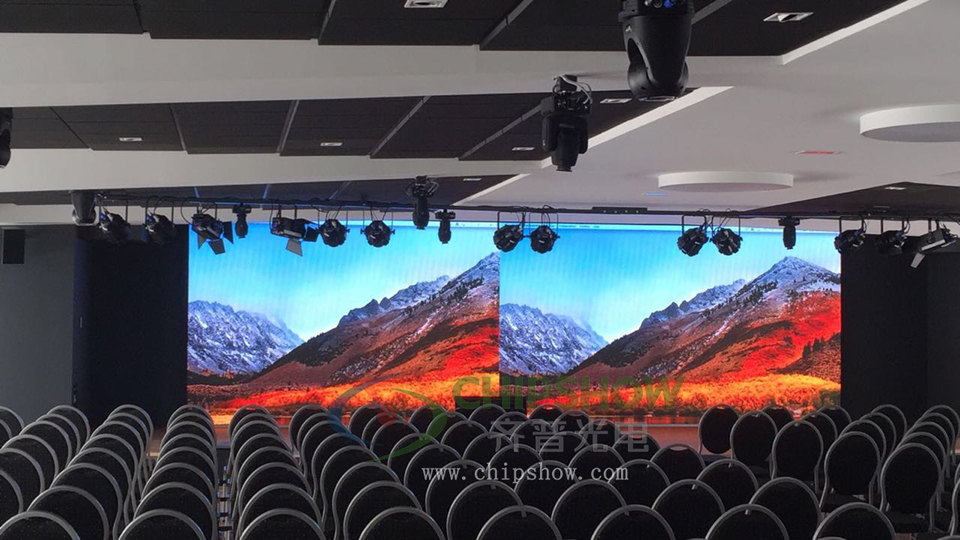
Dust reduces perceived brightness and lowers image sharpness. Fine particles can sit between pixels and scatter light, especially on close-view screens.
A dusty indoor LED display may look dim, uneven, or slightly hazy. The issue becomes more visible in meeting rooms, retail displays, and control centers. These spaces often run at moderate brightness, so small contrast changes are easier to see.
Dust also affects color uniformity. A white slide, camera feed, or dashboard can show uneven patches across the wall. High grayscale at low brightness matters here. It helps the screen keep color depth and contrast after brightness is reduced.
For indoor environments, extremely high brightness is not the main goal. Many meeting rooms and control spaces operate around 600 to 800 cd/m² (nits). The more useful quality marker is stable color performance at lower brightness.
Wrong Cleaning Methods and Structural Risk
The main cleaning risk is mechanical stress from pressure, friction, or uncontrolled liquid.
An LED screen is not a glass TV panel. Many indoor LED modules have exposed light-emitting components, fine solder joints, and delicate mask structures. Strong rubbing can loosen pixels, scratch the surface, or create visible dark spots.
Liquid creates another risk. Cleaning fluid can move into module gaps, connectors, or circuit board areas. If the screen is powered too soon, moisture can cause short circuits or corrosion.
Cleaning Risk Checklist
Use this quick check before cleaning any indoor LED screen.
| Risk Area | What Can Go Wrong | Safer Action |
| Pressure | Pixels, masks, or solder joints can be damaged. | Use light contact and stop if force is needed. |
| Liquid | Moisture can enter module gaps or connectors. | Apply approved cleaner to the cloth only. |
| Static | Sensitive electronic parts may be affected. | Use anti-static or ESD-safe tools where available. |
| Dust drag | Particles can scratch the screen surface. | Remove loose dust before wiping. |
| Warm screen | Streaking and moisture control become harder. | Let the display cool before cleaning. |
A short pre-cleaning check helps prevent avoidable damage. It also gives facility teams a clear process for routine indoor LED screen cleaning.
Safe Tools and Materials for Indoor LED Screen Cleaning
The safest cleaning setup uses soft, clean, dry, and anti-static tools first.
Microfiber Cloth and Anti-Static Tools
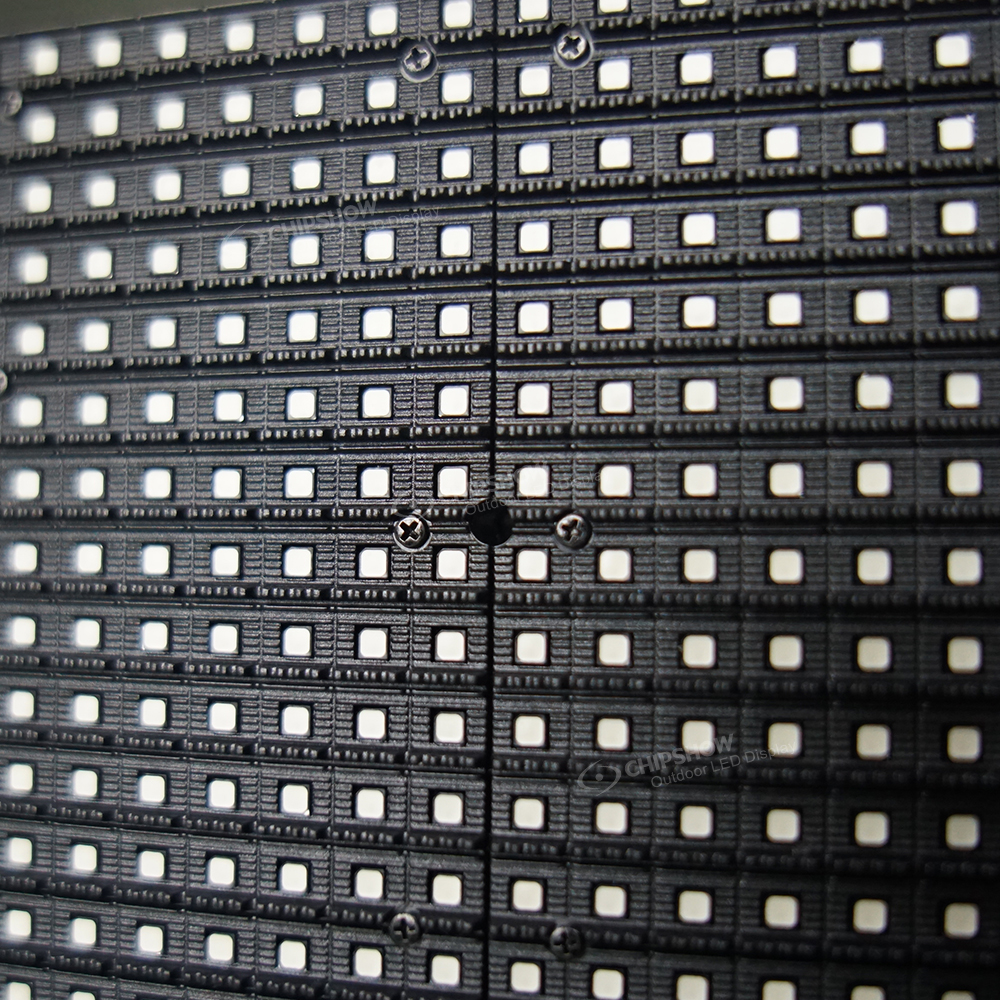
Use a clean microfiber cloth for light surface dust. Microfiber has a soft texture and reduces scratch risk when used without pressure.
For large LED video walls, use an anti-static soft brush or an ESD-safe low-pressure blower. ESD means electrostatic discharge. ESD-safe tools help reduce static risk around sensitive electronic parts.
An ESD-safe vacuum with a soft brush attachment can help around cabinet seams, vents, and service areas. Avoid using a normal shop vacuum directly on the screen surface.
The tool should touch the screen lightly. If a mark needs force, stop and check the module type. Pressure that seems minor on glass can be too high for an SMD LED surface.
A safe tool set can include:
- A clean microfiber cloth should be reserved only for LED screen maintenance.
- An anti-static soft brush should be used for surface dust and cabinet edges.
- An ESD-safe low-suction vacuum should be used around seams and vents only.
- A lint-free swab should be used for narrow edges, not across LED pixels.
- Clean lint-free gloves should be used to avoid fingerprints and skin oil.
Cleaning Agents to Avoid
Avoid alcohol, ammonia, acetone, strong solvents, abrasive cleaners, and corrosive liquids. These agents can affect surface coatings, lens materials, mask layers, or protective seals.
Do not spray fluid onto the front of the LED module. If light surface cleaning is needed, apply a small amount of approved cleaner to the cloth. The cloth should be slightly damp, not wet.
Check the manufacturer maintenance document before using any cleaner. A cleaning record also helps service teams review tools, cleaning agents, and maintenance history during future service checks.
SMD vs COB Cleaning Difficulty: Which LED Screen Is Easier to Maintain?
Cleaning difficulty depends on LED package structure, viewing distance, and how often people work near the screen.
| Cleaning Factor | SMD LED Screen | COB LED Screen |
| Surface Structure | Individual lamp beads sit on the module surface. | LED chips are sealed under a protective surface. |
| Cleaning Difficulty | Higher. Cleaning needs stricter pressure control. | Lower for routine wiping, but still needs safe tools. |
| Main Cleaning Risk | Direct pressure can affect lamp beads and solder joints. | Hard objects can still scratch or damage the surface. |
| Daily Dust Cleaning | Use dry microfiber cloth and anti-static soft tools. | Use soft microfiber cloth and light wiping. |
| Fingerprint Handling | Avoid rubbing the lamp surface. Check the surface material first. | Light fingerprints can be removed more easily with approved methods. |
| Suitable Projects | Larger indoor spaces and mid-range viewing distances. | Close-view meeting rooms, control rooms, and high-contact spaces. |
| Safety Limit | Do not press, scrape, scrub, or spray liquid directly. | Do not scrub, scrape, spray liquid directly, or use abrasive pads. |
SMD remains a cost-effective option for many indoor projects. COB is easier to maintain in close-view spaces because its protected lamp face reduces exposed surface risk.
SMD LED Screens: Avoid Direct Pressure
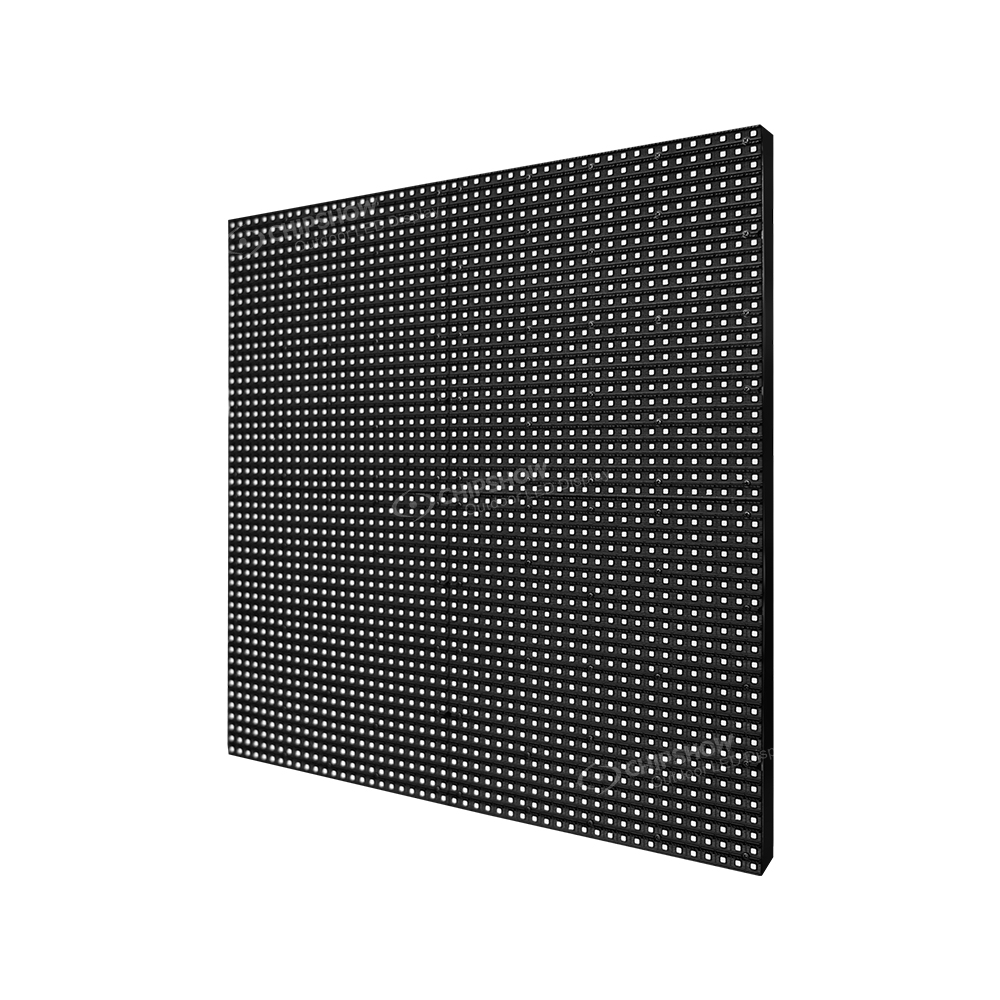
SMD LED screens place lamp beads directly on the module surface. The lamp beads and solder joints sit closer to cleaning contact.
For cleaning teams, this creates a clear maintenance rule: avoid direct pressure on the lamp face.
- Use dry cleaning first.
- Keep cloth contact light and even.
- Move in one direction.
- Do not press on lamp beads.
- Do not scrape stains with hard tools.
- Stop cleaning if a mark needs force.
SMD screens are suitable for auditoriums, education spaces, retail walls, and commercial interiors. They fit projects where viewing distance is usually over 2 m (6.6 ft) and routine maintenance teams can follow clear pressure limits.
COB LED Screens: Easier Routine Wiping with Limits
COB, or chip-on-board, seals LED chips under a protective surface. This structure reduces exposed solder points and creates a smoother lamp face.
For procurement and operations teams, COB can reduce daily maintenance pressure in close-view spaces. Light dust and fingerprints are easier to manage with soft tools and controlled wiping. The protected surface also helps reduce damage risk from minor bumps near the display.
COB still needs safe cleaning conditions:
- Use soft microfiber cloths.
- Use approved cleaners only when needed.
- Keep wiping pressure low.
- Keep liquid away from module gaps.
- Avoid sharp tools and abrasive pads.
- Do not treat the surface as rough-cleaning safe.
COB is better suited for high-frequency spaces where users stand close to the display. It supports easier routine care, not unrestricted washing or scrubbing.
C-Pad and C-Pad-C COB Displays for Close-View Projects
C-Pad and C-Pad-C COB displays suit projects where screen protection, close viewing, and maintenance access all matter. Typical spaces include control rooms, executive meeting rooms, collaboration rooms, and high-use command environments.
| Project Need | Why COB Helps | C-Pad / C-Pad-C Project Value | Safe Cleaning Condition |
| Frequent close-range viewing | The protected COB surface reduces exposed lamp-face risk. | It supports close-view spaces where users work near the screen. | Keep cleaning pressure low. |
| Daily dust and fingerprints | The smoother lamp face is easier to wipe with approved methods. | It helps facility teams reduce routine cleaning difficulty. | Use soft microfiber cloths only. |
| Minor accidental contact | COB surface protection improves resistance to light bumps. | It helps reduce maintenance risk in active meeting or control environments. | Keep hard tools and sharp objects away. |
| Room humidity and daily contact | Moisture-resistant surface behavior helps reduce risk from light indoor contact. | It supports more stable maintenance planning for high-use rooms. | Do not spray liquid directly onto the display. |
| Long-term service planning | Front-access service can simplify maintenance access in fitted spaces. | It helps installers and operators plan cleaner service workflows. | Separate cabinet cleaning from lamp-face cleaning. |
For C-Pad or C-Pad-C installations, treat the COB lamp face as protected, not indestructible. The safe method is still soft tools, low pressure, approved cleaner, no abrasive pads, and no direct liquid spray.
How Should You Clean an Indoor LED Screen Step by Step?
A repeatable process reduces damage risk and keeps maintenance consistent across teams.
Power Off and Check the System
Always shut down the display through the approved site procedure. Disconnect power or follow the site’s lockout process when required. Confirm that the screen, controller, and related equipment are fully off.
Allow the display to cool to room temperature. Cleaning a warm screen can increase streaking and make moisture harder to control. In control rooms, schedule cleaning during approved service windows.
Check the wall for loose modules, unusual dark spots, dents, or lifted edges. Report defects before cleaning. Cleaning should never cover a service issue.
Dry Clean Surface Dust
Dry cleaning should be the default method for most indoor LED display maintenance.
Use this process for routine dust:
- Shut down the screen through the approved operating procedure.
- Wear clean lint-free gloves.
- Remove loose dust with an anti-static soft brush.
- Wipe lightly with a dry microfiber cloth.
- Move in one direction with minimal pressure.
- Clean cabinet edges and vents with a soft brush.
- Inspect the screen under normal room lighting.
Do not use shop air or high-pressure compressed air. Strong air can push dust into cabinet gaps or loosen small parts. Use only an approved low-pressure blower if air cleaning is allowed by the manufacturer.
Clean Light Marks and Fingerprints
For fingerprints or light spots, first check whether the exact module’s maintenance document permits contact wiping and a damp cloth. Use that approved method after dry cleaning, and stop if the surface instructions do not permit it.
Apply a small amount of approved cleaner to the cloth. Never apply liquid directly to the LED screen. The cloth should not drip under pressure.
Wipe the affected area gently. Use short strokes and stop if the mark does not lift. Repeated hard wiping can create more risk than the original spot.
After cleaning, use a dry microfiber cloth to remove remaining moisture. Keep the display off until the surface is fully dry. Then power on and check brightness uniformity, pixel condition, and image consistency.
How Often Should Indoor LED Display Maintenance Be Scheduled?
Cleaning frequency should match dust level, user contact, daily operating hours, and viewing distance.
| Indoor Scenario | Suggested Inspection | Suggested Light Cleaning | Main Risk to Watch |
| Executive meeting room | Every 2 to 4 weeks | Every 1 to 3 months | Fingerprints, light dust, and wall-touch risk. |
| Retail or showroom display | Weekly | Every 2 to 4 weeks | Dust, fingerprints, product traffic, and frequent content changes. |
| Control center or command room | Weekly | Every 2 to 4 weeks | 24/7 operation, close viewing, and image consistency needs. |
| School or auditorium | Every 2 to 4 weeks | Every 1 to 2 months | Dust, accidental contact, and mixed user access. |
| Rental indoor event screen | At every setup and teardown | As needed after each event | Handling marks, transport dust, and module-edge damage. |
These schedules are starting points. A clean meeting room may need less cleaning, while a retail space near entrances may need more attention.
For indoor LED display maintenance, visual inspection matters as much as cleaning. A log can track dust level, spots, module issues, service dates, and cleaning tools used. Adjust the schedule after the first few inspection cycles.
What Should a Maintenance Log Include?
A simple log makes indoor LED screen maintenance easier to manage.
| Log Item | Why It Matters |
| Date and time | It shows cleaning frequency and service history. |
| Display area cleaned | It helps track repeated dust or stain locations. |
| Tools used | It confirms that soft and approved tools were used. |
| Cleaner used | It helps verify compatibility with maintenance documents. |
| Screen condition after cleaning | It records brightness, pixel, and module observations. |
| Technician name | It supports accountability and follow-up. |
A maintenance log also helps integrators and service teams review issues faster. Keep the log simple enough for daily operations.
Plan Safer Indoor LED Display Maintenance
Safe indoor LED display care depends on soft tools, power isolation, dry cleaning, and pressure control based on LED package type. SMD screens need stricter contact limits because lamp beads and solder joints are closer to the cleaning surface. COB screens support easier routine cleaning in close-view spaces, but still require soft materials, low pressure, and controlled wiping. Match the cleaning schedule to room use, dust level, daily operating hours, and viewing distance. For indoor projects using C-Pad, C-Pad-C, or SMD indoor configurations, align maintenance planning with package type, close-view use, and front-access or rear-access service needs.
FAQs
Q1. Can Alcohol Be Used to Clean LED Screens?
Usually no. Alcohol should not be used unless the manufacturer approves it for that specific LED screen surface. It may affect coatings, protective seals, masks, or plastics. Start with dry anti-static cleaning. For light stains, apply only approved cleaner to a microfiber cloth, never directly to the module surface.
Q2. How Often Should Indoor LED Screens Be Cleaned?
Indoor LED screens are usually cleaned every 1 to 2 months, with spot cleaning when fingerprints, haze, or dust become visible. High-traffic retail spaces or control rooms may need weekly inspection and cleaning every 2 to 4 weeks. Always follow the manufacturer’s maintenance document first.
Q3. What Is the Safest Way to Clean LED Video Walls?
The safest method is to power off the system, clean section by section, and use low-pressure anti-static tools. Remove loose dust first, then use a dry microfiber cloth. Avoid direct liquid spray, hard rubbing, and abrasive pads. After cleaning, inspect brightness uniformity and module condition.
Q4. How Do You Remove Fingerprints from an Indoor LED Screen?
Use dry cleaning first. If fingerprints remain, lightly dampen a microfiber cloth with an approved cleaner or a manufacturer-approved distilled water method. Wipe gently in one direction with minimal pressure. Do not scrub, scrape, or use household glass cleaner. For SMD modules, extra pressure control is required.
Q5. Can Distilled Water Be Used on an LED Screen?
Yes, but only when the maintenance document allows it. Distilled water should be applied lightly to a microfiber cloth, not sprayed onto the screen. The cloth should be damp, never wet. After wiping, dry the area with a clean microfiber cloth and keep the screen off until fully dry.





