





Exhibition LED screen rental should fit booth size, visitor distance, venue limits, and rental ROI. A strong setup balances visual impact with fast move-in, safe installation, and repeat use. For trade shows and expos, start with layout, viewing distance, rigging rules, and content needs. Then choose an exhibition LED display that supports booth visibility, crew efficiency, and rental value.
What Exhibition LED Screen Rental Setup Fits Your Booth
The right exhibition LED screen rental setup depends on booth layout, traffic direction, ceiling height, and content type.
| Setup Type | Fits These Booths | Main Decision Check |
| LED backwall | Inline booths, island booths, product launches | Check screen width, nearest viewing distance, and content scale. |
| Corner or curved LED wall | Open booths with traffic from two sides | Check curve support, corner structure, and service access. |
| Hanging LED display | Large expo halls and long aisle visibility | Check venue rigging approval, load limits, and safety documents. |
| LED totem | Small booths, demo counters, product zones | Check floor space, portrait content, and power access. |
A booth screen should support how visitors move through the space. Choose the screen shape first, then define pixel pitch, brightness, refresh rate, and cabinet design.
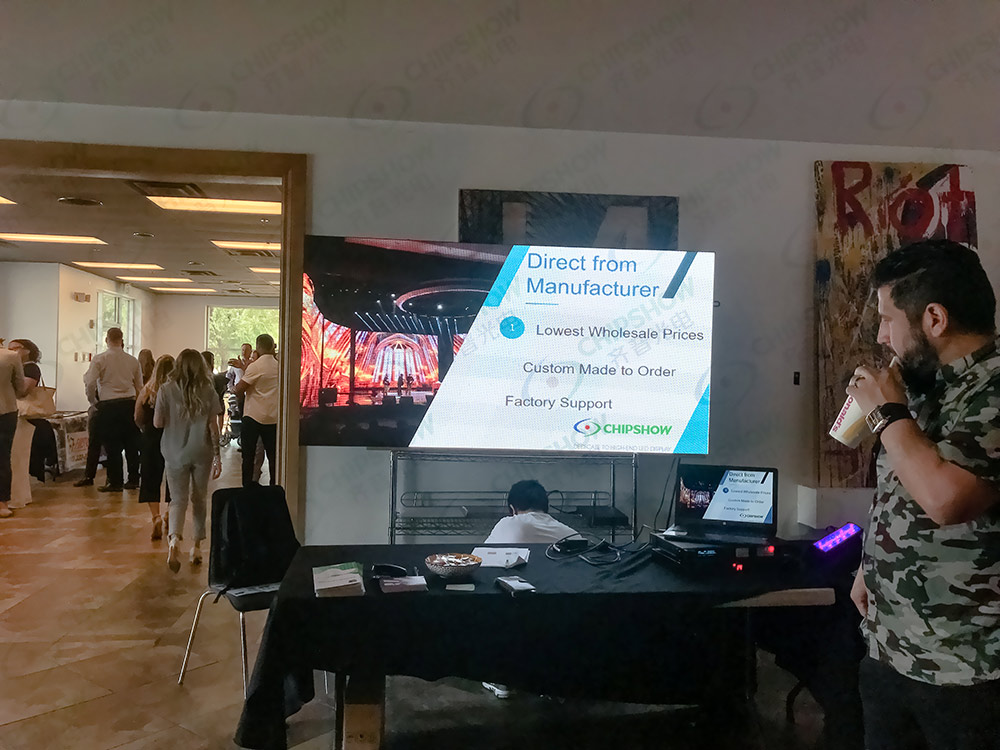
LED Backwalls for Main Booth Visibility
An LED backwall gives the booth a clear visual anchor. It works well for product launches, demo loops, event schedules, and short brand videos.
For most trade show LED displays, backwalls should avoid small text. Visitors often scan while walking. Product names, value points, and motion content need clean spacing.
Corner and Curved LED Walls for Open Booth Layouts
Corner and curved LED walls help open booths attract traffic from several aisles. They also improve side visibility when visitors enter from different directions.
Check cabinet curve limits early. Some rental LED display for expos systems support inner and outer curves. Others need dedicated corner pieces or custom frames.
Hanging LED Displays for Long Distance Attention
A hanging exhibition LED display can attract visitors from far across the hall. It is useful for island booths, high ceilings, and crowded expo floors.
Venue rules decide if hanging is practical. Confirm rigging points, load limits, structural paperwork, labor rules, and move-in time slots.
LED Totems for Smaller Booths and Product Zones
LED totems help smaller booths add motion without using a full wall. They work well near reception desks, product pods, and meeting entrances.
Portrait content should be produced separately. A horizontal video cropped into a vertical display can lose key product details.
How to Match Pixel Pitch and Image Specs to Viewing Distance
Image quality should be specified from the nearest real visitor position, not from a generic resolution target.
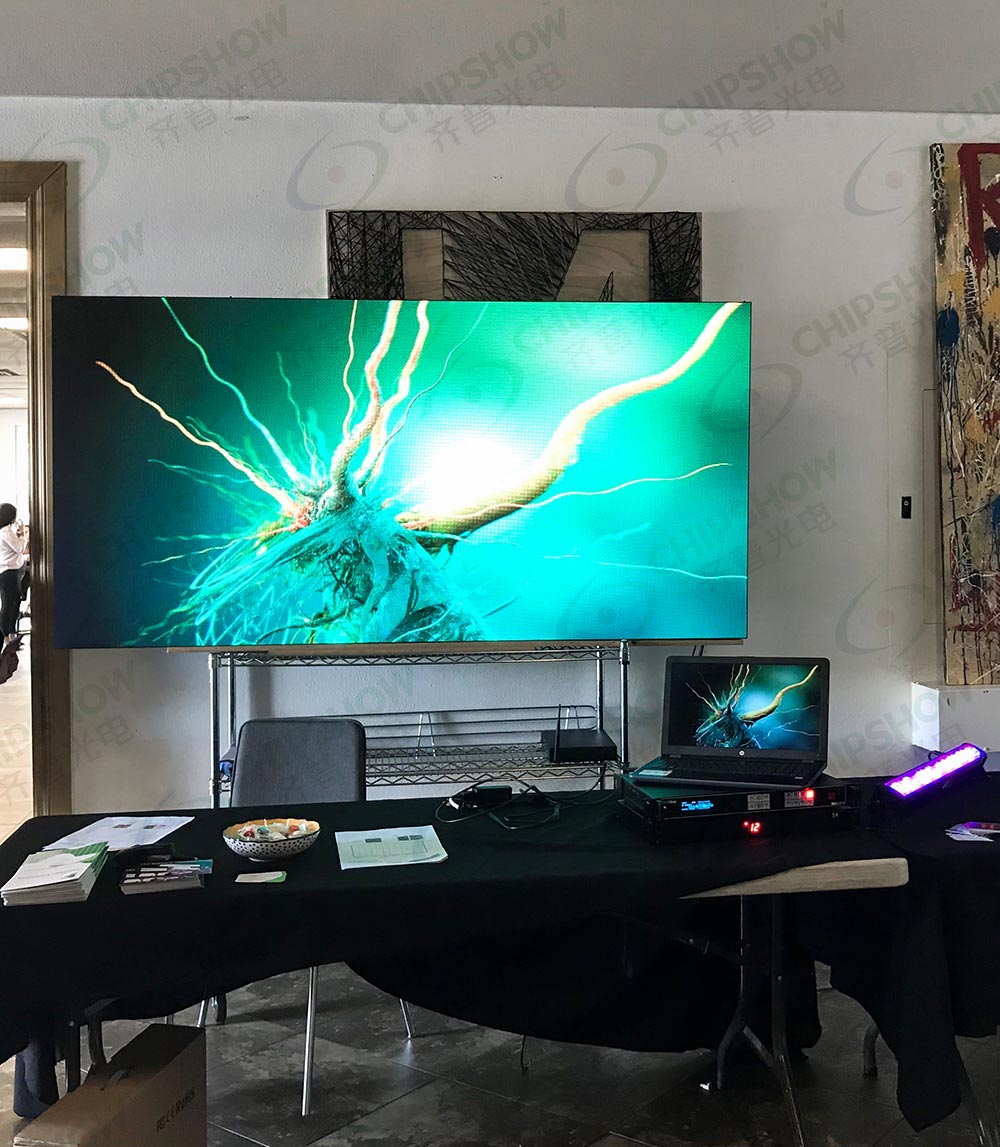
Start With the Closest Visitor Position
Pixel pitch affects visible pixel structure, but there is no universal minimum viewing distance for every content type. Use the table as a preliminary shortlist, then review the smallest text, product detail and video at the nearest visitor position.
Minimum viewing distance in meters ≈ pixel pitch in mm.
For a quick imperial estimate, minimum viewing distance in ft ≈ 3 to 3.3 × pixel pitch in mm.
| Closest Visitor Position | Practical Pitch Range | Typical Booth Use |
| 1.2 to 1.8 m (4 to 6 ft) | P1.5 to P1.9 mm (0.059 to 0.075 in) | VIP demos, close product detail, premium indoor booths. |
| 1.8 to 2.7 m (6 to 9 ft) | P2.0 to P2.6 mm (0.079 to 0.102 in) | Main backwalls, demo areas, mixed text and video. |
| 2.7 to 4 m (9 to 13 ft) | P2.9 to P3.9 mm (0.114 to 0.154 in) | Larger trade show LED wall rental layouts. |
| 4 m (13 ft) and above | P3.9 mm (0.154 in) and above | Hanging signs, wide aisle views, background motion. |
Use Fine Pixel Pitch for Text, Product Detail, and Close Viewing
Fine pixel pitch is useful when visitors read interface details, technical drawings, product labels, or data screens. It also helps with close camera shots during live demos.
Do not choose fine pitch for every booth. A P3.9 mm (0.154 in) screen can look clean when visitors stand at a suitable distance.
Balance Brightness, Contrast, and Grayscale for Indoor Halls
Many indoor booths operate comfortably around 600 to 800 cd/m² (nits), depending on hall lighting and content type. Brighter areas may need higher settings, but higher brightness is not always better.
The stronger technical check is high grayscale at low brightness. The screen should keep gradients, shadow detail, and contrast when brightness is reduced.
Check Refresh Timing With the Planned Cameras
Treat 3,840 Hz or higher as a specification to compare, rather than a camera-performance guarantee. Test the offered panels and processor with the camera frame rates, shutters and brightness settings planned for the booth.
For broadcast demos, XR stages or close camera work, compare available refresh modes under the actual recording setup. Timing, scan design and camera exposure affect flicker; pixel structure, lens and focus also need a separate moiré check.
Avoid Paying for Pixel Density Your Booth Cannot Use
Over-specifying pixel pitch raises rental cost, processing load, and spare inventory needs. The booth may gain little visual value if visitors stand too far away.
Start with viewing distance, then compare content needs. Fine text, CAD visuals, and product UI screens justify tighter pitch better than wide motion graphics.
How Lightweight Rental LED Cabinets Improve Setup Speed
Cabinet weight affects labor, freight, damage risk, and the speed of booth turnover after the show.
| Rental Pressure | Cabinet Feature to Check | Business Impact |
| Short move-in windows | Fast locks and precise alignment | Crews can build faster under venue time limits. |
| High labor cost | Lower cabinet weight | Fewer handling steps can reduce crew pressure. |
| Frequent transport | Strong frame and protected edges | Panels face lower damage risk during loading cycles. |
| Tight rental margin | Lower freight load | Transport cost becomes easier to control. |
Cabinet design can affect project margin as much as image quality. A lighter system helps reduce crew strain, speed up repeated expo builds, and protect profit across frequent deployments.
Lower Cabinet Weight Reduces Crew Pressure
A lighter cabinet reduces lifting strain during stacking, cart loading, and truss work. It also helps crews work faster in narrow booth aisles.
Cabinet weight affects labor planning, case packing, truck load, and late-night dismantling across repeated expo projects.
Carbon Fiber Frames Support Frequent Rental Handling
Carbon fiber frames reduce weight while supporting repeated setup cycles. That matters when cabinets move between expos, corporate events, and product launches.
For large reusable backwalls, semi-outdoor expo activations, and high-frequency rental inventories, our C-Carbon P3.91 addresses the labor and freight problem directly. It uses a 1,000 × 1,000 × 83.75 mm (39.4 × 39.4 × 3.3 in) carbon fiber cabinet. Each panel weighs 20 kg (44.1 lb). It supports ≤6,000 cd/m² (nits) brightness, 3,840Hz refresh rate, IP65 front/back protection, and front/rear service. This configuration fits large-format coverage, lower handling load, and faster service access across repeated expo builds.
Single Person Handling Can Improve Move-In Efficiency
Single person handling can reduce waiting during unloading, pre-alignment, and cabinet movement. It is most useful when panel size, crew training, and venue rules allow safe handling.
Large LED walls still need trained technicians, rated structures, and approved rigging methods. Faster handling should support safety planning, not replace it.
Lower Freight Load Helps Protect Rental Margin
Freight cost can decide the profit of exhibition booth LED screen rental. A lighter cabinet mix can reduce total load across flight cases, dollies, and trucks.
For recurring expo work, calculate rental value across a season. A lower freight load can matter as much as the screen rental rate.
What Should Be Included in a Trade Show LED Wall Rental Quote
A clean quote should show hardware, labor, logistics, safety items, and support terms without hiding venue-related costs.
LED Cabinets, Controllers, Cables, and Rigging Hardware
A trade show LED wall rental quote should list cabinet count, pixel pitch, controllers, signal receiver cards, power cables, signal cables, processors, and rigging hardware.
Ask for the final screen resolution map. It helps content teams export the right canvas and avoid stretched visuals.
Labor, Transport, Setup, and Dismantling Fees
Labor should cover loading, delivery, build, alignment, testing, show support, dismantling, and repacking. Transport should state freight method and case count.
A low daily screen rate can cost more after freight and venue labor. Compare total installed cost, not only the panel rate.
Spare Modules and On-Site Technical Support
Spare modules, spare power supplies, spare signal receiver cards, and service tools should be listed. On-site support should define coverage hours.
For high-value booths, request a technician during show opening and peak traffic times. Fast module access can reduce visible downtime.
Power Supply, Venue Rules, and Safety Checks
The quote should confirm power draw, power distribution, cable routing, hanging support method, and venue safety approval.
For U.S. projects, temporary electrical work should align with venue electrician rules and OSHA temporary wiring requirements. Hanging screens should follow the venue’s approved rigging process and recognized event-rigging practices.
How to Compare Exhibition LED Screen Rental Options
Compare rental options by image needs, mechanical design, service plan, and reuse potential.
| Comparison Point | What to Ask | Why It Matters |
| Pixel pitch | What is the closest visitor distance? | It prevents unnecessary pixel density cost. |
| Refresh rate | Will cameras film the screen? | It helps reduce scan lines and flicker. |
| Cabinet weight | How many panels will move per event? | It affects labor and freight planning. |
| Service access | Can modules be replaced from the front or rear? | It reduces repair time during shows. |
| Layout reuse | Can the same inventory fit other booth sizes? | It improves rental ROI across projects. |
A good rental choice should fit the booth and the rental business model. A screen that works across several layouts can protect inventory value.
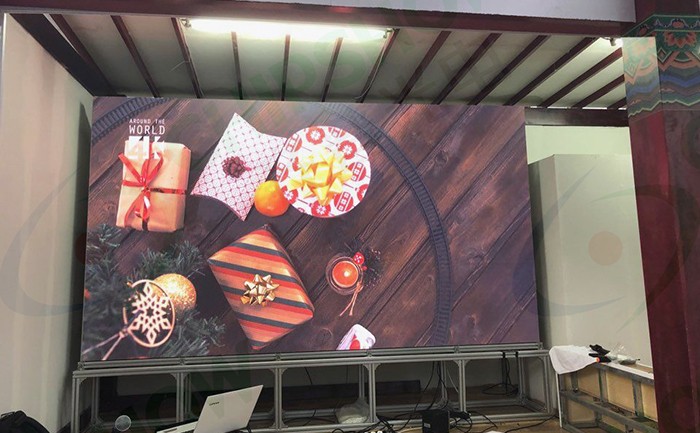
Check Booth Drawings First
Start with the booth drawing, aisle directions, visitor stopping points, and ceiling height. These details decide the display type.
Do not begin with screen resolution alone. Resolution only matters after size, distance, and content are clear.
Confirm Camera and Content Requirements
If the booth includes livestreams, interviews, or product demos, confirm camera distance and shutter settings with the AV team.
Also confirm the final screen resolution map early. Content teams need correct dimensions for sharp text, clean motion, and accurate product visuals.
Review Handling and Reuse Across Events
Rental ROI improves when cabinets support several booth sizes. Standard cabinet formats can make resizing easier across expos.
Check spare module compatibility as well. Shared spare parts can reduce inventory pressure across rental fleets.
Plan Exhibition LED Screen Rental Around Labor, Freight, and Reuse
Choose exhibition LED screen rental by linking visual goals to site conditions. Match screen shape to booth layout, pixel pitch to visitor distance, and cabinet design to labor, freight, and reuse plans. A strong quote balances booth impact with crew time, transport load, service access, and repeat use across the expo calendar.
FAQs
Q1. How Early Should You Book Exhibition LED Screen Rental for a Trade Show?
Book against the actual show calendar and supplier availability. Hanging, curved or custom builds need time for drawings, venue approval, fabrication, testing and content preparation. Confirm the exhibitor service kit deadlines and agree the final screen canvas before production; a generic booking window cannot replace those dates.
Q2. Is an Exhibition LED Display Better Than an LCD Video Wall for Booths?
Yes, for large seamless booth visuals, an exhibition LED display is usually the stronger choice. LED is a better fit for booth walls wider than 3 m (10 ft), curved layouts, non-standard screen sizes, and high-motion content. LCD video walls use tiled panels with visible bezels, while LED modules create a seamless or near-seamless canvas.
Q3. Can Trade Show LED Displays Be Reused Across Different Booth Sizes?
Yes, trade show LED displays can be reused when cabinet size, pixel pitch, rigging, controller setup, and spare modules stay compatible. Common 500 × 500 mm (19.7 × 19.7 in) and 500 × 1,000 mm (19.7 × 39.4 in) rental formats support flexible booth resizing. Chipshow rental platforms also use 500/1000 mixed cabinet builds for repeatable layouts.
Q4. What Content Format Works Best for Exhibition Booth LED Screen Rental?
Use short loops with clear product messages, large text and a canvas matched to the final screen resolution. Choose loop length for visitor dwell time, then test readability from the nearest stopping point and aisle approach. Pixel pitch alone does not set a guaranteed minimum viewing distance.
Q5. How Does Cabinet Durability Affect Rental LED Display Costs?
Durable cabinets help control long-term rental LED display costs by improving handling, service access, and reuse across repeated builds. For high-frequency expo use, check frame material, edge protection, lock stability, and front/rear service access. A large-format 1,000 × 1,000 mm (39.4 × 39.4 in) carbon-fiber panel at 20 kg (44.1 lb) can reduce handling load while supporting repeated deployment.





