





A smart pole display is ready for solicitation when the site, power, connectivity, permits, and long-term ownership records are closed, not just when the screen specifications look good. Municipal buyers can sort every requirement into Ready, Open, or Stop status across site conditions, cybersecurity, display evidence, approvals, and lifecycle duties before writing a bid. The checklist below walks through each gate so a procurement officer can decide whether to bid, pilot, or investigate further.
Use this bid-readiness checklist before solicitation
This sequence follows the phased deployment sequence used in federal connected-infrastructure guidance, which treats site planning, permits, procurement, testing, and operations as linked gates rather than isolated tasks. Mark a gate Open when a document exists but is unconfirmed, and Stop when a required record is missing entirely.
| Gate | Municipal document and owner | Vendor evidence or response | Status before next step |
|---|---|---|---|
| Site and power | Pole condition, mounting record, service capacity (facilities/electrical lead) | Power input range, mounting hardware weight, conduit needs | Ready / Open / Stop |
| Connectivity and cybersecurity | Data policy, network diagram (IT/cybersecurity lead) | Access control, patching, incident response answers | Ready / Open / Stop |
| Display and system | Use-case definition, acceptance criteria (program manager) | Configuration, certificates, test results | Ready / Open / Stop |
| Permits and approvals | Authority list, submittal log (permitting lead) | Compliance documentation for the proposed site | Ready / Open / Stop |
| Operations and lifecycle | Responsibility matrix, asset inventory (public works) | Warranty terms, spare-parts and service plan | Ready / Open / Stop |
| Acceptance testing | Test plan and sign-off record (project lead) | Demonstration or field test results | Ready / Open / Stop |
A single Open or Stop status in any row should hold that row’s decision, even if the rest of the project looks finished. The remaining sections explain what belongs in each row and who should confirm it.
Verify pole, site, and power conditions
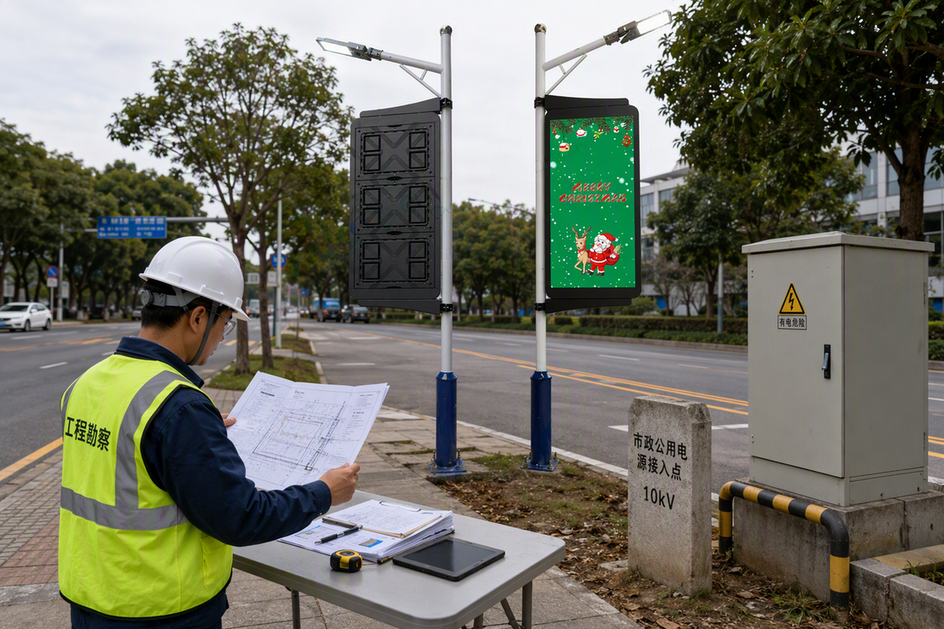
A site is ready for design when the pole’s ownership, physical condition, and available power are documented, not assumed from a catalog spec sheet. Retrofitting an existing pole is a separate case from a new installation because structural capacity, conduit, and access rights may already be fixed by someone else.
Create the site-condition record
Record who owns the pole, its dimensions and current condition, the proposed mounting location, access for installation and service, nearby obstructions, and any equipment already attached to it. For a retrofit, separate what the pole owner has confirmed from what the project team is assuming, since a wrong assumption here can void a bid later.
Confirm electrical and communications interfaces
Document the available power source, the point of electrical service, disconnect and grounding hardware, conduit capacity, cable routing, and the network handoff point. Have the responsible electrical engineer, utility, or public works authority confirm these details for the specific site rather than relying on a vendor’s general input-voltage listing, which describes the equipment, not the site’s ability to deliver or approve that power.
Define connectivity, cybersecurity, and data responsibilities
A connected pole display needs a written answer for who controls the network, the data, and the response to a security incident, not just a description of its features. Keep municipal policy requirements separate from anything a vendor claims their platform can do.
Define the control and data boundary
Document the connection path from the display to the management platform, who is authorized to access it, and how content data, usage data, and any sensor data are stored, retained, exported, and deleted. Separate day-to-day content operations, such as scheduling messages, from infrastructure monitoring and cybersecurity response, since these are often different teams with different access levels. Our data governance models resource outlines common ownership splits that municipalities use as a starting template.
Require evidence before award
Before award, request written answers about network segmentation, credential management, patch and firmware update procedures, incident response steps, backup and recovery, and any third-party software or hardware components in the supply chain. Federal vendor questions guidance for connected community technology lists these categories directly and can be adapted into a scored questionnaire. Our cybersecurity risk matrix is a related resource for comparing vendor answers, but it does not replace a project-specific submission from each bidder.
Turn display needs into measurable bid requirements
A display requirement is measurable when it is tied to the pole’s approved use, such as wayfinding or emergency alerts, rather than a general list of impressive specifications. Write the use case first, then set brightness, enclosure, viewing angle, content control, and environmental requirements around it.
Write outcome-based display requirements
State what the display must accomplish for the site, such as remaining readable in direct afternoon sun at a specific viewing distance, or surviving the local temperature range without a service call. Tie service access, control software requirements, and the acceptance test directly to that outcome instead of copying a generic spec list from an unrelated deployment.
Separate listed capabilities from proof
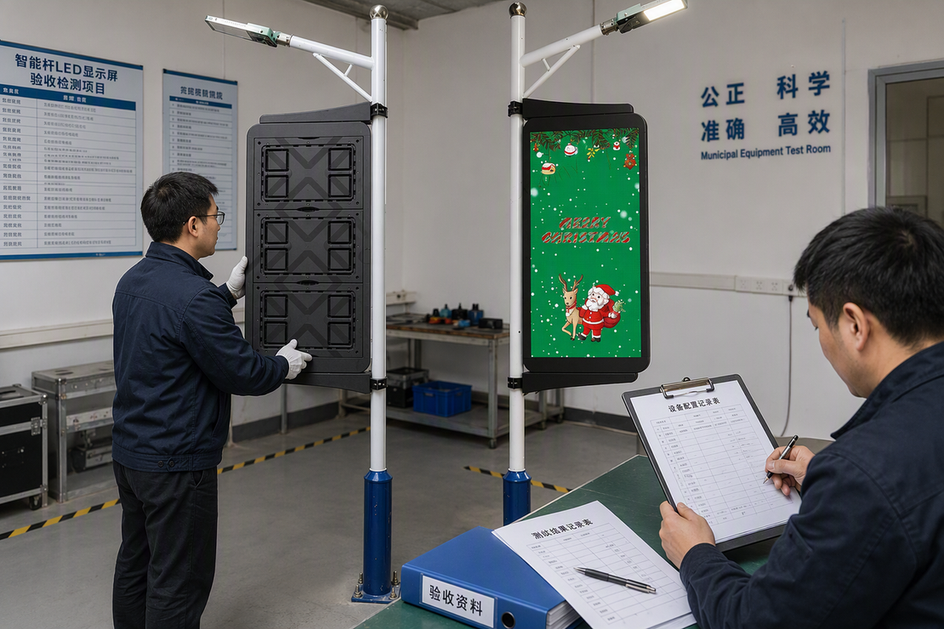
For every requirement that is scored in the bid, ask the vendor for the exact configuration, certified drawings, test reports, or a demonstration unit, not just a features page. Reviewing a manufacturer’s own sample specification record shows the level of documentation a competitive bid should include, though the buyer still has to confirm site-specific fit, certification scope, and jurisdictional approval independently before relying on it.
Confirm permits and agency approvals before release
Approval authority depends on who owns the pole and the right-of-way, so there is no single national permit list a municipality can copy. Start with the pole owner, then work outward to any utility, transportation, electrical, structural, or planning reviewer the specific site could trigger.
Map authorities and review triggers
Identify each reviewer by the specific document or design element that requires their sign-off, such as a structural load calculation, an electrical service change, or a right-of-way encroachment. Avoid assuming that a category of review does not apply just because a similar project elsewhere skipped it.
Create an approval record
For each authority, log the required submittal, review status, any conditions attached to approval, the person responsible for closing the item, and the date it was confirmed. Do not approve installation until the responsible authorities have confirmed the applicable electrical, structural, right-of-way, and agency reviews for this specific site and configuration, since an unresolved review can still change design, cost, or schedule after a bid is released.
Assign maintenance and lifecycle ownership
A display that passes acceptance testing still needs a named owner for monitoring, repairs, and eventual replacement, or support gaps will surface after the warranty period ends. Federal asset management guidance for intelligent transportation systems treats this kind of equipment as a managed asset with ongoing inspection, maintenance, and replacement planning, not a one-time purchase.
Assign operational duties
Name one accountable party for content operations, network monitoring, credential management, software updates, incident response, physical inspections, cleaning or access, and repair dispatch. Write down where the city’s responsibility ends and where the vendor’s, the pole owner’s, or the network provider’s responsibility begins, since a gap between two parties is where service failures tend to sit unresolved.
Budget the asset beyond installation
Keep an inventory record with the asset ID, configuration, drawings, network details, and maintenance history so future repairs and rehabilitation decisions have a baseline. Request warranty boundaries, spare-parts lead times, training, documentation, and end-of-contract transition terms as written vendor evidence rather than a verbal assurance, and budget for repair and eventual replacement instead of only the initial purchase price.
Choose the next procurement action
A procurement officer can release a bid once the site, authority, technical, evidence, and ownership records above are closed, with any exceptions written into the solicitation rather than left implicit. When a material question is still open, choose a bounded pilot or further investigation instead of assuming the gap will resolve itself after award.
Release a bid only when the record is closed
Confirm the site-condition record, the authority approval log, the measurable display requirements, the vendor evidence fields, and the assigned ownership matrix before publishing the solicitation. Document any known exception, such as a pending electrical upgrade, directly in the bid package so vendors price the real project.
Use a pilot to answer bounded questions
A pilot is appropriate when the municipality has a specific, bounded question, such as how a display performs in a particular lighting condition, along with a defined learning objective and measurable acceptance criteria. A pilot should still assign a monitoring owner and a plan for what changes at citywide scale, since skipping that step turns a pilot into an unplanned permanent deployment.
We work with municipal teams to translate site, display, connectivity, and lifecycle requirements into a project-specific vendor questionnaire. If your team is preparing a bid package or evaluating a pilot site, reach out to our team to talk through the requirements above for your specific pole and jurisdiction.
FAQs
Are smart pole display permits the same in every municipality?
No single U.S. permit package applies everywhere. Identify the authorizing municipality and any other asset owner involved, request their specific list of required reviews, and record their confirmation before releasing a bid or approving installation.
What changes when a city retrofits an existing pole?
A retrofit shifts the priority from design to verification. Confirm the existing pole owner’s approval authority, current structural and electrical condition, access rights for service, and who holds future maintenance responsibility before treating the display as deployable on that pole.
What cybersecurity information should a vendor submit?
Expect written answers covering network architecture, access controls, update and patch procedures, incident response steps, data ownership and storage location, interoperability with existing systems, backup and recovery approach, and any third-party supply-chain components. Submitting these answers documents a vendor’s process; it does not by itself certify that the deployment is secure.
Should a pilot use the same requirements as a citywide deployment?
A pilot needs a bounded site, a clear learning objective, and measurable acceptance criteria, but it does not need full production-scale spares or support coverage on day one. Before scaling up, confirm that monitoring ownership, interoperability, and lifecycle funding are ready for the larger deployment, since a pilot’s informal support arrangement rarely carries over cleanly.





