





For LED wall vs projection in virtual production, the choice usually comes down to four things: how much room control you have, how your camera package behaves, how much maintenance your team can support, and what kind of shots the stage must handle. An LED volume is a direct-light display environment built for camera-facing production, while projection depends on reflected light, which changes the tradeoff. The rest of this guide compares the two workflows as a studio decision, not a winner-takes-all verdict.
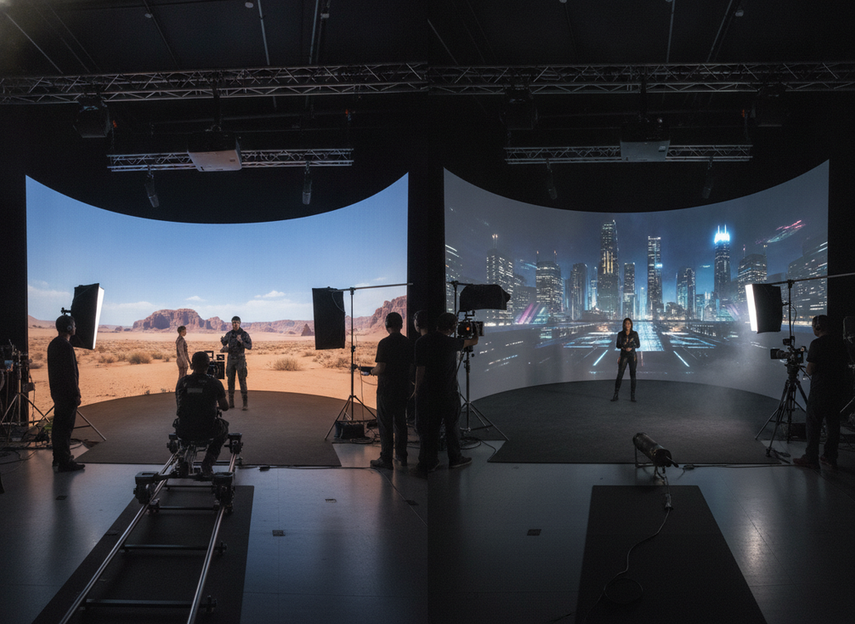
How the Two Workflows Differ
An LED volume is a wall or surround made from LED panels that emits the image directly into the space. Projection throws light onto a surface, so the image depends on the screen material, throw distance, and how well the room is controlled. That difference matters because virtual production is not judged by how the display looks to a person standing in the room. It is judged by how the image behaves through a camera sensor, under production lighting, with the shot list you actually need. The LED volume comparison paper is a useful reminder that camera-facing display decisions are technical, not just visual.
For most studios, the real question is not "Which looks better?" It is "Which workflow fits the stage we can realistically run every shoot day?" If your room, camera team, and lighting control are still evolving, the comparison should stay tied to that operating reality. If you already know the stage will be bright, mixed, or reconfigured often, the balance usually shifts toward LED stage options such as stage LED options.
Brightness and Ambient Control
LED wall vs projection becomes easiest to judge when you start with light control. LED is a direct light source, so it usually has more useful brightness headroom when ambient light is harder to eliminate. Projection uses reflected light, so it is more vulnerable to washout when the room is not tightly controlled. That does not make projection a bad choice. It means projection asks more of the room, while LED asks more of the camera and display system. The direct-vs-reflected light difference is the core reason the choice flips when ambient control gets weaker.
Where projection still fits is a controlled indoor stage with stable blocking, modest image size, and a lighting plan that stays disciplined. In that setup, projection can be practical if the production does not need a large amount of emitted image light. Once the room starts carrying more spill, brighter practicals, or less predictable blocking, the margin narrows quickly. In those cases, an LED build like higher-output LED stage options is often the safer direction for the image side of the workflow.
What lighting control changes is not just "brightness." It also changes how much freedom the cinematographer has with exposure, background spill, and actor separation. A tighter room can make either workflow easier. But if your stage has to stay usable under more mixed conditions, projection usually becomes the more fragile option. For planning, assume the displayed image has to compete with the room, not replace it.
Camera Behavior and Image Artifacts
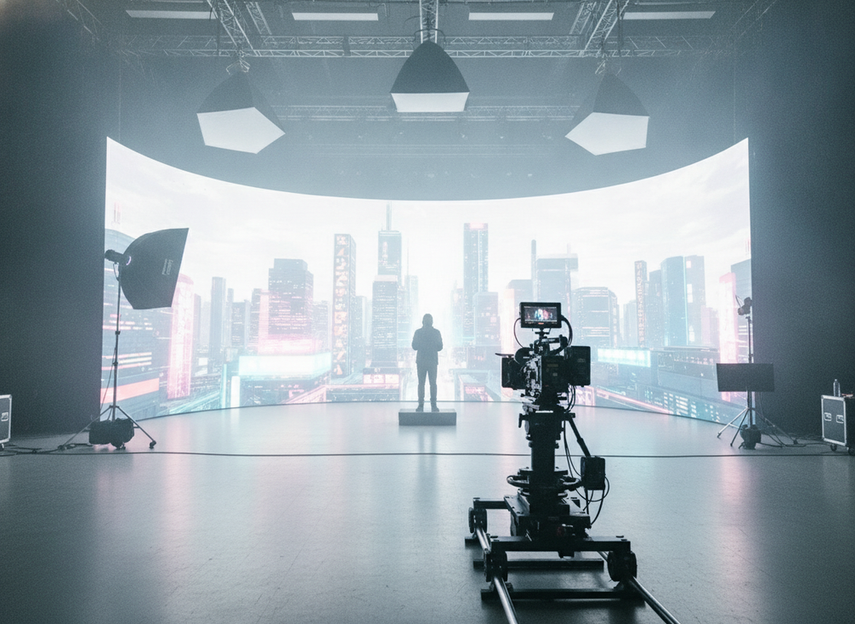
Camera behavior is where LED wall vs projection stops being a simple screen decision. Moiré and flicker do not belong to one workflow only. They depend on the exact display, lensing, shutter, camera distance, and exposure setup. The Bournemouth virtual production paper is helpful here because it treats the display as a camera-facing system, not a flat visual surface. The practical takeaway is simple: test the actual camera package, not an abstract version of it.
Moiré shows up when fine structure on the display interacts with the camera sensor or lens detail in an ugly way. On LED, that can happen when the pixel structure or viewing geometry is unfavorable. On projection, the risk changes shape, but it does not vanish. The right move is to check the lens you plan to use, the distance to the wall, and the framing size before the shoot is locked. That is where camera-safe LED vs projection workflow decisions become real.
Flicker works the same way: it is a setup problem before it is a display-type problem. Camera settings, display behavior, and shutter timing all interact. Guidance from virtual production practitioners continues to stress high-refresh display behavior for LED camera work, but exact "safe" thresholds are not universal enough to treat as a rule across every stage. For that reason, treat the first camera pass as a validation step, not a formality. A small test under the exact lens and shutter settings is more useful than a generic promise of safety.
If you need a simple rule of thumb, use this: when your shot list includes close camera work, fine textures, or frequent angle changes, plan for more test time regardless of workflow. When the stage is more static and the camera package is locked, projection may be easier to live with, but only if the room stays controlled.
Maintenance and Build Complexity
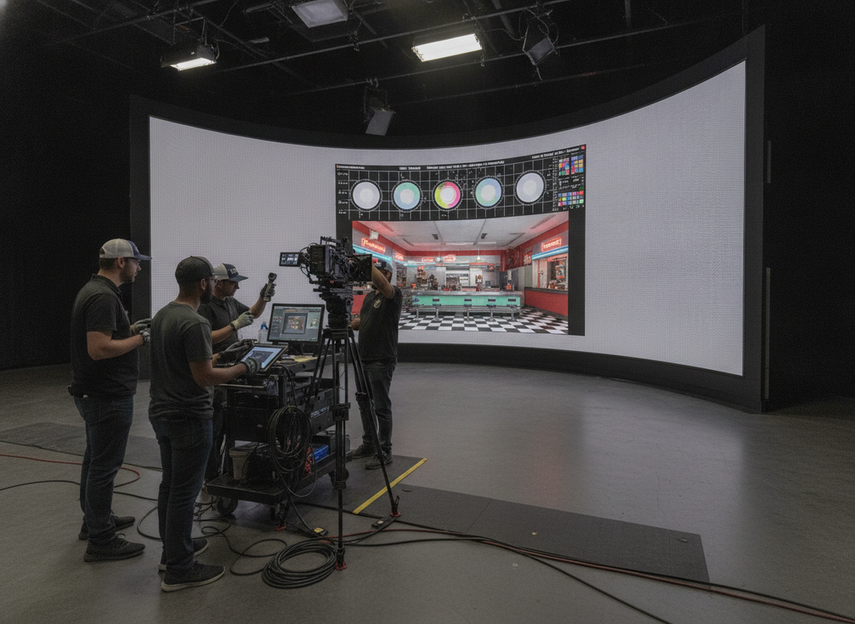
The maintenance question is usually where studios discover the hidden cost of the choice. LED maintenance is often modular, which means a damaged section can usually be serviced in smaller pieces. Projection tends to add optical alignment and light-source maintenance, and those tasks can become recurring friction if the stage changes often. The maintenance tradeoff between LED and projection is less about sticker price and more about how much operational work your crew can absorb.
| Decision Factor | LED Volume | Projection Virtual Production |
|---|---|---|
| Setup complexity | More system-heavy at the start, especially for camera validation and panel management | Often simpler to understand at first, but the room and alignment need discipline |
| Calibration and service | Usually easier to localize to modules or panels | Optical alignment and source upkeep can recur over time |
| Changeover speed | Can be fast once the stage is established | Can slow down if throw, focus, or alignment has to be reset |
| Room control need | Less dependent on perfect darkness | More dependent on a controlled room |
| Crew-time pressure | Higher up front, but can pay off on repeatable stages | Lower in some small setups, but friction can rise as the stage gets more complex |
For operations-led teams, the key question is not which system is technically "simpler." It is which one reduces repeated setup effort across the life of the stage. If your stage changes frequently, a modular LED workflow often limits the pain. If your stage is small, stable, and tightly managed, projection can remain reasonable. For studios comparing rental and touring-style builds, browsing quiet rental LED panels can help you judge the operational side without assuming the workflow fit first.
Choose the Right Fit for Your Stage
Use this five-step path when you decide between LED wall vs projection in virtual production.
- Define the shot list first. If the stage needs close-ups, texture-heavy backgrounds, or changing camera positions, treat camera behavior as the first filter.
- Check room control honestly. If you cannot keep ambient light disciplined, projection loses flexibility faster than LED does.
- Test the exact camera package. Lens choice, shutter, and distance can change whether artifacts stay hidden or become a problem.
- Estimate crew load. If maintenance, alignment, and changeover time are already tight, a more modular LED setup is often easier to live with.
- Match the workflow to the most demanding use case. Mixed broadcast and cinematic work should be judged by the hardest shot, not the easiest one.
If the stage must stay bright, change often, or support a wider range of shot types, LED is usually the more forgiving choice. If the room is controlled, the camera package is stable, and the image needs are moderate, projection can still be a sensible option. That is the cleanest way to think about the decision: choose the workflow that fits your worst-case production day, not just your best one. If you are narrowing hardware paths, our commercial indoor LED options can be a starting point for the LED side of the comparison.
Final Takeaway
The best LED wall vs projection virtual production choice depends on the stage you can actually run. LED usually wins when brightness headroom, repeatability, and lower room-control pressure matter more. Projection can still work when the stage is tightly controlled and the shot needs are modest. If you are planning a new stage, start with the hardest shot, then work backward through room control, camera behavior, and maintenance load. That order keeps the comparison practical and avoids buying for a use case you will not repeat.
FAQs
Can projection work for a virtual production stage with controlled lighting?
Yes, projection can work when the room is disciplined, the camera package is stable, and the image size does not demand a lot of emitted light. It becomes less attractive when ambient spill rises or the shot list gets more demanding. The main check is whether your stage can stay controlled every time, not just on the first test day.
What causes moiré or flicker in LED wall shoots?
Moiré and flicker usually come from the interaction of display structure, camera sensor behavior, lensing, shutter timing, and distance. That is why one stage can look clean and another can struggle. The safest move is to test with the exact lens and exposure settings you plan to use, instead of assuming the display type alone will solve it.
Why do studios choose LED over projection for mixed lighting conditions?
Because LED is a direct-light display, it usually holds up better when the room is harder to control. That gives the camera team more flexibility when the stage cannot stay fully dark. Projection can still work, but the lighting discipline has to be tighter, or the image can wash out faster.
How much maintenance does a virtual production LED wall usually need?
It depends on how often the stage changes and how the wall is built. LED is often maintained in smaller modules, which can reduce the pain of service work. But it still needs calibration, access planning, and camera validation. For a busy stage, the real question is whether your crew can absorb that routine without slowing production.
Can one workflow handle both broadcast-style and cinematic shots?
Sometimes, but the most demanding shot should set the standard. Mixed-use stages often look flexible on paper and then run into camera, lighting, or maintenance limits in practice. If you need both broadcast-style and cinematic coverage, test the harder camera setup first and only then decide whether one workflow can support the full mix.





