





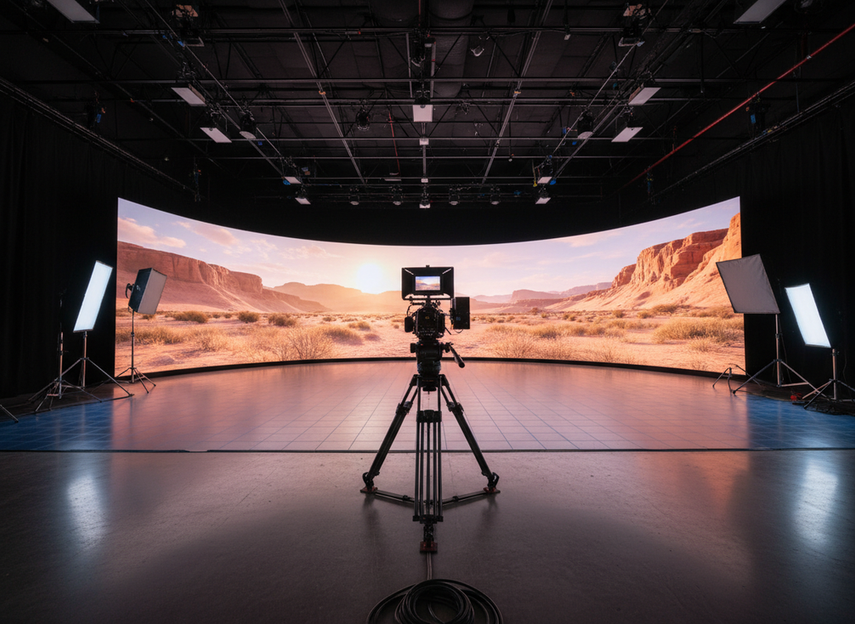
If you are buying an XR LED wall, start with the camera pipeline, not the showroom image. The wall has to match your frame rate, shutter behavior, sync method, and processor workflow, or a spec that looks strong on paper can still fail on camera. The best purchase is the one that fits your actual shoot conditions, not the one with the biggest number.
What Matters Most in an XR LED Wall
The first question is not "How bright is it?" It is "Will this wall behave cleanly with our cameras?" For virtual production, the buying order is usually camera behavior first, then sync stability, then color consistency, then processor compatibility.
A wall can look impressive in a demo and still create banding, shimmer, or timing artifacts once a real camera starts rolling. That is why refresh rate, genlock, calibration, and processor fit belong in the same evaluation. The VES virtual production publications stress that refresh behavior should match the camera frame rate to reduce temporal artifacts, which is a better buying lens than a standalone spec sheet.
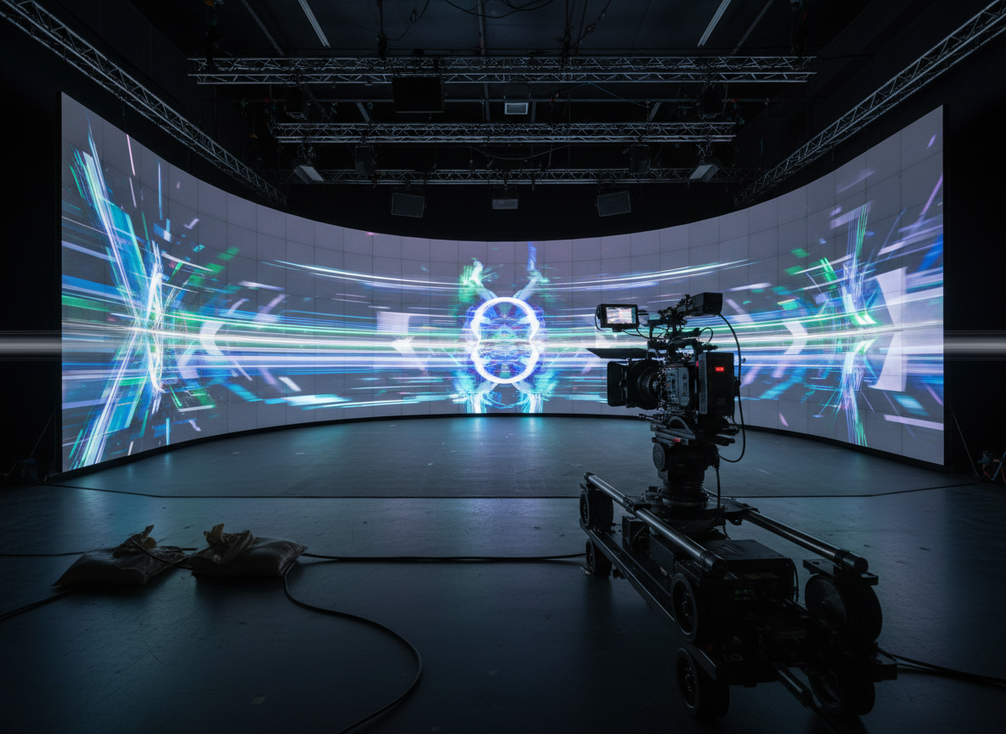
For buyers, the cleanest rule is simple: treat the wall as part of the imaging system, not a standalone panel purchase. If your team cannot describe the intended camera package, frame rate, and control chain, you are not ready to compare models yet. A rental or demo path can help you verify setup and workflow with the actual shoot gear before you commit.
Refresh Rate for Camera-Friendly Playback
Refresh rate matters because it changes how the wall looks to the camera, not just to the eye. In virtual production, the useful target depends on frame rate, shutter settings, exposure, movement, and the wall’s scan behavior. That is why "higher" is not automatically "better" in a buying sense; it is better only when it fits the camera package you actually plan to use.
A practical reference point from independent technical guidance is that some virtual production setups may benefit from refresh rates above roughly 7,000Hz, especially when rolling-shutter cameras are involved, according to high-refresh guidance for rolling-shutter cameras. That is a useful benchmark, but it is not a universal minimum. A wall that performs well with one camera body and shutter angle can still show banding or edge shimmer with another.
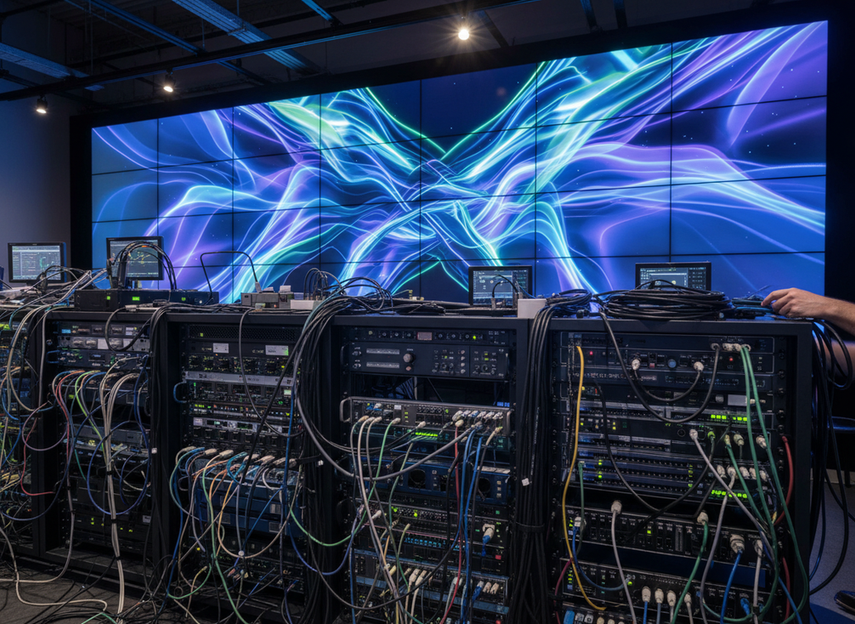
What matters in practice is the relationship between refresh and capture. If the refresh cadence and the camera’s sampling cadence do not line up well, you can see moving lines, brightness shifts, or flicker patterns during pans, cuts, or fast motion. If the wall uses a camera-friendly refresh profile but the shutter or exposure is wrong, you can still get artifacts. That is why the refresh discussion should always end with a real camera test, not a promise.
Before you ask vendors for quotes, ask three specific things: what refresh rate was measured, under what camera conditions was it measured, and whether that result came from the panel, the full wall, or a particular controller setup. Those answers tell you whether the spec is useful for your stage or only useful in a brochure. For most teams, the safest wording is: high refresh helps, but the workable target depends on the camera package, shutter settings, and processor chain.
A good proof-of-concept test is simple. Use the actual camera body, the intended frame rate, and the intended shot movement. Look for banding, shimmer, and brightness instability while panning across the wall and while holding static shots with exposure changes. Record the settings that look cleanest so the vendor can reproduce them later if you move from pilot to purchase.
Why Genlock and Sync Stability Matter
Genlock is the part of the workflow that keeps the camera and wall in step. In modern XR stages, that timing conversation often also includes PTP-based synchronization, and the technical language can vary by ecosystem. The key point is not the protocol name; it is whether the wall, camera, and processor stay aligned enough to avoid visible timing problems. The SMPTE ST 2059-2 timing profile is a useful reference for how professional media synchronization is handled in IP-based workflows.
That said, sync stability is not a magic fix. Even when timing is right, you still need to confirm that the full chain behaves on camera. The Reality of Virtual Production makes the practical point clearly: synchronization helps prevent visible timing artifacts, but it does not replace a camera test. A wall can still show banding, motion issues, or setting-dependent artifacts if the processor, camera, and content pipeline are not tuned together.
For buyers, the right question is usually: what does this sync feature actually control in our workflow? In one ecosystem, the answer may be traditional genlock; in another, it may be PTP timing or a hybrid setup. Vendors should be able to describe the whole chain, including cameras, processor, reference signal, and any control software. If they only talk about a single timing feature in isolation, you probably do not yet have a complete picture.
A conservative buying rule is this: treat sync support as necessary infrastructure in some workflows, not as proof that the wall is camera-safe. If your production depends on live switching, repeatable playback, or tightly controlled motion, timing alignment matters a lot. If your team cannot run a full chain test, assume the risk is still open.
Color Calibration and Processor Compatibility
Color calibration, processor fit, and controller handoff should be judged together. A wall that is technically capable but awkward to tune can still become expensive in the real world because it takes longer to set up, harder to repeat results, and more effort to hand off between crews. For an XR LED wall, workflow fit often matters as much as panel quality.
| Buyer Need | What To Verify | Why It Matters On Camera | Risk If You Skip It |
|---|---|---|---|
| Color calibration workflow | How profiles are created, saved, and restored | Repeatable color helps different shoots look consistent | You may spend extra time chasing looks instead of shooting |
| Processor ecosystem fit | Whether the controller works cleanly with the wall and camera pipeline | Good fit reduces surprises during pans, cuts, and exposure changes | The stage can become hard to tune under time pressure |
| Controller handoff | How quickly a new crew can reproduce the same setup | Fast handoff lowers setup drift between shows or clients | Settings may change from shoot to shoot |
| Vendor documentation quality | Whether setup, calibration, and sync steps are documented clearly | Clear docs reduce operator error and quote ambiguity | You may buy a system that is difficult to support |
The processor conversation is often framed as Brompton versus NovaStar, but that is better treated as a workflow-fit question than a brand-war question. Independent comparison writing notes that the two ecosystems tend to serve different priorities, which is why the right choice depends on the stage’s calibration habits, support expectations, and budget structure. In practical terms, a color-critical workflow may value repeatability and operator comfort more, while a budget-sensitive deployment may prioritize broader ecosystem flexibility. The processor workflow fit lens is more useful than a universal winner label.
If you are evaluating a quote, ask for the handoff path in writing. How does the processor talk to the wall? How are calibration profiles stored? What does the team do when the same wall must be re-tuned for a different camera package? Those questions expose whether the package is built for repeatable use or just for a good demo day. If the answer is vague, the deployment risk is higher than the brochure suggests.
For buyers comparing broad rental or stage options, it can also help to browse a broader stage solution options path or a premium touring path such as premium touring LED options, but only as navigation. The exact control fit still needs to be checked against your camera and processor requirements.
A Practical Buyer Checklist Before You Commit
- Define the camera package first. Lock down the body, lens range, intended frame rate, and shutter setup before you compare walls.
- Verify refresh and sync behavior with the real pipeline. Do not rely on a demo that uses different cameras or different playback conditions.
- Confirm calibration workflow and processor/controller fit. Ask how profiles are created, stored, and restored between shoots.
- Run a real-world camera test. Check for banding, shimmer, brightness shifts, and motion artifacts during pans and cuts.
- Request compliance and documentation. In the US, buyers should verify FCC Part 15 compliance during procurement, alongside any setup and support paperwork.
If you are still comparing vendors, ask each one to show the wall under your intended frame rate and shutter settings, then request the calibration and control documentation before you sign. That is the shortest path to a safer purchase decision.
FAQs
What Refresh Rate Do You Need for an XR LED Wall?
There is no universal minimum that fits every stage. The better check is whether the refresh behavior matches your camera frame rate, shutter setup, and motion style. If you want a practical screening rule, treat very high refresh as helpful, then validate it with your actual camera package before purchase.
Can Genlock Reduce Flicker in Virtual Production?
Yes, genlock can help reduce timing problems, but it does not guarantee a flicker-free result by itself. The useful test is whether the full wall-camera-processor chain stays stable under your intended exposure and movement. If you cannot test the exact setup, assume the risk is still unresolved.
What Controller Works With an XR LED Wall?
The right controller is the one that fits the panel family, calibration workflow, and camera pipeline you are actually buying. If one controller is easier for your crew to reproduce, document, and support, that can matter more than a feature list that looks larger on paper.
Is Brompton Better Than NovaStar for Virtual Production?
Neither is automatically better for every stage. The better choice depends on whether your workflow is more color-critical, more budget-sensitive, or more dependent on a specific support ecosystem. Ask which setup is easier to calibrate and hand off for your exact camera package, then compare the answer against your crew’s skill level.
Can You Buy an XR LED Wall Without a Camera Test?
You can, but it is a higher-risk purchase. A spec sheet cannot fully show banding, shimmer, or timing behavior under real shooting conditions. If your budget or schedule is tight, at least test the wall with your intended frame rate, shutter settings, and processor chain before you commit.





