





A virtual production LED wall works best when you choose it for the shot plan, not the spec sheet. The real questions are whether the wall fits the nearest camera distance, whether the sync chain holds under your actual shutter and movement choices, and whether you can keep image quality stable without overspending on upkeep.
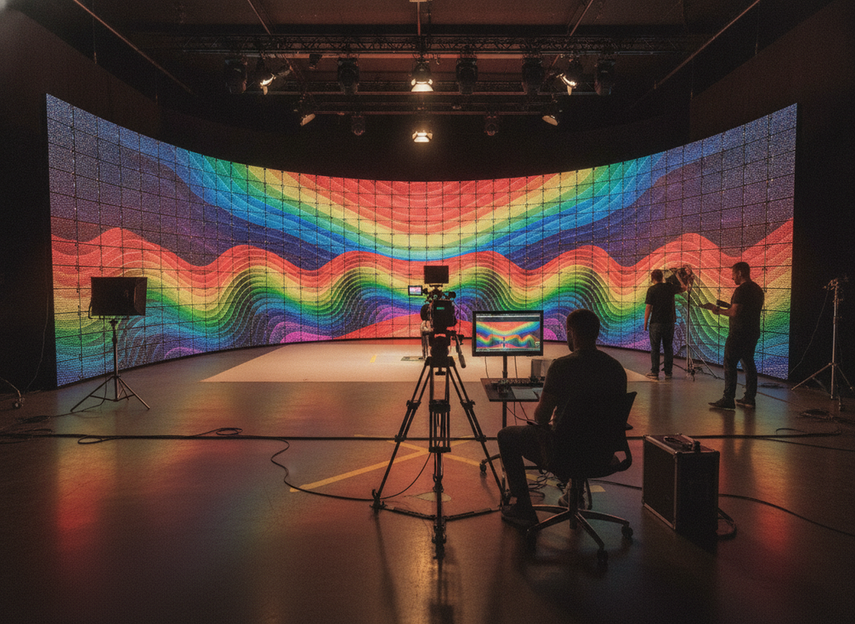
How to Choose Pixel Pitch for Your Volume
Pixel pitch is not a standalone quality score. For a virtual production LED wall, the practical test is whether the pitch still looks clean at the nearest expected shot, with your camera package, blocking style, and lens range. The Planar viewing-distance heuristic is useful as a planning shortcut, but it should be treated as a starting point, not a universal rule.
For close camera work, tighter pitch usually matters more because the wall occupies more of the frame and panel structure becomes easier to notice. For wider stage views or background-heavy shots, a slightly coarser pitch may be acceptable if the wall is not acting as the hero surface in frame. If the closest planned shot is already demanding, tighten the pitch first; if the wall will mostly sit behind talent, budget and processor load may matter more than chasing the finest possible pitch.
Pixel Pitch, Camera Distance, and Framing
Before you choose a pitch, gather the actual production inputs: lens range, camera distance, blocking, and how much of the wall will appear in the frame. That is the decision layer. A wall that looks fine for a medium shot can still break down in a tight close-up, especially when the wall texture, foreground detail, or camera movement makes panel structure easier to see.
If the schedule is dominated by close-ups, product shots, or hero talent work, pitch choice should lean conservative. If the wall mainly provides environment and parallax in wider shots, you may be able to accept a less aggressive pitch target and save budget for more area or better processing. In other words, the right answer is usually "fit the shot list," not "buy the finest wall available."
Shot Type Trade-Offs
Close-ups, shallow depth of field, and repeatable talent blocking are the most demanding combinations. Wide shots and looser staging are more forgiving, especially when the wall is carrying atmosphere rather than fine detail. That is why a virtual production LED wall pixel pitch guide should be read as a shot-coverage guide, not just a hardware comparison.
If your team is trying to cover both close and wide work, it is better to decide early which shot type sets the floor for quality. A stage that only works well when the camera stays farther back can become expensive in reshoots and compromises. If the wall must pass close-camera tests, that requirement should drive the pitch choice even if it raises cost.
Set Up Genlock and Camera Sync
Genlock matters because it helps the LED processor and camera chain stay aligned during capture, which lowers the chance of flicker, tearing, and rolling artifacts. The practical point is that LED volume genlock and camera sync requirements are workflow issues, not checkbox items. The LOLED Virtual camera compatibility list is a useful reminder that not every camera stack behaves the same way.
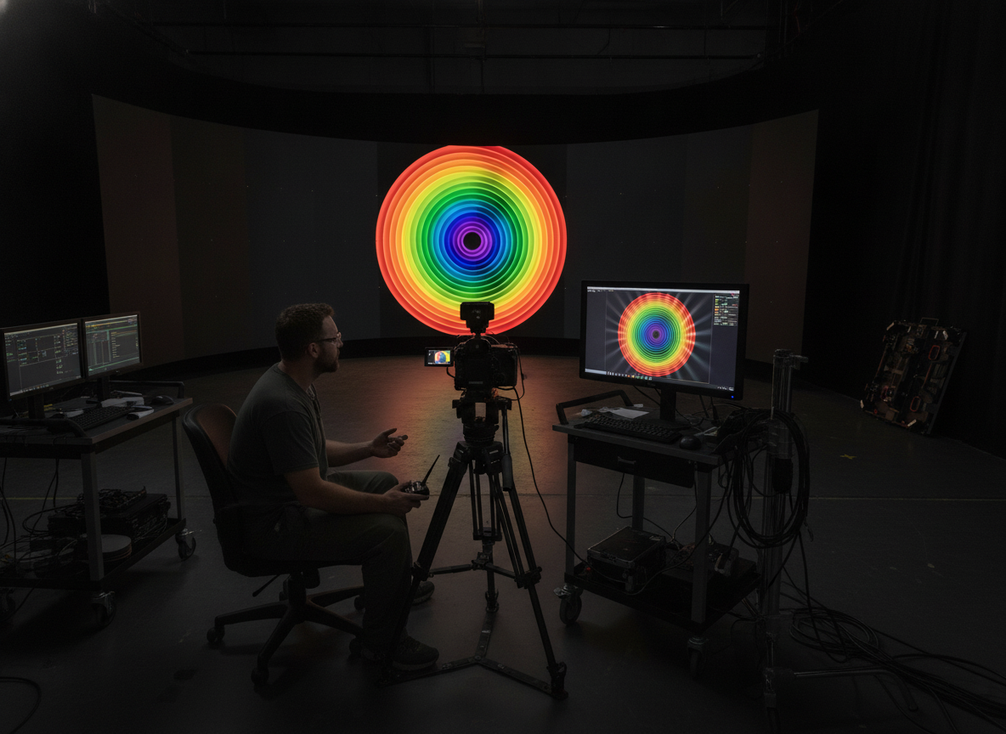
The sync path usually includes cameras, switchers, playback, processors, and timing distribution. Any weak link can cause issues that only show up under a particular shutter, angle, or movement pattern. If you only test a static shot, you may miss the setup that fails once the camera starts moving or the blocking changes.
What Genlock Does on Set
Think of genlock as the reference that helps multiple devices stay in step. It does not make the wall magically artifact-free, but it can make the capture path more stable and more repeatable. For production managers, that means fewer surprises when the same camera setup has to be rebuilt later in the day or on the next shooting block.
The right outcome is not just "sync is on." The outcome is that the wall, camera, and playback chain still behave the same way under the exact shooting conditions you plan to use. If your team needs to restore settings quickly after maintenance or a camera swap, document the working timing path while the test setup is still stable.
Where Timing Problems Usually Start
Timing issues often start with mismatched frame-rate assumptions, inconsistent device settings, or a camera path that changes late in prep. Some teams also find that a setup looks fine until they alter shutter angle, movement speed, or lens choice. The camera-stability guidance from Stamm Media is useful here because it treats refresh and sync as part of the capture workflow, not as a single universal fix.
If the wall is only tested at one frame-rate or one motion pattern, the validation is incomplete. That is the main reason pre-flight sync testing matters: it tells you whether the wall is ready for the actual shot list, not just a demo reel.
Pre-Flight Sync Checks
Validate the full chain before principal photography. Test the exact camera body, the intended lens set, the planned shutter behavior, and the playback path that will be used on set. Check for stable output, clean routing, and repeatable results across the shot range you expect to capture.
If a problem appears, document the working combination before anyone changes it. That makes handoff easier between departments and reduces the chance that a "temporary fix" gets lost before the real shoot day. The cleanest sync setup is the one your team can reproduce after lunch, not just the one that looked good during a first test.
Reduce Moiré and Camera Artifacts
Moiré is usually an interaction problem, not a single failure in the wall itself. The repeating panel structure can collide with the camera sensor, lens choice, angle, focus behavior, and image detail. The disguise virtual production tips are helpful because they frame moiré reduction as a toolkit, not a promise of elimination.
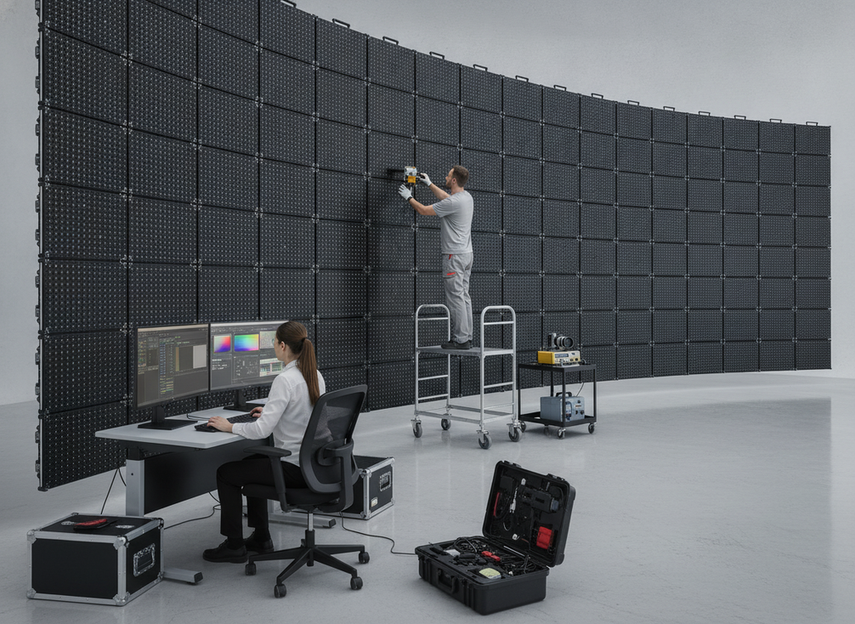
That matters because teams often expect one fix to solve everything. In practice, a small shift in angle, focus behavior, or lens choice may help more than a hardware change. The right goal is lower visible artifacts in the actual shot list, not a claim that the image will be perfect in every setup.
Why Moiré Appears
Moiré becomes more visible when fine repeating detail in the wall interacts with the way the camera samples the image. Sharp edges, high-detail content, certain lens choices, and specific camera angles can make the pattern stand out. The same wall can look clean in one setup and problematic in another, which is why static demos can be misleading.
For crews, the takeaway is simple: test the wall under the same lensing and framing that the scene will use. If the shot changes, the artifact risk can change too.
Mitigation Moves That Actually Matter
The most useful mitigation moves are usually camera-side and content-side adjustments. Try small changes in camera position, lens selection, and focus behavior first. If needed, soften background treatment or reduce repetitive texture in the wall content. In some setups, optical filtering can help as well, but it should be treated as one option in a broader workflow.
The key is to test these moves against the real shot list. If the scene relies on close framing, fine facial detail, or fast movement, you need to see whether the mitigation holds under pressure. That is the difference between reducing moiré and only hiding it in a demo.
Plan Calibration, Maintenance, and Operating Costs
Ownership cost is not just the purchase price. For a virtual production LED wall, recurring burden usually comes from calibration labor, routine checks, cleaning, spare parts, technician time, and downtime risk. The Netflix Partner Help Center is a credible reminder that color shifts, overheating, and pipeline issues can all show up as operational trouble rather than simple hardware defects.
| Operational area | What it affects | Budgeting question to ask | Reader-safe framing |
|---|---|---|---|
| Calibration | Color consistency, uniformity, camera matching | How often does the wall need recalibration for the expected shooting schedule? | Heavier use and tighter image requirements raise the burden. |
| Cleaning | Surface condition, maintenance frequency | What cleaning cadence keeps the wall camera-ready? | Dust, touchpoints, and long run times increase the work. |
| Spares | Replacement readiness, fault recovery | Which spare modules or parts should stay on hand? | More complex walls and heavier use need more readiness. |
| Technician time | Setup, monitoring, troubleshooting | How much staff time is needed for routine operation? | Larger stages and frequent resets usually need more labor. |
| Downtime risk | Shoot continuity, schedule disruption | What interruption would slow or stop production? | Planning should focus on recovery speed, not just uptime. |
The useful way to budget is to separate scheduled work from unscheduled trouble. A high-turnover rental stage, for example, usually carries more reconfiguration and documentation burden than a fixed installation. If your wall travels, gets rebuilt often, or runs long hours, the maintenance model should be more conservative.
Build Your Stage Checklist Before Shoot Day
Use this as the final handoff list before a live shoot. First, confirm the shot profile and nearest expected camera distance. Then verify pitch fit, sync stability, and moiré behavior under the real blocking. After that, lock calibration settings, document the working timing path, and assign who owns cleaning, spares, and reset procedures.
- Define the closest planned shot and the wall’s role in frame.
- Confirm that pitch still fits the camera distance and lens range.
- Validate the full genlock and timing chain with the exact camera setup.
- Test for moiré using the real shot list, not just a static demo.
- Save the working calibration and timing settings.
- Assign maintenance ownership and spare-part responsibility.
- Recheck after any camera, lens, or processor change.
A volume is ready when the team can reproduce the setup, not when it merely looks good once. If one camera path fails or a shot change introduces artifacts, pause and re-test before principal photography starts.
Final Takeaway
A virtual production LED wall is easiest to manage when you treat it as a workflow system, not a hardware purchase. Choose pitch for the closest shot, validate sync with the actual camera chain, use moiré mitigation as a toolkit, and budget for the recurring work that keeps the stage usable. If the wall cannot pass those checks before shoot day, it is not ready yet.
FAQs
How Do You Choose Pixel Pitch for a Virtual Production LED Wall?
Choose pitch by the nearest expected shot, lens range, and how much of the wall will be visible in frame. A tighter pitch usually matters more for close work, while wider or background-heavy shots can tolerate a little more flexibility. The safe move is to validate with camera tests, not rely on a single spec.
What Does Genlock Actually Change in an LED Volume?
Genlock helps keep the camera chain and LED processing path aligned so capture is more stable. That can reduce flicker, tearing, and rolling artifacts, but it does not guarantee a perfect result in every setup. The exact camera, processor, and timing path still matter.
Why Does Moiré Show Up More on Some Shoots Than Others?
Moiré depends on the interaction between sensor sampling, lens choice, wall structure, angle, focus behavior, and content detail. That is why one blocking plan can look clean while another looks busy or unstable. The fastest fix is usually a set of small adjustments, not a single hardware change.
How Often Should a Virtual Production LED Wall Be Calibrated?
It depends on usage, transport, environmental conditions, and the quality bar for the shoot. A wall that stays in one place with limited change may need less frequent attention than a high-turnover stage. Set the cadence around your workflow and document what "ready" means for your team.
Can a Studio Budget for LED Wall Ownership Without Guesswork?
Yes, but only if the budget includes recurring costs, not just the initial build. Plan for calibration labor, cleaning, spare parts, technician time, and downtime risk. Then adjust the model to match how often the wall runs, travels, or gets reconfigured.





