





Smart pole LED integration is less about buying a bright display and more about fitting that display into city software, monitoring, and message-control workflows. If the hardware looks good but the approvals, routing, and response path are unclear, the project can create another silo instead of simplifying operations.
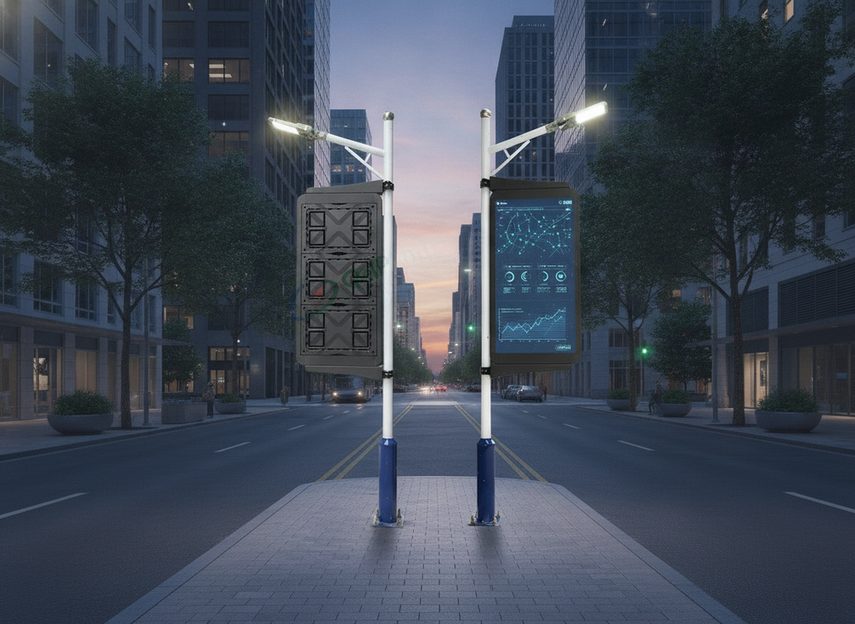
Why Municipal Buyers Need Integration-First Pole Displays
For municipal teams, the main question is not whether a pole display can show content. It is whether the display fits the city’s operating model without adding manual work for IT, public works, and emergency communications. That is the core value of smart pole LED integration: one more connected asset that can support daily messaging, remote oversight, and, where documented, public alert workflows.
The practical win is coordination. A display that ties into existing city software and approval steps is easier to update, easier to monitor, and less likely to become an orphaned screen that only one department understands. That matters most in downtown corridors, plazas, and other public-facing zones where changes happen often.
A municipal smart city display can be a useful starting point when you want to browse a city-oriented form factor, while street pole LED displays are a broader path if you are still comparing outdoor display categories.
What a Municipal Integration Stack Has to Support
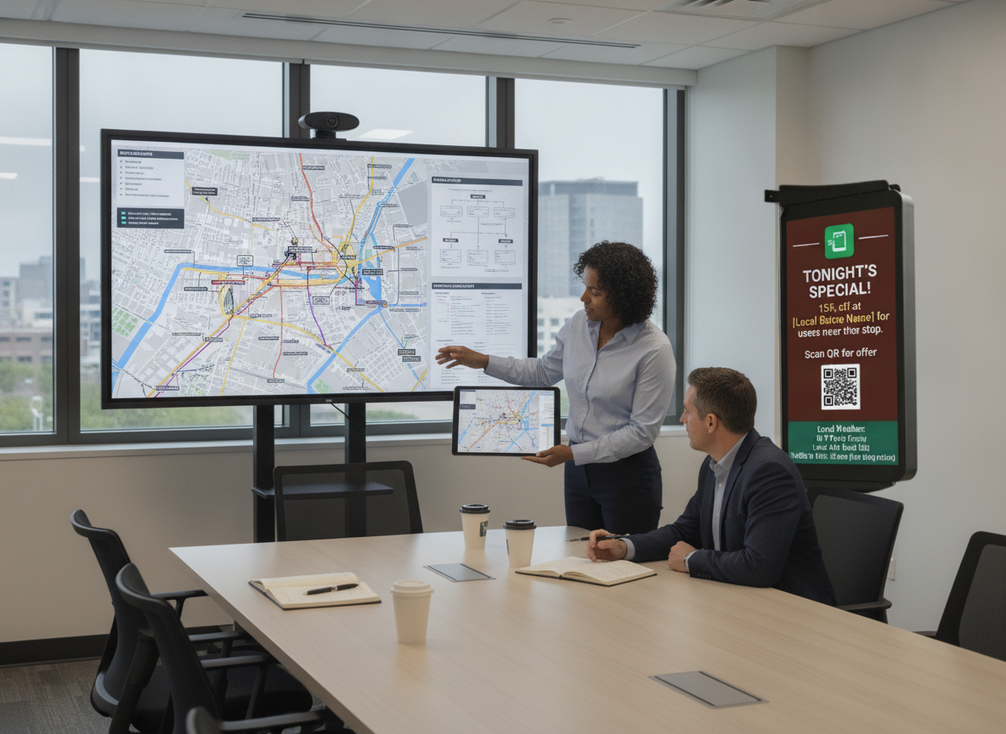
A workable smart city pole display integration usually has four parts: city software, network path, monitoring, and alert routing. The display should fit the city’s existing approval chain, not replace it by default. Teams should be clear about who can publish, pause, or update content, especially when multiple departments share the same infrastructure.
On the technical side, the network path should match the city’s maintenance model. That means checking how the display receives updates, reports status, and behaves during outages. The point is not to assume one specific connection type. The point is to confirm that the city can support it without creating a separate support burden.
Remote monitoring can help centralize triage and reduce unnecessary field visits when status visibility is good and the response process is defined. In that sense, smart pole LED remote monitoring is an operational efficiency feature, not a guarantee that every issue will resolve faster.
For reference, FEMA’s Common Alerting Protocol (CAP) is the technical framework municipal buyers should verify when alert interoperability matters. If the proposal cannot show where control ownership, approvals, and message routing live, it is not ready for a citywide commitment.
For broader planning context, NIST’s Smart Cities and Communities Framework gives city teams a practical reference for planning and implementing connected municipal systems. That kind of framework is useful when you are checking whether a display belongs inside the city’s broader operating model.
Outdoor DOOH is the cleaner browsing path if you are still sorting the broader category before narrowing to a municipal deployment.
City Software and Control Ownership
The display should fit the city’s operations environment, not force a new one. Buyers should ask which system publishes content, which team can pause a message, and how approval rights are assigned across departments. Those details matter more than a generic promise of "smart" control.
IoT Connectivity and Network Fit
Connectivity should be judged against the city’s available network and maintenance model. Ask how updates are sent, how health status is reported, and what the fallback looks like if a link drops. If the answer is vague, the hardware may be fine but the deployment plan is not.
Remote Monitoring and Alert Routing
Remote monitoring is useful when alerts reach the people who can act. That sounds obvious, but it is where many projects stall. A dashboard alone does not solve response time. The city still needs ownership for triage, escalation, and maintenance handoff.
Compatibility Checks Before Procurement
Before procurement, verify the integration points in plain language: who controls content, where the network lives, how outages are handled, and what documentation exists for alert workflows. If the proposal does not answer those questions clearly, treat compatibility as unproven rather than assumed.
Where Smart Pole Displays Add Public Value
Smart pole displays are most useful when the city needs public communication that changes often. A downtown corridor can use them for event messages, wayfinding, transit notices, or civic updates. In those cases, the value is not just visibility. It is the ability to change messages without sending staff back into the field for every update.
That same infrastructure can also support public-safety-adjacent communication, but the claim should stay conditional unless the workflow is documented. FEMA’s IPAWS emergency alert integration is the authority anchor here. If a pole display is being considered for municipal LED pole emergency broadcast use, the buyer should verify trigger ownership, approval path, and how the display behaves during urgent messaging before assuming it is ready.
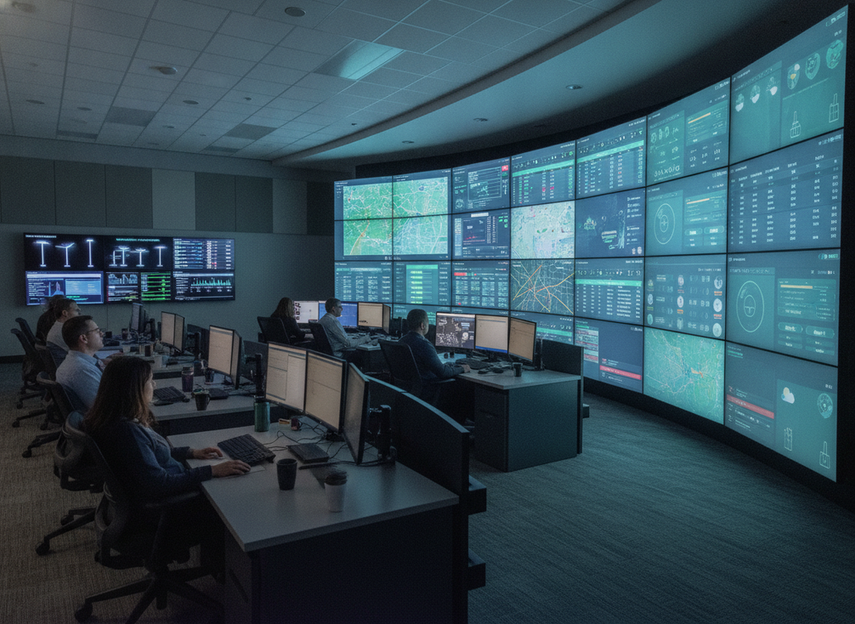
Remote oversight adds another layer of value. When a city can supervise multiple assets from one place, it can spot failed content, connection problems, or maintenance issues sooner. That is why smart pole LED integration is often discussed alongside operations center workflows, not only signage.
A lower-authority smart pole display use-case overview can help frame civic messaging, wayfinding, and emergency-response-adjacent communication, but it should stay background context rather than proof.
Downtown and Plaza Messaging
For public spaces, the strongest use case is routine communication. Think city announcements, seasonal events, traffic advisories, or district branding. The operational gain is faster content turnover with less on-site labor.
Public Safety and Emergency Broadcast Uses
Emergency messaging deserves a stricter filter. A display may support alerting workflows, but that is not the same as verified emergency-broadcast readiness. Confirm the documented process, the approval chain, and the alerting framework before relying on it for urgent use.
Operations Center Oversight
Remote oversight helps when multiple assets need supervision across a large area. If the city already runs a control room or monitoring desk, the display can fit into that workflow as another managed endpoint instead of another one-off system.
District-Wide Communication Workflows
Distributed pole displays can support consistent messaging across corridors or neighborhoods when scheduling and approvals are centralized. That coordination benefit is real, but it only holds if the city owns the workflow instead of leaving it to ad hoc department requests.
Decision Snapshot: What Changes the Recommendation?
| Buyer condition | Better fit | Why it matters |
|---|---|---|
| City already has content approval and monitoring ownership | Smart pole integration is more attractive | The display can plug into an existing workflow |
| Alert workflow is unclear or undocumented | Pilot first, not citywide rollout | Emergency use should stay conditional |
| The main need is routine civic messaging | Smart pole display is a practical fit | Updates are frequent and field visits matter |
| The city wants emergency messaging without verification | Not a fit yet | Hardware alone does not prove alert readiness |
| Monitoring is needed but no one owns response | Rework the operating model first | Dashboards do not replace triage |
How to Evaluate a Smart Pole LED Proposal
-
Confirm the integration requirements.
Ask what software the display connects to, who publishes content, and how the system fits the city’s current control structure. If the proposal cannot explain ownership clearly, keep the decision in pilot territory. -
Verify monitoring and maintenance workflows.
Remote monitoring is only useful if alerts go to the right people and the response path is defined. Check who receives alerts, how issues are triaged, and what maintenance handoff looks like. -
Review broadcast and message-control procedures.
For municipal LED pole emergency broadcast use, the city should verify trigger permissions, approval steps, and the documented alert workflow. FEMA’s alerting program planning toolkit is useful background for that discussion. -
Check documentation and support handoff.
A proposal is stronger when it shows clear setup notes, admin ownership, and escalation contacts. If those items are missing, the city may own the risk after purchase. -
Decide on pilot, phased rollout, or broader deployment.
When documentation is incomplete, a pilot-first path is usually safer. If integration, monitoring, and workflow ownership are all clear, a phased rollout may be reasonable. A citywide commitment makes sense only after the system proves it can fit the city’s operating model.
Highway VMS / gantry signs are not a direct substitute for pole-based public communication, but they can help teams compare how different outdoor message platforms handle control and deployment expectations.
Which Deployment Questions Should You Ask Next?
- Who owns content approval, and who can pause or override a message?
- What integration proof do we have for our current city software and network path?
- How are monitoring alerts routed, and who is responsible for response?
- What documentation exists for emergency messaging, and what still needs verification?
- What must the pilot prove before we expand to more corridors or districts?
Smart city displays can be the right place to continue browsing if your team is ready to compare municipal form factors, while traffic and VMS LED display solutions are better if you want a related control-and-messaging category without repeating the same outdoor DOOH anchor.
Final Takeaway
Smart pole LED integration is strongest when the city treats the display as part of its operating model, not as isolated hardware. Start with software fit, monitoring ownership, and alert workflow verification. If those pieces are clear, a pilot or phased rollout is usually the most defensible next step. If they are not clear, keep the decision open and ask for better documentation before committing.
FAQs
How Does Smart Pole LED Integration Work With City Software?
It works when the display fits the city’s existing content, approval, and monitoring workflow. The main checks are data flow, control ownership, and network fit. If those pieces are unclear, the software side of the project is not ready yet, even if the hardware looks good.
What Should Municipal Teams Verify Before Using a Pole Display for Emergency Broadcasts?
Verify the trigger process, approval path, message routing, and the documented alert workflow. Emergency use should stay conditional until the city can show how the display fits its alerting plan. Hardware alone does not establish readiness for urgent public messaging.
Can Smart Pole LED Remote Monitoring Reduce On-Site Checks?
It can, when the city has a real response workflow behind the dashboard. Remote monitoring helps most when status alerts reach the right people and maintenance ownership is clear. Without that follow-through, the dashboard becomes visibility without action.
What Is the Difference Between Municipal Alert Displays and Outdoor Advertising Displays?
Municipal alert displays are judged by workflow, control, and public messaging needs, while advertising displays are usually judged by media performance and campaign delivery. They can overlap in form factor, but the buying question changes. Do not assume one category automatically satisfies the other.
Can a Smart Pole Display Be Rolled Out in Phases Across a City?
Yes, and phased rollout is often the safer path when integration proof is incomplete. A pilot can test software fit, monitoring, and message-control ownership before the city expands. That approach lowers the risk of buying a system that looks ready but still needs workflow cleanup.





