





Solar VMS deployment is an off-grid power-and-maintenance problem first, and a sign-placement problem second. If the battery reserve, charging margin, site exposure, and service access do not work together, the cabinet can look fine at install and still become unreliable in the field.
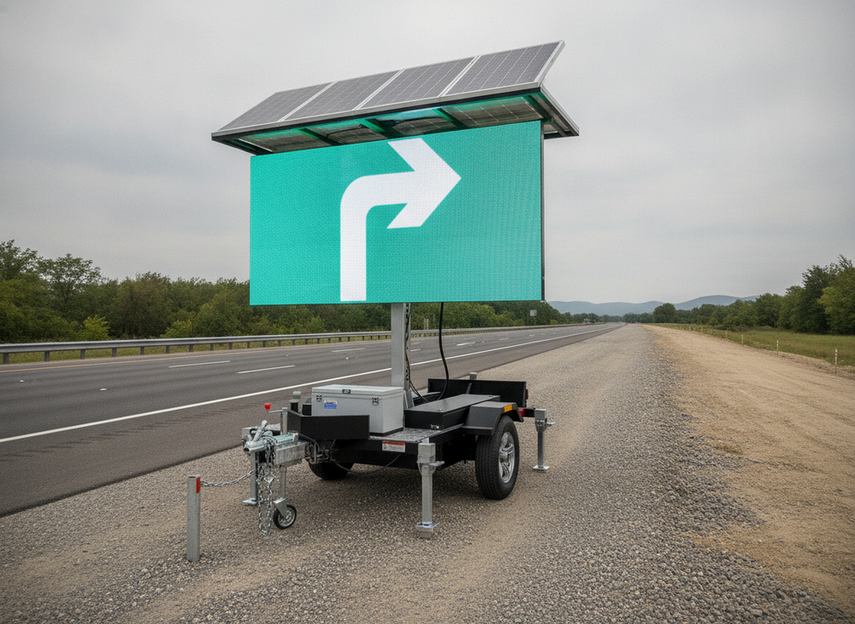
What Makes Solar VMS Hard to Deploy
A solar-powered VMS has to do the same job as any other traffic sign, but it also has to earn its own energy every day. That changes the deployment decision. You are not just buying visibility and messaging; you are balancing load, storage, charging, weather, and the crew’s ability to reach the site.
For DOT and field teams, the hard part is that a site can pass a basic equipment check and still fail in real use. A shaded shoulder, a winter-heavy route, or a sign that updates often can turn a reasonable-looking design into a recurring callout. That is why solar VMS deployment should be treated as a reliability plan, not a simple hardware order.
Battery Sizing and Power Budget Mistakes
The clearest sizing anchor is the 21-day battery autonomy benchmark used in some DOT specifications for portable solar-powered VMS. In practice, that benchmark is a procurement reference, not a guarantee that every site will behave the same way. If the sign uses more power than expected, updates often, or sees weak charging, the real reserve can shrink fast.
That is where many solar VMS battery sizing challenges start. Teams often size for the cabinet nameplate and then undercount the controls, message activity, nighttime use, or auxiliary electronics. A sign that looks adequate on paper can still fall short if the daily load is higher than the initial estimate or if battery health has already started to drift.
Weather matters just as much. MnDOT’s solar research shows that overcast solar output drop can be substantial, with bright overcast reducing output to roughly half to about 70% of rated levels and darker overcast cutting it much further. That means the real question is not whether the array works on a good day. It is whether the system still has enough margin after a stretch of weak sun.
For most deployments, the right test is simple: does the battery bank still have headroom after you combine daily load, expected sun loss, and a delay in field service? If the answer depends on ideal weather, the design is probably too tight. If the site is remote or updates frequently, the margin should be even more conservative.
If you are reviewing options for a solar-powered setup, a solar trailer option can be a useful navigation point, but the real check is still whether the unit supports your load profile, autonomy target, and service plan.
Solar VMS reliability margin: when a site looks safe vs high risk
Use the bands to judge whether a site has enough reliability margin for solar VMS deployment; tighter margins or weaker monitoring should be treated as higher risk.
View chart data
| Category | Lower bound | Upper bound |
|---|---|---|
| Readiness | 21.0 | 999.0 |
| High risk | 14.0 | 21.0 |
| Critical risk | 0.0 | 14.0 |
Weather and Site Conditions That Reduce Uptime
Solar VMS uptime is often lost before the first failure alarm. The site itself can quietly reduce charging and make maintenance harder. The first thing to check is whether the sign has placement for sunlight and visibility. If the panel faces a poor sun path, or if the sign is set where glare and obstruction compete with charging, the whole deployment becomes harder to keep reliable.
- Shading from trees, structures, or parked equipment reduces charging and can make a solar VMS behave like it is undersized even when the cabinet is healthy. The fix is to verify the sun path at the actual install location, not just on a map.
- Dust, debris, and snow cut solar gain and can also affect visibility. If the site is prone to buildup, plan a cleaning route and make sure crews can safely reach the panel.
- Wind exposure and mounting geometry affect both the unit and the work around it. A site that is hard to access may cost more to service even if the equipment is otherwise sound.
- Cold, heat, and seasonal swings can change how batteries behave and how much usable charge is available. Northern and shoulder-season sites deserve extra margin because winter charging variability can be a real constraint.
The practical takeaway is that a solar-powered VMS should be placed where it can see the road and the sun. If the best traffic-facing position is also the worst charging position, you need to rethink the layout before installation instead of trying to rescue it later with maintenance trips.
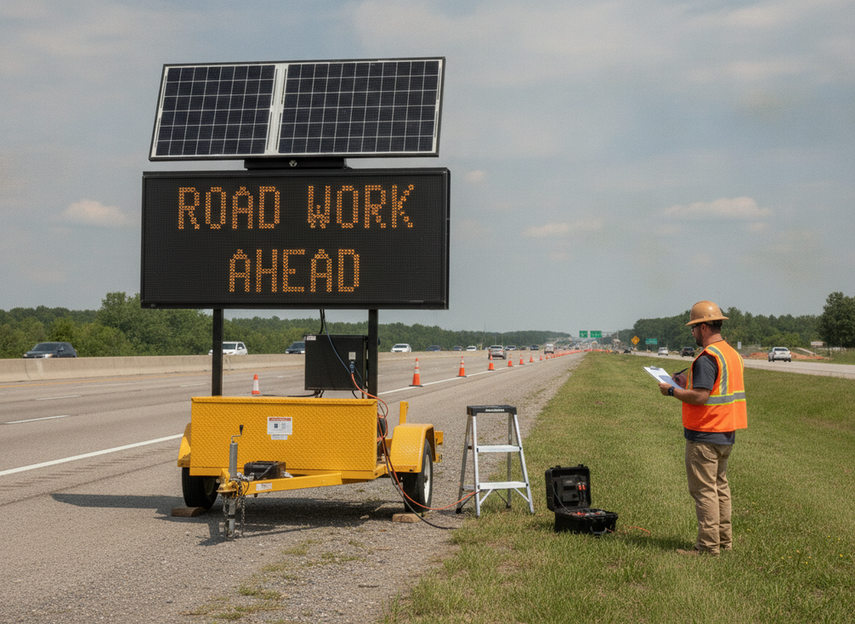
Common Field Problems and What They Usually Mean
When a solar variable message sign underperforms, the first job is to separate the symptom from the likely cause. The sign being dark does not automatically mean the display cabinet failed. It may be battery state, wiring, controller settings, or a load change that pushed the system over its margin.
If the sign is dark or reboots at night, check battery charge, wiring continuity, and controller settings first. Intermittent power loss is often a connection or protection issue before it is a hardware replacement issue. If the system was recently reconfigured, review that change before ordering parts.
If charging looks normal but runtime keeps dropping, treat that as a power-budget problem until proven otherwise. Seasonal exposure, panel cleanliness, and battery health are the first checks. FHWA guidance supports monthly panel cleaning and battery checks as part of routine upkeep, which is a practical way to catch drift before it turns into a roadside outage.
If message visibility changes with conditions, look at brightness settings, ambient light, and angle before assuming the display itself is bad. Visibility and power use are linked, so a fix may require both optical and electrical review. That is especially true when crews have changed message content or operating hours.
If service calls keep repeating, the issue may be planning rather than the cabinet. Recurring faults often point to poor commissioning, weak documentation, or difficult access. In that case, the right move is to log the pattern, not just replace the most obvious part.
How to Plan a More Reliable Deployment
A better solar VMS deployment starts before the first hole is drilled. The goal is to prove that the site can stay charged, visible, and serviceable under real field conditions.
- Confirm the operating profile. Write down how often the sign updates, when it runs, and whether nighttime use changes the load. If the duty cycle is high, the reserve target should be tighter.
- Check the site for sun and access. Verify that the panel has unobstructed sunlight and that maintenance crews can actually reach the unit without creating a second safety problem.
- Review the power margin. Compare daily load against expected charging conditions, then ask whether the site still looks safe after a cloudy stretch or a delayed service visit.
- Set up alerts before acceptance. Remote monitoring should provide remote monitoring alerts for low battery voltage or display faults so crews can act before the sign goes dark.
- Document the maintenance plan. Record inspection cadence, cleaning access, battery check timing, and escalation contacts so the next technician does not have to rediscover the site.
- Decide go or revise. If the site cannot support the charging path, service access, or alerting plan, revise the design instead of accepting a fragile installation.
If you are still comparing form factors, a vehicle-mounted VMS option may fit a different operational pattern, but it should be chosen for the right deployment model, not as a shortcut around a weak site plan.
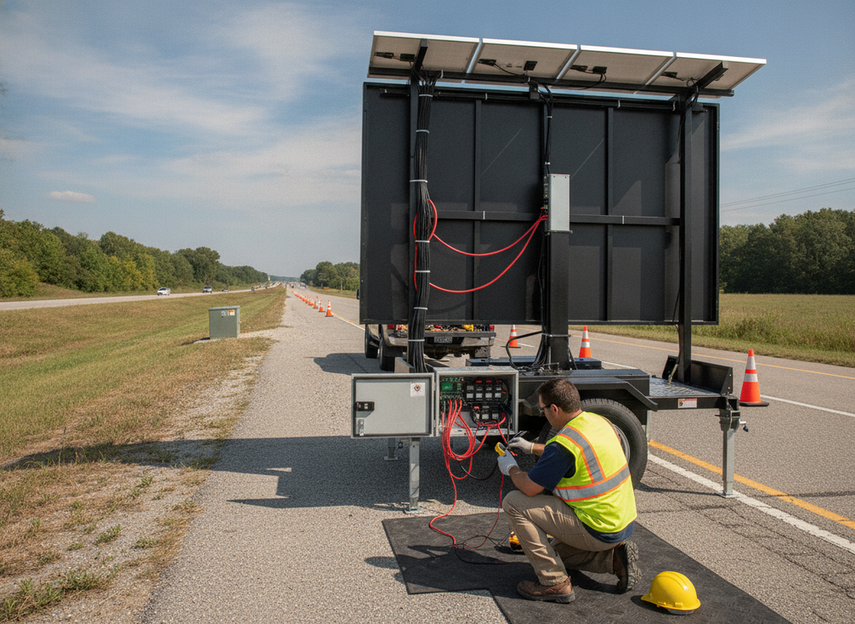
Reliability Checklist for DOT Teams
Before you call a solar VMS deployment ready, make sure the site can pass these checks:
- The battery reserve is tied to the actual duty cycle, not just the equipment nameplate.
- The array has enough charging margin for cloudy weather and seasonal loss.
- The sign has unobstructed sunlight and a placement that still supports visibility.
- Crews can reach the unit for cleaning, inspection, and battery checks.
- Remote alerts are active and documented.
- The commissioning record shows who owns maintenance, escalation, and spare-parts decisions.
If any of those items fail, the project is not ready in a practical sense, even if the cabinet powers on. That is the point where teams should revise the site plan, not hope that routine truck rolls will cover the gap. For off-grid highway sign deployment, reliability is usually won or lost before handoff.
FAQs
How Do Solar VMS Signs Work?
A solar VMS uses panels to charge batteries that power the sign, controller, and communication gear. The important part is not just how it runs on a sunny day, but whether the battery and charging path can support the sign through weather, nighttime use, and service delays.
What Are the Most Common Problems With Solar Variable Message Signs?
The most common problems are low charge, shading, wiring faults, controller settings, dirty panels, and access issues. Many downtime complaints turn out to be a mismatch between the site’s actual conditions and the original power budget, not a bad cabinet alone.
Why Does a Solar VMS Need More Backup Than Expected?
Because field conditions rarely match the ideal case. Cloudy weather, winter sun angles, high message activity, and delayed maintenance can all reduce usable margin. Backup planning should assume some loss in charging consistency, not perfect daily recovery.
Can Weather Alone Cause Solar VMS Uptime Issues?
Weather can be a major factor, but it usually works together with site orientation, shading, and maintenance access. A well-placed, well-maintained sign may handle weather better than a poorly placed one, even if the hardware is similar.
What Should DOT Teams Verify Before Approving a Solar VMS Site?
Check the operating load, charging margin, sunlight exposure, service access, remote alerts, and maintenance documentation. If the site cannot support all five, it is safer to revise the design than to assume the field crew can absorb the risk later.
Related Resources
- traffic and VMS LED display options
- C-Tra-VMS range
- solar trailer setup
- compact vented traffic VMS





