





Smart city LED display planning should start with the public job the screen must do, not with the hardware category. For transit alerts, wayfinding, service notices, and public safety messaging, the right choice depends on who reads it, how fast the message must change, and what the site can support over time. If you start with the message, location, and audience, it becomes much easier to separate a workable municipal display from one that only looks good on a spec sheet.
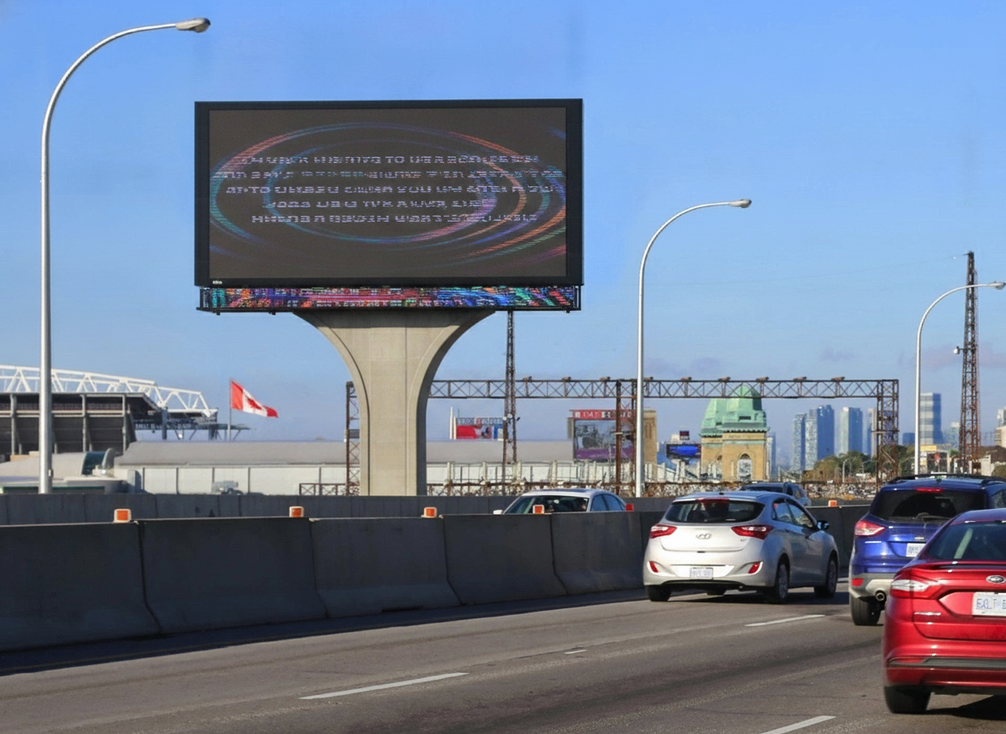
Where Smart City LED Displays Fit in Transit and Public Safety
A smart city LED display is usually a municipal communication tool first and a hardware product second. In practice, that means it may support transit alerts, wayfinding, service notices, or emergency messaging, depending on where it is installed and who controls it. A station platform and a roadside corridor do not ask for the same thing, even if the display family looks similar.
For roadway-facing or traffic-adjacent public safety use, the federal MUTCD framework is useful background, but it does not turn every LED display into a traffic control device. The buyer’s first question should be simple: what public decision is this display supposed to support, and in what environment?
When the job is transit information, the display has to help riders act quickly. When the job is public safety messaging, it has to support clear, timely notices with little room for confusion. When the job is wayfinding, it has to stay legible at the intended approach distance and under the site’s lighting conditions. That is why the category should be defined by use case before any brand or model comparison begins.
What Transit and Public Safety Buyers Need to Specify
Before a city issues an RFP for a smart city LED display, it should translate broad marketing language into buyer requirements tied to the actual site. The core question is not whether the display is "advanced," but whether it can do the job in the field, under the operating conditions that matter most.
Visibility and Readability in Real Conditions
Visibility is the first filter because the message is the product. If riders, pedestrians, or drivers cannot read the content in the real setting, the installation misses its purpose. Buyers should specify the intended viewing distance, the likely ambient light, and whether the message must be read while people are moving or waiting.
For roadway-adjacent public safety work, the NTCIP 1203 dynamic message sign standard is the interoperability anchor to keep in mind. That matters because integration with central traffic or transit control is often a buying requirement, not a nice-to-have. In plain terms, the display has to fit the control system, not just the cabinet.
Durability and Outdoor Exposure
Municipal outdoor LED signage durability is usually a procurement issue before it is a marketing claim. Weather, dust, vibration, mounting stress, and temperature swings all affect real-world uptime. Agency specifications often ask for long-life components and automatic brightness adjustment, which helps legibility in bright sun and reduces glare after dark, but those are procurement benchmarks, not universal product promises. The NYSDOT dynamic message sign specifications are a good example of how agencies turn those expectations into documentation requests.
This is where the buyer should ask for the mounting details, enclosure assumptions, and warranty terms that match the site. A display that survives a sheltered plaza may not be the right answer for an exposed curbside location.
Service Access and Operating Continuity
Serviceability matters because downtime is not just an inconvenience when the screen carries transit alerts or emergency messages. A front-service or modular design can be a practical threshold in busy public areas, especially when special equipment or long closures would create disruption. A real transit procurement case from the Utah Transit Authority shows why maintenance access becomes a buying decision rather than a technical detail.
Remote diagnostics also belong in the discussion. NYSDOT’s transportation management equipment specs treat remote fault detection as a maintenance benefit because it can help identify pixel errors or system malfunctions without an on-site inspection. That does not guarantee faster repair, but it does make the service model easier to run.
Controls, Content Workflow, and Operator Fit
A public display can fail operationally even when the cabinet and panel are fine. If city staff, transit operators, or emergency communications teams cannot schedule, approve, and update content cleanly, the system becomes harder to trust. For that reason, the control workflow should be specified as carefully as the hardware.
Accessibility is part of that workflow check. The ADA Title II and web accessibility guidance is not a blanket rule for every display form factor, but it is a clear reminder that public-facing digital content and any interactive workflow need to be reviewed for accessibility. In procurement terms, that means buyers should ask who controls content, how approvals happen, and what accessible output the system must support.

How Display Types Map to Transit and Civic Tasks
The best display pattern depends on the task, not on a generic promise of flexibility. The table below is a scenario guide, not a universal ranking. It helps readers see which deployment pattern tends to fit each municipal job under typical procurement constraints.
| Display Pattern | Wayfinding | Transit Alerts | Public Safety Messaging | Best Fit | Caution |
|---|---|---|---|---|---|
| Pole-mounted | 2 | 3 | 2 | Neighborhood-scale guidance and transit stops | Can be too limited for high-urgency roadway messaging |
| Roadway-facing | 1 | 3 | 1 | Traffic-adjacent alerts and fast-changing notices | Poor fit if the site is not oriented to moving traffic |
| Wall-mounted | 2 | 2 | 3 | Plazas, station concourses, and civic corridors | Less useful where viewers approach from many angles |
| Control-room-oriented | 1 | 2 | 3 | Centralized command-style messaging | Weak fit for open public wayfinding |
Pole-mounted displays tend to fit neighborhood-scale wayfinding and some transit messaging because they are easy to place where pedestrians already look. Roadway-facing signs are the most relevant when traffic-adjacent messaging and interoperability matter. Wall-mounted displays often fit plazas, station concourses, and civic corridors where people stop rather than drive past. Control-room-oriented walls are stronger when the message is managed centrally and the workflow matters as much as the screen.
The main caution is simple: do not choose a pattern because it looks versatile. Choose it because the site, audience, and control model line up with the display’s strongest use case.
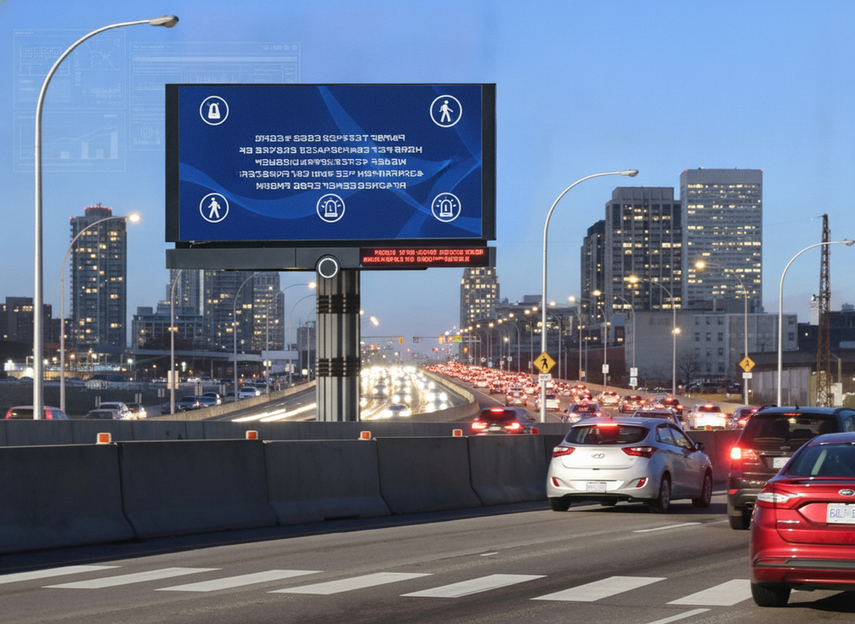
Which Procurement Trade-Offs Decide the Final Fit
-
Define message criticality first. If the display carries emergency or time-sensitive transit alerts, uptime, legibility, and control workflow matter more than decorative features.
-
Confirm site exposure. A sheltered civic plaza, an open roadside, and a station platform create different demands for weather resistance, glare control, and mounting design.
-
Verify service access. Front-service or modular access can reduce disruption in busy public spaces, while harder-to-reach installations raise maintenance friction.
-
Review controls and approvals. The buyer should know who can send messages, who approves them, and how the system behaves during routine updates or urgent notices.
-
Check documentation and warranty scope. If a claim affects approval, public safety review, or lifecycle risk, ask for the supporting documents in the bid package rather than relying on a brochure.
The practical threshold is whether the city can keep the display useful after installation. If the answer depends on frequent special access, unclear content ownership, or hard-to-verify claims, the spec sheet is probably hiding a real operating cost.
What to Check Before You Issue the RFP
Before the project goes to bid, confirm the site conditions, the maintenance model, and the operator workflow. Verify whether the display must support roadway-facing messaging, transit integration, or public-facing digital content, because those choices change the documentation you should request.
- Confirm the intended use case, audience, and update frequency.
- Verify viewing distance, ambient light, and exposure conditions at the site.
- Ask how faults are detected, serviced, and restored without long downtime.
- Define who approves content and who can issue urgent messages.
- Request documentation for any claim that affects approval, safety review, or warranty risk.
- Check whether the display needs an interoperability path, such as NTCIP 1203, before procurement closes.
A smart city LED display is easiest to manage when the buyer can explain exactly why it belongs at that site. If the city can operate it, maintain it, and approve it over time, the choice is usually sound.
Final Takeaway
For transit and public safety applications, the best smart city LED display is the one that fits the message, the site, and the operating model. If you specify visibility, exposure, service access, and content workflow early, you can compare options without getting pulled in by generic claims. Use the RFP to force documentation for the details that affect approval, uptime, and maintenance, then choose the display your team can actually run.
FAQs
What Is a Smart City LED Display Used For?
It is usually used for public communication tasks such as transit alerts, wayfinding, service notices, and emergency messaging. The right configuration depends on where it sits, who reads it, and how quickly the content needs to change. If the message is time-sensitive or public-facing, procurement should focus on workflow and readability, not only on cabinet specs.
How Do Transit Information LED Display Requirements Differ From General Outdoor Signage?
Transit information LED display requirements usually place more weight on uptime, content updates, and legibility under changing conditions. General promotional signage can tolerate more delay or inconsistency, but a transit display cannot easily do that. Buyers should ask whether the system supports the update path, visibility, and service model the transit use case actually needs.
What Should Public Safety Buyers Ask Before Shortlisting a Display?
Start with site exposure, control authority, and maintenance access. Then ask whether the display is meant for roadway-facing messaging, station-area notices, or general civic communication. If the answer affects approval, network integration, or downtime risk, request the documentation early so you can rule out poor-fit options before the RFP is finalized.
Can One Display Serve Transit Alerts, Wayfinding, and Emergency Messaging?
Sometimes, but only if the most demanding use case is covered first. A platform that works for wayfinding may still be a weak fit for urgent public safety messaging if the workflow is slow or service access is difficult. The safer approach is to design for the hardest job, then decide whether the same system can cover the simpler ones.
Why Does Maintenance Access Matter in Municipal LED Procurement?
Maintenance access affects downtime, service cost, and how practical the display is in a busy public setting. A front-service or modular design can reduce disruption, while hard-to-reach installations can create extra labor and scheduling friction. For transit and public safety applications, that can matter as much as brightness or cabinet design.
When Should a Buyer Treat Accessibility as a Separate Procurement Check?
Any time the display has public-facing digital content or an interactive workflow, accessibility should be checked explicitly. The ADA guidance is not a blanket promise that every LED form factor is covered the same way, but it does signal that content and workflow should be reviewed with accessibility in mind. That is especially important when public communication depends on clarity and speed.





