





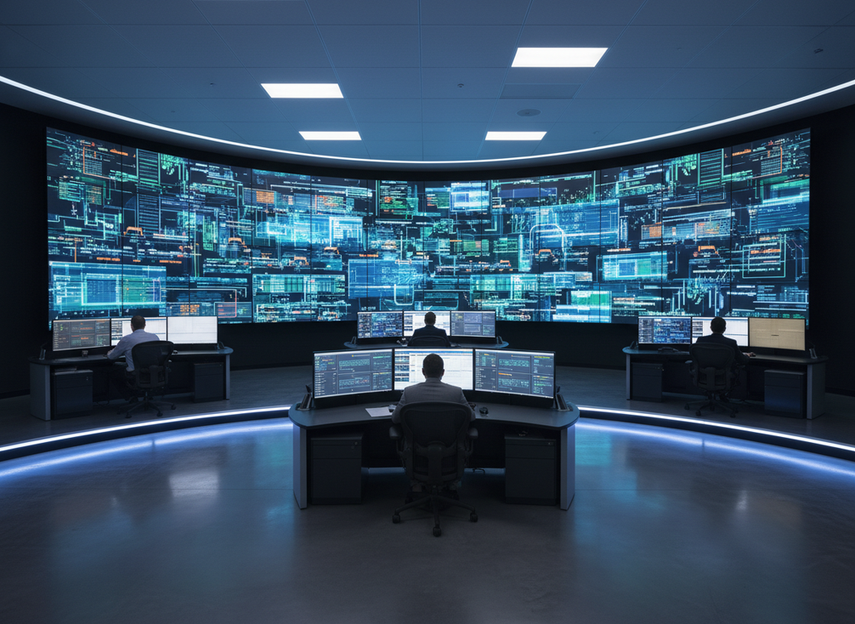
24/7 mission-critical LED display reliability criteria are about more than image quality. The real test is whether the wall stays usable under continuous use, recovers cleanly from faults, and remains serviceable without turning a small issue into a long outage. For a mission critical LED display, that means comparing continuity, recovery, and maintenance—not just brightness or pixel pitch.
What Reliability Means in a 24/7 Control Room
In a control room, reliability means the display can keep supporting operators when conditions are normal and when something breaks. The control-room display requirements in ISO 11064-5 are a useful baseline because they tie displays to safety and operator performance, not just visual quality.
For buyers, that shifts the question from "Does it look good?" to "What happens when a power supply, signal path, or module fails?" A mission critical LED display is only as reliable as its recovery path, service access, and ability to keep the room usable during a fault.
That is why reliability criteria should center on continuity under load, not a glossy spec sheet. A wall can be bright, sharp, and expensive, yet still be a poor fit if a routine fault takes the whole room dark.
The Reliability Criteria Buyers Should Compare
The most useful comparison starts with the system features that shape failure behavior. A standards-based control-room design approach helps keep the review focused on what the room actually needs, not on marketing language.
| Criterion | What To Verify | Why It Changes The Decision |
|---|---|---|
| Power redundancy | Independent feeds, load planning, or other failover support | Helps the wall stay partly usable if one power path fails |
| Signal redundancy | Backup processing, alternate inputs, or controller failover | Reduces the chance that one bad source blanks the wall |
| Service access | Front service, rear access, or tool-light swap design | Shortens the outage window during live operation |
| Thermal behavior | Ventilation assumptions, temperature limits, and monitoring | Heat stress can quietly shorten service life and raise fault risk |
| Support readiness | Parts availability, escalation path, and response coverage | Warranty language alone does not tell you how fast recovery will happen |
For mission-critical rooms, redundancy should be treated as a recovery aid, not a magic guarantee. If a vendor cannot explain what remains visible after a single failure, that is a sign to slow down.

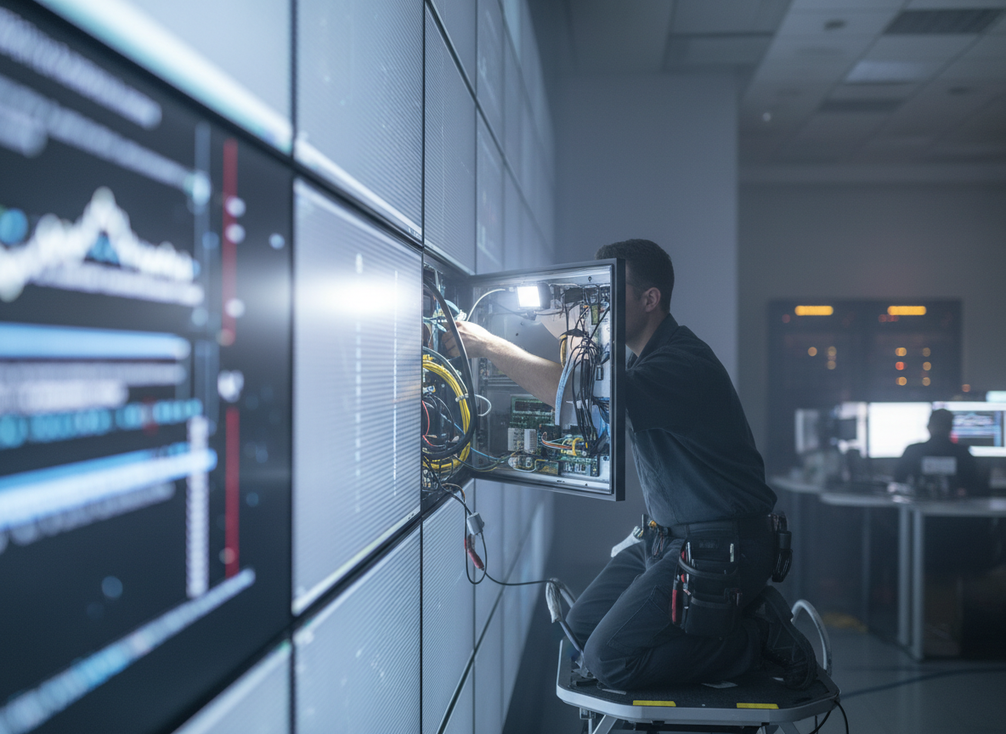
Serviceability matters just as much. In a dispatch center or public safety room, a design that allows a module or power supply to be swapped without tearing into the wall is often the difference between a short repair and a disruptive service event.
Thermal design is another quiet decision-maker. When a wall runs hot for long stretches, electronics age faster and faults become more likely. Reliability criteria for 24/7 mission critical LED display projects should therefore include airflow, mounting conditions, and the room’s actual heat load, not just the display’s headline brightness.
If you are narrowing options, browse mission-critical LED wall options only as a starting point, then check whether the system’s service path and operating limits fit your room.
A service-focused design can also help when the room cannot go quiet for repairs. In that case, front-service COB wall designs are worth comparing because they can make maintenance less disruptive, but the real test is still the full service workflow, not the label.
How Failure Recovery Should Work in Practice
A good recovery workflow has three steps: detect the fault, contain the disruption, and restore service. That sequence sounds simple, but it is where many mission-critical systems either prove themselves or disappoint.
- Detect the issue quickly. Alarms, logs, or monitoring should tell operators what failed before the room has to guess.
- Contain visible disruption. If the design supports it, the rest of the wall should remain usable while the fault is isolated.
- Restore service with a known procedure. Recovery should rely on trained staff, spare parts, and a documented swap or reset path.
The key judgment is whether the wall is designed for graceful degradation. A system that loses one cabinet or module but keeps the room operational is usually more resilient than a system that needs a full shutdown to fix a minor fault.
That is also why support planning belongs in the reliability discussion. A wall that is technically serviceable but has no local spares, no clear escalation path, or no trained maintenance owner can still create long downtime in practice.
For buyers comparing a mission critical LED display, the question is not whether failure is impossible. It is whether the room stays usable while the issue is isolated and repaired. That is where trained staff, spare inventory, and documented procedures matter more than vague uptime language.
Matching Reliability Criteria to Your Room Type
Reliability priorities change by room type because interruption tolerance is not the same everywhere. The control-room design guidance is a useful background reference for thinking about room workload and service planning, even though it is not a display specification.
| Room Type | Reliability Priority | Serviceability Need | Support Expectation | What To Verify Before Purchase |
|---|---|---|---|---|
| Emergency operations center | Lowest tolerance for visible interruption | Very high | Fast escalation and spare access | Ask what happens if one path or module fails during an incident |
| Public safety command room | Continuous readability and fault containment | Very high | Reliable parts coverage and trained service | Verify partial-operation behavior and swap access |
| 24/7 dispatch or monitoring room | Predictable uptime and low-maintenance operation | High | Clear maintenance schedule | Confirm thermal limits, monitoring, and routine service steps |
| Less critical control environment | Balanced cost and uptime | Moderate | Standard support coverage | Check whether the wall truly needs mission-critical redundancy |
The table also helps buyers avoid overbuying or underbuying. A conference-style control room may not need the same architecture as an emergency operations center, but a room that supports active incident response usually should not accept single-point failure risk lightly.
For public-sector teams, the room type can also affect procurement review. Public-sector procurement compliance may apply when the buyer is a U.S. government or public safety organization, so reliability decisions should line up with sourcing and approval rules as well as technical needs.
A Short Final Checklist Before You Buy
Before you approve a wall, verify redundancy, service access, spare parts, support coverage, and any applicable compliance requirements. For U.S. government and public safety buyers, the compliance check should happen before purchase approval.
- Ask what fails over when one power or signal path drops.
- Confirm how a module or PSU is replaced during live operation.
- Request a local spare-part plan and response pathway.
- Verify thermal limits and room conditions together.
- Check the installation and support handoff before signature.
If the vendor cannot show how the system stays usable during a fault, the wall may be fine for ordinary commercial use but not strong enough for a 24/7 mission-critical room. Compare the recovery workflow, service path, and support terms before you commit.
FAQs
What Is the Most Important Reliability Factor for a 24/7 LED Wall?
There is no single factor that decides the issue. In practice, the strongest systems combine redundancy, serviceability, monitoring, and support readiness. If one of those pieces is weak, the wall may still work, but it becomes easier for a small failure to turn into a disruptive outage.
What Should Happen If a Module Fails During Live Operation?
A well-designed wall should detect the fault, keep the rest of the system usable when possible, and let staff restore service through a documented swap or reset process. The key check is not whether failure is possible, but whether the failure stays contained.
How Do Front-Service Designs Affect Recovery Time?
Front-service access can reduce disruption because swaps are easier in occupied rooms and do not always require full rear access. That said, access design is only one part of the recovery picture. Training, spare parts, and the service workflow still determine how fast the room returns to normal.
Can a Warranty Tell You Whether a Display Is Mission-Critical?
No. Warranty terms matter, but they do not prove that the wall can stay operational under a fault. Buyers should look at parts availability, response expectations, service geography, and installation support in addition to the warranty language.
Why Do Emergency Operations Centers Need Different Criteria Than Conference Rooms?
Emergency operations centers usually have less tolerance for visible interruption and a higher need for fast recovery. That means the buyer should place more weight on fault containment, spare planning, and service access than on display features that matter more in lower-risk rooms.





