





A quiet LED wall acoustic fit for studio work is less about the image alone and more about whether the wall fits the room’s noise target, microphone placement, and service plan. In broadcast studios and other sensitive spaces, fan noise and airflow can matter as much as brightness or pixel pitch, so the right choice starts with acoustics, not visuals.
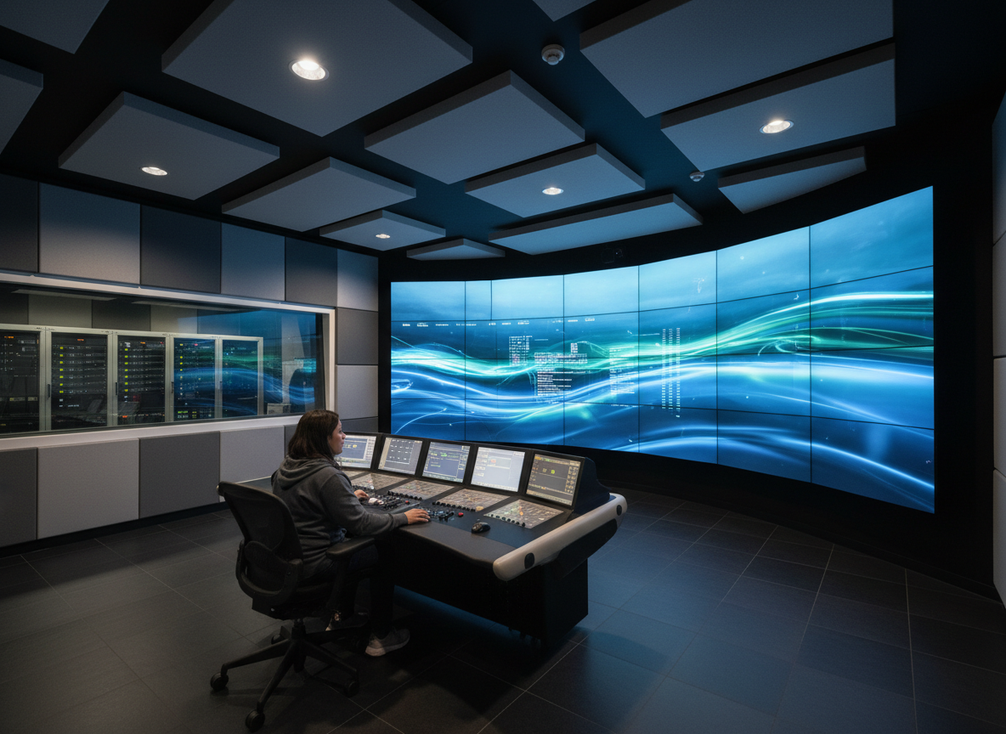
Why Acoustic Noise Matters in Production Spaces
If the room is built for recording, monitoring, or open-mic work, LED wall noise can become a workflow problem. A display can look excellent on camera and still distract in the room if fans, power gear, or airflow are audible near talent or operators.
That is why acoustic fit belongs in the buying conversation early. Larson Davis notes that professional recording and broadcast studios typically target broadcast studio noise target around NC 15 to 20, which is a very low background-noise range. In practice, that means a wall that seems “quiet” in a lobby may still be too loud for a studio, control room, or XR stage with open microphones.
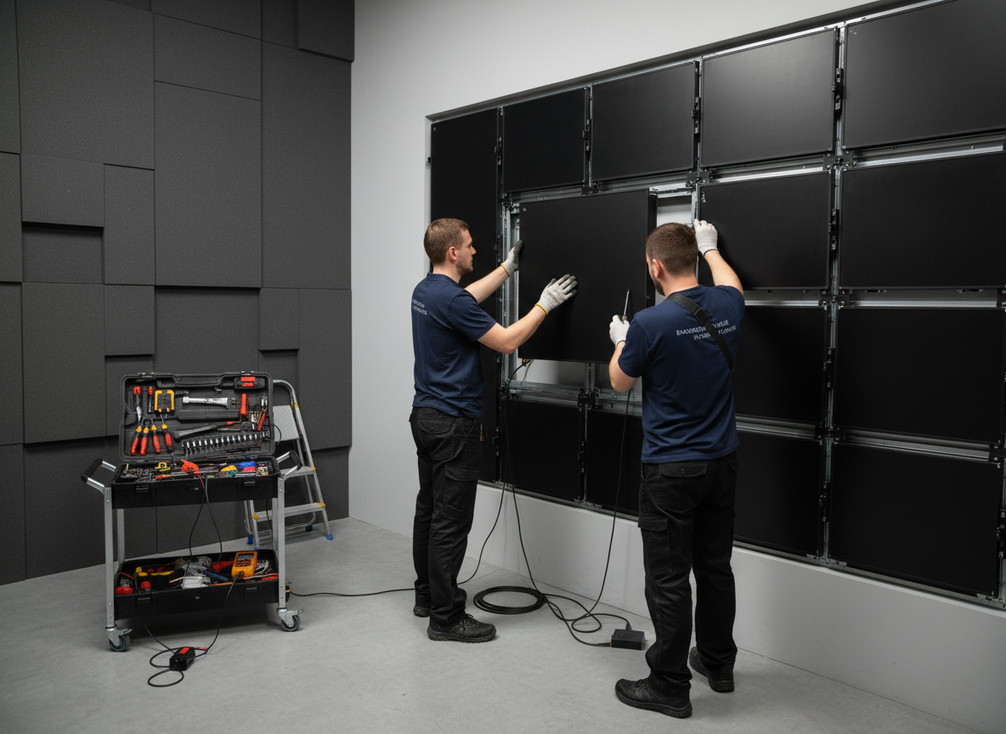
The other thing buyers miss is that visual performance and acoustic performance are different tests. A wall can deliver strong color, refresh, and viewing angles while still creating enough noise to bother the room. For studio managers and technical directors, that is the first filter: if the room is acoustically sensitive, the display has to earn its place on both image and noise.
Fanless and Low-Noise Design Options
Fanless LED walls are attractive because they remove one common source of audible noise. Passive cooling designs rely on the chassis and heat-sink management instead of internal fans, which helps reduce the chance that the display itself adds a mechanical buzz to the room fanless passive cooling. For a quiet LED wall in studio use, that is often the cleanest starting point.
But fanless does not automatically mean ideal for every install. Larger walls, hotter rooms, dense racks, or tight service layouts can push the design toward compromises. A low-noise active-cooled wall can still be a reasonable choice when the room can tolerate some sound and the installation needs more thermal headroom.
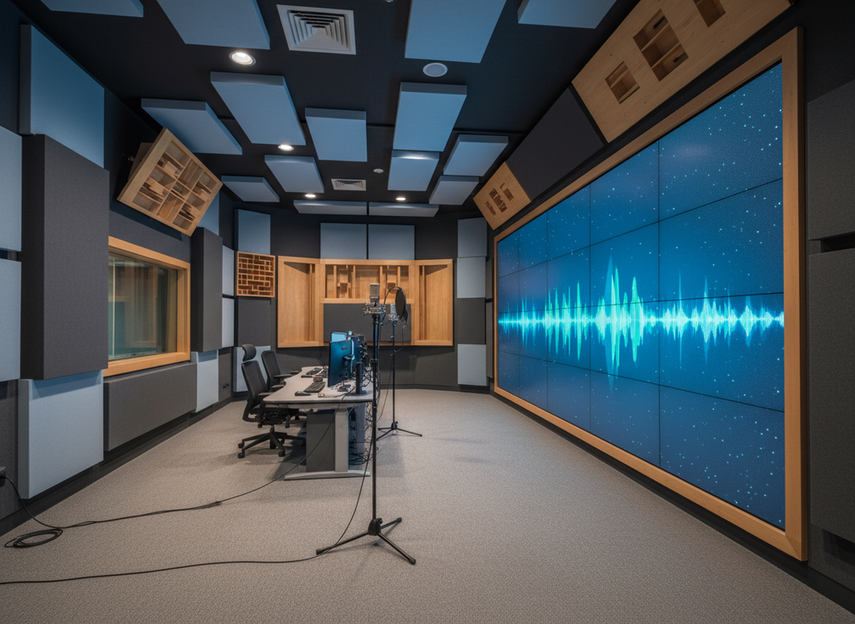
For broadcast engineers, the practical distinction is simple: fanless answers the “where does the noise source come from?” question, while low-noise active cooling answers “how much can we reduce it without changing the whole system?” RC-style thinking helps here too, because it reminds buyers to listen for the quality of the noise, not just the amount. In studio work, rumble and hiss can be more annoying than an equally loud but smoother background tone RC versus NC noise quality.
Fanless Indoor Designs
Fanless panels make the most sense when microphones are close, the room is already quiet, and service access can be managed without adding a noisy enclosure. That is why they are often the first option buyers ask about for broadcast studios, small XR sets, and post-production rooms.
Even then, fanless is only a partial answer. It reduces one source of noise, but the room still has to handle power gear, heat, and any other equipment nearby. Use fanless as a strong fit signal, not as a blanket promise of silence.
Low-Noise Active-Cooling Designs
Some LED walls still use fans, but the design can be quieter through airflow path, enclosure choices, or fan selection. That middle path can work when the room is less sensitive, the wall is large, or the thermal load makes passive cooling harder.
This is often the better compromise for control rooms that are not fully dead quiet. If operators use headsets most of the day and open microphones are intermittent, a low-noise design may be acceptable as long as the wall is not directly beside the most sensitive listening position.
Where Quiet Matters Most
The highest-risk placements are where sound has nowhere to hide: behind presenters, near capture mics, close to the control position, or in small rooms with hard surfaces. In those conditions, even modest fan noise can feel louder than expected because reflections keep it in the space longer.
That is why the same display can be acceptable in one room and distracting in another. Distance, absorption, and surrounding equipment matter as much as the panel spec.
What Product Specs Can Actually Tell You
Spec sheets can confirm the cooling approach, service access, power design, and installation depth. They usually cannot tell you how the wall will feel in your room when microphones are open and the room is running at normal production load.
That is why buyers should ask for deployment examples and the actual room condition the vendor used when judging noise. If the only proof is a spec headline, treat it as a starting point, not a final answer.
Acoustic Mitigation Beyond the Panel
If you cannot get a fully fanless wall, room-level mitigation can still change the result. The goal is to move the noisy parts away from the microphones and reduce how much of that sound stays in the room.
- Put processors, servers, or other noisy gear in remote racks when the layout allows it.
- Use fiber extensions or similar remote-connect methods so the heat and fan noise stay outside the quiet area.
- Keep the wall farther from open microphones, presenters, and the most reflective surfaces.
- Add absorption where the room can support it, especially around the most noise-sensitive listening positions.
- Check service access before enclosing equipment, because over-isolation can make maintenance harder.
- Manage brightness when the application allows it, since lower brightness can mean less heat and, in some installs, less cooling demand brightness and heat management.
A useful rule of thumb is that mitigation works best when it supports a quiet design, not when it is asked to rescue a poor fit. The remote racks and fiber extensions approach is especially helpful when the display must stay in the room but the noisiest electronics do not.
How to Compare Options for Your Room
For studios and control rooms, the main choice is not just picture quality. It is whether quiet operation, camera performance, uptime, and serviceability all line up for the same room.
| Scenario / need | Better fit | Why it belongs in this article |
|---|---|---|
| Quiet control room, boardroom, or open-mic studio | Fanless display | Fanless designs reduce acoustic noise and remove fan-related failure points. |
| Broadcast studio or virtual production wall | Fine-pitch LED with camera-friendly behavior | These setups prioritize clean capture, low flicker, and close-view detail. |
| 24/7 operation where uptime matters | Fanless display with passive thermal management | Passive cooling is a recurring fit signal for continuous operation and simpler maintenance. |
| Wall needs both quiet operation and easy service access | Front-serviceable or modular fanless panel | Quietness helps the room; service access helps keep downtime low. |
| Room is acoustically sensitive but also has high ambient light | Fanless display only if brightness and viewing needs are also met | Quiet operation alone is not enough; the display still has to match room visibility needs. |
The practical takeaway is that fanless, low-noise active cooling, and standard-plus-mitigation are not interchangeable. A broadcast studio usually needs the tightest noise discipline, while a control room can sometimes accept a little more system sound if the layout and operator workflow are forgiving. Engineering Toolbox’s NC reference bands are a useful background comparison here, but buyers should still treat room type as a judgment call rather than a rigid number room-type NC bands. A good LED wall acoustic review should compare the room, the cooling method, and the service plan together before anyone signs off.
Buyer Checklist Before You Specify
- Start with room sensitivity. Is this a broadcast studio, an XR stage, a control room, or a rehearsal space? The quieter the room, the less room there is for active cooling noise.
- Check where microphones, talent, and operators will sit. If the wall is close to open mics, fanless or very low-noise design matters more.
- Confirm the cooling approach. Ask whether the wall is fanless, low-noise active-cooled, or dependent on external room cooling.
- Review service access and enclosure depth. Quiet design is harder to live with if maintenance becomes slow or airflow gets choked.
- Map heat and power as part of the room plan. If the system adds heat, the cooling path can change the acoustic outcome.
- Ask for vendor proof from a similar room, not just a spec sheet. Deployment references and room conditions tell you more than a product headline.
- For mission-critical or specialty spaces, consider an acoustical consultant review before final signoff specialty-space acoustic review.
If you are shortlisting a quiet LED wall for studio use, compare the room, the cooling method, and the service plan together. If those three do not line up, keep looking or ask for a quote that includes the install assumptions up front. A final LED wall acoustic check should be short and practical: room sensitivity, microphone distance, cooling method, and service access.
FAQs
Are There Fanless LED Walls for Studios?
Yes. Fanless LED walls do exist, and they are often the first option buyers consider for quiet production rooms. The key check is not just whether the wall is fanless, but whether the full install still fits the room’s heat load, service access, and microphone placement.
How Loud Are LED Video Walls?
There is no single universal answer. Loudness depends on cooling design, power and heat load, room acoustics, and how close the wall sits to people or microphones. In a small room with hard surfaces, a modest fan sound can feel more noticeable than it would in a larger, treated space.
What Is the Difference Between Fanless and Low-Noise LED Displays?
Fanless designs remove internal fan noise by relying on passive cooling. Low-noise displays still use active cooling, but the system is engineered to be quieter. If your room is very sensitive, fanless is usually the cleaner fit; if you need more thermal headroom, low-noise active cooling can be a workable compromise.
Can a Quiet LED Wall Work in a Control Room With Open Microphones?
It can, but only if the wall’s noise profile, placement, and surrounding equipment are all checked together. In a control room, the decision usually flips on distance from the mics and whether the display sits near the operator position. If the wall is close to open mics, the spec has to be especially strong.
What Should Buyers Ask Vendors About LED Wall Noise?
Ask whether the wall is fanless or active-cooled, where the noisiest electronics live, how service access works, and what room type the vendor used for any reference install. It also helps to ask for the cooling plan in the same sentence as the layout plan, because quiet hardware alone does not guarantee a quiet room.





