





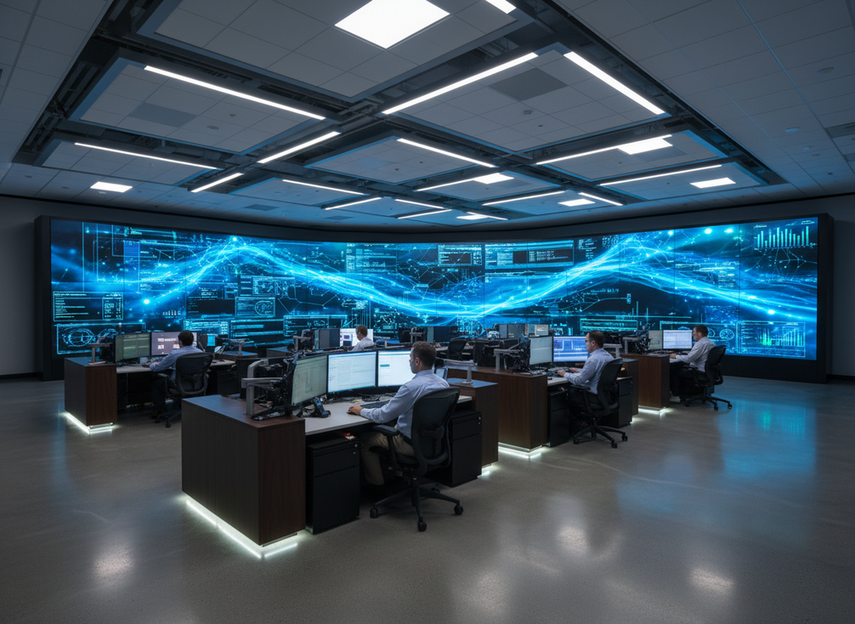
Command center LED wall planning should start with failure modes, not spec sheets. For a command center LED wall, the real buying question is whether the system can keep operating, degrade gracefully, or recover fast enough after a fault. That means checking power redundancy, signal paths, service access, and calibration stability before you compare panel pitch or brightness.
Which Failure Modes Matter Most
For 24/7 control rooms, the first filter is whether a fault creates a full outage or only a degraded display. ISO 11064: Ergonomic design of control centres frames control-center design around the operator environment, which is why display planning has to support sightlines, readability, and steady operation, not just hardware density.
Power and Feed Loss
A power-side fault is the clearest downtime risk because one failed feed, supply, or circuit can take part of the wall, or the whole wall, out of service depending on the architecture. That is why COB LED wall failure mode planning should ask a simple question first: if one power path fails, what still stays on?
If the documentation only describes “high reliability” but does not show the actual power path, treat that as a verification gap, not a guarantee. A redundant power supply command center LED wall is only useful when the redundancy is documented at the right layer, such as separate feeds, split loads, or another stated failover design.
Signal Path Interruption
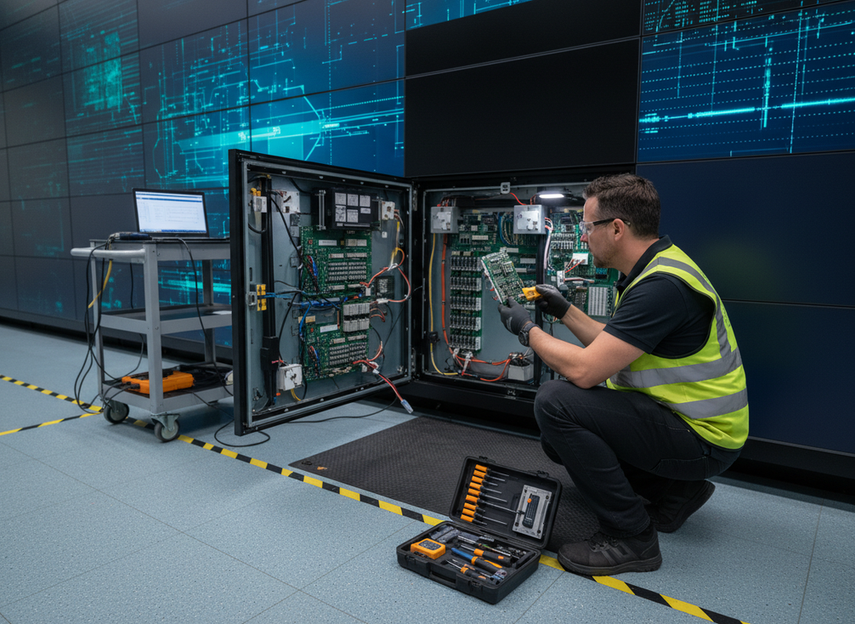
Signal problems can look like a panel failure even when the cabinet hardware is fine. Controller faults, input loss, cable damage, and source switching errors all belong in the same review because they can create a black section, a frozen image, or a wall that is up but unusable.
That is why power and signal redundancy need to be evaluated separately. Power redundancy helps if the supply path fails. Signal redundancy helps if the image path fails. One does not replace the other, and buyers should not assume automatic failover unless the product documentation says so.
Service Access Bottlenecks
A wall can be technically modular and still be slow to recover if the access path is awkward. In a fixed control room, rear access may be limited, ceiling clearance may be tight, or the maintenance window may be short. In those cases, serviceability becomes a downtime issue, not just an installation preference.
A practical 24/7 control room LED redundancy checklist should include the service path: how a technician reaches the failed module, which parts can be swapped from the front, and whether spare modules are already on site. The faster the access path, the less likely a minor fault turns into an extended disruption.
| Step | Check Item | Failure Mode | What It Verifies |
|---|---|---|---|
| 1 | Redundant power path | Power loss | Whether one failed feed still leaves the wall operating |
| 2 | Redundant signal path | Signal interruption | Whether image loss can recover without a full shutdown |
| 3 | Controller recovery path | Controller issues | Whether a source or controller fault has a documented fallback |
| 4 | Service access method | Service-access delays | Whether a module can be reached fast enough for a live room |
| 5 | Spare-part plan | Repair delays | Whether recovery depends on parts arriving later |
| 6 | Acceptance checklist | All failure modes | Whether the final shortlist matches the downtime goal |
Redundant Power Architecture
The best power architecture is the one that matches the room’s outage tolerance. For some command centers, the key risk is a full blackout. For others, the bigger risk is a partial wall failure that still interrupts monitoring. That is why the architecture conversation should start with the fault you are trying to survive, then move to the wiring or power layout that supports it.
The mission-critical display redundancy described for control-room COB systems points buyers toward dual power and signal thinking, but the exact implementation still has to be checked in the product docs. If the wall claims redundancy, verify what is redundant: the cabinet, the power supply, the feed, the controller, or only one of those layers.
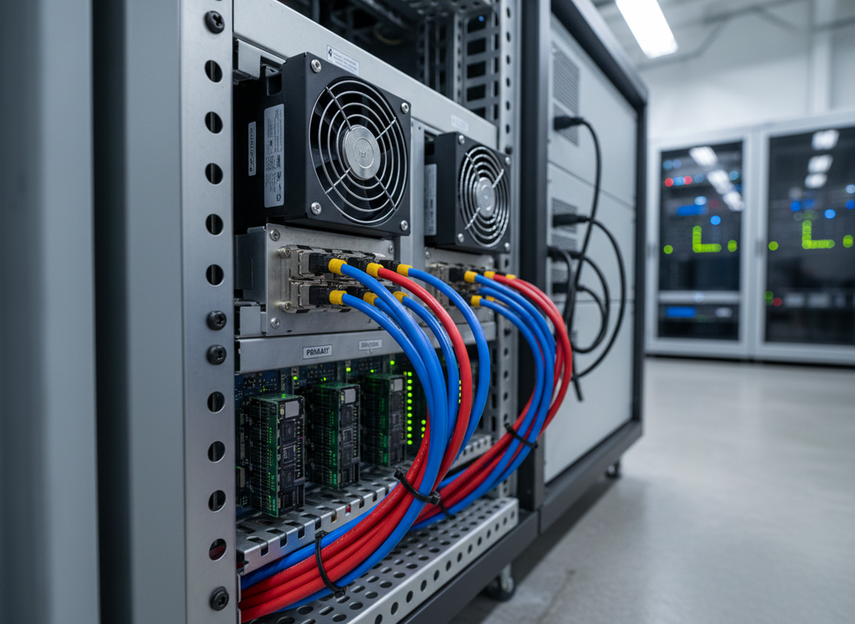
A simple way to compare options is to ask what happens when one component fails. If the answer is “the wall stays on with limited impact,” that is a different architecture from “the wall recovers after service intervention,” and the second option may be fine only if the room can tolerate the interruption. A command center COB walls shortlist should separate those two outcomes.
| Architecture Choice | Likely Failure Impact | Maintenance Trade-Off | What to Confirm Before Purchase |
|---|---|---|---|
| Single-feed, single-path | One fault can remove display availability | Simpler and often cheaper | What happens when one feed or supply fails |
| Split-load or dual-feed design | Some failure exposure may remain, but outage risk is lower | More complex wiring and verification | Whether each path is truly independent |
| Documented dual power plus signal redundancy | Better resilience if the right layers are separated | More planning and more parts to validate | Exact failover behavior and scope |
| Redundancy implied but not documented | Risk is unclear until verified | Easy to overestimate protection | Whether the claim is backed by product documentation |
For buyers comparing a command center LED wall, the question is not whether redundancy sounds good. It is whether the documented design reduces the specific outage the room can least afford.
How Service Access Changes Recovery Time
Service access changes the practical meaning of “repairable.” A wall that can be fixed eventually is not the same as a wall that can be restored during a live operations window. That is why front-service COB wall designs matter most where the display is installed against a fixed structure or where technicians cannot work behind the cabinets.
The main friction is not the module itself. It is the whole recovery chain: can the part be reached, can it be swapped cleanly, do spare boards or modules exist locally, and can the room keep working while the repair happens? Those are the questions that turn service access into a real uptime variable.
The best way to judge serviceability is to ask for the maintenance path in writing. If the model uses front-service repair paths, confirm what tools are needed, which parts are field-replaceable, and whether the service process assumes a planned outage or a live-room repair.
The C-Pad mission-critical line is a useful navigation path when you are checking whether a wall family is aimed at 24/7 control room use, but the service value still has to be verified at the model level. If access is cramped, a well-built wall can still become slow to service.
Calibration Stability and Visual Continuity
Calibration stability matters because operators trust what they can read quickly and consistently. If brightness or color shifts across tiles, the wall may still be on, but it becomes harder to scan, compare, and hand off work across shifts. In command center COB walls, visual continuity is a long-term operations issue, not just an install-day concern.
AVIXA’s professional AV visual quality guidance is useful here because it keeps the discussion grounded in image quality and control-room expectations rather than marketing language. The point is not zero drift, which no buyer should assume. The point is whether the wall has a believable maintenance and re-calibration path when the room is live every day.
COB systems are often positioned as more durable and more stable than traditional SMD in control-room use, but that still needs to be treated as a comparative claim, not a permanent promise. If a wall is going into a 24/7 room, ask how calibration is maintained, how uniformity is checked, and what triggers a service visit versus a routine adjustment.
The C-Max display family can be a useful browsing path if you are comparing fine-pitch indoor options, but calibration stability should remain a verification step rather than a slogan.
How to Choose the Right COB Wall
The safest shortlist process is to move from outage exposure to documentation. First, decide what failure would hurt the room most. Next, verify whether the wall has documented power redundancy, signal redundancy, and a controller recovery path. Then check whether the service plan matches the room layout. Only after that should you compare pitch, size, and image quality.
- Define the worst-case fault. If a power loss would halt operations, prioritize the power architecture first.
- Verify what redundancy is actually documented. Do not rely on product family language alone.
- Confirm service access. Front-service may help, but only if the room layout supports it.
- Check calibration maintenance. Ask how the wall stays uniform after months of 24/7 use.
- Review support readiness. Spare parts, escalation path, and maintenance windows all change real recovery time.
If a model cannot answer those five checks cleanly, it is not a fit for a mission-critical room yet. If it can, you have a stronger basis for comparing the command center LED wall options that remain on the table.
Procurement Checklist for 24/7 Control Rooms
Before approval, verify the exact failure paths in writing, not just in sales copy. Confirm the power architecture, the signal recovery behavior, the service access method, the spare-part plan, and the escalation path for live faults. If any one of those is vague, the shortlist is not ready.
If you are narrowing the final options, check the mission-critical solution or collection against your room layout, support expectations, and maintenance windows before you sign off. That last review is where many downtime surprises are avoided.
FAQs
Do Command Center LED Walls Need Redundant Power Supplies?
Often yes, if the room cannot tolerate even a short outage. The real question is whether the power design is documented well enough to show what survives a single failure. If the wall only has a single path, plan for higher exposure; if it has split or redundant paths, verify exactly what they cover before treating it as protected.
What Failure Modes Should Buyers Prioritize First?
Start with power loss, signal interruption, and service-access delays. Those three usually change the downtime picture faster than cosmetic specs do. If the room has a strict uptime requirement, controller recovery and spare-part availability move up the list because they can turn a small fault into a longer disruption.
How Does Front Service Access Affect Downtime?
Front service can shorten repair time in fixed installations, especially when the wall sits against a structure or behind limited-clearance equipment. The benefit depends on the exact cabinet design and the parts that are field-replaceable. If access still requires a long maintenance window, the advantage is smaller than the marketing copy suggests.
Can Calibration Drift Affect Command Center Use?
Yes, because uneven brightness or color can make the wall harder to read and less trustworthy during shift work. The decision point is not whether drift exists, but whether the wall has a practical re-calibration process and a maintenance cadence that fits 24/7 operations. Uniformity checks should be part of acceptance and ongoing service.
What Should a 24/7 Control Room Redundancy Checklist Include?
At minimum, include power architecture, signal recovery, service access, calibration maintenance, spare parts, and escalation support. The checklist should tell you what happens after a single fault, who fixes it, and how fast the room can return to normal. If those answers are missing, the purchase is not ready for approval.





