


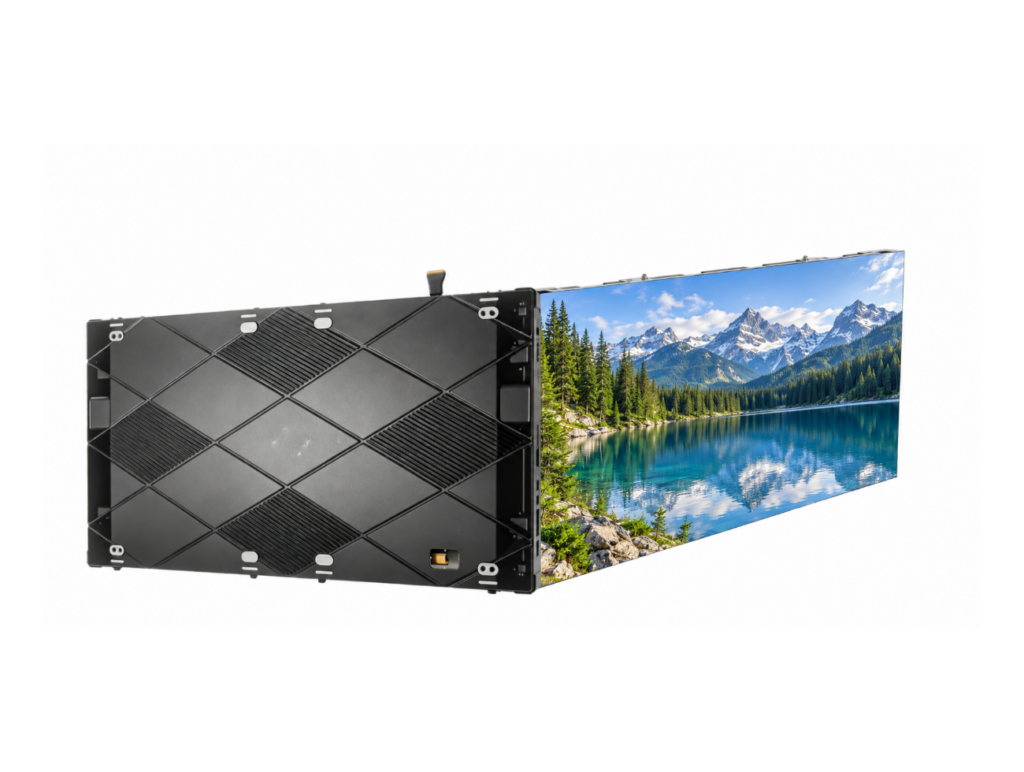

This category covers Chipshow’s indoor LED displays for fixed installation — display systems intended to stay in one place and operate as part of a building’s infrastructure. The range supports commercial, corporate, control room, and broadcast environments, where close viewing distances, room conditions, and long operating hours shape the specification. You can narrow the range below by application or by project requirement.
Choose by Indoor Application
Most indoor projects fall into four application types. Each is judged on a different set of priorities, so start with the environment the display will live in.
Corporate & Meeting Spaces
Meeting rooms, boardrooms, lobbies, lecture halls, and education facilities. These spaces are usually viewed at close range, so image detail, surface durability, low-glare performance, and how cleanly the display sits on the wall matter as much as size. Replacing an existing LCD video wall is a common starting point — the C-Max Commercial Indoor LED Display uses a native 16:9 or 4:3 cabinet format for exactly that, while the C-Pad-H Slim Indoor COB Display features a slim, front-service flush-mount design, making it ideal for installations where wall depth is limited.
Control Rooms
Control rooms, command centres, and monitoring environments where the display runs continuously and downtime is not acceptable. Specification is driven by reliability, serviceability without shutting the wall down, fine pixel pitch for dense data, and visual comfort for operators on long shifts. The C-Pad Command Zero-Downtime COB Video Wall is built around front-service wall mounting and continuous operation.
Broadcast & Studios
Studio backdrops, broadcast sets, and on-camera display surfaces. Camera behaviour changes the specification: refresh performance, colour consistency, moire control, and how the wall behaves under studio lighting all become selection criteria alongside resolution. Where the brief calls for creative formats, the Creative Curved and Cube LED Solution covers curved, cube, and corner configurations built for on-camera work, while the C-Max Fine-Pitch COB LED Display uses a cable-free internal architecture to deliver stable, flicker-free imagery and consistent colour on camera.
Retail & Commercial Spaces
Retail stores, shopping malls, showrooms, airports, and other public commercial interiors. Content format and architecture drive the choice here — ribbon displays for architectural bands, transparent solutions for glass, and all-in-one posters where no installation work is possible. The C-Max Retail Ribbon LED Display handles ultra-wide architectural bands, and the C-Mesh F Smart Poster is plug-and-play where no building work can be carried out.
Choose by Project Requirement
Once the environment is clear, project conditions usually decide the specification. These are the four that most often change which indoor display is chosen.
Close Viewing
Where audiences or operators sit close to the screen, image detail becomes the deciding factor. A finer pixel pitch and a COB surface are typically specified for close viewing; wider pitch is acceptable as viewing distance increases. Resolution targets should be derived from the actual viewing distance, not chosen in isolation.
Space & Installation
Room geometry and wall build-up constrain what can be installed. Available installation depth, wall structure and load capacity, whether the display must sit flush, and whether there is any rear access all affect the cabinet format you should specify.
Continuous Operation
Projects such as control rooms and transit hubs run for extended periods without a shutdown window. These deployments need to be evaluated on redundancy, whether modules and power can be replaced while the wall is live, and how the display holds calibration over time.
Content & Display Scale
What the screen needs to show, and at what size, shapes the final configuration. Data-dense control room layouts, single-source corporate presentations, retail promotional loops, and ultra-wide architectural ribbons each favour different aspect ratios, pitch, and cabinet formats.
Indoor LED Selection Basics
Four criteria cover most indoor specification decisions before you get into detailed datasheets.
Pixel Pitch
Match pixel pitch to viewing distance and the level of image detail required.
Viewing Environment
Consider room size, ambient light, and typical viewing positions when planning the display.
Display Size
Screen dimensions should reflect content requirements, available space, and expected viewing conditions.
Installation & Service
Consider wall structure, installation depth, and service access before selecting the display configuration.
Explore Indoor DVLED Solutions & Guides
Planning an Indoor DVLED Project?
If you are specifying a multi-site or project-level indoor DVLED deployment rather than a single screen, our Indoor DOOH Solution covers the wider picture — installation planning, content and control architecture, compliance, and the local stock and service model behind it.
Indoor LED Guides
- Indoor LED video wall buyer’s guide — how to evaluate indoor LED video walls for commercial spaces.
- LED display pixel pitch — what pixel pitch means and how to select it for indoor environments.


