





Networked smart city and VMS deployments are not just signage purchases. Once a display, message sign, or smart pole is online, the cybersecurity requirements for networked smart city and VMS deployments shift it into a governed endpoint with a real network boundary, remote-access risk, and vendor support trail to review before approval. For teams comparing LED cybersecurity risks across projects, the key question is how much access the display should have, and who is allowed to control it.

What Changes When Displays Go Online
A standalone display is mostly a local asset. A networked one can be managed, scheduled, monitored, and updated from elsewhere, which changes the buying decision from hardware selection to municipal IoT governance. That is why the first question is not "What does it show?" but "Who can reach it, who can change it, and what else can it touch?"
For smart city infrastructure, CISA’s guidance on connected-city security points municipalities toward segmentation between operational systems and broader networks, and that logic fits VMS and smart pole projects as well CISA smart city guidance. In practical terms, the risk areas are familiar: unauthorized access, flat networks, contractor reach that lasts too long, and configuration drift when multiple teams touch the same device.
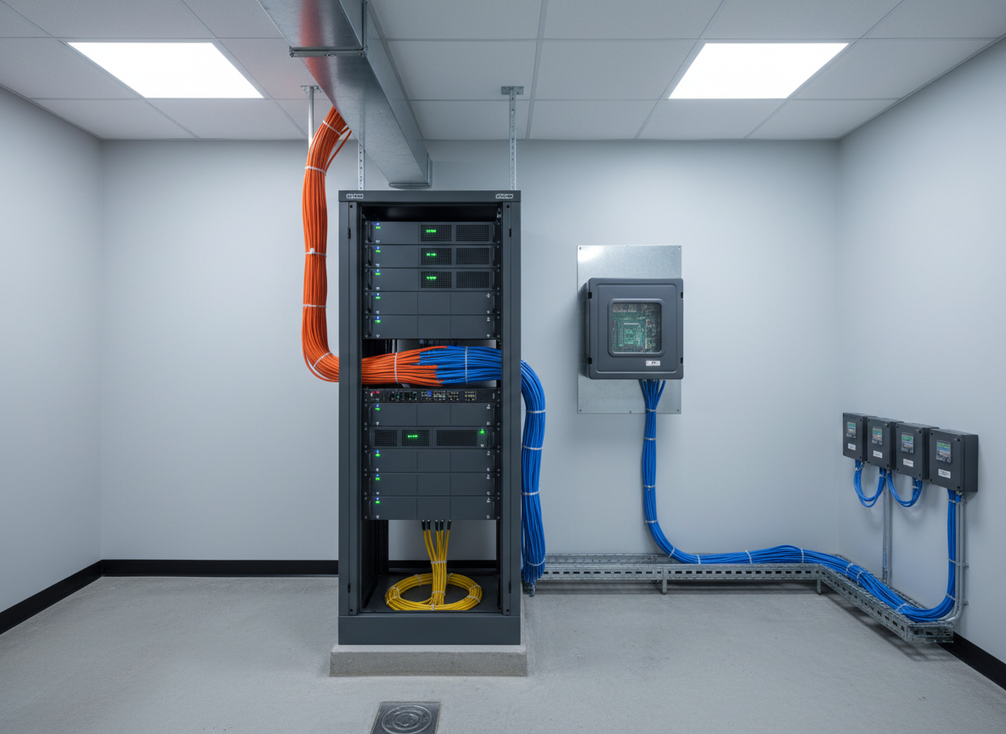
The decision is simple: if a deployment needs remote management, it should be treated as a connected control system, not a public sign with extra features. If it does not need remote access, keep the exposure narrower and prove that the local operating model still works.
Set the Network Boundary First
The safest planning step is to define the boundary before anyone starts wiring. For network segmentation for municipal IoT, the question is whether display control, content uploads, telemetry, and office traffic can stay in separate trust zones. VLANs and separate management planes are common ways to do that, but they are examples, not a universal prescription for every site.
| Traffic Path | Typical Use | Keep Separate From | Control Or Governance Check |
|---|---|---|---|
| Control traffic | Scheduling, sign updates, device commands | Office user traffic and open internet paths | Restrict routing and verify who can issue changes |
| Content upload traffic | Media, messages, emergency updates | General business systems | Limit write access and review upload sources |
| Telemetry traffic | Status checks, health data, alarms | Configuration paths | Allow read-only access where possible |
| Contractor access path | Installation, troubleshooting, support | Long-term municipal admin access | Use time-bound access and remove it when work ends |
| Maintenance management path | Firmware, settings, remote support | Day-to-day operator access | Log changes and require approval for updates |
What this means is that a city is not choosing between "secure" and "insecure." It is choosing how much of the network a single mistake can affect. A flat trust zone makes the blast radius bigger, while separated paths make it easier to revoke access, inspect logs, and assign responsibility when something changes.
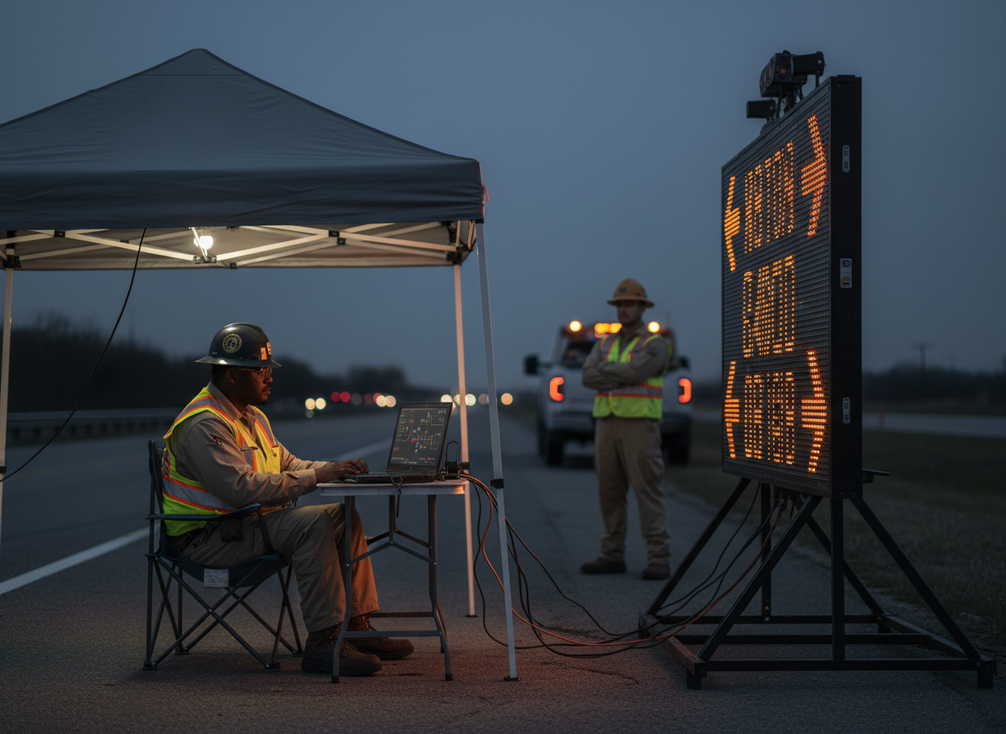
The boundary question also changes who owns what. If public works, IT, and a contractor all need access, write down which team can view, which team can change, and which team approves the change. That is the difference between a managed deployment and a shared system nobody fully controls.
Lock Down Remote Access
Remote access can be useful, but it should be a governed exception, not a default open door. For VMS communication security, NTCIP 1203 v3 is the right first reference because it shows the industry move toward secure communication for dynamic message signs. The practical takeaway is that management paths should be protected, not casually exposed.
For most deployments, the safest posture is to separate monitoring from control. Read-only status checks are one thing; content changes, firmware updates, and configuration edits are another. If the platform allows those duties to be split, use that split. If it does not, tighten the approval process and document why a broader permission set is necessary.
Remote access should be limited, authenticated, logged, and reviewed rather than left permanently open. That means named users instead of shared credentials, access windows instead of standing tunnels, and session records that let the city review what happened after support work ends. MFA is a strong baseline when the platform supports it, but it is not a substitute for permission discipline or account cleanup.
The decision here is direct: if a vendor needs always-on access to keep the system running, the deployment is already carrying extra governance risk. That does not make remote operations unacceptable, but it does mean the city should treat them as a controlled exception and require proof of how they are watched.
Request the Right Vendor Documents
Procurement teams should ask for documents that make the support model and disclosure process visible. The SBOM and VDP requirements from DOT/FHWA procurement guidance are a strong starting point because they help buyers ask how software components are tracked and how vulnerabilities are reported. A document does not prove security by itself, but it does make weak answers easier to spot.
| Document To Request | What It Helps Verify | Procurement Question It Answers |
|---|---|---|
| SBOM | Software components and supply-chain visibility | What is inside the system, and can it be tracked over time? |
| Vulnerability Disclosure Policy | How security issues are received and handled | How will the vendor respond if a flaw is found? |
| Update and patch process | Support cadence and maintenance ownership | Who delivers fixes, and how are they communicated? |
| Security notice workflow | Escalation and customer notification path | How quickly will the city learn about a new risk? |
| Support ownership statement | Lifecycle responsibility during the project | Who owns disclosure, escalation, and remediation? |
The clearest procurement language is specific. Ask for the procurement security language that covers software inventory, disclosure, update handling, and support handoff, then compare vendor answers against it. If the response is only a marketing promise, the city still does not have a verifiable process.
For connected infrastructure, that matters because cities often inherit the long tail of support. A vendor can sell a device in weeks, but disclosure, patching, and account cleanup have to work for years. If the documentation is thin before award, it is usually thinner after install.
Match Security Requirements to Procurement
TxDOT’s security controls catalog is useful as a real-world example of how security expectations can become procurement controls for field-deployed infrastructure. The point is not to copy another agency’s exact wording. The point is to turn security into bid language, acceptance criteria, and ownership assignments that can be enforced.
- Write the boundary into the bid. State which traffic paths must stay separate, who may approve remote access, and which team owns the final network handoff.
- Turn vendor claims into acceptance checks. Ask how segmentation is supported, how access is logged, and how updates are delivered and reviewed.
- Assign lifecycle responsibility. Make sure the contract names who handles security notices, support escalation, and account removal after installation.
- Do a pre-award governance check. If the deployment cannot show clear ownership, limited access, and a support trail, it is not yet ready for approval.
The procurement controls translation is the real buying lesson: cities do better when they judge the deployment against a short list of enforceable controls instead of a broad claim that the system is "secure." For this topic, that usually means asking whether the network boundary is clear, whether remote access is intentional, and whether vendor documents support ongoing accountability.
Final Takeaway
The cybersecurity requirements for networked smart city and VMS deployments come down to a simple rule: once the device is online, the city is buying a managed endpoint, not a standalone sign. Segment the network, restrict remote access, and ask for vendor documents that prove how updates and disclosures will work over time. If you are comparing options now, use the checklist above as your pre-award filter before the project moves forward.
FAQs
Can a VMS Be Monitored Remotely Without Creating Risk?
Yes, if remote monitoring is treated as a controlled exception. The safer model is limited access, logged sessions, and separate permissions for monitoring versus configuration. Standing open access is the part that creates the most avoidable exposure, especially when multiple vendors or contractors are involved.
What Vendor Documents Should a City Request Before Purchase?
At minimum, ask for an SBOM, a vulnerability disclosure policy, and a plain explanation of how updates and security notices are handled. The useful test is whether the vendor can show how issues are received, tracked, and escalated over the product’s life cycle, not just during installation.
Why Does Network Segmentation Matter for Smart Pole IoT Security?
Because it limits how far one compromised account or device can reach. Segmentation helps separate public infrastructure devices from office systems, contractor paths, and other municipal services. That makes access easier to review and reduces the chance that one mistake becomes a broader network problem.
What Should Be in a Municipal VMS Security Checklist?
Use five checks: a defined network boundary, limited remote access, logged configuration changes, vendor disclosure documents, and contract language that assigns support and escalation. If any of those pieces is vague, the deployment may still be workable, but it is not ready for a clean approval.





