





LED wall HVAC load and thermal management start with one simple rule: every watt the wall consumes becomes heat in the room. For a 24/7 command center, that means an energy efficient LED video wall affects both utility use and cooling demand, so energy and HVAC planning belong in the same TCO conversation.
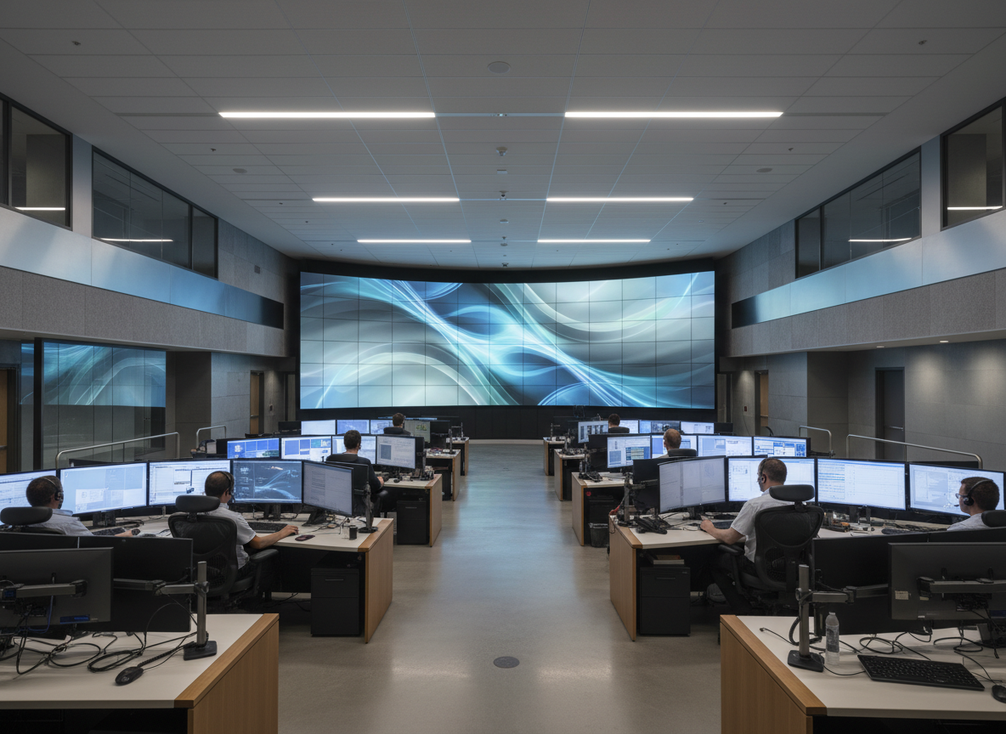
How LED Wall Power Turns Into Room Heat
The cleanest way to think about a command center wall is as an internal heat source. If the wall draws electricity, that energy does not disappear. It ends up as heat that the room’s cooling system has to remove. A practical first-pass conversion is the power becomes room heat relationship: 1 watt is roughly 3.41 BTU/hr of heat load.
That matters most in always-on rooms. A business-hours lobby screen can be handled differently from a 24/7 wall that stays bright, stable, and visible all day. The more hours the system runs, the more its load shapes HVAC sizing, room temperature stability, and operating cost.
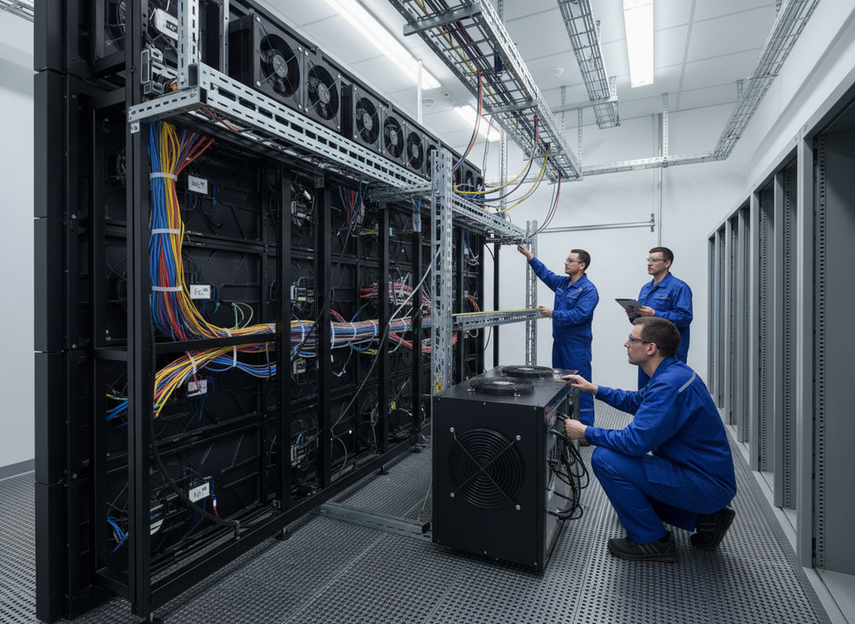
For facility teams, the key judgment is simple: if a display purchase changes connected load, it changes room heat. If it changes room heat, it should be reviewed with the same seriousness as any other heat-producing equipment in the space.
Mission-critical command center systems and 24/7 command center wall options are the kind of navigation paths that belong here only as a check-current-details step, not as proof of a universal thermal outcome.
LED Wall Power and Room Heat Load
A 1-watt LED load becomes 3.41 BTU/hr of heat in the room. Use the wall's connected power to estimate HVAC load, then adjust for scheduling, controls, and other room gains.
View chart data
| Category | Heat load (BTU/hr) |
|---|---|
| 1 W | 3.41 |
| 100 W | 341 |
| 1,000 W | 3410 |
What Drives Energy Use in a Command Center Wall
For most buyers, energy efficient LED video wall choices come down to a few variables, not one magic spec. Wall size, brightness target, pixel pitch, runtime, content type, and control policy all shape draw. That is why a lower-power label only matters if it matches your actual duty cycle.
A useful benchmark is Energy Star signage display guidance, which helps buyers compare signage-style displays meant for commercial 24/7 use. It is a benchmark, not a guarantee of a specific site result, but it gives procurement teams a cleaner reference point than marketing claims alone.
Panel Pitch and Pixel Density
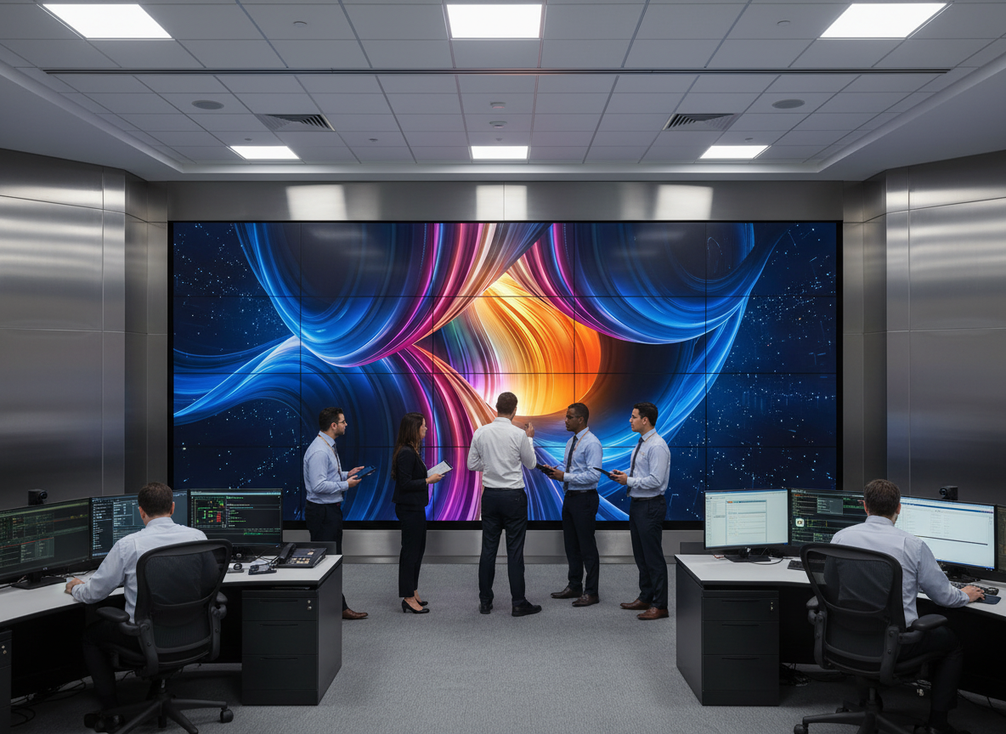
Tighter pitch usually means more LEDs and more cabinets across the wall, so pitch should never be treated as an energy-efficiency claim by itself. What it does affect is the balance between resolution need, viewing distance, and physical scale. If a room does not need ultra-fine pitch, choosing it only for visual polish can add cost and heat without changing the operator’s real experience.
Brightness Settings and Content Demand
Brightness is one of the most obvious power drivers. Higher brightness generally means more energy use, especially if the content is meant to stay vivid in a bright room. That is why the right question is not "How bright can it get?" but "How bright does this room need it to be during normal shifts?"
That decision changes when ambient light is high, when the wall carries dense maps or high-contrast dashboards, or when operators need daylight visibility. In lower-light control rooms, excess brightness can waste energy and make the wall harder to live with over long shifts.
Runtime, Duty Cycle, and Control Strategy
A 24/7 wall is a different planning problem from a screen that runs business hours only. When the wall never really turns off, even moderate wattage matters because the load repeats all day, every day. That is why scheduling, dimming, and scene control matter for low power command center LED wall energy savings discussions.
The scheduling and power management approach is best treated as an operating lever, not a universal savings promise. If the room has quiet periods, noncritical shifts, or alternate scenes, smarter control can lower active load and reduce heat during those hours. If the room is truly full-tilt all the time, the control gains are smaller.
Cabinet Design and Service Architecture
Hardware design also affects thermal behavior. COB thermal behavior can help improve heat dissipation and stability because the chips are mounted in a way that supports better thermal handling. That does not mean every COB wall uses less energy in every deployment, but it does mean thermal management should be part of the comparison.
Common-cathode designs can also support lower power potential in the right implementation. The common-cathode efficiency mechanism is real, but it should be read as a design pathway, not as a blanket promise. If a vendor claims lower power, the useful follow-up is whether the comparison uses the same brightness target, same runtime, and same room assumptions.
In practice, the right comparison is not "Which technology sounds greener?" but "Which setup keeps the room within its actual operating envelope?"
How HVAC Planning Should Account for the Wall
For facilities teams, the wall’s heat belongs in the same bucket as other internal gains. The AV energy management framework is useful here because it encourages AV, electrical, and facilities teams to coordinate assumptions instead of planning in silos. In a command room, that coordination is often the difference between a comfortable margin and a room that runs hotter than expected.
Treat the Wall as Part of Total Room Load
Start with the whole room, not the wall alone. Operator occupancy, IT gear, lighting, and the LED wall all add sensible load. If the room already runs close to its cooling limit, even a modest wall can matter because the system has less room for error.
This is where energy and HVAC planning become the same discussion. A display that looks efficient in isolation may still be a poor fit if it pushes the room closer to its thermal ceiling.
Check Capacity Headroom and Zoning
If the room is a refresh, expansion, or retrofit, ask whether the existing HVAC design has headroom for the new wall. If not, the question is not just whether the wall fits the wall opening. It is whether the room can absorb the added heat without sacrificing uptime.
Zoning also matters. A control room that is thermally isolated from adjacent office space usually behaves better than a shared zone with mixed loads. That is especially true when the wall runs 24/7 and the rest of the building does not.
Plan for Hot Spots, Airflow, and Maintenance Access
Thermal load is not only about average temperature. Wall placement, cable paths, and service clearance can create hot spots or block airflow around the back of the installation. Those issues can affect both equipment life and operator comfort.
Maintenance access matters for the same reason. If front service or rear clearance is awkward, teams may avoid routine checks or make changes that disrupt airflow. A good energy plan is also a service plan.
Coordinate With Electrical and Controls Teams
The best results come when facilities, electrical, AV, and controls teams review the same assumptions. That includes connected load, control schedules, brightness targets, and any dimming rules tied to room use. AVIXA’s energy-management standard is helpful because it frames the wall as part of the building’s broader energy strategy, not as a standalone device.
If you need a named building-energy reference in the U.S., ASHRAE planning guidance is the right place to start, but keep the practical takeaway simple: treat the wall like a measurable room load and verify that the cooling system still has margin after the installation.
Final Takeaway
The smartest way to judge an energy efficient LED video wall is to compare the real operating assumption, not the brochure claim. In 24/7 spaces, connected power becomes room heat, heat becomes HVAC load, and HVAC load affects cost, comfort, and headroom. If you are planning a refresh or expansion, compare brightness, duty cycle, and room load together. We can help you review the assumptions and check whether a configuration fits your space before you buy.
FAQs
How Does LED Wall Power Affect HVAC Sizing in a Control Room?
Wall power becomes room heat, so it should be counted with the rest of the room’s internal gains. The useful check is not just watts on a spec sheet, but whether the cooling system still has margin after operator load, IT gear, and lighting are included.
What Factors Change the Energy Use of a Command Center LED Wall?
The biggest levers are wall size, brightness target, runtime, content demand, and control strategy. A wall that runs all day at high brightness will usually matter more to operating cost than one that is dimmed outside active shifts.
Can a Low Power LED Wall Reduce Operating Costs in a 24/7 Room?
It can, but only when the comparison uses the same brightness, duty cycle, and room conditions. A lower-power design helps most when the room has long runtime and the controls actually use dimming or scheduling. Otherwise, the savings case can be overstated.
Why Does Thermal Load Matter as Much as Power Consumption?
Because in always-on spaces, power is not just an electric bill item. It also becomes cooling work. If the HVAC system has limited headroom, added heat can change room stability, maintenance frequency, and how much room you have for future expansion.
What Should Buyers Verify Before Claiming Energy Savings?
Verify the operating brightness, the hours of use, the room’s ambient conditions, and whether the comparison is based on the same assumptions. If those inputs differ, the savings claim may still be directionally useful, but it should not be treated as a direct apples-to-apples result.





