





Burn-in mitigation for 24/7 command center LED walls starts with one simple idea: static content creates the risk, and the safer plan is to reduce how long the same pixels carry the same visual load. In practice, LED wall burn in is best treated as an operating issue, not just a display spec issue. The best results usually come from content rotation, conservative brightness settings, repeatable shift handoffs, and warranty terms that are checked in writing before purchase.
Why Burn-In Risk Shows Up in Command Centers
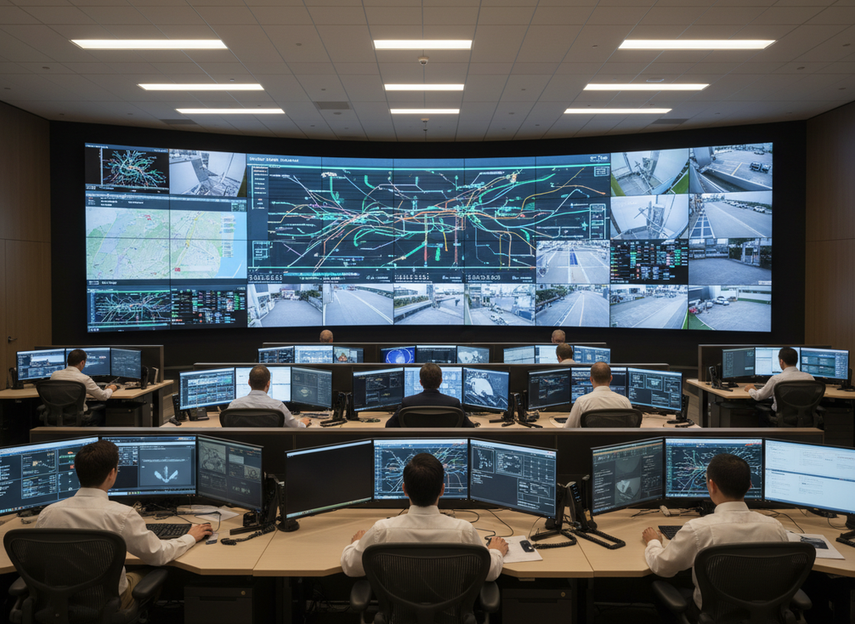
Command centers are a tough environment because the wall is often on all day, every day, while the visual pattern changes slowly. Maps, alarm strips, status bars, and logo blocks can stay in the same place for hours. That creates uneven pixel use over time, which is why static-content wear is a real concern for control-room buyers.
It also helps to separate temporary image retention from more persistent burn-in. The terms are related, but they are not identical in practice. A retained ghost image can sometimes fade, while longer-term wear is harder to reverse. The important buying point is not a perfect technical boundary; it is whether your room keeps showing the same UI elements in the same spots for long shifts.
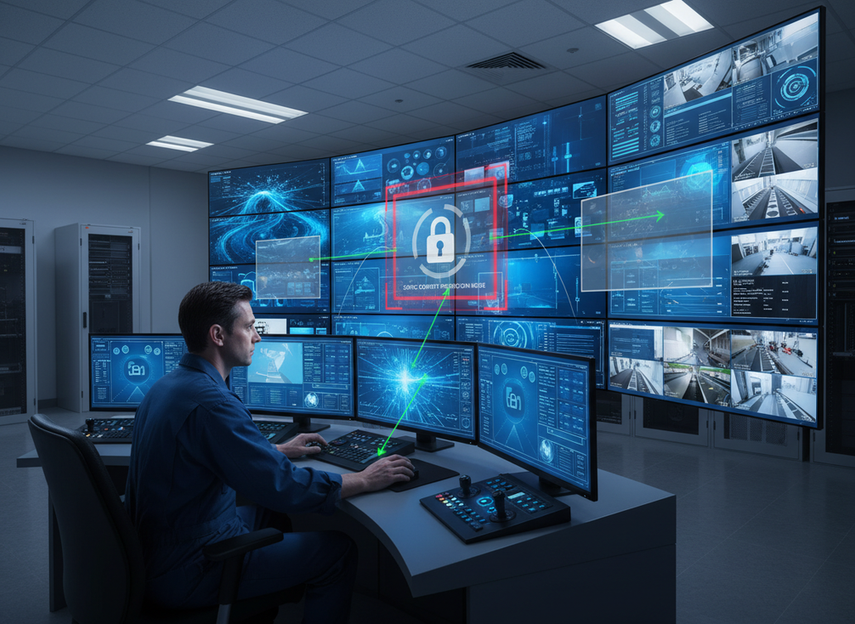
For 24/7 rooms, that means mitigation is not optional housekeeping. It is part of the display plan. If the wall must carry static dashboards most of the day, the buyer should assume the risk is higher and choose a content and service plan that matches that reality. If the room is more dynamic, the risk profile is easier to manage.
A mission-critical LED wall option is worth reviewing when uptime and service access matter as much as image quality. That does not prove burn-in resistance by itself, but it does make the upkeep side easier to manage.
What Actually Reduces Burn-In Risk
The most useful LED wall burn in prevention steps are the ones your team can actually keep doing on a normal shift schedule. AVIXA’s guidance on content rotation and pixel-health monitoring points buyers toward the right mindset: use software, workflow, and monitoring instead of relying on hardware alone.
Rotate Static Content and Layouts
If the same dashboard, ticker, or logo sits in the same place all day, that area ages faster than the rest of the wall. Rotating layouts spreads that exposure out. In a command center, even a small shift in panel position or a scheduled swap between equivalent views can help more than leaving the interface frozen for hours.
The rule of thumb is straightforward: when the room allows it, change the screen pattern often enough that no single set of pixels carries the same information all shift long. If the workflow cannot move the layout, at least rotate the content within the fixed frame.
Tune Brightness, Contrast, and Presets
Lower brightness that still works for the room is usually the safer long-duration choice. The same is true for contrast and presets that are pushed higher than the space really needs. In a bright operations floor, you may need a stronger setting than in a dim control room, but the target is always the lowest readable level, not the showroom setting.
This is where LED wall burn in prevention becomes a room-specific judgment. A preset copied from another site can be too aggressive, too dim, or simply mismatched to the viewing distance. The reading test is simple: if operators can clearly see the wall at normal desk distance without strain, you probably do not need to run it hotter than that.
Build Operational Refresh Habits
Software settings help, but the daily habit matters just as much. Teams should define when dashboards refresh, who can change layouts, and whether there is a standard blanking or source-change routine during low-activity windows. If different shifts use different habits, mitigation becomes inconsistent and the same visual elements stay on screen longer than intended.
For buyers comparing command-center display maintenance, the key question is not whether maintenance exists. It is whether the routine can be repeated by operators without extra friction.
Use Serviceable Hardware for Long-Uptime Rooms
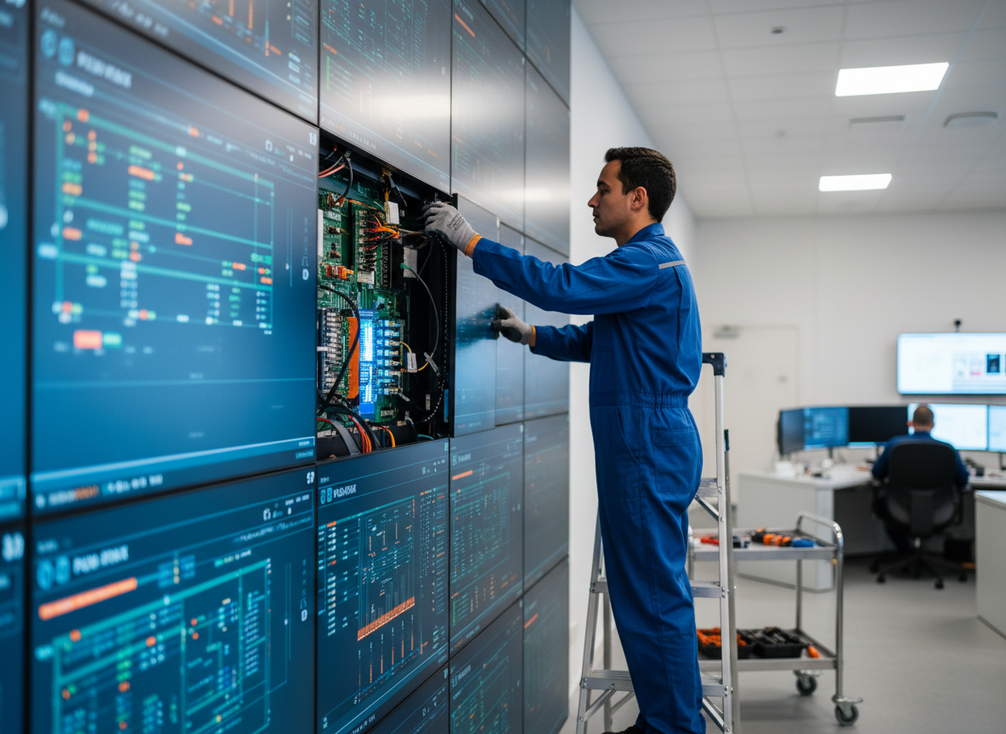
Hardware does not eliminate burn-in risk, but it can make the response to uneven aging much easier. Front-service access, modular repair, and reliable electrical design reduce the downtime cost of correcting a problem area. That matters most in rooms where the wall cannot be taken offline casually.
A zero-downtime COB video wall fits this kind of use case when serviceability is a priority. The practical point is not that the product prevents burn-in on its own. It is that a service-friendly wall is easier to keep on a disciplined maintenance schedule.
How to Set a Command Center for Lower Retention
For most control rooms, the best LED wall burn in prevention plan is a repeatable workflow, not a one-time configuration. Start with the room, then the content, then the operating policy. That order keeps the plan tied to how the wall is actually used.
- Check the room lighting and viewing distance first. If the wall is too bright for the space, operators often leave it running hotter than necessary.
- Decide which elements are allowed to stay static and which ones should rotate or refresh on a schedule.
- Set a standard brightness preset for normal operation, then define when the team may raise it for incidents or daytime conditions.
- Assign one person or role to control layout changes during each shift so mitigation does not depend on memory.
- Document the refresh and handoff routine so every operator follows the same policy.
If your room is mostly static, this checklist should be strict. If the room has mixed live feeds and dashboards, you can usually manage risk with fewer changes, but the handoff rule still matters. A fixed indoor LED display category is the right browsing path when you are comparing wall formats for a control-room build.
Thermal consistency is a secondary factor worth noticing in long-run systems, because uneven heat can contribute to retention patterns in fine-pitch displays. That does not mean every room needs a thermal redesign. It does mean the display should not be boxed into a hot, poorly ventilated condition if the room runs 24/7.
What Warranty Buyers Should Verify
Warranty language is where many buyers make avoidable mistakes. A wall can be marketed for mission-critical or 24/7 use and still exclude burn-in or image retention caused by static content. The safest approach is to ask for written terms and read them line by line, especially where burn-in and image retention exclusions may be attached to operating conditions. The FTC says warranty terms should be available in writing before you buy, and the Magnuson-Moss Warranty Act requires clear disclosure of warranty terms and exclusions. The LED Wall Warranty and Burn-In Coverage Guide is a useful reference point for the clauses to verify.
| Coverage Question | What To Verify | Buyer Action | What To Watch For | Decision Use |
|---|---|---|---|---|
| Is burn-in or image retention covered? | Read the exact wording, not the sales summary. | Ask for the warranty PDF or service agreement. | Exclusions tied to static content, duty cycle, or misuse. | Tells you whether risk is actually covered or only implied. |
| Are dead pixels treated differently? | Separate pixel defect language from retention language. | Check whether the terms use different remedies. | A defect policy may not help with uneven aging. | Prevents confusion between failure types. |
| Does duty cycle affect coverage? | Look for runtime assumptions or usage limits. | Match the warranty to the room’s actual schedule. | "24/7-rated" language without a clear written definition. | Shows whether the wall is insured for the way you will run it. |
| What is the service response? | Note replacement timing, escalation, and parts process. | Verify response time and who pays for labor or shipping. | Slow service can turn a small issue into a long display problem. | Helps you judge the real cost of a coverage gap. |
| Are maintenance requirements listed? | Check whether calibration or inspection is required. | Build those steps into your SOP. | Coverage that depends on proof of upkeep. | Connects warranty care to day-to-day operation. |
The table is a buyer check, not legal advice. It is meant to separate what sounds covered from what is actually written down. If the answer is vague, treat that as a risk signal, not a yes.
Choose a Mitigation Plan and Next Step
The right plan depends on how static your command center wall really is. If the room uses mostly fixed maps, dashboards, and alert bars, prioritize content rotation, conservative brightness, and a written warranty review before you buy. If the room mixes static and live feeds, you can lean harder on workflow discipline and serviceability. We recommend that you document your shift pattern, compare warranty language, and request a room-specific mitigation check before you finalize the spec.
FAQs
How Can Command Centers Reduce LED Wall Burn-In Without Hurting Visibility?
Reduce brightness to the lowest readable level, rotate static layouts where possible, and standardize refresh habits across shifts. The practical signal is readability at normal operator distance, not maximum output. If visibility drops during daytime incidents, raise the preset only for that use case instead of running the wall hot all day.
What Is the Difference Between Image Retention and Burn-In on LED Walls?
Image retention is the more temporary, ghost-like effect; burn-in is the more persistent wear concern. For buyers, the useful distinction is how long the wall keeps the same content in the same spot. If the room can rotate content or change layouts often, the risk of longer-term wear is usually easier to manage.
What Warranty Details Should Buyers Ask About for 24/7 LED Image Retention?
Ask for the exact written wording on burn-in, image retention, dead pixels, duty cycle assumptions, and service response. If the warranty summary is vague, request the full terms before you compare vendors. The deciding factor is whether the document covers static-content use or only general defects.
Can Static Dashboards and Maps Stay on a Command Center Wall All Day?
Yes, but they should be managed carefully. If the same dashboard must stay visible, add rotation where you can, use the lowest practical brightness, and define a shift handoff policy so operators do not leave the same elements frozen for the entire day. Static content is workable; unattended static content is the bigger problem.
Why Does Front-Service Access Matter in Burn-In Mitigation Planning?
Front-service access matters because mitigation is easier to sustain when uneven aging can be corrected without major downtime. It does not prevent burn-in by itself, but it helps the operations team respond faster if a module needs attention. That is especially useful in rooms where the wall must stay available around the clock.





