





A reliable LED video wall starts with disciplined checks, not marketing claims. Use this checklist to screen build quality, service access, warranty terms, and compliance before you buy. A truly reliable LED video wall is one that can be supported, serviced, and sourced responsibly for your use case.
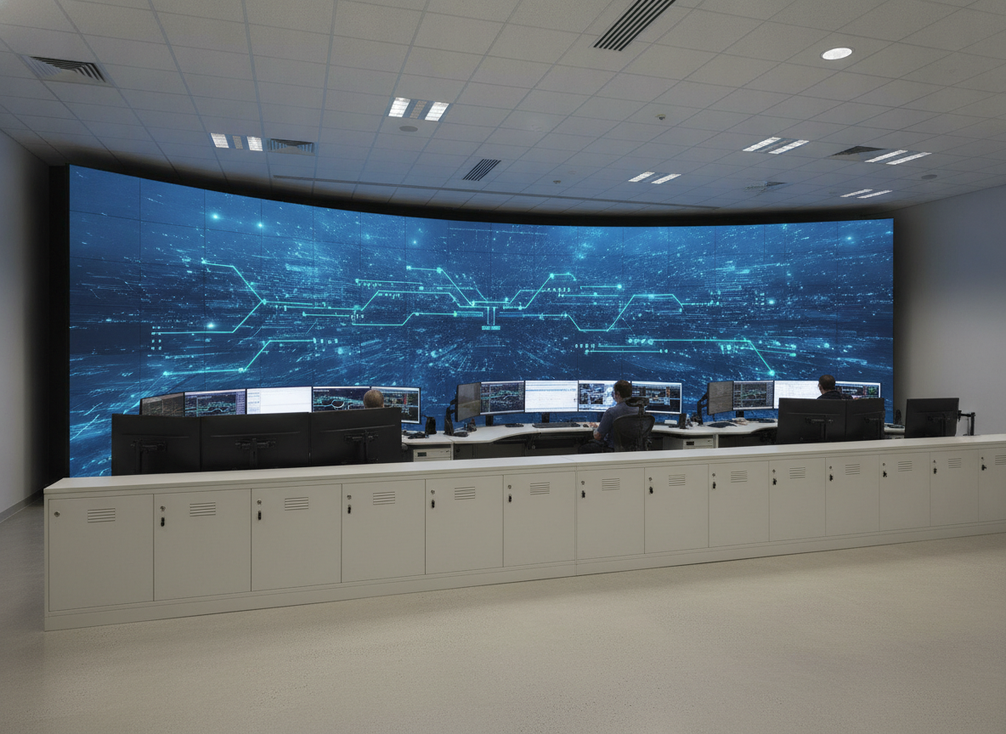
What Makes an LED Video Wall Reliable
For mission-critical buyers, reliability means more than a bright panel and a long brochure. It means sustained operation, predictable maintenance, and support that can actually be used when something breaks. In practice, a reliable LED video wall depends on the whole system: panels, power supplies, control hardware, cabling, thermal design, service access, and the vendor’s support process.
That is why a low-risk purchase is rarely just a hardware decision. If the wall is hard to service, hard to source parts for, or hard to escalate when something fails, the uptime risk still lands on the buyer. The checklist below is meant to separate durable build signals from commodity-panel language before the purchase order goes out.
Build Quality Signals to Review
Start with the physical build. Cabinet rigidity, module alignment, secure fasteners, and repeatable fit all matter because they affect whether the wall stays stable after transport, installation, and service work. Visible finish is not the same thing as durability. A clean-looking cabinet can still hide weak tolerances or service-unfriendly assembly.
Power and thermal design deserve equal attention. Ask how the system handles long duty cycles, heat buildup, and peak brightness without creating chronic stress on the electronics. If the supplier cannot explain where heat goes, how the power path is protected, or what components are most exposed to wear, treat that as a warning sign rather than a detail to revisit later.
Documentation is part of build quality too. Request drawings, installation guidance, and service documents that show how the product is meant to be deployed and maintained. For example, the CE safeguard audits can be useful background when you want to see how a vendor frames engineering discipline, but the exact product still needs to be checked against your own room conditions and acceptance plan.
A reliable LED video wall should also make fault isolation practical. If a technician has to disassemble multiple parts just to reach a failed module, the repair becomes slower and riskier. That is one reason buyers should ask for a service sequence before they compare price.

Serviceability and Front-Access Planning
Serviceability matters as much as panel quality in uptime-sensitive rooms. If rear clearance is limited, front-service access can reduce disruption, but only when the access path, tool set, and swap workflow are actually verified. This is a room-fit question, not an automatic advantage.
Ask what can be replaced in place, what requires partial disassembly, and what requires a larger maintenance window. The difference changes labor cost and downtime risk. A room with tight access may justify a front-service layout, while a room with easy rear access may not need that tradeoff. The key is to confirm the real service path before you commit.
Technician workflow matters too. Clear fault isolation, module-level replacement, and simple part access reduce the chance that a small failure becomes a full-service event. For buyers, the useful question is not "Can it be serviced?" but "How much of the wall has to come apart to fix one problem?"
Spare Strategy and Downtime Protection
A spare plan reduces the impact of a field failure, but it should match the room, the lead time, and the access constraints. A 5% spare-module or power-supply ratio can be a sensible starting benchmark for mission-critical planning, but it is not a universal rule. Use it as a planning point, then adjust up or down based on how quickly you can replace parts and how costly downtime would be.
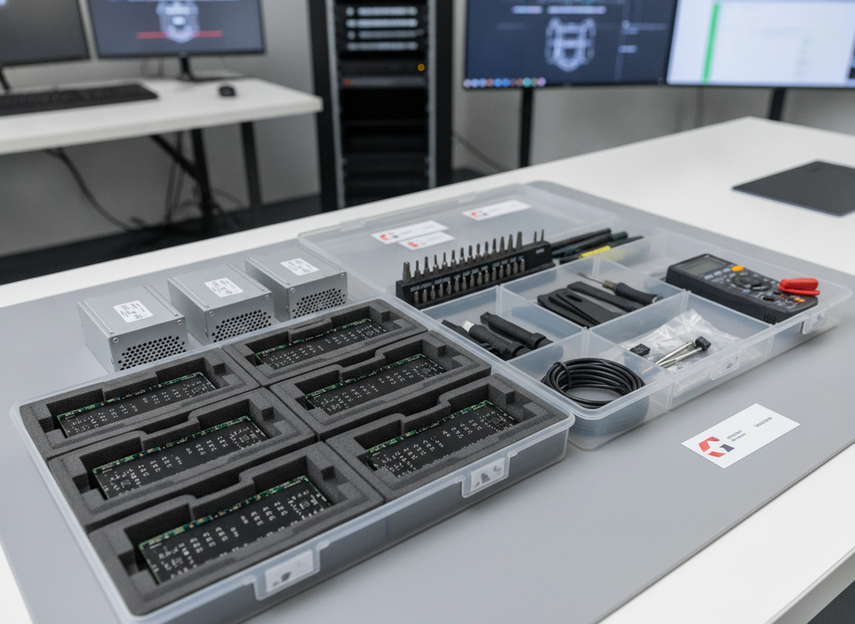
The spare mix usually starts with the parts most likely to stop the wall or leave a visible defect. That often includes modules, power supplies, control components, and the cabling or fasteners needed for service work. If the wall is large, hard to access, or critical enough that a slow repair would be painful, lean toward a deeper spare set.
Color continuity matters too. Spare planning is not only about failure replacement. Over time, batches can drift enough that matched color and brightness become part of the spare question. That is why buyers should ask how spares are binned, labeled, and stored, and whether replacement parts will still blend with the installed wall.
Keep the spares controlled and documented. Test them, label them, and store them where they will still be usable when needed. A spare part that is lost, untested, or mismatched does not protect uptime.
Warranty, Support, and Procurement Questions
Warranty terms should be treated as contract language, not brochure language. The headline term matters less than the coverage scope, exclusions, claim process, and replacement logistics. If the support path is unclear, the risk is still on the buyer even when the warranty sounds generous.
Use this matrix to separate pass-fail gates from compare-and-score items:
| Procurement Check | Pass-Fail Gate | Scoreable Factor | Buyer Follow-Up Question |
|---|---|---|---|
| Warranty scope | Clear coverage for major defects and defined exclusions | Longer coverage can be better if claims are practical | What exactly is covered, and what is excluded? |
| Support channel | Named contact path and escalation route | Faster or more direct response is better | Who handles the first escalation? |
| Replacement logistics | Written RMA and shipping process | Shorter recovery steps reduce risk | Who pays shipping and how is replacement handled? |
| Documentation | Basic install and service documents provided | Clearer documentation lowers service friction | What will the technician receive before install? |
| Spare parts | Critical spare list is available at purchase | Broader spare support reduces downtime risk | Which parts should be on site before go-live? |
| Acceptance criteria | Written acceptance language exists before award | Better criteria reduce disputes later | What counts as delivered and operational? |
For U.S. federal projects, compliance is a hard gate. Review the official GSA TAA rules and verify that the exact product and supplier status meet the solicitation before award. Do not treat compliance as a quality claim; treat it as a procurement requirement that must be checked for the specific buying path.
Support questions should be written down before the order is signed. Ask for the exact warranty scope, the escalation path, the RMA process, and who handles replacement shipping or on-site service. If the answer is only verbal, it is still a question, not a commitment.
Turn the Checklist Into a Purchase Decision
Turn the checklist into a simple procurement workflow. First, define the uptime risk in the room. Then check build quality, service access, spare depth, warranty terms, and compliance. Put the highest-risk items first, especially the ones that can create long outages or support disputes.
A practical comparison sequence looks like this:
- Confirm the room constraints, especially rear clearance and maintenance access.
- Review cabinet build, thermal fit, and signal-path design.
- Check the spare plan against lead time and downtime tolerance.
- Verify warranty scope, support path, and replacement logistics in writing.
- Lock acceptance criteria into the purchase documents before award.
If a vendor cannot answer those questions clearly, the safer move is to keep comparing. A reliable LED video wall is not defined by one spec sheet line. It is defined by how well the system can be installed, serviced, supplied, and supported after the sale.
FAQs
How Do I Tell If an LED Video Wall Is Built for 24/7 Use?
Look for signs that the system was designed for repeated service, long operating hours, and predictable thermal behavior. Cabinet fit, cooling path, access design, and documentation matter more than a single spec line. If the vendor cannot explain maintenance flow or heat handling, the wall is harder to trust for continuous use.
What Warranty Details Matter Most for Mission-Critical Displays?
Focus on coverage scope, exclusions, claim steps, and replacement logistics. A long warranty with unclear process can still create downtime. Ask who handles escalation, shipping, and on-site service, and make sure the answer is written into the procurement record, not left as a sales promise.
Can Front-Service Access Reduce Downtime Risk?
Yes, if rear clearance is limited and the front-service workflow is clearly documented. It can reduce maintenance disruption, but only when module replacement, fault isolation, and technician access are practical in your room. Front-service is a fit question, not a universal upgrade.
What Spare Parts Should I Keep on Site?
Start with the parts that most directly stop the wall or create visible defects, such as modules, power supplies, and key control components. Then adjust the quantity based on lead time, room size, and maintenance access. A 5% starting benchmark can help planning, but it should not be treated as a fixed rule.
How Should I Score Vendors on Reliability Before Purchase?
Use a two-part approach: pass-fail for compliance, service access, acceptance language, and critical spares, then score items like documentation quality, support readiness, and spare depth. That keeps the comparison focused on uptime risk instead of marketing polish.





