





The right LED video wall processor depends less on pixel count alone and more on the job the wall has to do. In an LED wall processor comparison, a control room may need stable operation for long shifts, simple source switching, and predictable recovery if something fails. A broadcast workflow may need frame-accurate timing, tighter synchronization across many sources, and smoother integration with production infrastructure. If you start with the workflow, it becomes easier to narrow the choice.
Workflow Needs That Drive Processor Choice
A useful way to think about the decision is this: command centers optimize for continuity, while broadcast workflows optimize for timing. Those priorities can overlap, but they are not identical. If the wall is operator-facing, start with uptime, readability, and supportability. If it is camera-facing, the sync path and live-production behavior deserve more attention.
For control-room environments, ISO 11064-5 focuses on the design of displays and controls in control-centre hardware and software. For broadcast, timing and sync requirements often point toward professional media workflows built around SMPTE ST 2110.
Before comparing brands, define four inputs: who looks at the wall, what signals it must accept, how long it runs each day, and whether cameras are part of the system. Those answers usually tell you whether you are buying for a command center, a studio, or a mixed-use room that needs a compromise.
Control Room Priorities
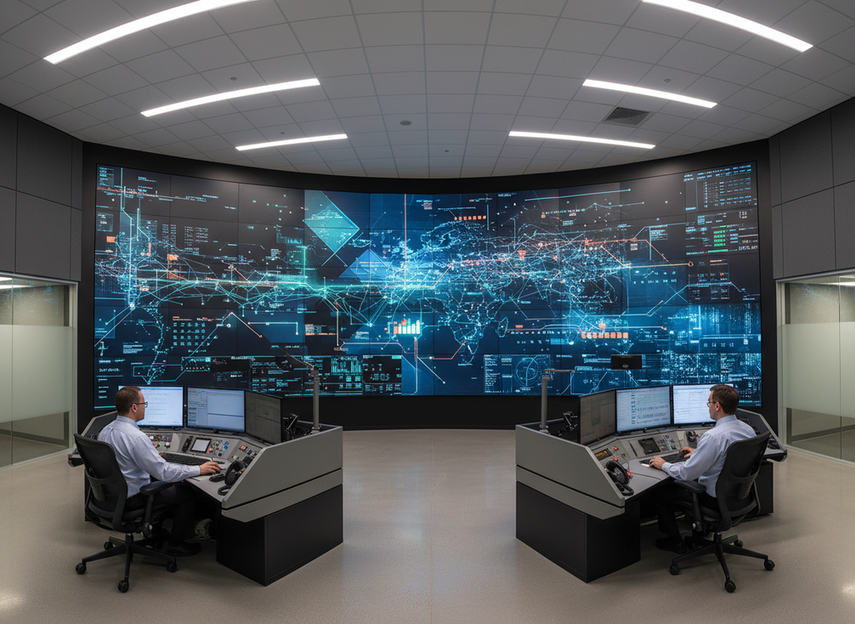
Command centers, NOCs, utilities, transportation hubs, and security operations rooms tend to share similar processor requirements. In those environments, uptime, source stability, and serviceability usually matter more than broadcast-style polish.
What Usually Matters Most
The processor should keep the wall steady through long operating hours. Operators need simple source control, so switching should be easy to repeat across shifts. Redundancy options matter when downtime is costly, and clear visibility matters for dashboards, maps, and status panels. Easy maintenance is also important because service should not disrupt the room.
What This Means in Practice
In many control rooms, the processor is chosen to keep the wall calm and dependable. That often means conservative scaling behavior, stable control software, and a user interface your team can operate consistently. If a processor adds advanced effects but complicates training, it may be a poor fit.
A command-center wall also needs a sensible recovery story. If the wall loses a source, reboots a controller, or needs maintenance, how quickly can the room return to normal? The better processor for a control room is often the one that makes failures boring, not the one with the longest feature list.
Decision Checks Worth Running
Ask these questions before you commit:
- Can the system stay stable under long operating hours?
- Does the control interface match how operators actually work?
- Are redundant paths available where they matter most?
- Is the vendor’s support model compatible with your uptime needs?
- Can you maintain the wall without disrupting operations?
If you are comparing mission-critical video walls or a zero-downtime control-room build, the most useful question is not “What is the most advanced processor?” but “What can keep this room usable during the next failure, swap, or service event?”
Broadcast Priorities
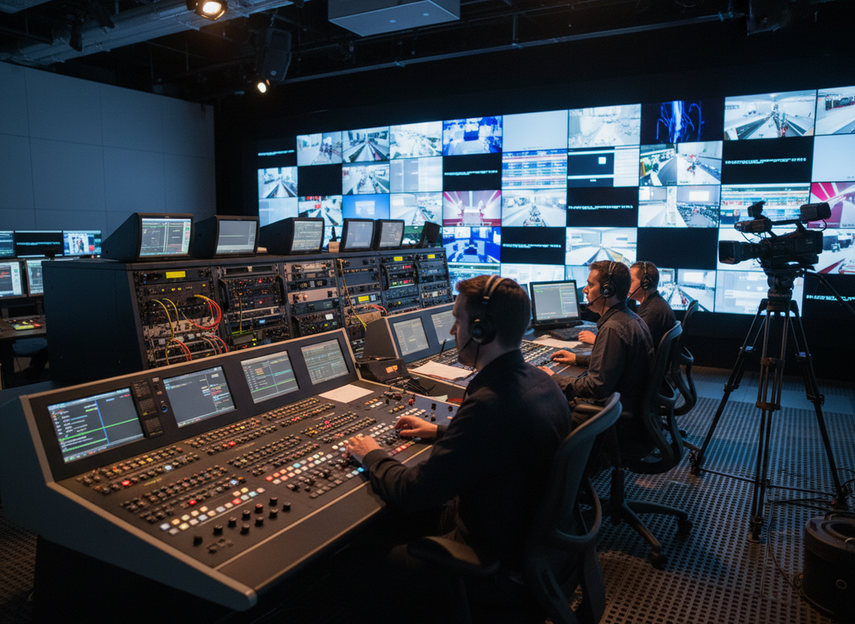
Broadcast environments usually push the processor in a different direction. Instead of mainly favoring simplicity and endurance, they often need tighter signal handling and more flexibility for live production.
What Usually Matters Most
Synchronization matters when multiple sources are composited or switched live. Low-latency behavior matters when the wall is part of live-production timing. Routing flexibility helps teams manage many sources and destinations quickly. Color and scaling consistency matter when program material changes often, and the processor should fit the broader control environment cleanly.
Why Synchronization Gets Attention
Broadcast teams often care about how the processor interacts with the rest of the plant. When video sources, switches, and processors all need to stay aligned, timing becomes a core design issue. That is why standards such as SMPTE ST 2110 matter in these discussions: they define how professional media networks handle carriage, synchronization, and timing at a systems level.
That does not mean every broadcast wall needs a highly complex processor. It means the processor should support the timing discipline and workflow you already have, rather than forcing workarounds. If the wall is camera-facing, genlock is a workflow check, not a universal requirement.
Conservative Broadcast Buying Lens
Ask these questions before choosing:
- Does the processor fit your sync architecture and live-production timing needs?
- Can it handle the source mix you expect during production?
- Does it integrate cleanly with your routing and control environment?
- Is latency acceptable for your specific use case?
- Can operators make changes quickly during live output?
For live-production context, broadcast guidance on LED walls for virtual production highlights why timing, refresh behavior, and camera-facing consistency matter more here than they do in many operator-only rooms The Broadcast Bridge. In a camera chain, a processor that looks fine in a meeting room can still be the wrong fit if timing or source changes create visible problems on air.
If your team is still evaluating a broadcast-grade LED solution or comparing rental LED displays, keep the workflow test grounded in your actual camera path and production timing, not a brochure claim.
Brompton, NovaStar, and Other Ecosystems
Because specific product fact packs are limited here, the safest comparison is at the ecosystem level rather than by making model-by-model claims. That avoids overstating capabilities and keeps the guidance useful even when exact specifications vary by series, firmware, or system design.
| Ecosystem Consideration | Command Center Fit | Broadcast Fit | Conservative Selection Note |
|---|---|---|---|
| Control interface style | Operators need predictable day-to-day use | Production staff may need fast scene or source changes | Favor the interface your team can learn and support consistently |
| Redundancy and recovery | High priority for uptime and service continuity | Important, but often balanced with live workflow flexibility | Verify failover behavior in your actual topology |
| Sync and timing support | Helpful for stable operation, but not always the lead requirement | Often a core buying criterion | Confirm compatibility with your sync strategy before purchase |
| Scaling and image consistency | Important for dashboards, maps, and text clarity | Important for camera-fed and mixed-source material | Test with your real content, not sample images only |
| Integration with control systems | Often critical for operator efficiency | Often critical for routing and production coordination | Check API, control, and monitoring fit early |
| Support and update model | Important for long service life | Important for production continuity | Prefer a vendor path you can sustain over time |
How to Read the Ecosystem Differences
In practice, many processor families can serve both environments, but the fit changes depending on the priorities you place first. A command center may prefer a system that feels conservative, predictable, and easy to recover. A broadcast team may accept more complexity if it buys timing precision and workflow flexibility.
That is the safest way to think about workflow-fit comparison criteria: not as a verdict on one brand, but as a way to decide whether the ecosystem fits your room, operators, and support model.
How to Choose the Right Processor
A reliable selection process starts with your workflow and then works downward into technical details.
Step 1: Define the Environment
Decide whether the wall is mainly for operations, live production, or a mixed environment. If it is mixed, define which side wins when requirements conflict.
Step 2: Match the Processor to the Content
Think about what the wall will display most often: data dashboards and status panels, camera feeds and live switching, presentation graphics, or full-motion content with frequent source changes.
Step 3: Verify the Behaviors That Matter
Do not stop at feature lists. Verify startup and recovery behavior, redundancy options, operator workflow, sync compatibility, scaling quality with your real sources, and service access.
Step 4: Test Under Real Conditions
If possible, run a proof of concept with actual content, actual control users, and the actual signal chain. That is especially important when the wall must stay legible, stable, and easy to operate for long periods.
Step 5: Choose the Simplest Option That Meets the Requirement
In both command-center and broadcast projects, it is easy to overspecify. A processor packed with features is not automatically the right answer. The better choice is the one that meets the workflow cleanly, is supportable over time, and does not introduce unnecessary operational risk.
If your planning team is weighing a touring LED display against a control-room install, the processor choice should follow the room’s primary behavior, not the product catalog’s loudest headline.
Final Checks Before You Buy
Before you approve a processor, confirm the room’s main purpose, the uptime or timing priority, the redundancy requirements, and the control and monitoring method. Also make sure the vendor has provided current documentation and support terms.
Need a shortlist? Start with your workflow requirements, then compare processor ecosystems against uptime, sync, and operator fit. If you already have a wall design, ask your integrator or internal technical team to validate the control path, timing path, and recovery plan before you commit.
FAQs
Which Matters More for a Command Center: Features or Reliability?
Reliability usually matters more. Command centers are often judged by continuity, ease of use, and recovery behavior rather than by advanced visual effects. If two options look similar on paper, choose the one with the clearer recovery path and the lower training burden.
Which Matters More for Broadcast: Sync or Ease of Use?
Sync usually gets priority, but ease of use still matters. In live production, the best processor is the one that fits the timing model without making operations fragile. If a system requires constant manual correction, it is probably not the right fit.
Can One Processor Work for Both Command Center and Broadcast Uses?
Sometimes, yes. But mixed-use systems often require tradeoffs. If both use cases are serious, define the primary priority first and validate the compromise with real-world testing.
Should I Choose Based on Brand Family or Specific Model?
Specific model fit matters more than brand family alone. Platform behavior can vary by series, firmware, I/O, redundancy, and control options, so compare the exact configuration you plan to deploy.
How Important Is Redundancy in a Video Wall Processor?
Very important in environments where downtime is costly. Command centers usually place especially high value on recovery and continuity, while broadcast teams often weigh redundancy alongside timing and routing requirements.
Do I Need SMPTE ST 2110 to Use a Broadcast Video Wall Processor?
Not always. But if your production environment is built around modern IP media workflows, SMPTE’s ST 2110 suite can be a useful reference point for synchronization and transport planning. If your signal chain is simpler, you may still need timing discipline without adopting the full standard set.
What Is the Biggest Mistake Buyers Make?
They buy for headline specifications instead of the actual workflow. The safest approach is to test with your real content, real operators, and real signal chain before you commit.





