





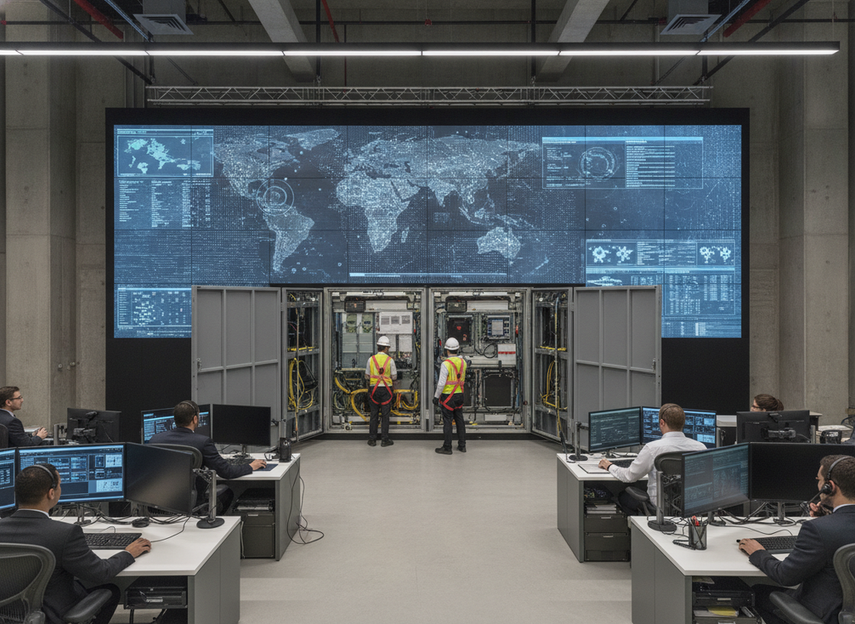
Front service and redundancy planning for a command center video wall matters because 24/7 rooms cannot treat maintenance access as a minor detail. In a mission-critical environment, the question is not just how the wall looks on day one, but how it will be serviced when rear access is tight, shutdown windows are rare, and the room still has to stay live. AVIXA’s performance verification framework is a useful reminder that these systems should be evaluated as working systems, not spec sheets.
Why Access Matters Before Specifications
For 24/7 control rooms, access planning comes before raw display specs because service disruption is an operational risk, not just an installation inconvenience. If the wall sits in a tight room, backs up to a structure, or leaves little rear clearance, front access can be the difference between a manageable service call and a disruptive shutdown. That is why a command center video wall should be judged against the room layout first, then against the spec sheet.
Front service is best understood as an access strategy. It can make replacement and troubleshooting easier from the operator side, but it does not guarantee uptime or remove the need for a service process. In practice, the real buying question is: can your team reach the parts that matter without taking the room out of service? Chipshow’s command-center product language describes full-front service access for limited-access environments, which fits that kind of constraint, but it should still be verified against the actual room design and service plan.^1
A good rule of thumb is simple: if rear service would require moving racks, opening restricted zones, or waiting for a rare outage window, front access deserves procurement attention early. If the room already has generous rear access and scheduled maintenance windows, front service is still useful, but it is no longer the only access issue to solve.
What Front Service Changes in a Control Room
Front service changes the maintenance workflow more than it changes the viewing experience. Instead of thinking about the wall as a fixed object that can only be reached from behind, buyers should think about which parts can be reached, swapped, or inspected from the front side. That matters most in retrofit rooms, dense equipment spaces, and sites where the operations team cannot easily clear a rear service path.
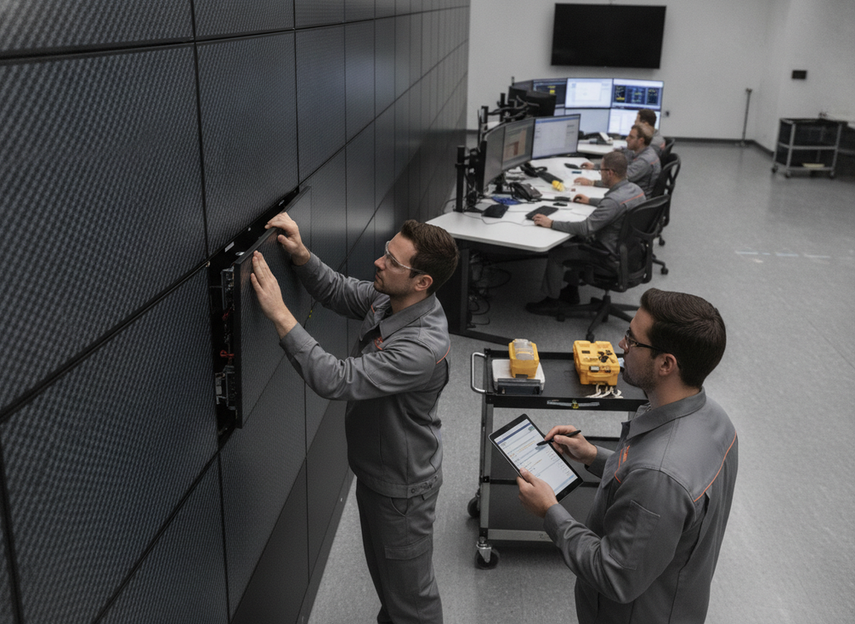
In practical terms, buyers should verify which components are actually field-serviceable from the front. Ask whether modules are front-removable, whether power and signal paths are accessible without off-wall work, and whether the cabinet design supports alignment and replacement without guesswork. Those details matter more than the phrase "front service" on its own. Chipshow’s featured command-center page also ties front-service access to space-saving flush-mount positioning in limited-access rooms, which is useful context for retrofit planning.^2
This is where the choice often flips. If the room is a retrofit, a secure facility, or a space with almost no rear clearance, front service is a strong requirement. If the room is a new build with planned service corridors, front service is still helpful, but the stronger question becomes how quickly the team can isolate faults and return the wall to service under a documented process. A front service LED wall for a command center helps with that workflow, but it is only one part of the uptime plan.
Redundancy Planning That Reduces Single Points of Failure
Redundancy should be planned by failure domain, not by vague reliability language. In mission-critical rooms, the buyer should ask separate questions about power, signal, controller, spare modules, and service process. AVIXA’s control-room guidance points buyers toward that kind of failure-domain thinking, and Mauell’s buying guidance similarly treats redundant power as a core part of continuous monitoring design.^3
| Failure domain | What to ask first | Why it matters in 24/7 operations | Required evidence |
|---|---|---|---|
| Power | Is there redundant or fail-safe power planning? | A single power fault should not take down the whole wall. | Written power architecture, switchover description, and maintenance steps |
| Signal | Are there redundant signal paths or looping options? | Signal loss can create a visible outage even when panels still work. | Signal-path diagram and fault-handling notes |
| Controller | Is there controller-side backup or failover planning? | The wall may be healthy, but the control point can still fail. | Controller architecture and recovery procedure |
| Spare modules | Are replacement modules stocked and easy to identify? | Fast swaps reduce the time a fault stays visible. | Spare-part list and part-number map |
| Service process | Is there a documented maintenance and escalation path? | Good hardware still needs a usable response process. | SOP, access roles, and support contacts |
The important boundary is this: redundancy reduces single points of failure, but it does not erase outage risk. A wall can still fail if redundancy only covers one layer while another layer remains exposed. That is why a "redundant LED wall for 24/7 operations" should be discussed as a system design question, not as a feature checkbox. If a vendor cannot show which failure domain a redundancy feature covers, treat the claim as incomplete.
Maintenance Workflow in 24/7 Rooms
A workable maintenance plan starts before go-live. The point is not to create paperwork for its own sake. The point is to make sure the team knows how to act when a fault appears and the room cannot simply shut down for repairs. A standardized LED display maintenance SOP is useful here because it emphasizes configuration archiving, debugging records, and proactive risk prevention instead of ad hoc fixes.
- Confirm access paths and service clearances during the site survey.
- Map which modules, power paths, and signal paths can be serviced from the front.
- Define spare-part storage and part-number matching before the wall goes live.
- Document who can approve a maintenance window and who signs off on return to service.
- Archive the configuration and keep debugging records so repeat faults are easier to isolate.
- Test the process in a low-risk window before an actual incident forces the team to use it.
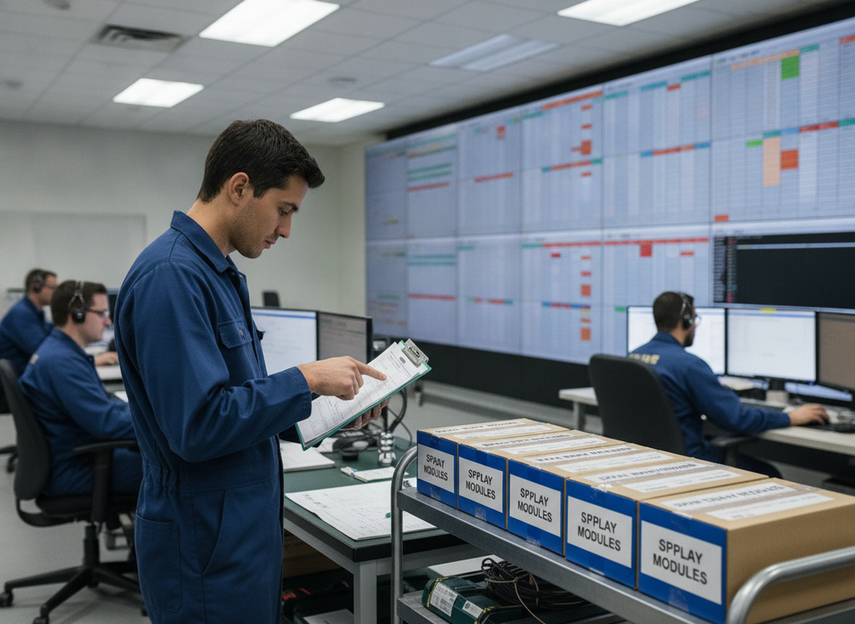
That workflow is especially important in mission-critical control room display requirements because the biggest failure is often process failure, not panel failure. If the team does not know who authorizes service, where the spare parts are, or how to verify the system is back to normal, even a small fault can become a long disruption. Front access helps, but only a tested workflow turns access into real uptime protection.
How to Compare Options Before Procurement
Before you shortlist a vendor, separate access features from redundancy features. They solve related problems, but they are not interchangeable. A wall can be easy to service from the front and still lack strong redundancy. It can also have impressive redundancy language and still be awkward to maintain in a cramped room. That is why procurement should focus on evidence, not general promises.
Here is the comparison framework buyers should use:
- Ask what is actually serviceable from the front and what still needs rear or off-wall access.
- Ask which failure domains are covered by redundancy and which remain single points of failure.
- Ask for written maintenance steps, access requirements, and escalation paths.
- Ask whether the design fits the room depth, wall structure, and security rules you actually have.
If the room is a retrofit or the shutdown windows are rare, front service should rank high in the decision. If the room already has clear service corridors and planned downtime, redundancy planning and maintenance discipline may carry more weight. For buyers comparing command center solutions or browsing C-Pad mission-critical displays, the safest next step is to verify the room constraints and request written documentation for both access and redundancy.
Final Takeaway
Front service planning for a command center video wall is about reducing service friction, while redundancy planning is about limiting single points of failure. The best fit depends on room access, shutdown windows, and how much operational risk the team can tolerate. If you are comparing options, start with access, then verify which redundancy layers are actually documented, and finally check that the maintenance process is clear enough to use under pressure.
FAQs
Do Control Room Video Walls Need Front Service?
Not always, but front service becomes much more valuable when rear access is limited, the wall is embedded in a tight room, or shutdown windows are rare. In those cases, it can reduce maintenance disruption. If the room already has easy rear access and scheduled service windows, front service is helpful rather than mandatory.
What Redundancy Features Should Mission-Critical LED Walls Have?
Start with power, signal, controller, spare modules, and the service process. Those are the failure domains most likely to determine whether a visible fault becomes a brief event or a prolonged outage. The key is to ask which layer each redundancy feature protects, because one redundant feature does not cover every risk.
How Do You Plan Maintenance for a 24/7 Command Center Without Causing Downtime?
Plan it before go-live. Confirm access paths, define spare parts, assign maintenance authority, and write the return-to-service steps in advance. The team should also test the process in a low-risk window so the first real service event is not the first time anyone follows the procedure.
Why Is Front Access Important in Retrofit Control Rooms?
Retrofit rooms often have structural limits, security restrictions, or equipment density that make rear service difficult. Front access lets the team maintain the wall without relying on clearance that may not exist. That is why it often becomes a stronger requirement in retrofit projects than in new builds.
Can a Redundant LED Wall Eliminate the Need for Spare Parts and Service Planning?
No. Redundancy can reduce risk, but it does not replace spare parts, trained technicians, or a documented maintenance plan. A wall with strong redundancy can still stay offline longer than necessary if the team does not know how to isolate the fault or return the system to service.
Related Resources
- LED display standards guide for documentation and compliance checks before procurement.





