





A command center LED wall is not a generic display purchase. The right spec starts with the operator task, viewing distance, and content mix, then turns readability, uptime, comfort, and approval risk into a checklist you can hand to vendors.
Set the Visual Target First
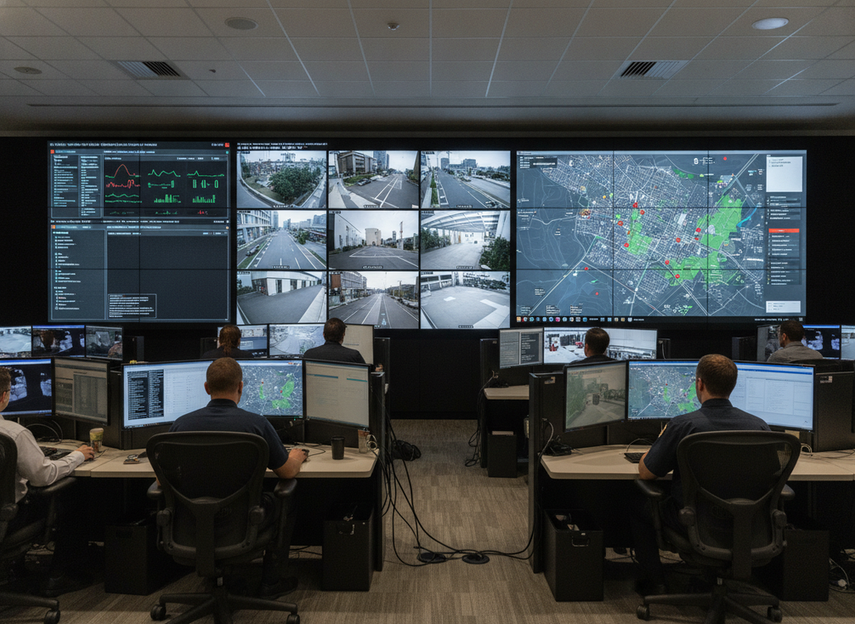
Before you compare models, define what the wall has to do in the room. A command center LED wall for dense status boards is a different assignment from one that mainly shows camera feeds or broad situational awareness. The first buyer question is not "What is the best pixel pitch for control room LED wall use?" It is "What do operators need to read, from where, and during how many hours at a time?"
For most teams, that means locking down three inputs first: the main viewing distance, the dominant content type, and whether the room runs continuously. The closer the operators sit, and the more text-heavy the content is, the more you should prioritize finer pitch and cleaner image stability. If the wall is mostly for overview graphics at longer distances, over-specifying the finest pitch can add cost without changing day-to-day usefulness. The ISO 11064 ergonomic framework is a useful reminder that control-room displays should be designed around how people actually work, not around a single spec line.
If the room is mission-critical, your spec should also name the problem you are trying to avoid. That may be operator strain, missed alarms, poor legibility, or repeated rework during approval. Use those goals to keep vendors quoting against the same priority set.
Specify Pixel Pitch and Image Stability
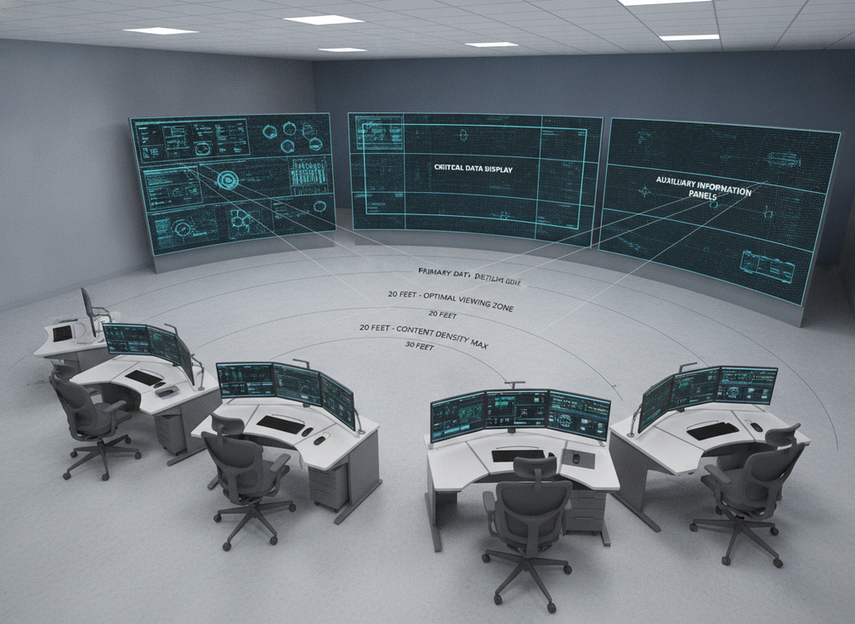
Pixel pitch only matters when you tie it to the way the room is used. In plain language, pitch is the spacing between LEDs, and it affects how sharp text and fine details look at a given distance. The ISO 11064 control-centre standard supports this kind of room-first thinking, and the ergonomic guidance is clear: display positioning and legibility should follow operator needs, not marketing claims.
A useful rule of thumb is to start with viewing distance, then check content density. If operators will read small text, alarms, or tabular data up close, a finer pitch is often worth the added cost. If the wall is farther away or mainly supports situational awareness, a slightly coarser pitch may be the better tradeoff. The best pixel pitch for control room LED wall projects is therefore project-dependent, not universal.
Refresh rate and scan behavior are separate checks. Refresh rate is how often the screen redraws, which matters because unstable motion can look worse to cameras and more tiring over long shifts. Scan behavior is the way the display drives its pixels; it can affect flicker, camera capture, and how smooth motion appears in live feeds. Ask for camera tests with your own feeds, not just polished demo content.
If your room mixes cameras, maps, and dense operational data, request a sample review under normal lighting and with the buyer’s actual sources. That gives you a better read on image stability than a spec sheet alone. It also helps avoid the common mistake of buying ultra-fine pitch when the real issue is content design, not pixel density.
Build in Redundancy and Service Access
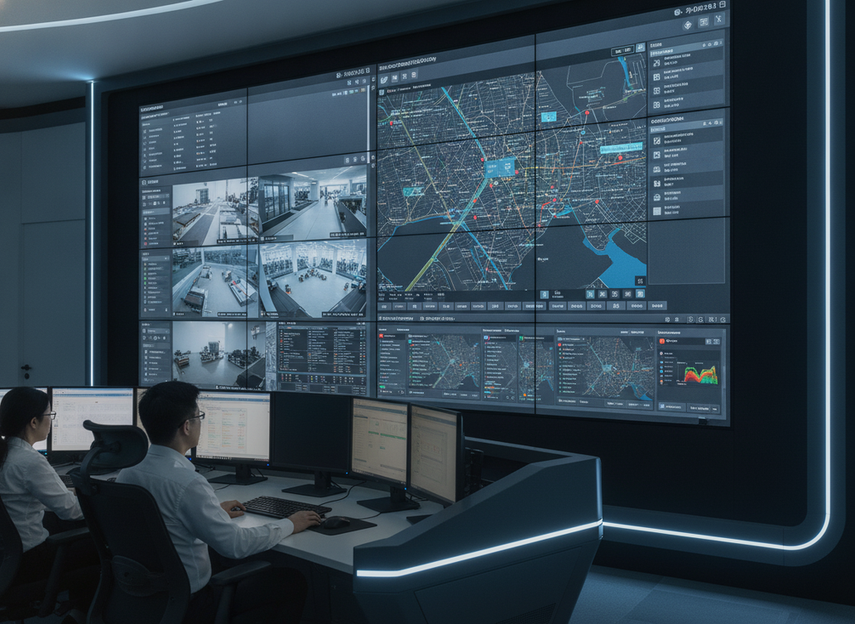
For 24/7 operation, the question is not whether the wall can fail. It is how much of the wall can fail before the room loses useful visibility. A N+1 redundancy design is a helpful term to know because it describes backup capacity, but it does not mean uninterrupted operation is guaranteed. Use it as a design discussion, not as a promise.
Ask vendors how they handle power, signal, and fault recovery in the exact configuration you plan to buy. If dual power or dual signal is available, confirm what happens when one path drops and how alarms are reported. Then ask about spare modules, swap process, and the service window the team actually expects to use. In a nonstop room, the recovery plan matters as much as the display spec.
Front-service access is especially important for flush-mounted installs or rooms with little rear clearance. In those cases, the maintenance path can determine whether a repair is a routine swap or a disruptive outage. Check cabinet depth, tool access, and whether the wall can be serviced without tearing up the room layout.
If the wall will live behind fixed furniture or a hard surface, serviceability should be a gating requirement, not a nice-to-have. A product that looks sleek on paper can become a poor fit if the maintenance path is awkward.
Check Compliance and Site Requirements
For US procurement, request the documents for the exact build, not a family-level brochure claim. The first safety document buyers should ask for is UL 62368-1 testing and certification, because it is the key hazard-based standard for audio/video and ICT equipment. If the vendor offers an ETL Listed mark, that can also satisfy the same US safety-listing purpose when it is tied to the actual configuration being installed.
Do not treat either mark as blanket proof for every version of the product. The certification, test report, and model details must match the wall you are ordering. That matters especially when the final build, power supply, or cabinet layout differs from a brochure image.
Also check the site itself. Confirm power, mounting, ventilation, heat, access, and any owner or integrator rules before the order is placed. A room can be technically capable of supporting a wall and still fail approval because the installation plan was incomplete.
For sensitive control rooms, emissions concerns may also come up. A secondary FCC Class A vs. Class B emissions reference is useful as cautionary context, but the approval question is project-specific. If nearby communications or monitoring gear is sensitive, make the emissions review part of the early checklist rather than an afterthought.
Map Your Requirements to a Product Family
The table below is a practical shortlist map, not a universal ranking. Use it to decide which kind of product family deserves a quote request, then verify the exact configuration before moving forward.
| Buyer condition | What matters most | Better-fit product family | What to verify before quoting |
|---|---|---|---|
| 24/7 mission-critical control room with limited rear access | Redundancy, front-service maintenance, recovery planning | C-Pad or C-Pad Command | Exact service path, failover design, spare-part plan, and current compliance docs |
| Flush-mounted room where maintenance access is tight | Front-service design and cabinet depth | C-Pad Command | Front access method, wall depth, swap process, and clearance requirements |
| Commercial indoor fine-pitch project with lighter uptime pressure | Readability, indoor versatility, standard integration | C-Max | Viewing distance, image-stability checks, and whether the family matches the room’s duty cycle |
| Compliance-heavy procurement for a US control room | Exact documentation and project approval path | Any shortlisted family only after document review | UL or ETL paperwork, electrical details, and local approval rules |
If your room is truly 24/7 and maintenance access is constrained, lean toward the more mission-critical side of the shortlist. If the room is a lighter indoor deployment and the approval burden is lower, a commercial indoor family may be enough. The key is to decide that before quotes go out, because the wrong family can look attractive on paper and still miss the room’s actual operating demands.
Finish With a Vendor-Ready Checklist
Use this final pass before approval: 1) confirm operator distance and content type, 2) check pitch and image stability with your actual feeds, 3) verify redundancy and service access, 4) request UL or ETL documents for the exact build, 5) review power, mounting, heat, and access conditions, 6) test sample content in the room, and 7) write down who owns final sign-off. If a vendor cannot answer these cleanly, the spec is not ready.
The safest command center LED wall choice is the one that fits the room, the workflow, and the approval path together. Use the checklist to narrow the field before you compare price or finish. That keeps the decision grounded in the job the wall must do, not just the spec sheet.
FAQs
How Do I Choose the Best Pixel Pitch for a Control Room LED Wall?
Start with the nearest normal viewing distance and the amount of text or detail operators must read. Finer pitch usually makes more sense as the viewing distance gets shorter or the content gets denser. If the wall is mostly for broad awareness, you may not need the smallest pitch available.
What Redundancy Features Matter Most in a 24/7 Command Center LED Display?
Dual power, dual signal, spare modules, and a clear recovery process matter because they reduce the impact of a single failure. Front-service access also matters when the wall is hard to reach from the back. The right mix depends on downtime tolerance and the room’s maintenance model.
Can I Use a Commercial Indoor LED Wall in a Command Center?
Sometimes, but only if it matches the room’s duty cycle, access needs, and approval requirements. A lighter indoor family can work in some projects, yet mission-critical rooms usually need stronger serviceability and documentation. Compare the whole installation plan, not just the image quality claim.
What Certifications Should a US Buyer Verify Before Ordering?
Request the exact product’s current safety documents and confirm they match the installed build. In the US, UL 62368-1 and ETL listing are the key safety-listing references for this category, but local code and owner standards still matter. Treat emissions questions as project-specific if nearby equipment is sensitive.
How Should I Turn Spec Requirements Into an RFP Checklist?
Write the buyer’s operating conditions first, then turn them into request items for pitch, stability, redundancy, service access, documentation, and site readiness. Add a sample test step and a sign-off owner so the approval path is clear. That makes vendor quotes easier to compare and reduces back-and-forth later.





