





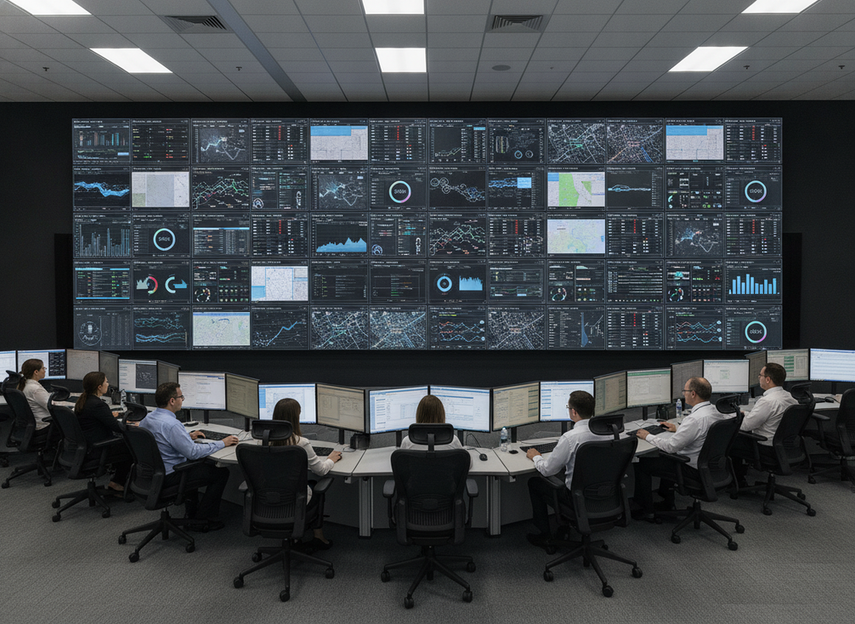
COB LED repairability matters in 24/7 command centers because the real question is not just whether the wall looks tougher, but whether it can be serviced without creating an unacceptable interruption. For buyers, the safest way to think about a COB LED video wall is access plus replacement workflow plus downtime tolerance. If a room cannot absorb a module swap or escalation step, the display may still be a poor fit even if the front surface is more durable.
What Repairability Really Means for COB
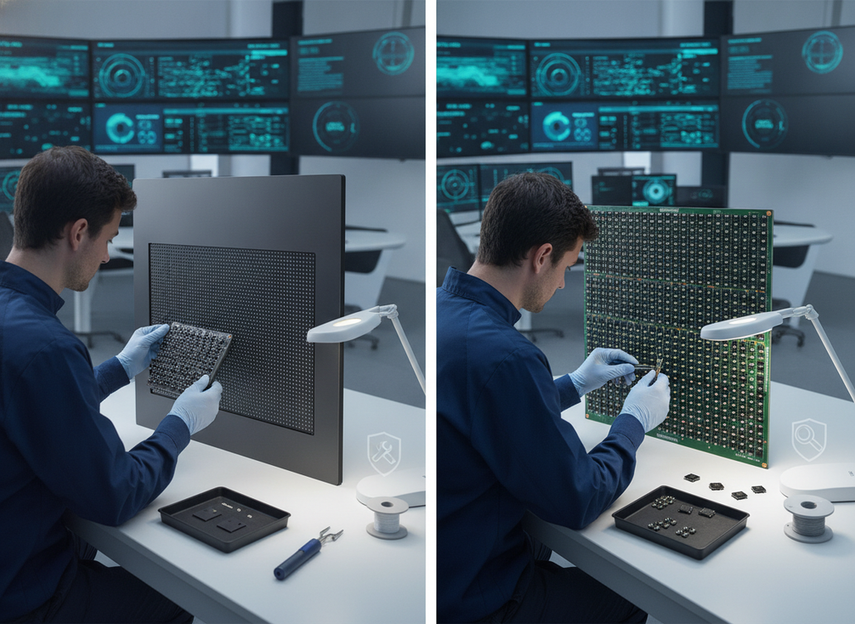
For command centers, repairability means more than "can it be fixed." It means who can reach the fault, what part can be replaced, how much of the wall must go offline, and how quickly the room can recover its normal operating confidence. COB changes that equation because the pixels are encapsulated in a protective resin layer, which prevents traditional field-level pixel soldering.
That is the first boundary buyers should understand. COB can improve resilience against contact and dust, but that does not automatically make it easier to repair in place. In many cases, the service question shifts from "can we fix one pixel?" to "can we replace the affected module or panel and keep the wall consistent?"
For mission-critical rooms, that distinction matters because every service event has an operational cost. If the room needs approvals, escorting, or a narrow maintenance window, the repair model can affect the real ownership burden as much as the hardware itself. AVIXA’s control-room guidance also frames 24/7 uptime as a design constraint, which is why repairability in this context is really a service workflow and replacement path, not a promise of easy in-place fixes.
How COB Service Access Compares With SMD
The practical comparison is straightforward: COB usually favors surface protection and robustness, while SMD usually favors local repair flexibility. A COB display service workflow is often described in terms of module-level or full-panel replacement, not diode-by-diode repair. That changes the way a buyer should plan spares, labor, and downtime risk.
| Service Question | SMD | COB | What It Means For A 24/7 Room |
|---|---|---|---|
| Access method | More likely to support localized component work | More likely to rely on module or panel replacement | COB may simplify protection, but service may be less granular |
| Likely repair scope | Smaller, if the fault is isolated | Wider, if the affected module must be swapped | A small fault can still become a larger service event |
| Downtime exposure | Often lower when a fault is simple and reachable | Often depends on spare modules and access plan | The room’s maintenance window matters as much as the hardware |
| Parts handling | More flexible if local repair is allowed | More dependent on matched replacement parts | Spares planning becomes part of uptime planning |
| Usual service owner | Often integrator or local technician | Often vendor-led or module-swap-led | Confirm who actually closes the loop |
This is why COB vs SMD repair cost comparison for command centers should not start with purchase price alone. A wall that is easier to protect may still be harder to service cleanly if the room has limited access or if replacement parts are not staged. AVIXA’s control-room article also emphasizes modular design and hot-swappable components for uptime, which makes the service model question especially relevant when a buyer is comparing display types.
Failure Modes That Matter in 24/7 Rooms
In a live operations room, not every fault has the same consequence. A visible pixel defect, a connection issue, and a cabinet-level service event each create a different level of interruption. The buyer’s job is to ask which fault types can be isolated quickly and which ones will trigger a broader service call.
A good example is uniformity. Replacing a module may restore uptime, but the new part still has to blend with the rest of the wall in color and brightness. That matching work is a real maintenance consideration in aging walls, especially where operators depend on a consistent visual field to read maps, alarms, or camera feeds. Independent service guidance from repair specialists notes that replacement can require matching work in the finished wall, which is one reason "repairable" is not the same as "maintenance-free."
The other operational issue is diagnosis. If the fault looks like a screen problem but the root cause sits in power, signal, or cabinet-level access, recovery depends on whether your team can isolate the issue without trial and error. In a 24/7 room, that separation is often the difference between a quick service event and a longer escalation path. AVIXA’s command-center materials also point to redundancy and modularity as practical uptime tools, which lines up with the way buyers should think about fault isolation.
If you want a mission-critical buying shortcut, use this rule: COB is a stronger fit when the room values protection and controlled service workflows; it is a weaker fit when the team needs frequent, highly local field fixes with minimal disruption.
Repairability, Downtime, and Total Cost
COB is often chosen because its surface protection reduces the risk of damage from physical contact and dust exposure. That protection can make sense in command centers where operators work close to the wall or where the environment is busy and hard to control. But the cost tradeoff is not one-directional. Better protection can still come with a more swap-based service model, which changes labor, coordination, and spares planning.
So the right question is not "Is COB cheaper to maintain?" The better question is "Does the room’s downtime cost justify paying for a tougher display surface and a more controlled replacement path?" In a 24/7 room, the answer often depends on how much the business loses when the wall is partially offline, not just what the purchase order says. AVIXA’s broader display-cost discussion makes a similar point: display technology is a long-term operational commitment, so the cheapest upfront option is not always the lowest-friction one over time.
That is why is COB worth higher cost for control rooms is a conditional decision, not a universal yes. If the room has a realistic service window, documented spares, and a clear escalation path, the premium can be easier to defend. If not, the operational friction may erase the benefit of the added durability.
What to Confirm Before You Buy
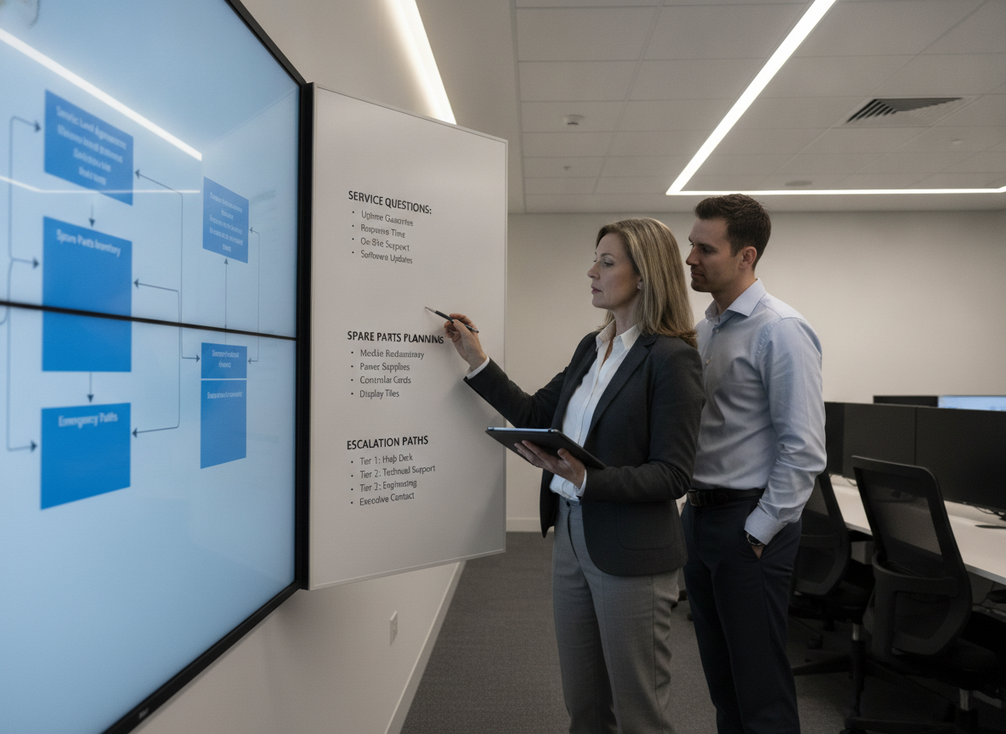
Before approving a COB wall for a command center, ask the vendor or integrator these questions in writing:
- What can be repaired on-site, and what must be replaced as a module or sent out for service?
- Who owns first response, diagnosis, part dispatch, and final return-to-service signoff?
- Which spare parts are stocked locally, and which parts need factory-level escalation?
- How is a fault isolated so the rest of the wall can stay online as much as possible?
- What service access is required, and does the cabinet design match the room’s physical constraints?
- How will brightness and color matching be handled if a replacement part goes into an aging wall?
If you cannot get direct answers to those points, treat the wall as a service risk, not just a display purchase. That is especially true when the room has limited downtime tolerance or a narrow maintenance window. For buyers who want a mission-critical path to compare against, the C-Pad mission-critical COB wall is best treated as a navigation starting point, not a substitute for checking the service model in writing.
If wall depth and access are part of the decision, the slim indoor COB option may also be worth reviewing. And if the approval team wants to review engineering documentation alongside the display choice, the C-Max resilience notes are a useful background resource for the broader installation conversation.
Final Takeaway
COB LED video wall repairability is best judged as a service model, not a feature bullet. COB can be a smart fit for 24/7 command centers when durability, controlled replacement workflows, and spare-parts planning all line up. It is a weaker fit when the room needs frequent local fixes, unclear escalation, or minimal downtime. Before you buy, verify the service path in writing, then decide whether the premium matches the room’s uptime risk.
FAQs
Can COB LED Video Walls Be Repaired in the Field?
Sometimes, but usually not in the same way as SMD. COB service often relies on module-level or full-panel replacement, and the exact path depends on cabinet design, access, and vendor policy. If the room needs true pixel-level field repair, that is a warning sign to check support details before committing.
What Repair Questions Should I Ask Before Buying COB for a Command Center?
Ask who handles diagnosis, what can stay online during service, what parts are stocked locally, and whether any fault must be escalated out of the room. The biggest mistake is assuming "repairable" means the same thing across vendors. It usually does not.
Why Does Downtime Risk Matter More in 24/7 Rooms?
Because the wall supports monitoring, dispatch, and incident response, even a short interruption can create more friction than the same interruption would in a conference room. The display is part of the operating workflow, so service planning matters as much as visual performance.
Does COB Usually Cost More to Maintain Than SMD?
Not automatically. The real cost depends on access, service model, spare parts, and how much disruption the room can tolerate. A lower purchase price can still become a higher ownership burden if recovery work is slower or harder to coordinate.
When Is a Higher COB Price Easier to Justify?
When the room is uptime-sensitive, the service path is documented, and the team can support spare-part planning and controlled maintenance windows. In that case, the protection and resilience benefits can outweigh the repairability tradeoff.





