





A front-service COB LED wall can make maintenance easier in a tight command center, but it does not by itself create redundancy or guarantee uptime. The real buying question is whether the wall can be serviced from the front, whether the system has backup paths at the power, signal, or controller level, and whether the room layout supports safe access during live operations.

Why Front-Service Access Changes Command Center Maintenance
Front-service access matters most when there is little or no rear clearance behind the wall. In that kind of room, a design that can be serviced from the front may reduce disruption because technicians do not need a deep chase, rear aisle, or major wall access just to handle routine work. Chipshow’s front-service COB access is positioned for that kind of tight control-room use.
That is useful, but it is only a serviceability advantage. A display can be easy to reach and still leave you exposed if the signal chain, power path, or controller has a single point of failure. For buyers, the practical test is simple: if a module fails, can the team reach it quickly, replace it cleanly, and keep the rest of the wall usable while the issue is handled?
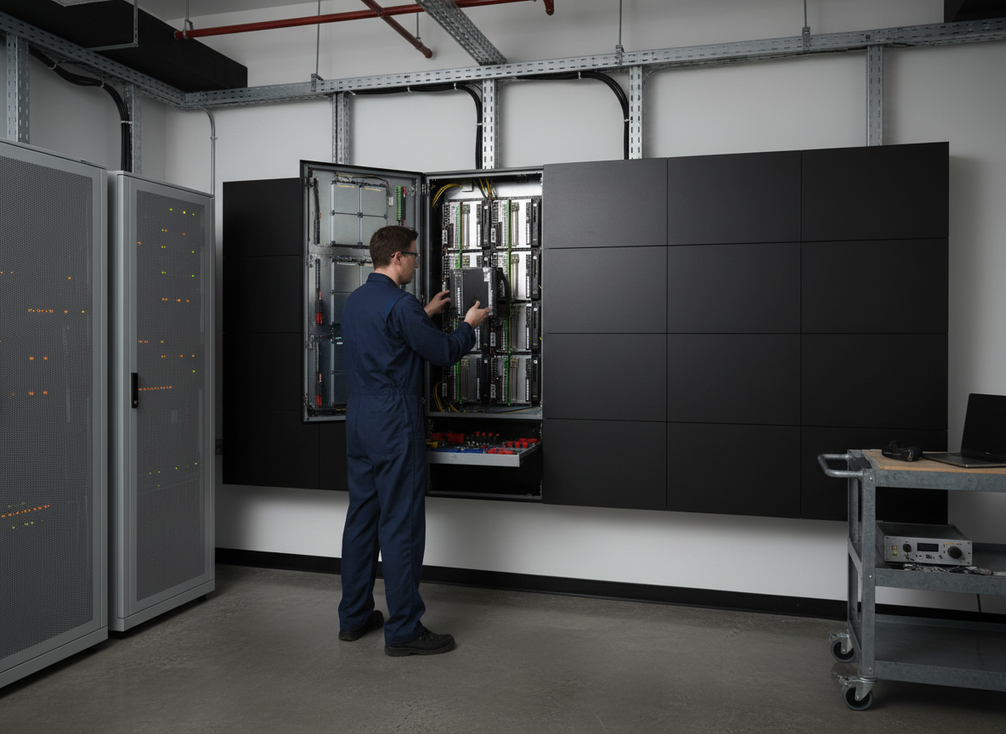
In a command center, that distinction matters because maintenance windows are rarely generous. If the room is crowded, the wall is flush mounted, or adjacent equipment blocks access, front service can be the difference between a controlled repair and an awkward outage.
How Failure Response Should Be Planned
Failure response should be planned by fault type, not by display label alone. A module fault, a power fault, and a signal fault do not fail over in the same way, and they should not be treated as the same problem. The wall may need a local repair, while the controller layer may need a path change or a segmented handoff to preserve content integrity.
At the system level, single points of failure at the controller level are what usually turn a small issue into a bigger operational problem. That is why buyers should ask who owns each layer: the display, the controller, the source path, the power feed, and the spare-parts process. If those responsibilities are vague, recovery usually takes longer than the brochure suggests.
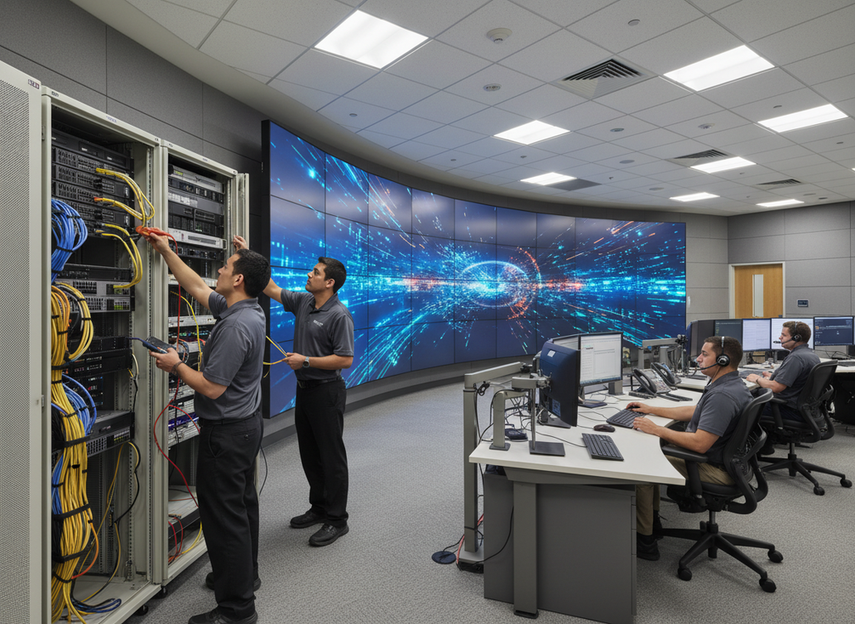
For signal resilience, closed-loop signal redundancy is a concrete concept to verify. In plain terms, it gives the signal a backup route so a broken path does not automatically stop live content. That does not eliminate service work, but it can reduce the chance that one cable problem becomes a full-wall interruption.
A good rule of thumb is this: if the plan only describes easy access, you have serviceability; if it also defines backup paths and recovery ownership, you have the beginning of a redundancy strategy.
Module Failure Response
When a COB module needs service, the best outcome is a fast, predictable replacement process. In practice, that usually means the team can isolate the issue, swap the affected part, and verify the wall returns to uniform operation without dragging the whole room into downtime. The exact workflow depends on the cabinet and the install, but the buyer should expect a defined replacement path, not an improvised one.
Power Path Redundancy
Redundant power helps limit the impact of a single power-supply issue, but it should be read as layered protection, not immunity. If one path drops, the next question is what the wall does next, who gets alerted, and whether the installation keeps enough of the display alive for the room to keep operating.
Signal Path Redundancy
Signal redundancy matters because a live wall often depends on one or more upstream paths that can fail independently of the display surface. Buyers should verify whether the design supports a backup route, how the switchover behaves, and whether the controller recovers cleanly after the fault clears.
Spare Parts and Escalation
Even a well-designed wall needs spare modules, access tools, and a named escalation path. If a failure happens at 2 a.m., the real question is not just whether the module can be reached from the front. It is whether the right part is on hand, the support team knows what failed, and the replacement process is already documented.
What COB Redundancy Architecture Should Include
A practical dual power and dual signal redundancy design should combine access, power, signal, and recovery procedures. Chipshow’s mission-critical solution line uses that layered approach in its own product family, but buyers should treat it as a product-specific architecture, not a universal COB rule.
For procurement, the key is to separate what is accessible from what is actually redundant. Front access helps technicians reach the wall. Redundancy helps the system keep operating when a path fails. Those are related, but they are not the same.
Control-room design also has to work with the room, not just the spec sheet. The control room layout and display placement context matters because wall depth, nearby equipment, operator clearance, and service routes can turn a good technical design into a poor field setup if they are not mapped early.
Front-Service Cabinet Layout
A front-service COB wall is most useful when the cabinet layout supports straightforward removal, replacement, and reassembly from the front side. If the cabinet design forces awkward handling or partial disassembly, the promised service benefit gets much smaller in real use. Buyers should ask how the cabinet opens, what tools are needed, and what part of the wall must be taken offline for a typical service event.
Dual Power and Signal Design
Dual power and dual signal are best viewed as a resilience pattern. They reduce the chance that one failure takes the whole wall down, but they still need clear switching behavior and maintenance ownership. If the system has backup paths but nobody has documented how they work, the architecture is weaker than it looks on paper.
Room Layout and Access Clearance
Room layout can make or break the plan. A wall that looks fully front-serviceable in a drawing may still be difficult to maintain if nearby racks, consoles, or cable runs block access. Before purchase, map the service path, not just the screen size.
What to Verify Before Purchase
Before signing off, confirm four things: how the wall is accessed, what actually fails over, who owns the support process, and how spare parts move through the site. If any one of those is missing, the risk is not just longer repairs. It is uncertainty during the exact moment the wall is needed most.
COB vs SMD Maintenance Access
COB and SMD should be compared on maintenance workflow, not just image quality. COB is often attractive when front service, handling protection, and a cleaner surface matter more to the room. SMD may fit a different service plan, especially where the install has more rear access or the operating team is already set up for a different maintenance routine.
| Comparison Point | COB | SMD |
|---|---|---|
| Maintenance access | Often favored when front-service access is a priority | Can work well when the room and service approach are built around it |
| Fault handling | Usually evaluated as a module-level service workflow | Also depends on cabinet design and installation method |
| Handling risk | Often chosen for better surface protection in demanding rooms | May be fine, but the handling model should be checked closely |
| Room fit | Strong when rear clearance is limited | Can be suitable when access assumptions are different |
| Best-fit scenario | Tight command centers that need front-side serviceability | Rooms with different clearance, service, or maintenance assumptions |
The main caution is simple: COB vs SMD maintenance access is not decided by pixel technology alone. The cabinet design, mounting method, and room layout can matter just as much as the panel type.
If you are comparing options for a front service COB LED command center, ask which part of the wall is actually serviceable from the front and which part still depends on the broader install. That question usually reveals the real maintenance burden faster than a spec sheet does.
What to Confirm Before You Buy
- Confirm the access path. Make sure the wall can actually be serviced from the front in the installed room, not just in a product image.
- Define the failure layers. Separate module service, power backup, signal backup, and controller recovery so each layer has a clear owner.
- Check the response workflow. Ask who detects the fault, who replaces the part, and who verifies that the wall is back in service.
- Verify spare-part logistics. If replacement parts or tools are not available quickly, front service will not save much time.
- Review the room layout. Look at wall depth, cable routing, operator clearance, and nearby equipment before final approval.
- Document the handoff. Put assumptions, service responsibilities, and escalation steps into the project spec before purchase.
If you want a command center wall that is easier to maintain, choose the layout first and the redundancy plan second. A good COB LED wall design makes repairs more practical, but a strong uptime plan still depends on backup paths, access clearance, and clear recovery ownership.
Final Takeaway
For command centers, the safest way to judge a COB wall is to separate service access from redundancy. Front-service design can make maintenance easier, especially in tight rooms, but it does not replace backup paths, support ownership, or a clear failure-response plan. If you are comparing options, verify access geometry, failover layers, and spare-part logistics before you compare visual specs.
FAQs
How Do You Build Redundancy Into an LED Wall?
You build it in layers. Start with the controller and signal path, then add backup power or backup routes where the system design supports them, and finally define the recovery process for faults that still need manual service. Front access helps the repair side, but it is not a substitute for failover design.
Are Front-Service LED Walls Easier to Maintain?
Usually, yes, if the room is tight and the cabinet is designed for it. Front-service access can make module swaps and inspections less disruptive, but the actual maintenance effort still depends on the mounting method, tool access, and whether spare parts and procedures are already defined.
What Happens If a COB Module Fails During Operation?
The ideal response is to isolate the fault, replace the affected module or part, and verify the wall is back to uniform operation according to the site plan. What happens in practice depends on the redundancy design and on whether the team has a documented escalation path.
Can COB and SMD Be Compared on Maintenance Access Alone?
They can be compared that way, but it is not enough. Maintenance access is only one part of the buying decision. Room clearance, handling risk, failure behavior, and support logistics should also be checked before you treat one technology as the better fit.
Why Does Room Layout Matter for Redundancy Planning?
Because redundancy has to be usable in the real room, not just in a diagram. If equipment blocks access or service routes are too tight, even a good failover plan can become hard to execute. Layout affects whether technicians can reach the wall quickly and safely when a fault happens.





