





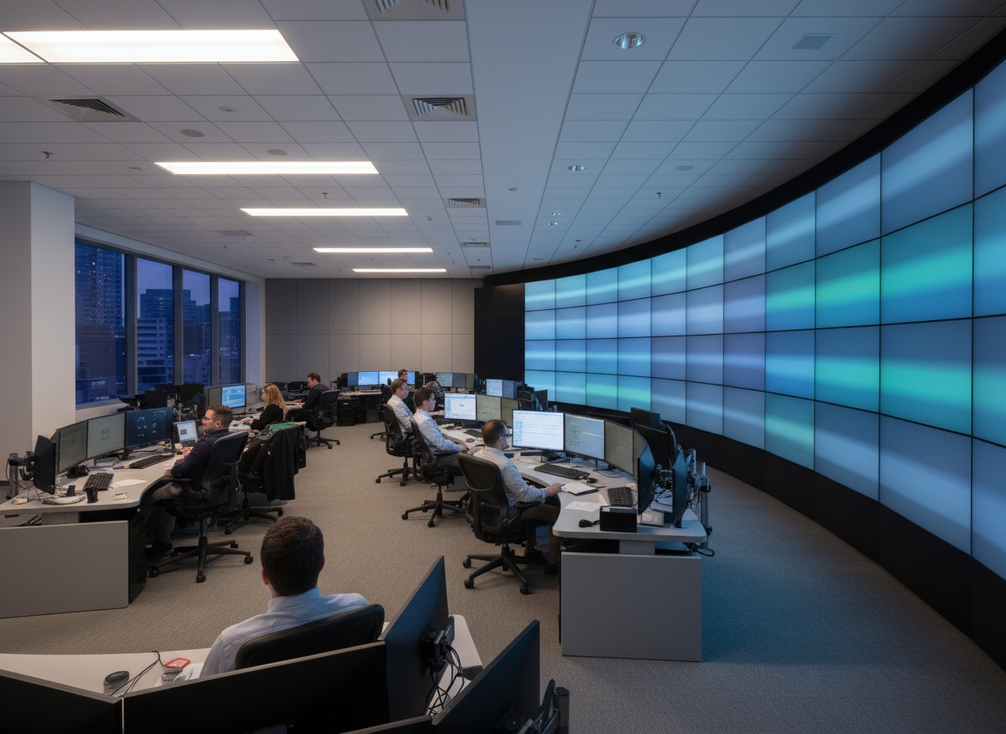
For command center LED wall viewing angle, the biggest question is not just whether the wall is bright enough. It is whether operators can read it from real seats, under real lighting, during long shifts without extra neck movement or glare. That is the planning problem this guide helps you solve for LED wall operator ergonomics: readable content, manageable posture, and a room layout that works across the whole operator row.
Why Ergonomics Matters in 24/7 Control Rooms
In a 24/7 command center, small viewing frictions add up fast. If operators keep re-checking a wall because the sightline feels awkward or the reflections are distracting, the room becomes harder to run even when the display itself is working properly. That is why LED wall operator ergonomics is really about supporting readable content and neutral posture, not promising medical or safety outcomes.
For mission-critical rooms, the point is to reduce avoidable strain during repeated glance cycles. A wall that is easy to scan from the main seat, the edge seat, and the supervisor position can lower the effort needed to track alarms, maps, and live video. Chipshow’s mission-critical display planning pages are a natural bridge once the room requirements are clear, but the layout decision should come first.
What Viewing Angle Changes for Operators
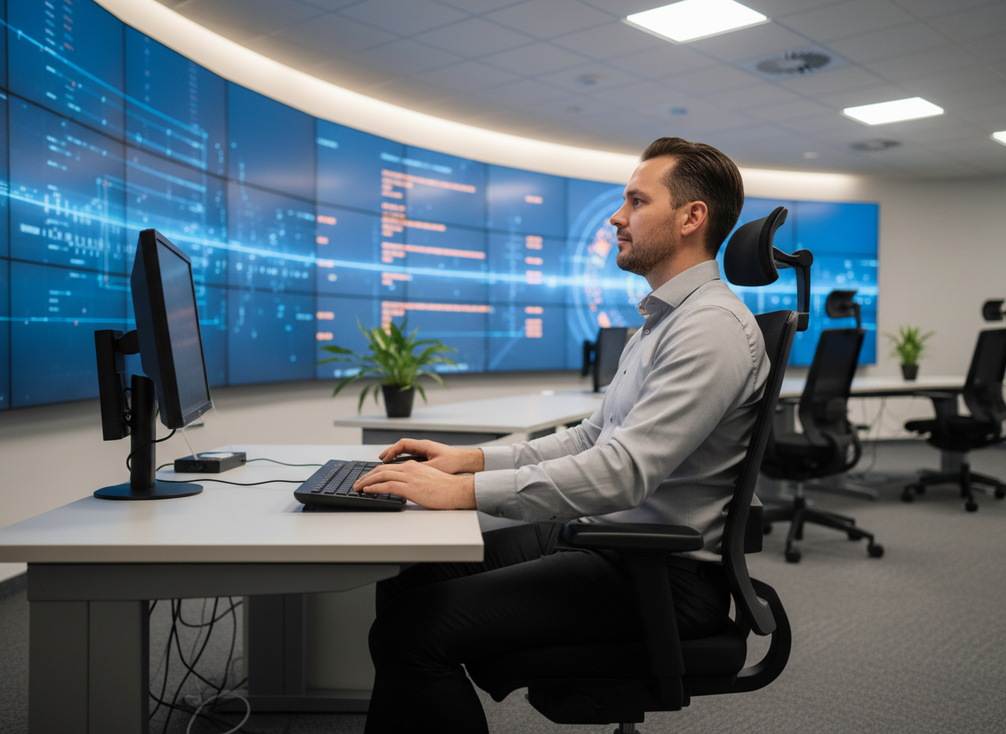
The command center LED wall viewing angle affects more than image quality. It changes how much operators have to tilt their heads, how evenly the wall reads across the row, and how comfortable dense content feels over a full shift. The ISO 11064-4 control-centre workstation standard points planners toward seated sightlines that avoid neck extension and keep the cervical posture closer to neutral, which matters most when the wall sits above or below eye level.
The horizontal side matters too. The ANSI/HFES workstation standards recommend keeping the primary viewing zone roughly within 15° to 30° on either side of center, which is a practical reminder that the center seat is not the only seat that counts. If your layout spreads operators too wide, the edge seats may end up doing more head turning than the center seat. In a multi-operator room, that is often the first place comfort breaks down.
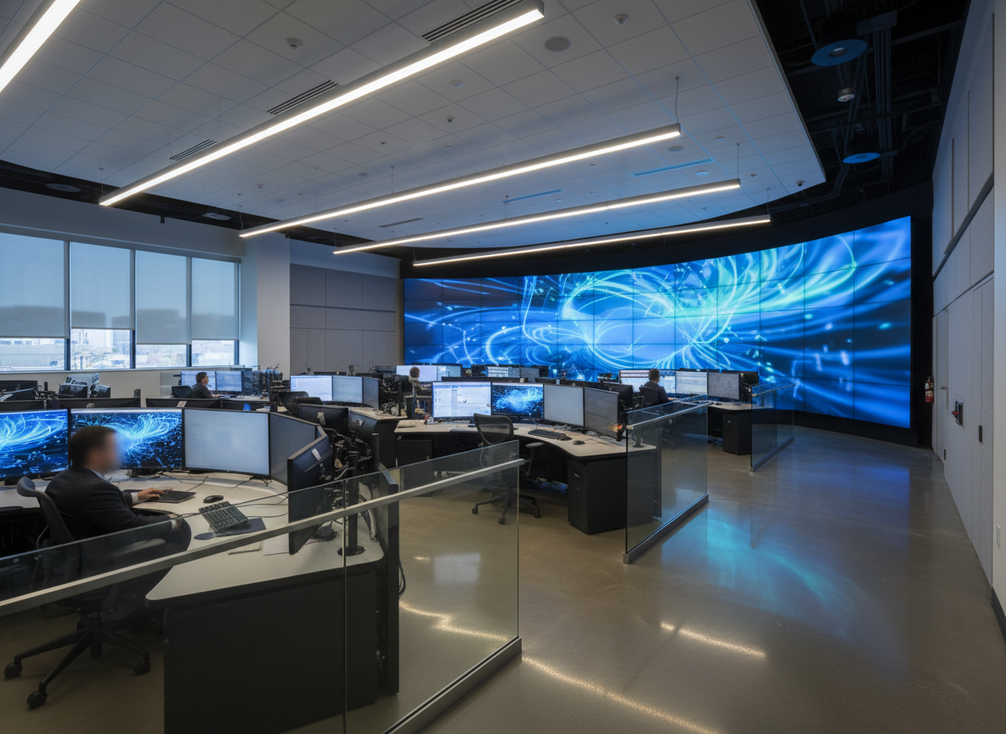
For most planners, the useful check is simple: compare the wall height, console height, and seated eye level together. If the main content band forces repeated upward viewing, the room is likely to feel more tiring even before anyone notices a technical spec issue. In other words, the right viewing angle is the one that keeps the most common seats easy to use, not the one that makes the center workstation look perfect on paper.
Eye Level and Wall Height
Vertical sightline is the first decision because it shapes posture. A wall that sits too high can make operators look up too often, especially when the top row of content matters. A wall that sits too low may create a different problem if consoles or equipment block the natural eye line. The practical goal is to keep the most important content where a seated operator can see it with minimal neck movement.
Horizontal Viewing Spread
A wide command row can create uneven comfort. The center seat usually looks better than the edge seats, but that is not enough if the room runs with a team rather than a single operator. When you check the command center LED wall viewing angle, test the outer seats first. If those seats can read the wall cleanly without leaning or turning hard, the whole layout usually improves.
Distance, Pitch, and Readability
Distance changes how hard dense content is to read. That matters most for alarm lists, fine map labels, and small status text. Pixel pitch is part of that conversation, but it should be treated as a readability choice, not a promise by itself. The right combination depends on how much detail the operators inspect and how far they sit from the wall.
Multiple Operator Positions
Supervisors, dispatchers, and analysts often view the same wall from different positions. That is why the wall should be validated from each workstation, not just from the front row. A layout that works for one task can still feel awkward for another if the angle changes too much across the room.
How Glare Shows Up and How to Reduce It
Control room LED glare reduction starts with the room, not just the display. Overhead lighting, windows, glossy consoles, and bright equipment indicators can all create reflections that interfere with contrast. Extron’s videowall human-factors guidance uses a 3:1 luminance ratio between the display and its immediate background as a useful planning heuristic, and that is a sensible way to think about glare control without overpromising a result.
What matters in practice is whether the reflection lands where operators actually look. A small hotspot may be harmless on a blank test pattern but distracting on a dense dashboard or dark video feed. That is why glare should be treated as a room design issue, not a single-screen feature.
Common Glare Sources
Start by mapping the obvious reflection sources: ceiling fixtures, side windows, polished desk surfaces, equipment bezels, and any nearby status lights that point toward the wall. Even modest reflections can become annoying when the wall carries a lot of small text. If the room has both day and night operation, test both conditions, because a layout that feels fine after dark can still struggle in daylight.
Room Lighting and Surface Finish
Lighting balance matters as much as wall brightness. A brighter display does not automatically fix a reflective room, and it can sometimes make the room feel harsher. Matte or low-reflection surroundings, including nearby finishes and console materials, can help keep the operator focus on the wall content instead of the room around it.
Wall Placement and Light Control
Sometimes the best fix is moving the wall or changing the seating direction. If a window or fixture sits in the wrong place, rotating the layout may reduce reflections more effectively than trying to push output higher. For planning reviews, compare wall orientation against the most likely light sources before anyone signs off on the final placement.
Testing the View in Real Conditions
The final check should happen from the actual operator seats with real content on screen. Use day and night conditions if possible, then review alarm-heavy screens, maps, and video feeds, not just a clean test image. If the room only looks good in one lighting state, the design is not finished.
Seating, Layout, and Shift Comfort
- Place the most common operators first, not the least awkward seat.
- Confirm that console height does not force repeated upward viewing or shoulder tension.
- Check reach distance so operators do not lean forward for every touch or control action.
- Review screen stacking and monitor placement together, because one good screen can still be awkward if another blocks the natural sightline.
- Validate supervision lines and collaboration zones so the room still works when people stand, turn, or talk across the row.
- Compare the room from each workstation position, since a layout that feels fine in the center can feel less comfortable on the edge.
For long-shift comfort, the whole room matters. Seating, console height, walking space, and wall placement all shape how tiring the shift feels. A good LED video wall ergonomic specification is only one part of the setup; the furniture and workflow around it decide whether the wall remains easy to use after hours two, six, and ten.
A Practical Checklist for Wall Planning
Use this checklist before final approval:
- Confirm the seated eye line keeps the main content band close to neutral posture.
- Check the outer seats as carefully as the center seat.
- Review glare sources from windows, ceilings, glossy surfaces, and nearby equipment.
- Test the wall with real operator content, not just a clean demo pattern.
- Validate the layout in more than one lighting condition if the room operates day and night.
- Compare the final room requirements against product families only after the ergonomics are settled.
This is also the right point to look at our C-Pad mission-critical wall and C-Max indoor displays as part of a broader fit review. If you want to compare a fine-pitch option directly, the C-Max fine-pitch COB display is worth checking once the room layout and sightlines are confirmed.
Final Takeaway
The best command center LED wall viewing angle is the one that keeps seated operators comfortable, readable, and consistent across the whole row. Start with neutral sightlines, then remove glare sources, then validate the room from real workstations under real lighting. Once those checks pass, compare C-Pad and C-Max as the final fit step, not the first one. If you are planning a refresh, review your room layout now and confirm sightlines before you choose the wall. For teams refining LED wall operator ergonomics, that order keeps the decision tied to the room, not just the spec sheet.
FAQs
How Do You Choose a Comfortable Viewing Angle for a Command Center LED Wall?
Choose the angle that keeps the most common operator seats readable without forcing repeated neck movement. In practice, that means checking the wall from the actual seated position, not just the room center. If the same setup feels fine for one seat but strained for another, the room needs another pass.
What Causes the Most Glare on a Control Room LED Wall?
The most common sources are overhead lighting, windows, glossy furniture, and bright equipment indicators near the wall. The key is not only how bright the display is, but where reflections land during real use. A wall can look clean in a demo and still fail once the room lights are on.
Can Seating Placement Reduce Operator Fatigue During Long Shifts?
It can help by making sightlines easier and posture more natural, which may reduce avoidable strain during long shifts. But seating is only one part of the picture. Lighting, workload, task frequency, and the wall layout itself still shape how tired the room feels after several hours.
What Should You Check During an LED Wall Ergonomics Walkthrough?
Check the wall from each workstation, then compare day and night lighting if the room runs around the clock. Use real operator screens, not only test images, and watch for any seat that has to lean, turn, or squint more than the others. The goal is a layout that works across the whole row.
How Do C-Pad and C-Max Fit Into a Command Center Planning Review?
They come in after the room criteria are set. Once the sightlines, glare control, and seating layout are defined, you can compare C-Pad and C-Max against the room’s actual needs. If you are still working through compliance-oriented documentation, the C-Max certification article is a useful checkpoint, but it should not replace a live sightline review.





